
Personal GPS monitoring of staff
Where a field employee is, what they are doing and whether they are safe — three questions that personal monitoring answers. Couriers, sales representatives, service engineers, security guards and lone workers all sit on one platform, through the WiaTag app or a GH5200 tracker with an SOS button. Positions are reported during working hours only, and exactly what you see depends on the phone or the tracker.
Running mobile teams in Baku and the regions
As delivery and field service grow in Baku, more and more companies are managing people who spend the whole day away from the office: couriers, sales representatives, service engineers. Running them by phone calls and messaging apps alone is awkward: it is hard to tell who is where, and there is nothing to confirm a disputed visit with.
In short, what monitoring gives you. The dispatcher sees staff on the map during working hours, and in the evening the manager gets a report on the visits: whether the person was at the customer's site, how long they spent there, which photographs and signatures they sent in. That makes it possible to deal with late arrivals and customer complaints on the facts rather than on what people say.
For higher-risk work — guarding sites, patrol rounds, inspecting industrial areas — there are personal trackers with an SOS button, fall detection and a voice link to the dispatcher. They do not depend on a smartphone, but they do have to be charged and signed out.
What do we track?
Purpose-built tools for mobile staff
Couriers and
delivery
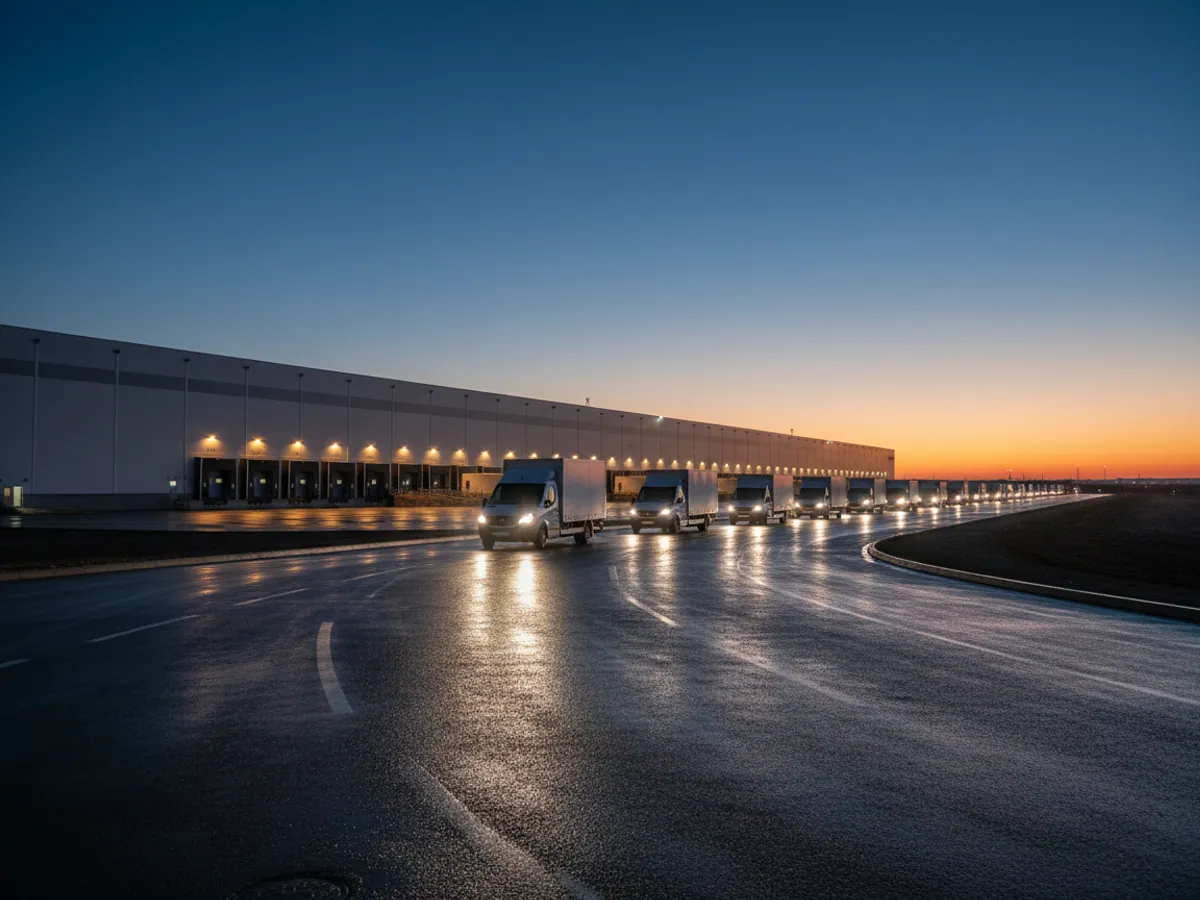
Last-mile couriers for e-commerce (Bolt Food, Wolt, Trendyol), delivery on foot and by bicycle across central Baku, sales representatives and merchandisers. A delivery confirmation with a photograph and the customer's signature in the app, and a report on the orders completed during a shift — the basis for calculating pay under your own rules.
Company
drivers
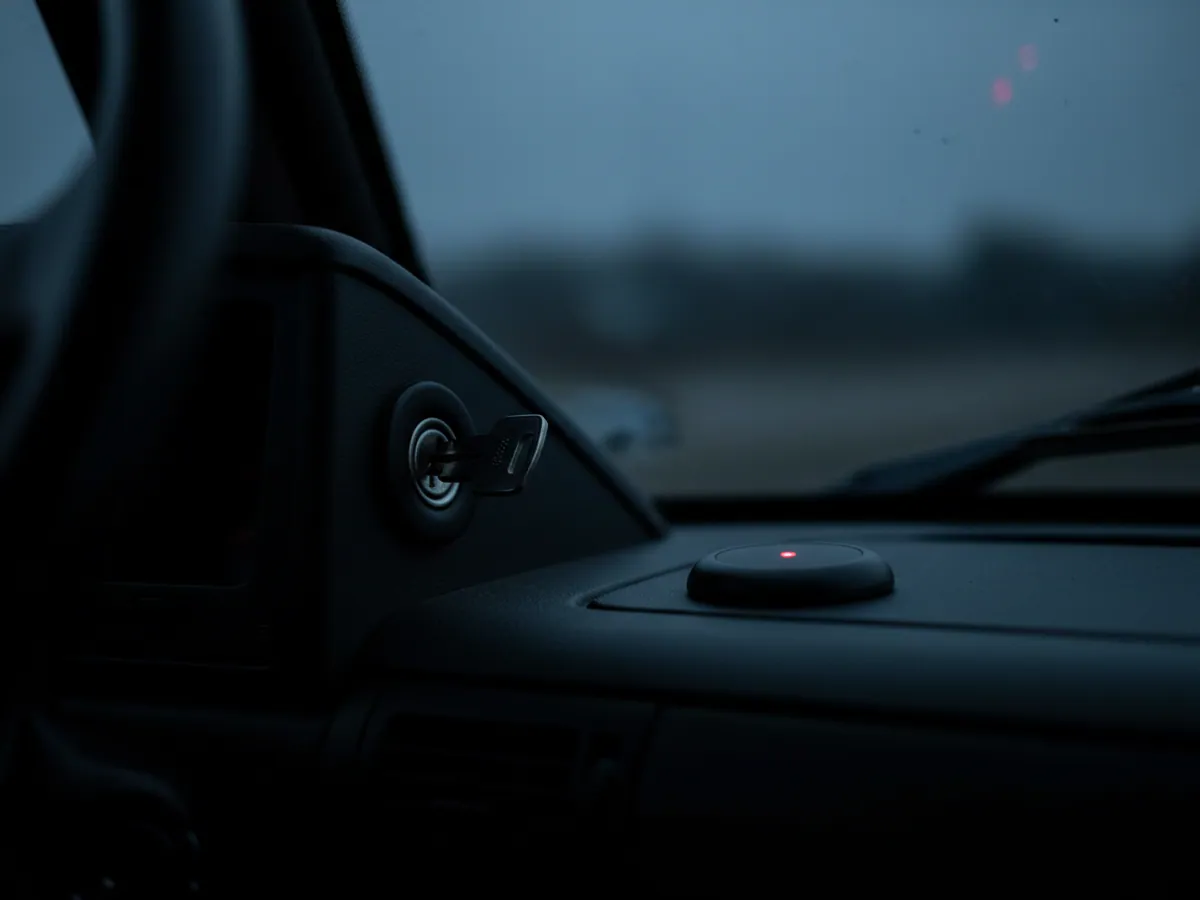
Company drivers in mixed fleets, in Bolt and Uber taxi fleets and on executive cars. iButton or RFID identification, shift monitoring on an 8- or 12-hour pattern, and automatic recording of breaches and overtime in the timesheet.
Service
engineers
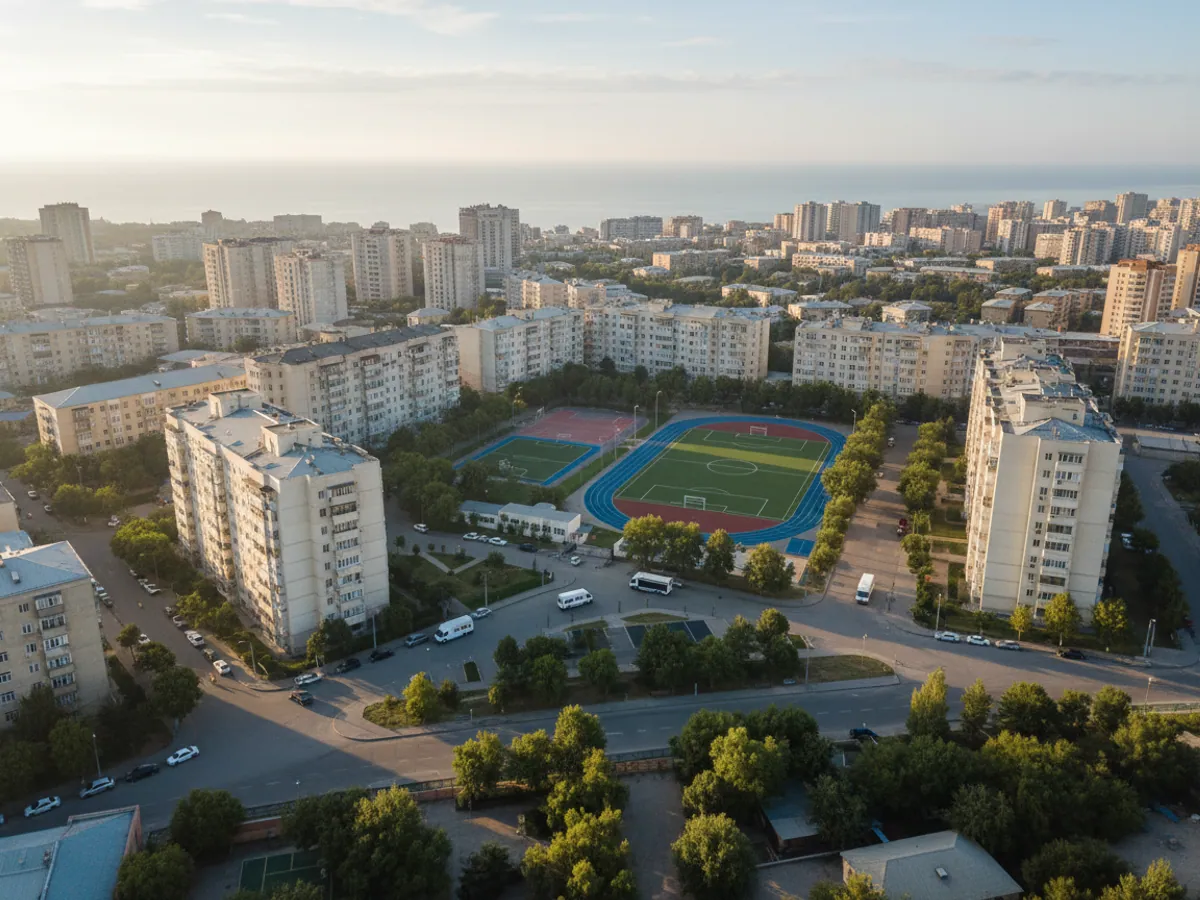
Field specialists carrying out servicing, installation and warranty repairs at customer sites. Monitoring of the actual time spent on site, photographic evidence of the work done, and an electronic handover certificate signed by the customer.
Sales
representatives
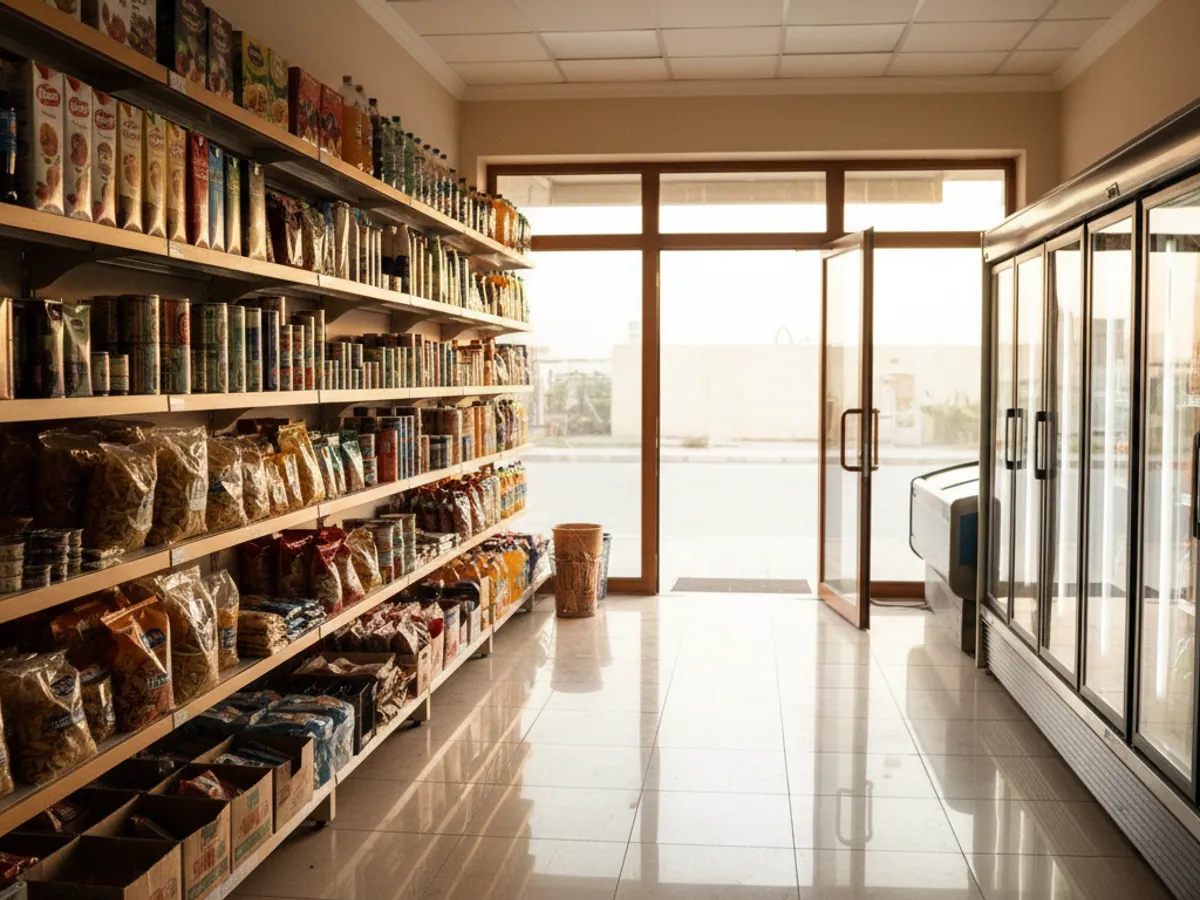
FMCG distribution, B2B sales and merchandising in Bravo and Bazarstore supermarkets and in local convenience shops. A visit plan by outlet: the system records whether the representative was inside the shop's geofence and how long they spent there, and the shelf photograph from the app is attached to the visit. The quality of the display is judged by the supervisor from the photograph; the system does not check it.
Field
staff
Site security guards, agronomists, quality inspectors, surveyors and fitters. The WiaTag app on a company or personal smartphone, or a personal tracker with an SOS button; how long a tracker runs on its battery depends on the model and the reporting interval.
What the system can do
The smartphone as a tracker
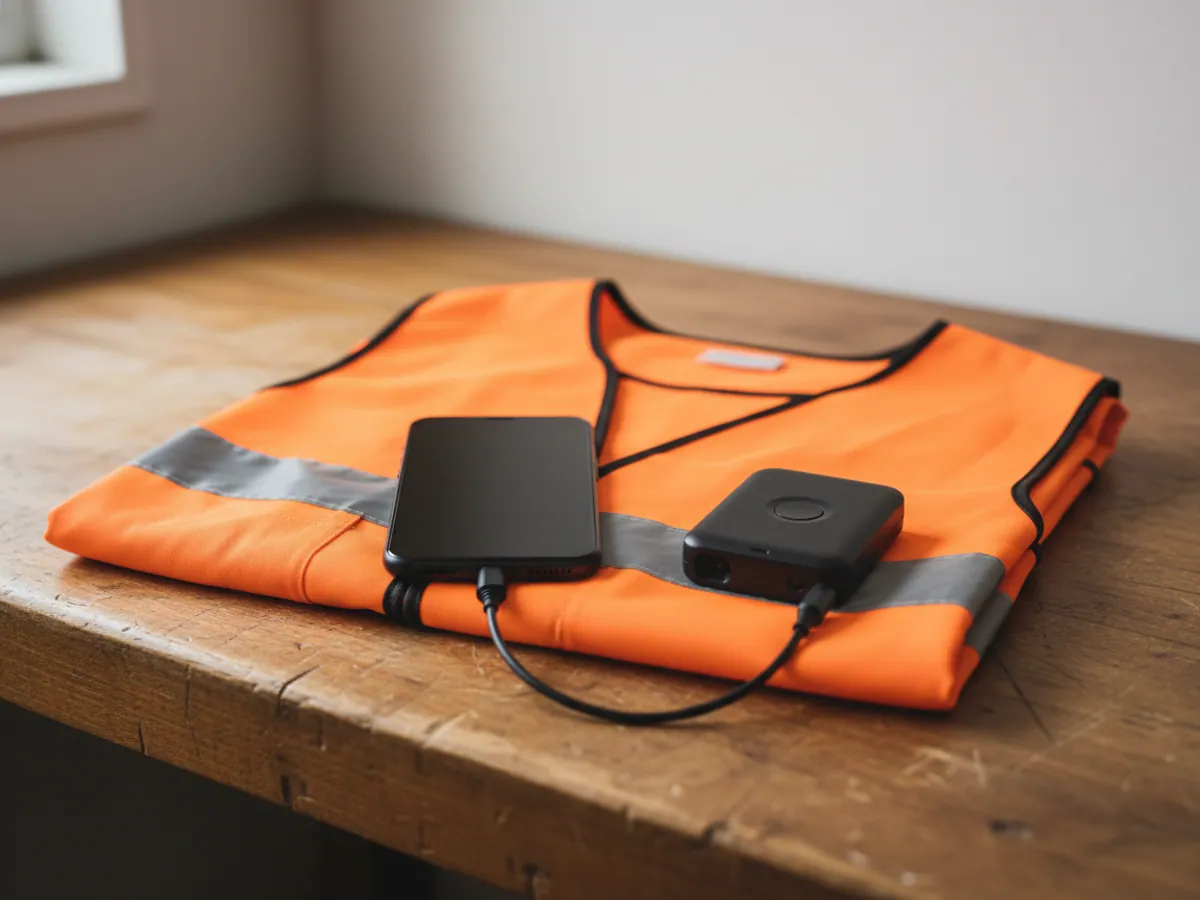
WiaTag is Gurtam's app for Android and iOS that sends the smartphone's position to Wialon. It runs in the background on a schedule, and when the connection drops it stores the points and sends them later. Battery use depends on the reporting interval and on the phone model.
Geofences and the visit plan
Checking that the visit plan is being followed: whether the employee called on the customer at the address, how long they spent inside and whether they arrived on schedule. Planned against actual is recalculated automatically at the end of the day, with red flags in the report where visits were missed or cut short.
Panic button
An SOS function on a long press of the button, and Man Down fall detection for lone workers and security staff. On an alert the dispatcher receives a signal with the coordinates; on trackers with voice communication they can call straight back. How quickly the alert arrives depends on the mobile network at that spot.
Electronic reports
Site photographs, the customer's signature and job completion marks from the app reach the system together with the time and the place. The report is produced without manual entry; passing it on to a CRM or an accounting system goes through the API and is set up separately.
A smartphone or a separate tracker?
The short answer: for sales and delivery a phone is enough, for people's safety you need a tracker. The long answer is below.
The WiaTag app on a smartphone
Couriers, sales representatives, merchandisers, agents, sales managers
- Nothing to buy, and it works on Android and iOS
- Photographs, the customer's signature, tasks and checklists in one app
- Live in a day: install it, hand out the login, done
Things to bear in mind: It depends on the phone: a flat battery or an employee switching off location services means no points. On personal phones you need the owner's consent.
The GH5200 personal tracker
Security staff, patrol workers, electricians, people on remote sites, lone shifts
- An SOS button and fall detection that do not depend on a smartphone
- A voice link to the dispatcher at one press
- It cannot be forgotten or left switched off — the device runs the whole shift
Things to bear in mind: One more device, which has to be charged roughly once a week and signed out. For photographic reports a phone will still be needed.
If an employee spends the whole day behind the wheel of a company vehicle, it is better to track the vehicle: a tracker in the vehicle is more accurate and does not depend on a phone. That is covered on the page about vehicle monitoring. For lone workers who need help to arrive quickly, see panic buttons and SOS.
How to bring monitoring in without losing half your couriers
The technical side takes a day. The people are the hard part. Here is the order that works better than any other in practice.
Explain why, first of all
People react badly to the word surveillance. Say it plainly: the system is there to count visits and pay for what was actually done, to deal with customer complaints, and to get help to someone quickly if something happens.
Put the paperwork in order
An order introducing monitoring, a notice to staff, and consent from anyone working on a personal phone. We provide templates, but the final wording is best agreed with your own lawyer.
Limit the tracking hours
The app reports positions only within the working schedule. That removes most of the objections and protects the company from claims about people's own time.
No penalties in the first month
Use the first reports for a conversation, not for punishment. That way the team gets used to the system, and you see the real picture rather than one carefully staged week.
Working hours, access to the data and paperwork
Working hours. Positions are reported according to the shift schedule, which is set for each employee. Outside the shift there is no data, and that is visible in the report. If someone finished early or stayed late, the dispatcher sees the actual time the reporting started and stopped.
Confirming a job. A visit counts as completed not because someone was nearby, but because of the mark made in the app: the task status, a photograph, the customer's signature. The geofence around the point shows that the person was there; the mark shows that the work was done. Either one on its own gives an incomplete picture.
Access to the data. Who sees what is set by user rights: the supervisor sees their own team, the manager sees everyone, the employee sees their own routes. The history is kept on the platform, and only users with the appropriate rights can export it.
Paperwork. Introducing monitoring is worth formalising with an order that staff sign to say they have read it, and for work on personal phones you should obtain written consent. We provide document templates as a starting point; the final wording, taking the Labour Code and the personal data law into account, should be agreed with your own lawyer.
Staff data is held on GPS.az servers in Azerbaijan: we use Wialon Local, a local installation of the platform. GPS.az is responsible for availability and backups, and the retention period and the terms are set out in the contract.
GPS data is exported to reports and to the working time record: the hours staff work in the field are confirmed by the track, and the reports are produced in a form suitable for bookkeeping and tax accounting. That simplifies the calculation of wages, holiday pay and social contributions, and takes work off the HR department.
Equipment for staff
Personal trackers and accessories
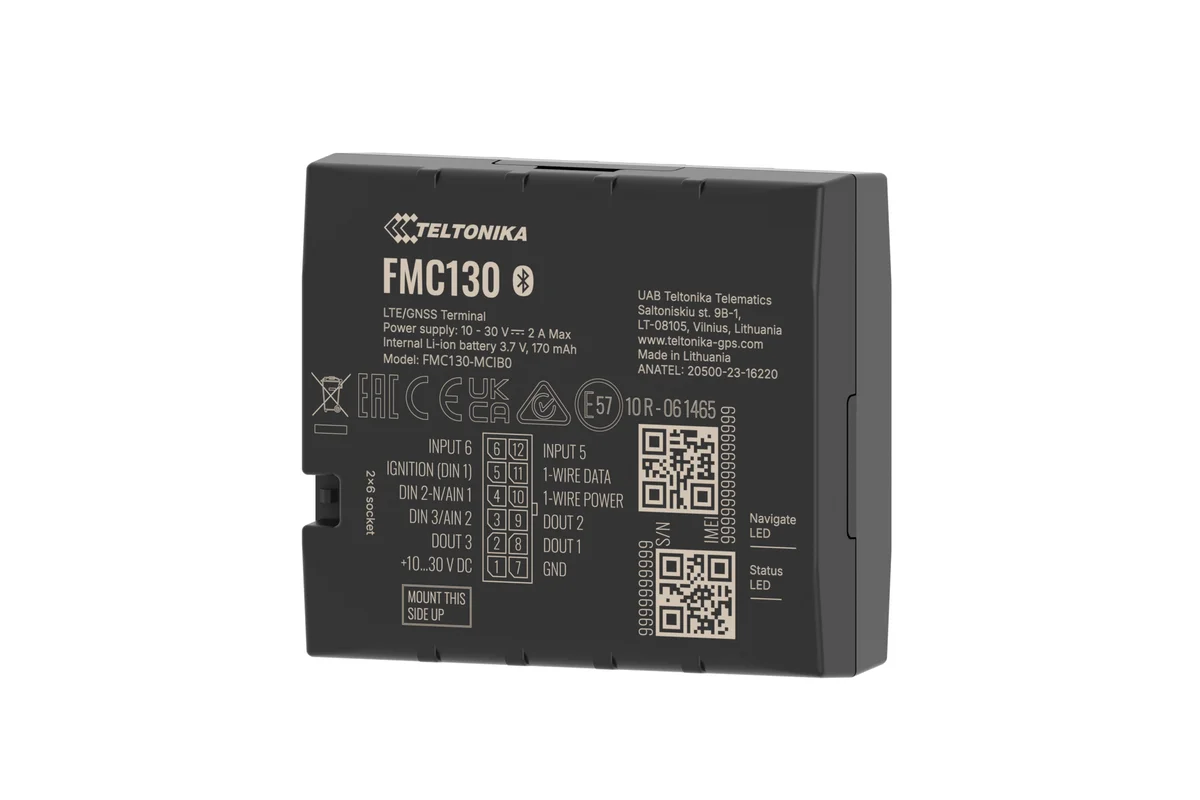
Teltonika FMC130
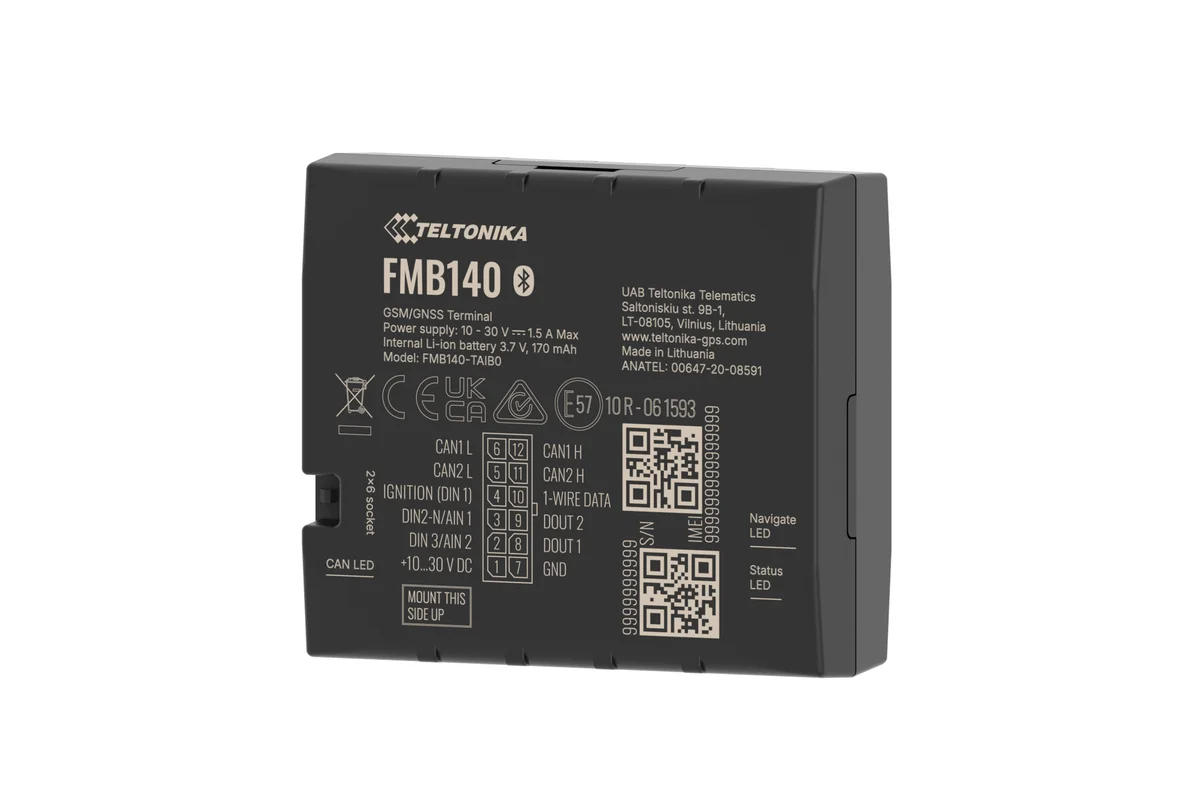
Teltonika FMB140
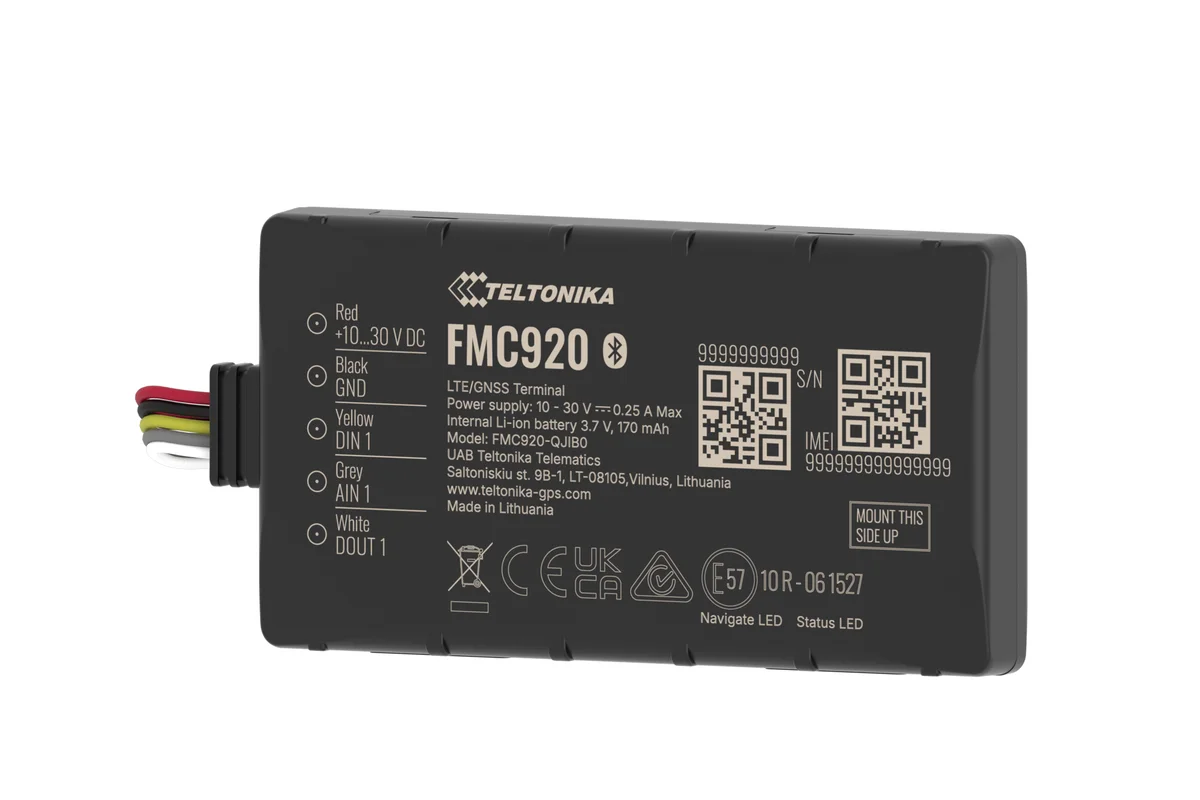
Teltonika FMC920
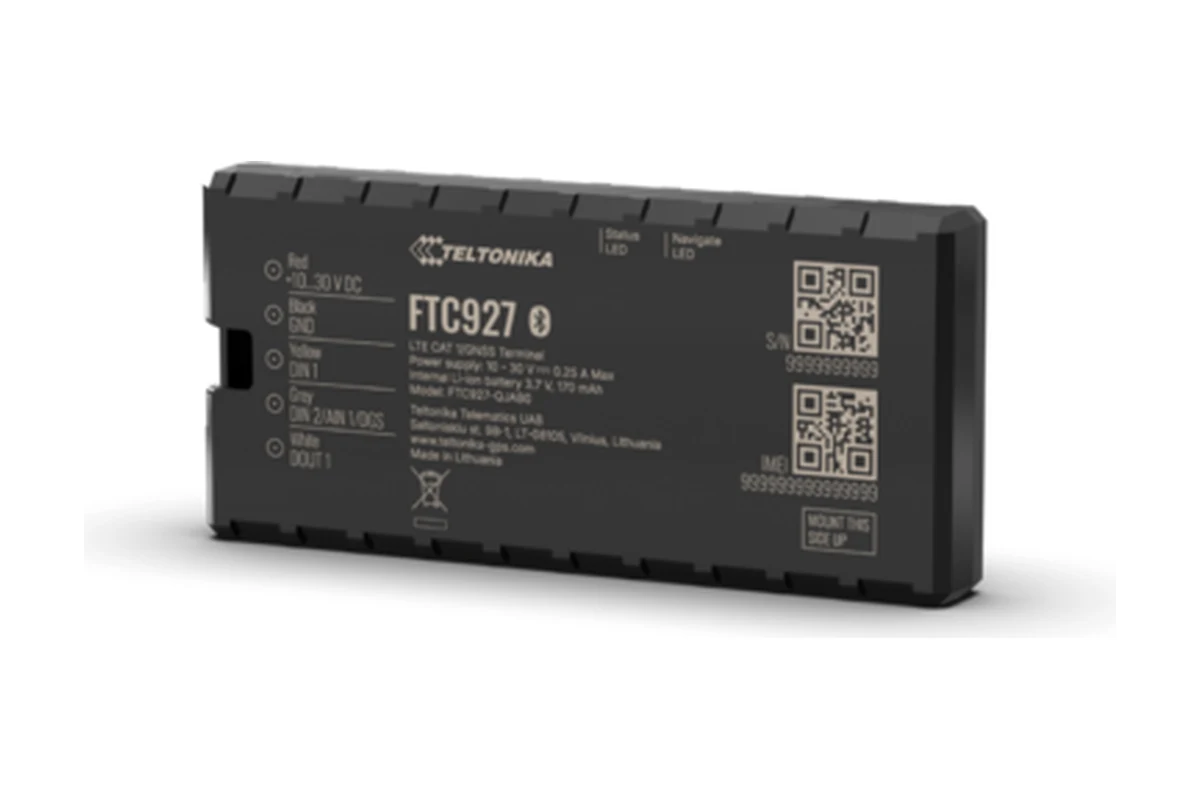
Teltonika FTC927
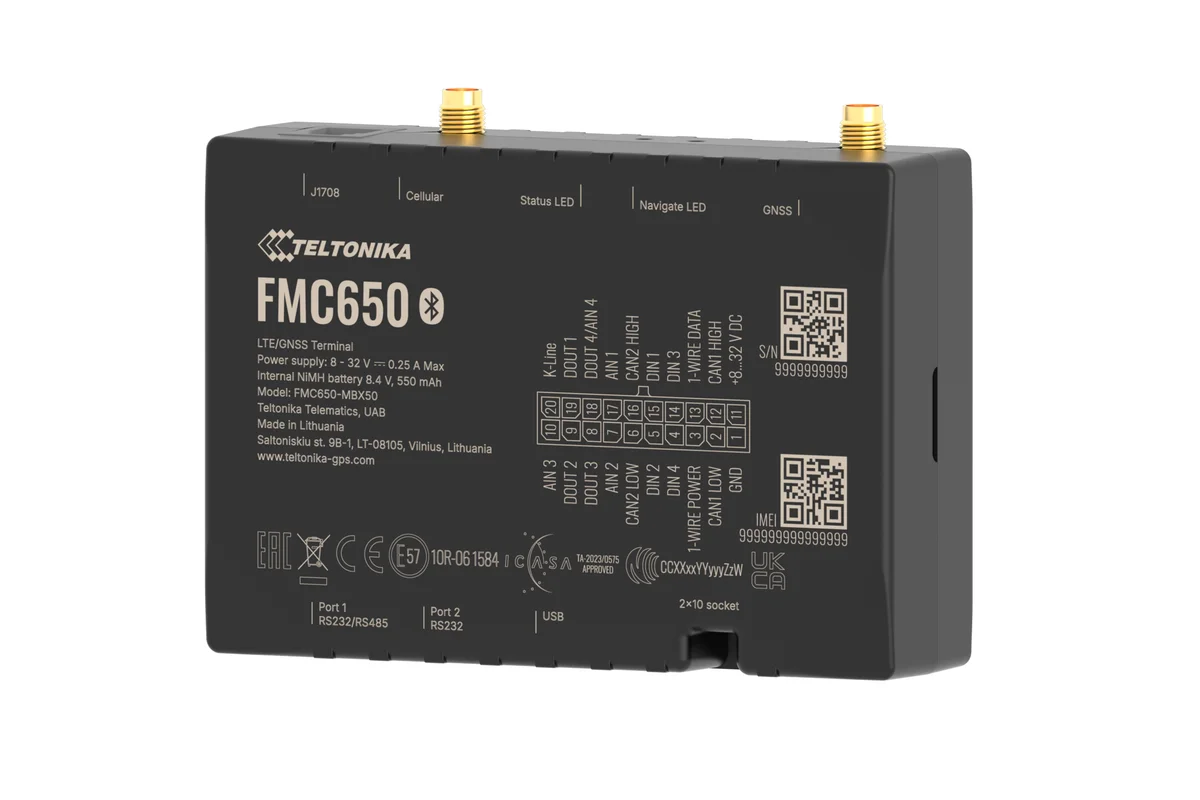
Teltonika FMC650
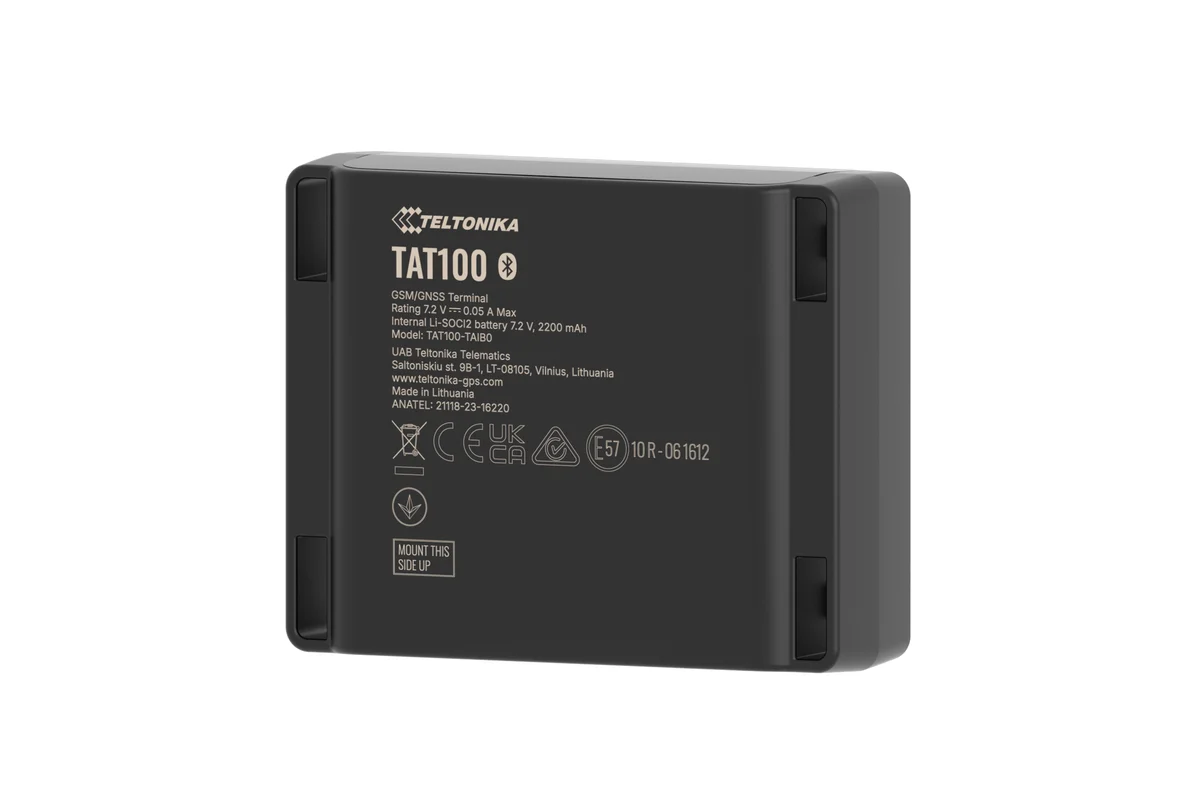
Teltonika TAT100
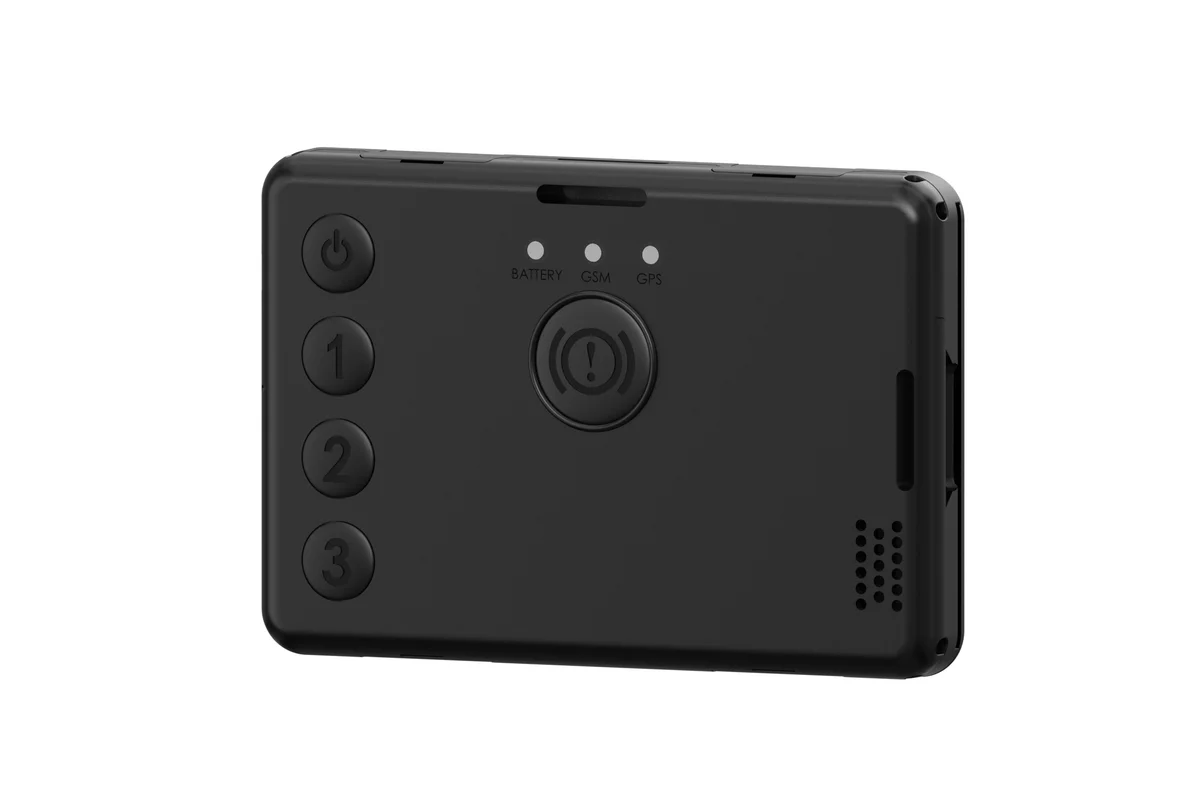
Teltonika GH5200
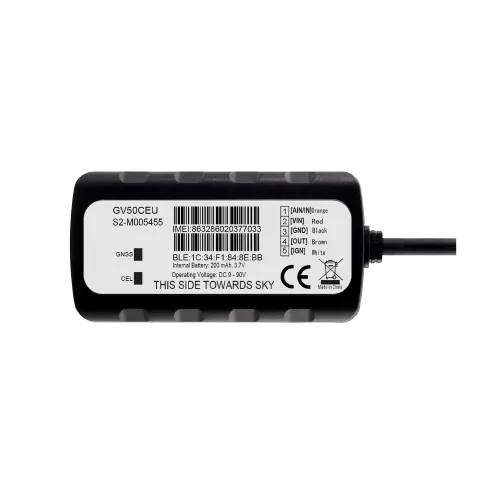
Queclink GV50
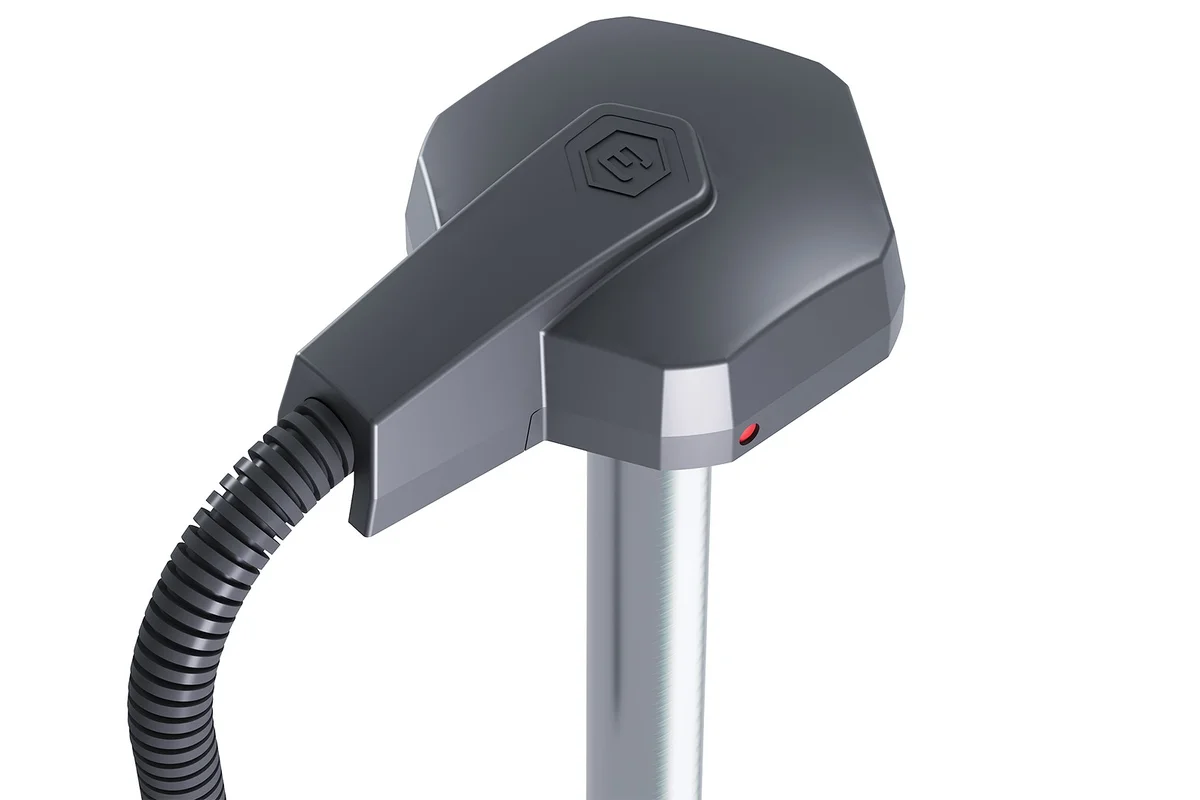
Escort TD-600
Escort TD-10R
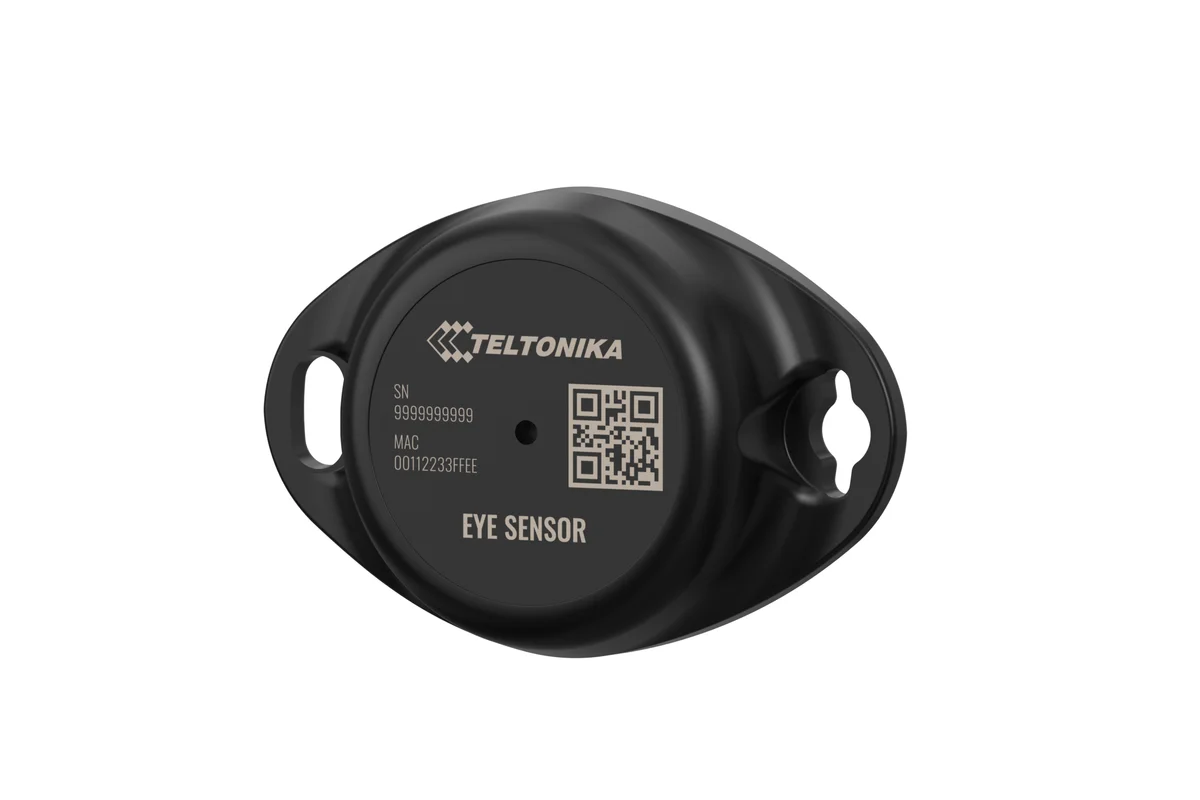
Teltonika EYE Sensor
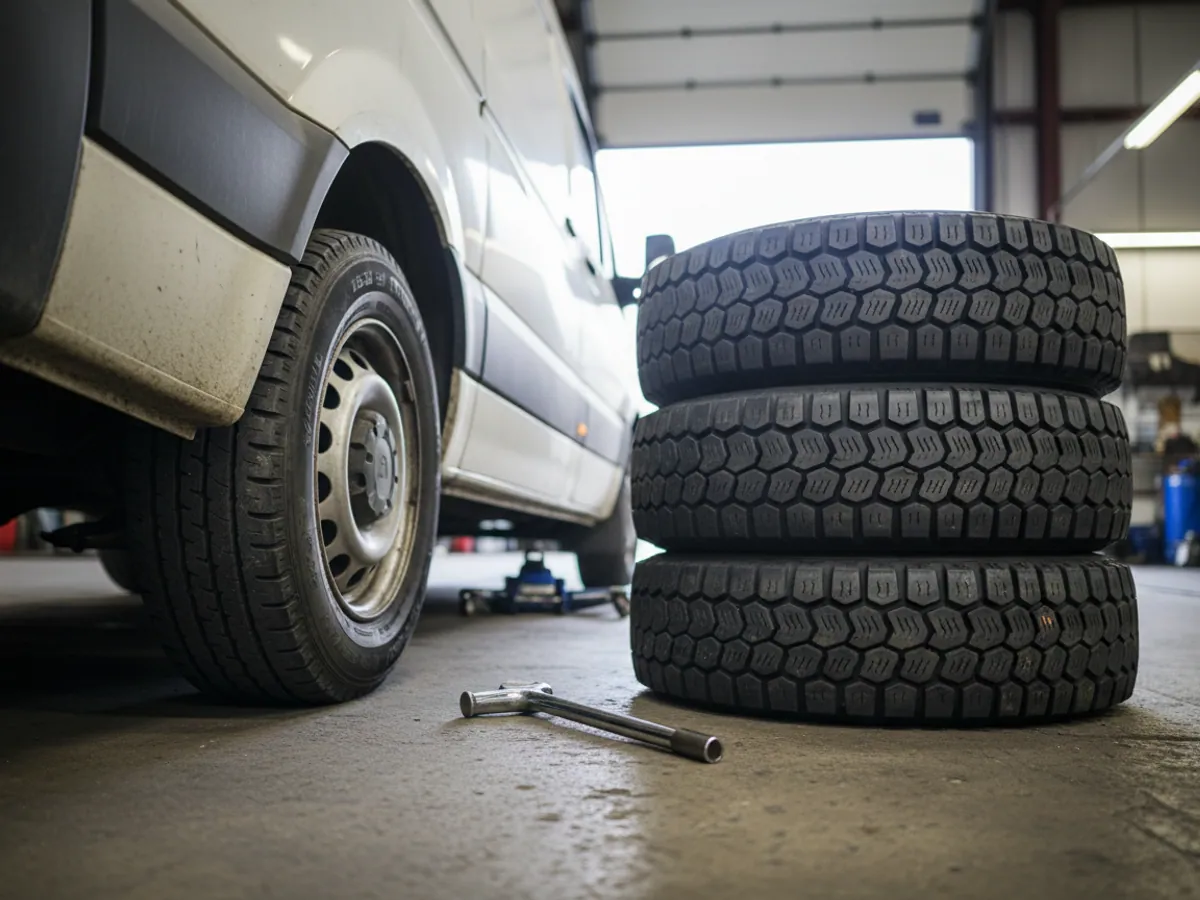
BLE TPMS
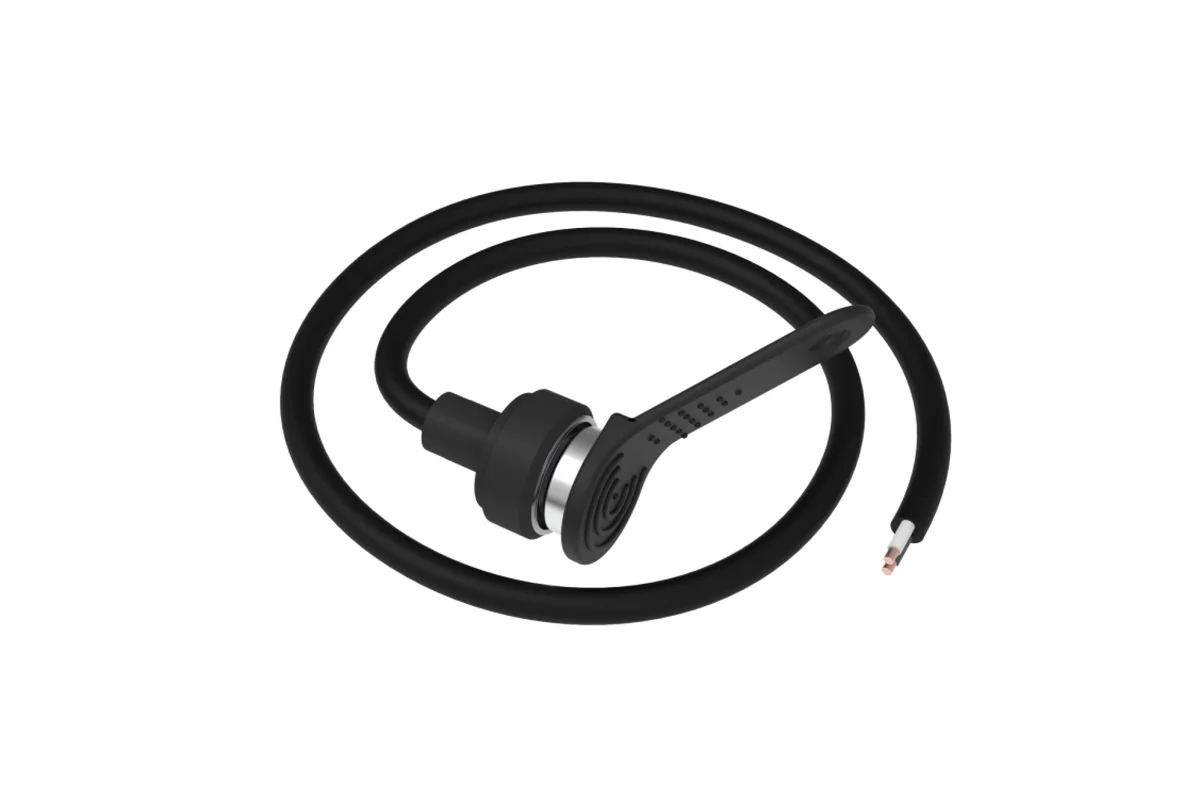
Driver identification
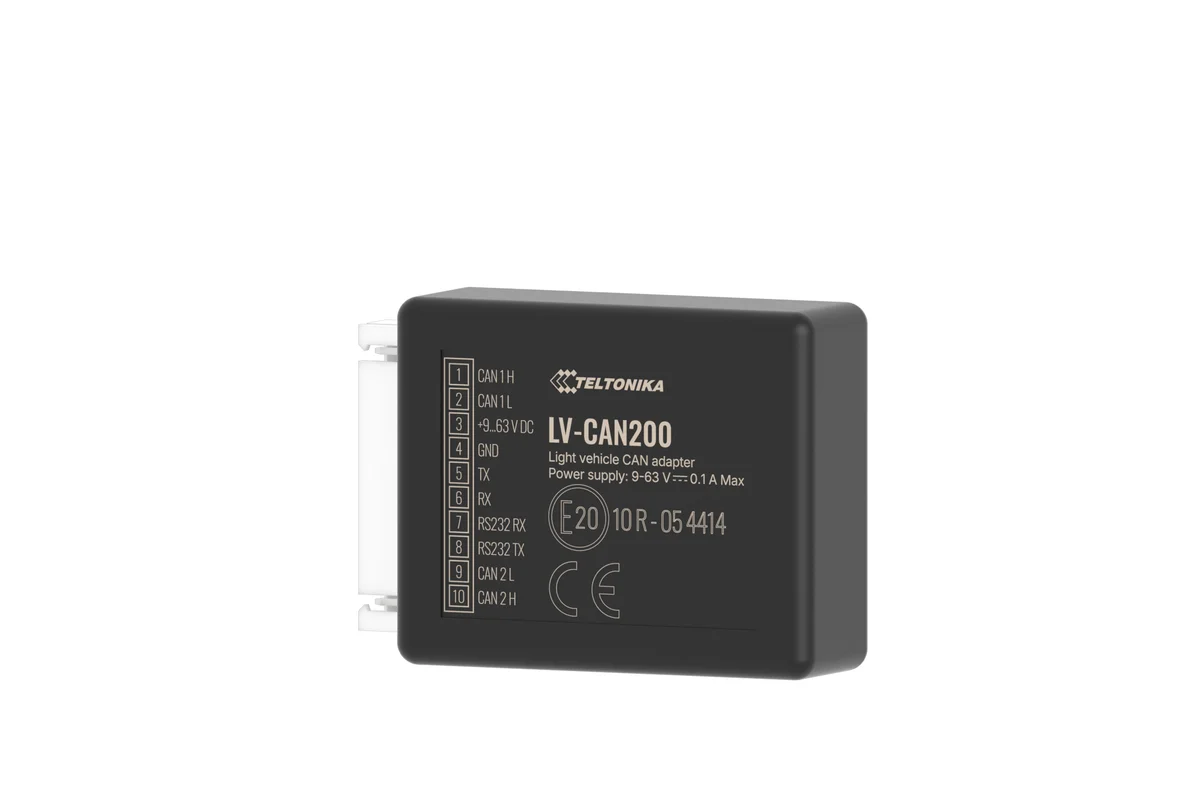
CAN adapter
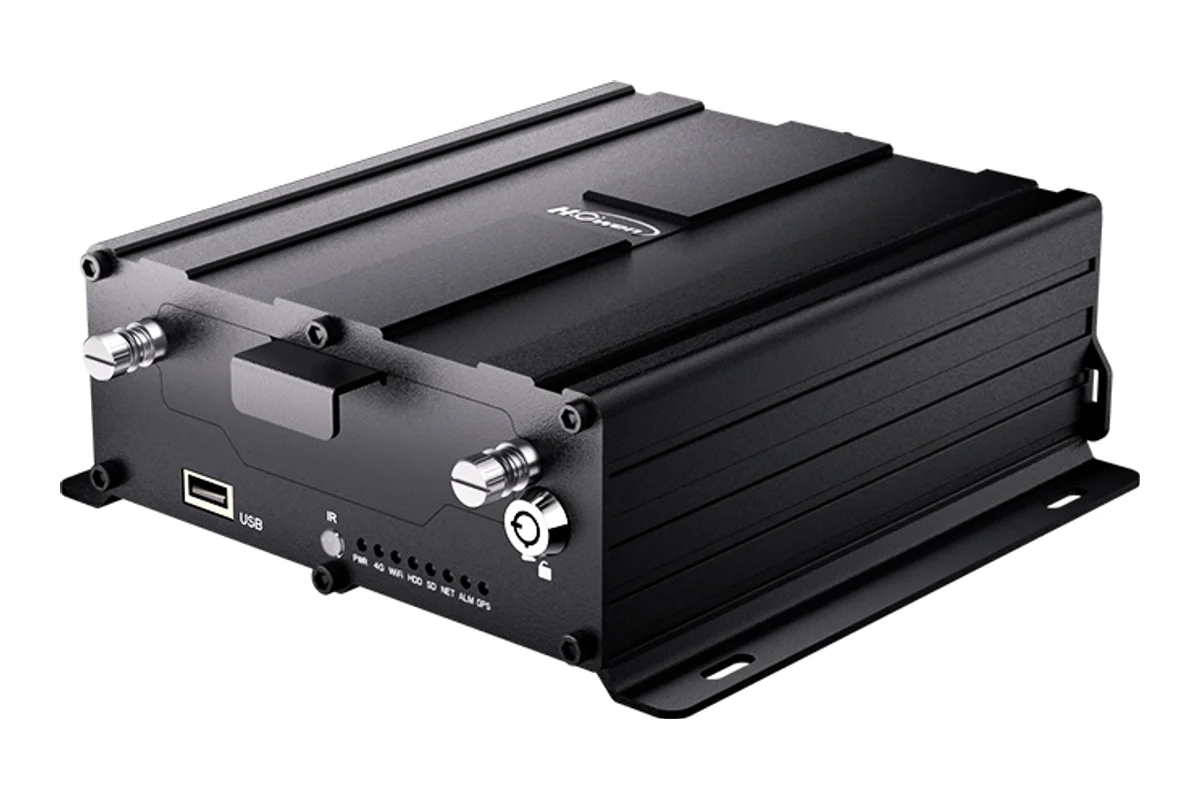
Howen Hero MDVR
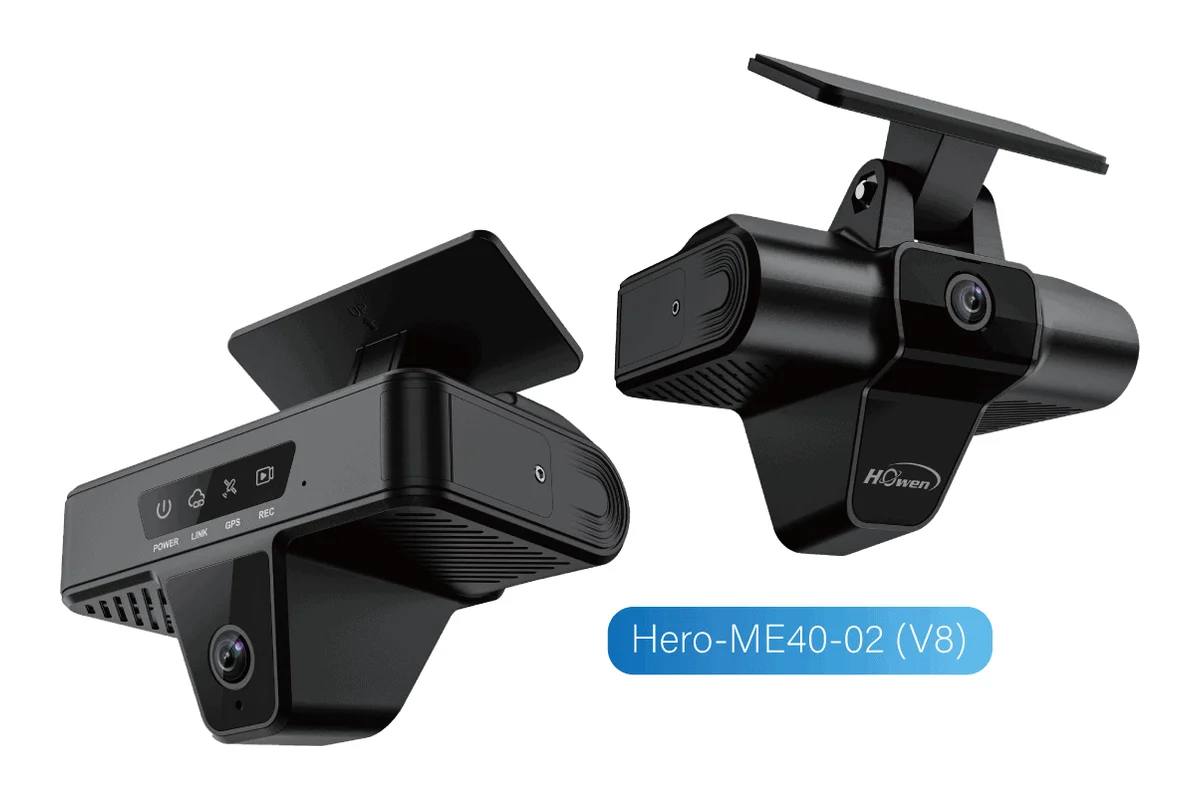
Howen V8 AI Dashcam
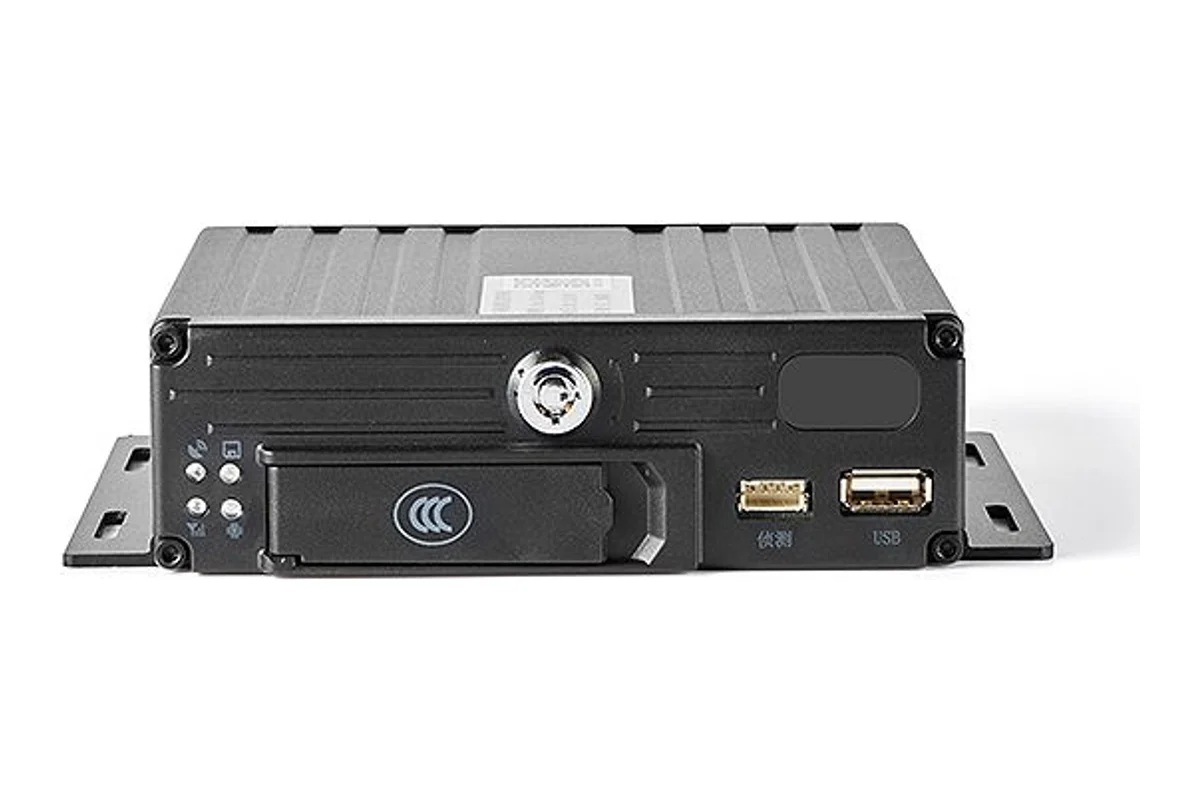
BSJ ED02R-V2
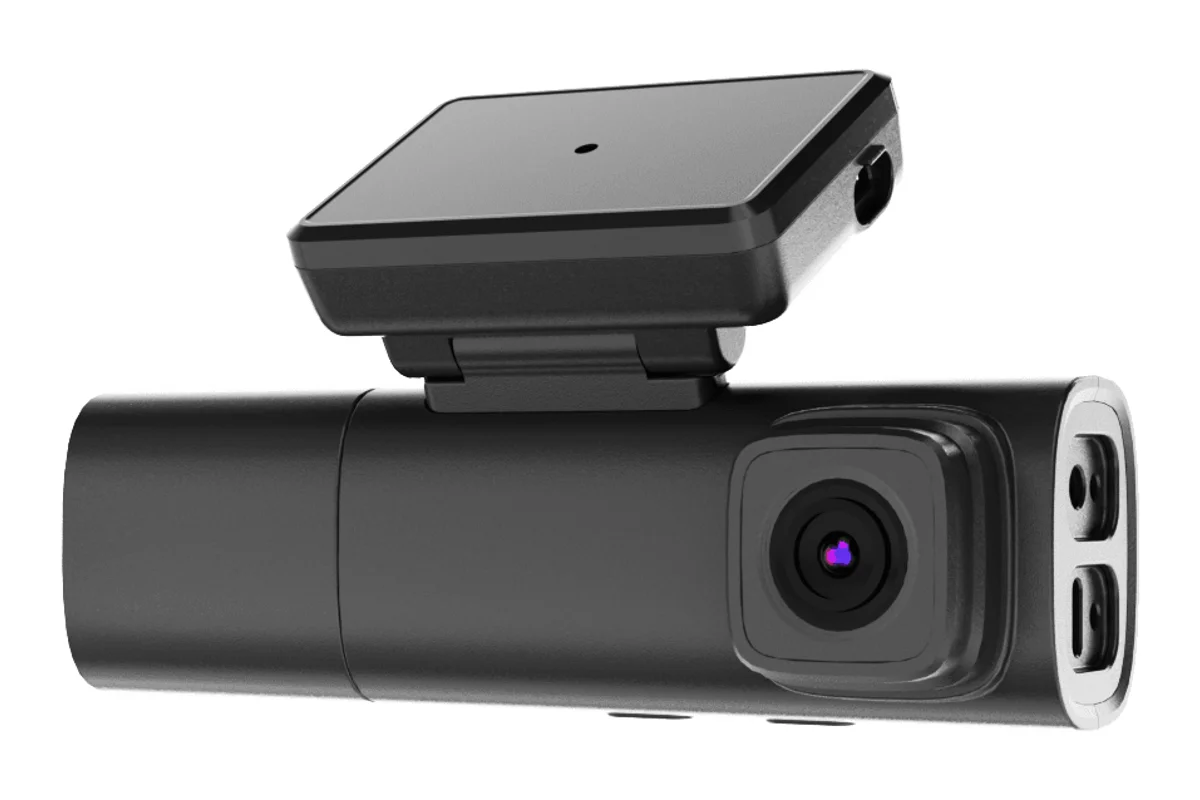
BSJ DR03
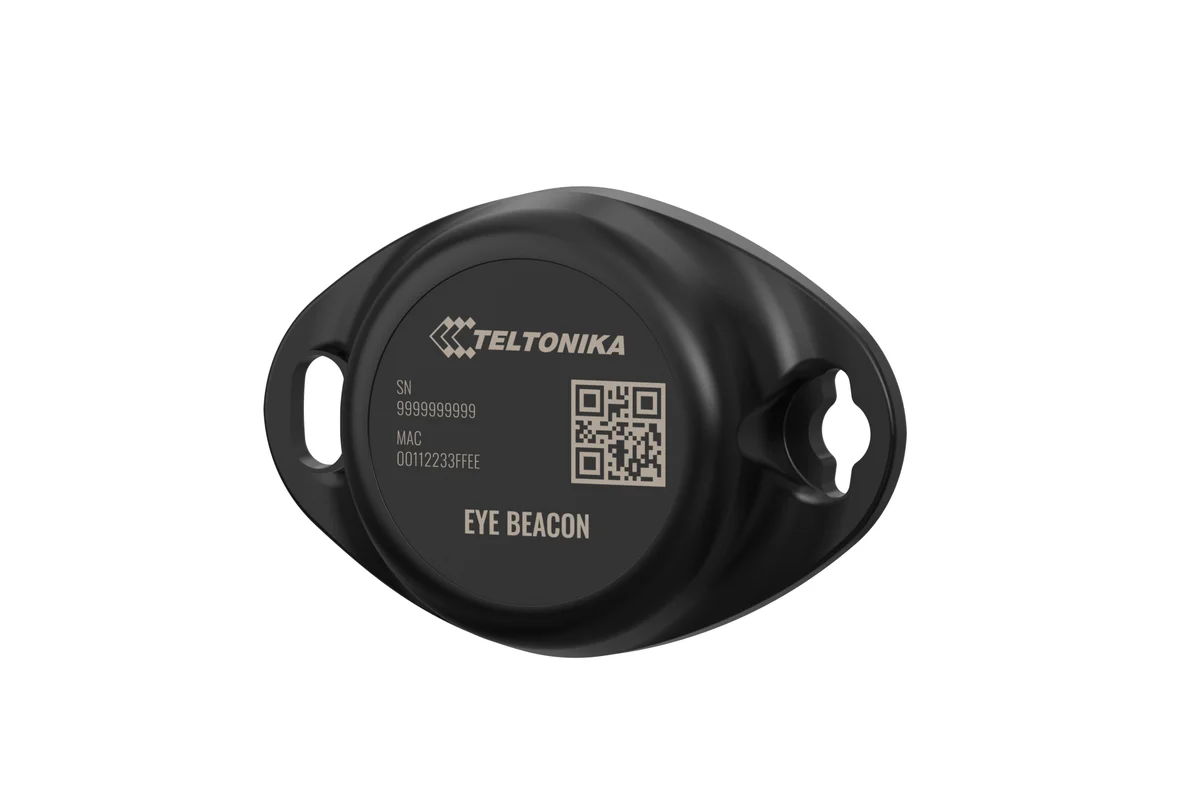
Teltonika EYE Beacon
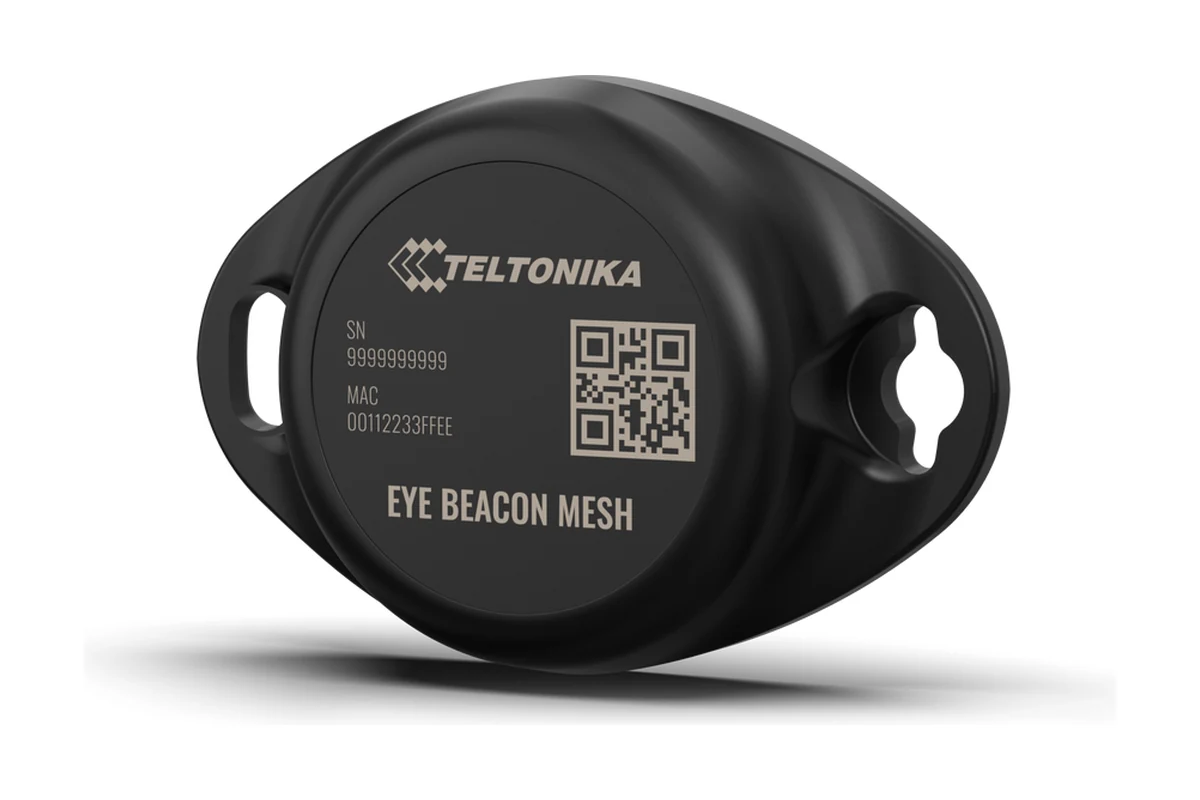
Teltonika EYE Mesh
Productivity gain calculator
Work out what the rollout would do for your team
A scenario, not a promise: the actual effect is checked on a pilot with your own fleet.
Frequently asked questions
Take your field team digital
From merchandisers and couriers to security guards and field engineers, we make mobile staff of any number easier to run. A pilot with 5 to 10 people is a comfortable place to start: in a couple of weeks you can see whether the smartphones are up to it, which reports you need and how the team takes to the system.
Get in touch