
Migrating data from another GPS system
We move objects, drivers, geofences, calibration tables and users from your old GPS system to Wialon and switch the trackers over in batches, with the two systems running side by side. Track history is migrated if the old platform exports raw data; if it does not, we keep an archive of the reports. Exactly what will make the move is checked on a single vehicle before the work starts.
Every tracker sends its data to Wialon, the reference data and calibration tables have been moved, and the reports and notifications have been rebuilt to match in substance. You hold a migration register: what was moved in full, what was moved in part and what stayed in the archive of the old system. You switch the old system off only after your responsible person has signed the reconciliation.
Moving to a new platform without any blind days
People usually come to us with one of three stories. The previous supplier has stopped answering the phone. The platform has aged: no mobile app, reports that take five minutes to build, fuel sensors showing anything they please. Or the company has grown, merged two fleets running on different systems and wants to see everything in one place.
What holds them back is usually the same thing: the fear of losing the history and spending a week with no control over the vehicles. Those risks are real, but they are manageable. Migrating data from another GPS system to Wialon is above all a plan: what gets moved, in what order the trackers are switched over, and how long the two systems run in parallel.
We have moved fleets off in-house systems, off other commercial platforms and from other Wialon dealers. Below is how it works and where the honest limits lie.

How the work goes, step by step
What the old system gives up
We export the reference data and check a month of history on one vehicle. The export is done first.
Objects and calibration tables
Vehicles, drivers, geofences, fuel sensor calibration tables and users. Reports are rebuilt to match in substance.
Trackers in batches
Ten to twenty at a time, remotely by command. After each batch we check the link and the sensors.
Two systems side by side
The dispatcher compares the reports. You set how long it lasts, usually a week or two.
Reconciliation and register
Every vehicle reporting in, the reconciliation signed, the archive exported — only then do we switch the old system off.
How a fleet of 60 vehicles makes the move
An illustrative example: a distributor in Baku and Sumgait, an old platform with no mobile app, fuel level sensors reading in percentages.
- Reference data exported and the history checked audit
Tracker configuration passwords and who owns the SIM cards are established the same day.
- Objects created in Wialon, calibration tables restored from the paperwork transfer
The fuel level sensors read in litres again rather than percentages. The settings are checked on three vehicles.
- The first 10 vehicles on the new server batch 1
The dispatcher spends the day comparing two maps; the original tracker configuration is kept for a rollback.
- Three trackers will not accept commands on site
One has a configuration password, two have blocked SIM cards. The fitter reconfigures them in the garage.
- Reconciliation signed, old system switched off done
The migration register records what moved in full, what moved in part and what went into the archive.
Where fleets move from and what that means for the project
The simplest case
If both providers use Wialon, we first check whether the account or the units and their history can be transferred using Wialon's own tools, and whether both dealers hold the required rights. Cross-service transfers carry additional Wialon conditions, and some reference data and permissions may need rebuilding. The audit establishes what stays intact and whether the trackers need reconfiguring: usually it is enough to point them at our server, and sometimes even that is not required.
In a straightforward case, moving a fleet of 50–100 vehicles takes a few days. Users log in at the new address go.gps.az and see the interface they are used to.



What moves across and what does not
We are straight about this before we start, so that there are no surprises.
Moves across almost every time:
- the list of objects with their names, registration numbers and groups;
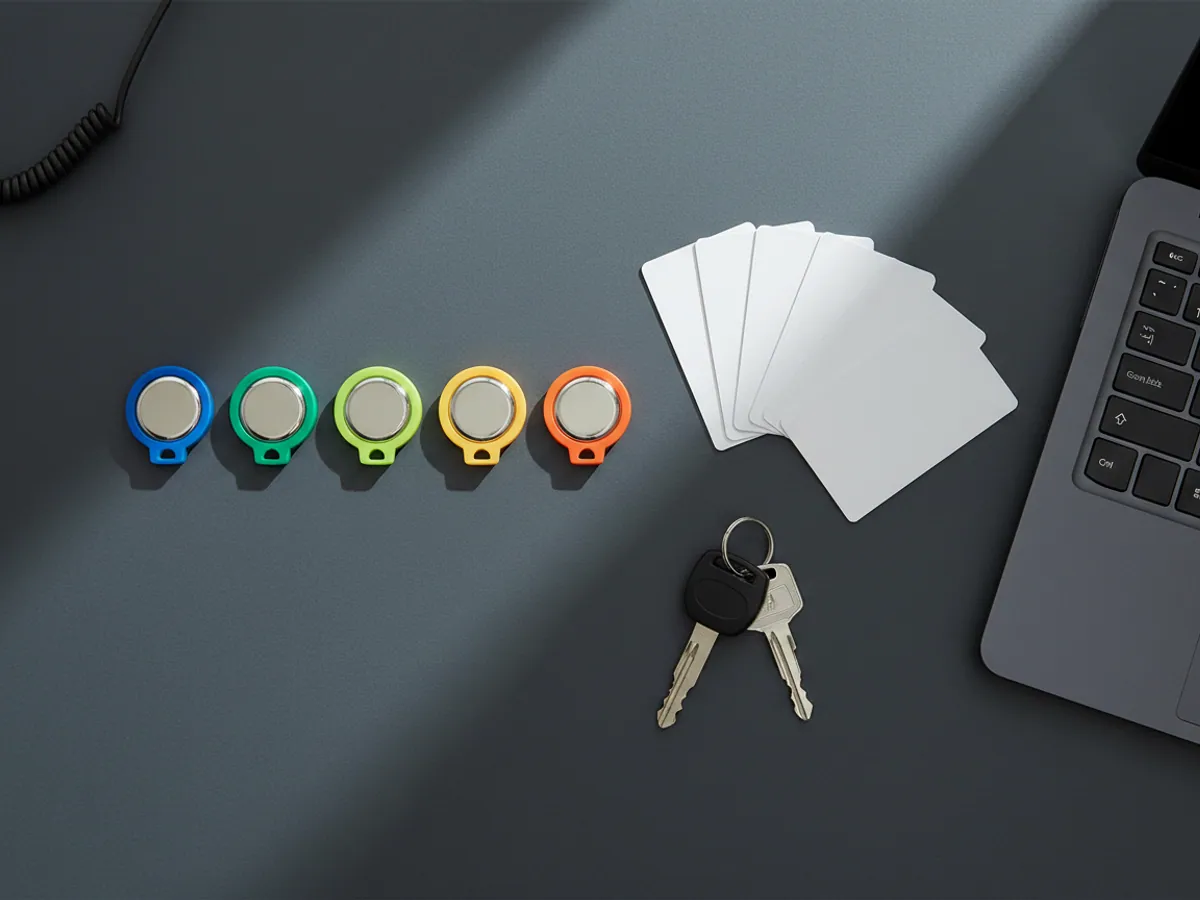
- drivers and their iButton or RFID cards;
- geofences and points of interest — through Excel, KML or by hand from the coordinates;
- fuel level sensor calibration tables, if the previous supplier or you still have them;
- users and the rough structure of their rights.
Moves across if the old system allows it: the history of tracks and sensor readings. We check the export in advance on one vehicle for one month.
Does not move across and is rebuilt instead: report and notification templates from the other platform. Every system has its own logic, so we reproduce them in substance — and in doing so we usually drop the ones nobody was using.
How we switch the trackers over without losing sight of the vehicles
The most sensitive stage is moving the trackers to the new server. Doing the whole fleet in one day is possible, but risky: if a tracker refuses the new settings, you find out about it when the vehicle disappears from the map.
So we work like this:
- first we create all the objects in Wialon and check the settings on two or three vehicles;
- if the old system can forward data, we set up retransmission from it into Wialon — for several days both systems see the same vehicles;
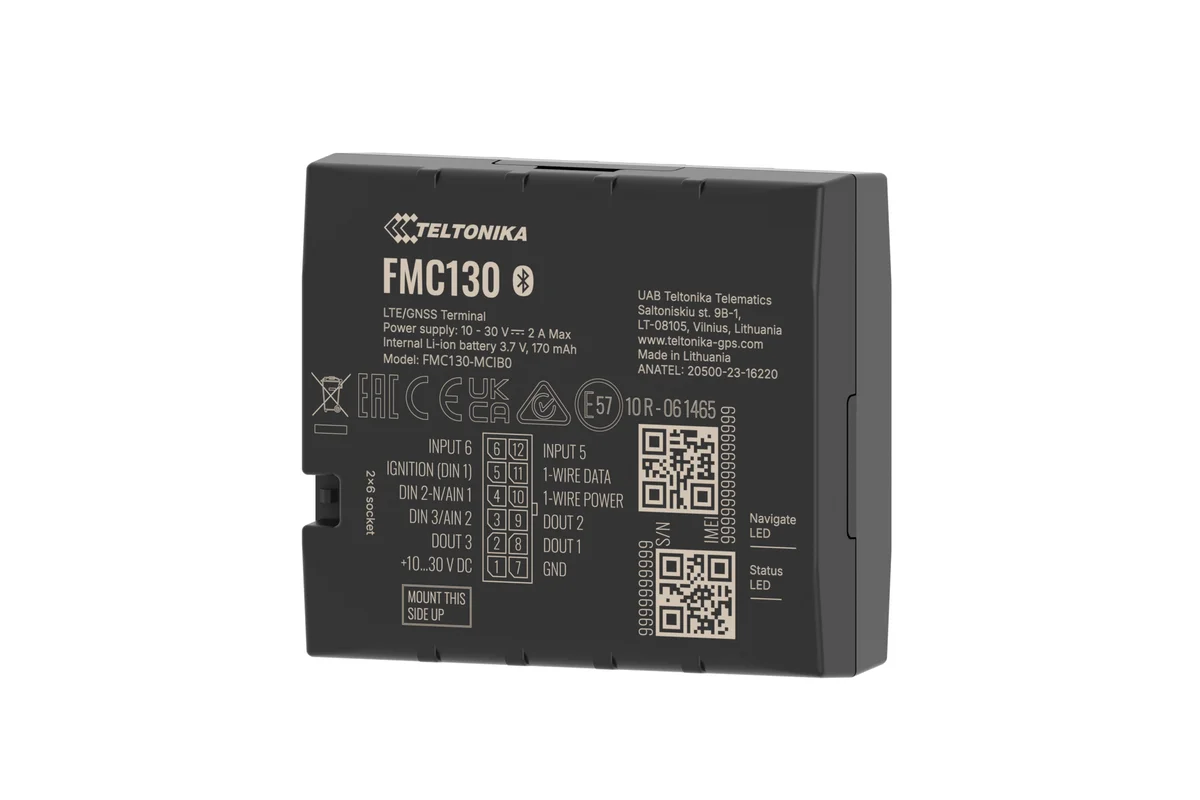
- then we switch the trackers over in batches of 10–20: Teltonika and Queclink are reconfigured remotely, by SMS or GPRS commands, without a visit to the workshop;
- after each batch we check that every vehicle has come back on air and that the sensors show the right values;
- trackers that did not answer remotely are reconfigured on site.
The move can also be arranged in the other direction: while your accounts department or a partner still takes data from the old system, we retransmit the data from Wialon to wherever it used to go.
Reconciling the history and the rollback plan
A control sample
We take a few vehicles and a few days from the past: mileage, engine hours, refuelling and drains in the old system and in Wialon after the import. Discrepancies are worked through before the rest of the history is imported.
Why the figures may differ
Platforms have different rules for filtering points, detecting stops and smoothing fuel data. A small discrepancy in mileage and events is normal; we describe the reason for it in the register rather than massaging the numbers.
The parallel run
While both systems see the same vehicles, the dispatcher compares the current reports. You set how long the parallel run lasts, usually a week or two.
The rollback plan
Before the switch-over we save the original configuration of every tracker and keep access to the old platform. If a batch of vehicles behaves incorrectly on the new server, we move it back remotely where the trackers are still reachable by SMS or GPRS; otherwise we reconfigure them on site. We test the rollback on the pilot batch first, and it remains possible for as long as the old system and the contract for it are in force.
The point of no return
Switching the old system off is recorded as a separate decision: every vehicle reporting in, the reconciliation signed, the archive exported. We do not switch the old system off before that.
Migration risks and how we close them off
What to look at before you sign away the old system:
Access to the trackers
Some suppliers put a configuration password on the trackers. Without it nothing can be changed remotely. Ask the previous supplier for the password in advance, or be ready for a visit to the vehicles.
Contract dates
If the old contract runs out before we have exported the history, the data can be lost. We do the export first, before any switch-over.
Fuel calibration tables
Without the calibration tables a fuel level sensor shows percentages instead of litres. If there are no tables, we build recalibration of the tanks into the plan.
Integrations with 1C and ERP
If the old system fed data to the accounts department, that exchange has to be reconfigured before shutdown, otherwise the month will close without data.
SIM cards
The SIM cards in the trackers may belong to the previous supplier. We establish that during the audit and, if need be, swap them for our own: Azercell, Bakcell or multi-operator cards.
Migration timescales and what we will need from you
Rough timings:
- changing Wialon dealer, up to 100 vehicles — 3–7 days;
- moving from another platform, 50–200 vehicles — around 4–5 weeks when the stages run in sequence: up to a week for the audit and the export, about two weeks for configuration and switch-over, then one or two weeks of reconciliation. Some work may overlap to shorten the calendar;
- an in-house system or a merger of several fleets — costed after the audit.
From your side we will need: administrator access to the old system for the duration of the migration, a list of vehicles with registration numbers and tracker IMEIs, the contract with the old supplier (to see the dates and who owns the SIM cards), and a contact who will check the data on the new platform.
If the fleet also needs additional equipment, fuel level sensors for example, it is convenient to combine that with the tracker switch-over so that vehicles are taken off the road only once.
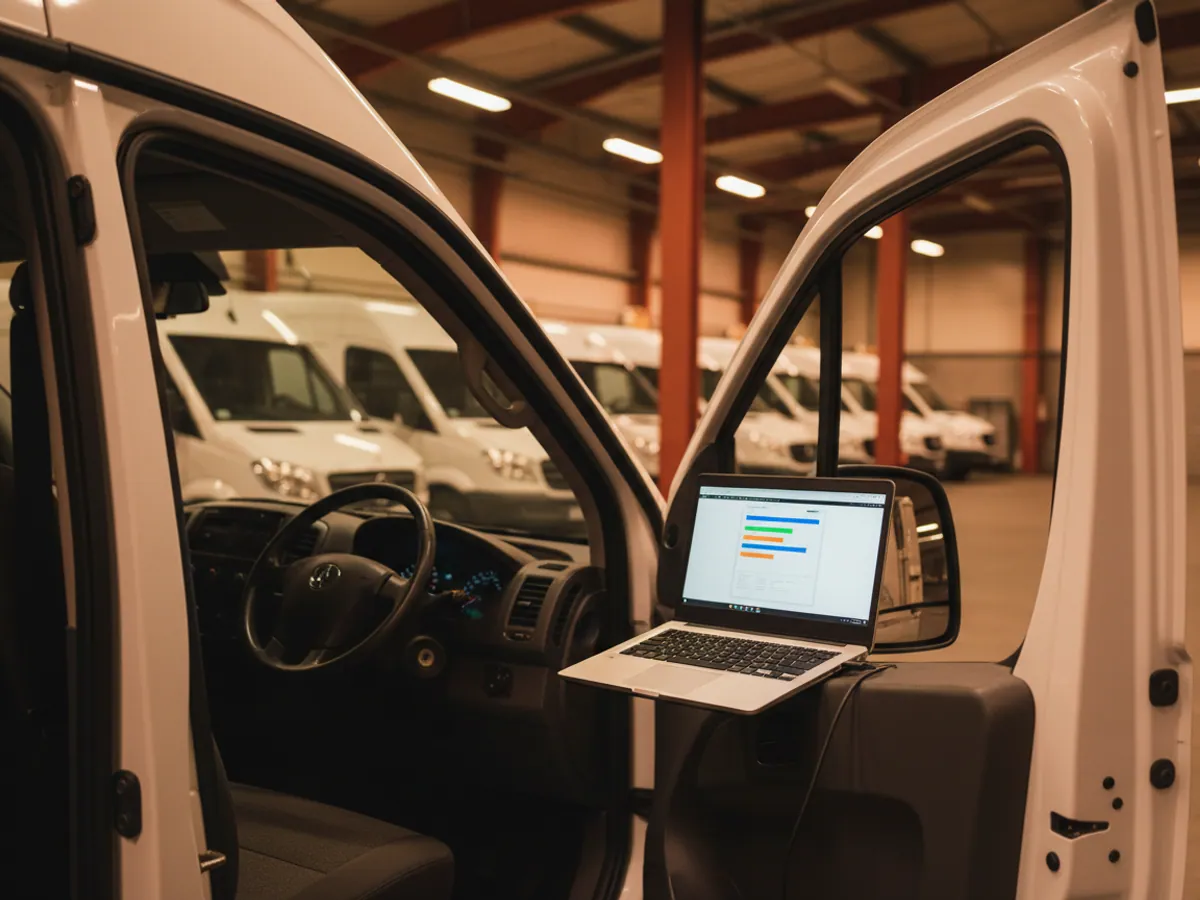
What the switch-over looks like in practice
A typical scenario: a distributor with 60 vehicles in Baku and Sumgait runs on an old platform where the fuel sensors have long shown percentages instead of litres and there is no mobile app at all.
On the Monday we export the reference data and check whether the system will give up its history. On the Tuesday and Wednesday we create the objects in Wialon and restore the calibration tables from the paperwork of the previous installation. On the Thursday we switch the first 10 vehicles over, and the dispatcher spends the day comparing two maps. Over the following days the remaining batches go across, 15–20 vehicles a day, in the evening when the vehicles are back in the garage and on air.
Three trackers will not accept commands remotely: one has a configuration password, two have SIM cards that were blocked long ago. Our fitter reconfigures those in the garage. Two weeks later the old system is switched off.
Acceptance and the limits of the work
Every object reporting in
The list of vehicles in Wialon matches the list from the old system, each one comes on air, and the sensors show values in the right units. Trackers that had to be reconfigured on site are marked separately.
The migration register
A table by entity: objects, drivers, geofences, calibration tables, users, history, reports, integrations. Against each one it is marked whether it moved in full, in part, or was kept as an archive.
Users have logged in
Every user has logged in under their own account at go.gps.az and sees their own vehicles and their own reports. Rights are checked on real examples, not against a list.
What is not included
Reworking the old system itself, negotiating with the previous supplier on your behalf, and recovering data that the old platform has already deleted. Recalibrating tanks and replacing trackers are costed separately, if they turn out to be needed.
What you get after the move
A move with no blind days
Switching over in batches and running the two systems side by side. If a tracker does not accept the settings remotely, it shows up at once within its batch, and the vehicle is reconfigured on site.
History within reach
Tracks and reports for past periods — in Wialon or in the archive we kept, depending on what the old system was capable of.
Order in the reference data
A move is a good occasion to tidy things up: one naming convention, groups, rights, up-to-date calibration tables.
Up-to-date tools
A mobile app, notifications in Telegram, fuel reports, integrations through the API — everything the old platform was short of.
Where you are moving from and what that means
Exactly what will make the move is checked on a single vehicle before the work starts.
| Another Wialon dealer | Another platform | An in-house system | |
|---|---|---|---|
| Track history is migrated | Yes, by the platform's own means | If it exports raw data | Yes, given access to the database |
| Trackers kept as they are | Yes | Usually yes | Not always |
| Report templates are migrated | Yes | No, rebuilt to match in substance | No, rebuilt to match in substance |
| Timescale | 3–7 days for up to 100 vehicles | 4–5 weeks | After the audit |
Questions about “Migrating data from another GPS system”
Request a call
A specialist will call back and match a solution to your fleet and your task.