
GPS system and report configuration
We configure Wialon around your fleet: the trip detector, sensors and calibration tables, thresholds for drains and refuelling, geofences, reports, notifications and user rights. Working systems that people have stopped trusting are first put through an audit, with the reports checked against receipts and the odometer. If a sensor is physically lying, configuration will not fix it — those vehicles are flagged for a site visit.
The system counts mileage, engine hours and fuel by the rules you agreed, and notifications reach the people who need them. You receive a register of settings: which parameters were in place, what they became and why. Every change is verified against acceptance scenarios rather than simply eyeballed.
Why the same system shows different things at two companies
Two companies, identical Teltonika trackers, identical fuel level sensors, the same Wialon. At the first, the fuel report agrees with the receipts to the litre. At the second there are fuel drains every week that nobody made, and the accounts department stopped believing the system long ago. The difference lies in the configuration.
Configuring a GPS system and its reports means dozens of parameters that nobody sees until they start lying: the speed at which a vehicle counts as moving, how many litres count as a refuelling, how to smooth sensor readings on an unmade road, at what revs the engine counts as working under load.
We configure Wialon around your fleet when it is first connected, and we reconfigure working systems that people have stopped trusting. In the second case we start with an audit: we look at the sensor charts, compare the reports against reality and find where the figures part company.

How the work goes, step by step
Fleet and rules
Tank capacities, consumption norms, site addresses, users and what each of them needs to see.
Objects and sensors
Groups, drivers, the trip detector, ignition and engine hours. Mileage is already counted correctly at this stage.
Thresholds and geofences
Calibration tables, thresholds for drains and refuelling, geofences for depots and sites. Checked against the first receipts.
Templates and notifications
Reports by role and scheduled mailings. During the pilot week we review the new rules on our side, while critical alerts also go to your own contacts straight away.
Acceptance and fine-tuning
Acceptance scenarios, a walkthrough for the users, and after two or three weeks we adjust whatever turned out to be awkward.
How we audit a system nobody believes any more
An illustrative example: 40 vehicles and machines at a contractor on the Absheron peninsula, with fuel reports that do not agree with the receipts.
- Connectivity and the object list checked 4 offline
We look at when each vehicle last sent data, and hunt for duplicated objects and drivers.
- Fuel sensor charts and refuelling against receipts false drains
On the machines in the quarry the drain threshold is 5 litres: every bump in the road turns into a drain.
- GPS mileage against the CAN odometer discrepancy
On some of the cars we take mileage from CAN; on the rest we set a correction factor from a control measurement.
- Access rights and notifications excess access
We close off access for people who have left, and remove notifications that fire in their hundreds and are read by nobody.
- A prioritised list of problems report
What we fix remotely straight away, what can wait, and which sensors need recalibrating on site.
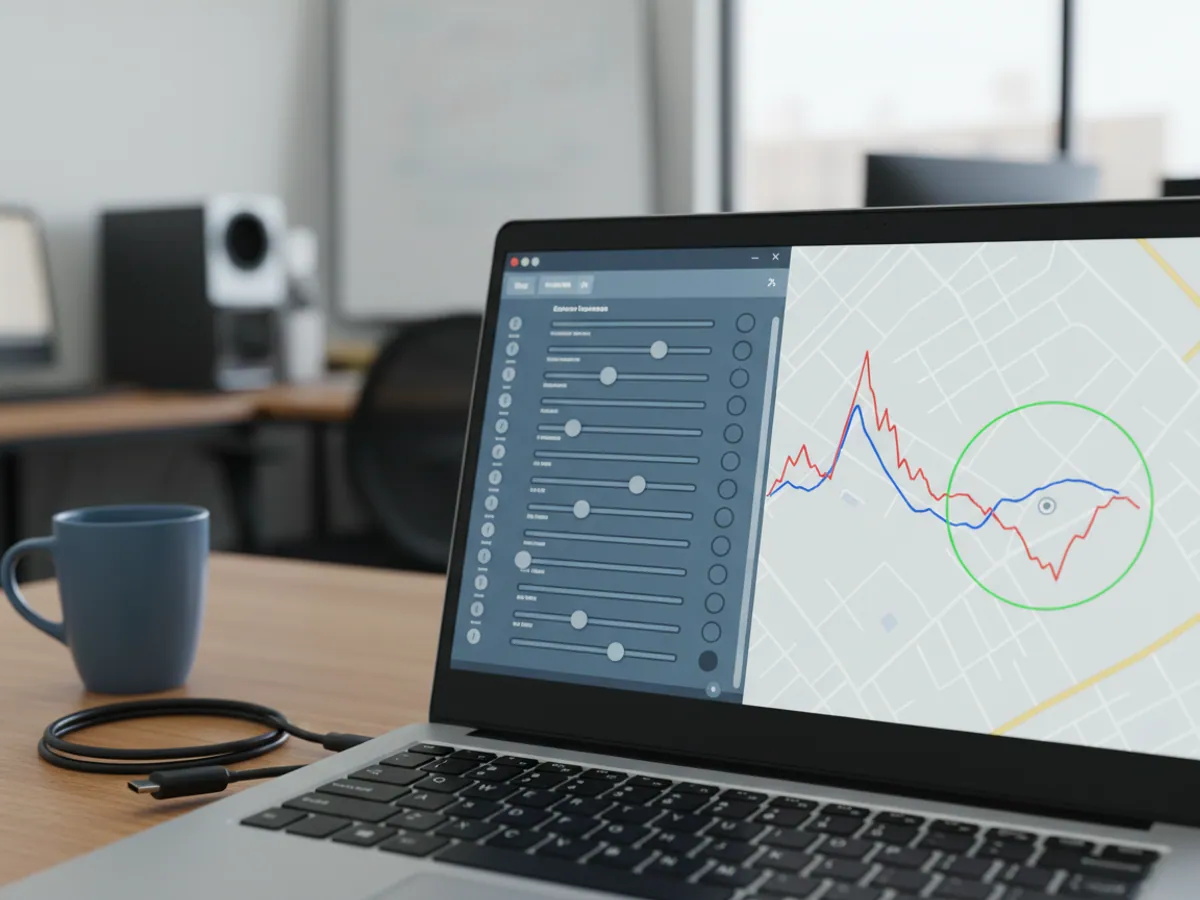
What exactly we configure
In short, everything that sits between the tracker's raw data and the figure in the report:
- The trip detector. Minimum speed of movement, minimum duration of a stop, filtering of jumps in position. The values for a courier in central Baku and for a tractor unit on the M-4 are not the same.
- Sensors. Ignition, engine hours, the fuel level sensor with its calibration table, temperature, doors, PTO, CAN parameters: mileage, fuel level, revs. Each has its own thresholds and validators.
- Fuel monitoring. The minimum volume for a refuelling and for a drain, the time allowed for refuelling, the filtering of fluctuations, and the source of consumption: the fuel level sensor, CAN or calculation from norms.
- Geofences. Depots, warehouses, sites, filling stations, border crossings. Sized properly: a quarry and an office need different sizes.
- Reports. Templates with the columns and groupings you need, sent out on a schedule.
- Notifications. Conditions, thresholds, recipients and channels: email, SMS, Telegram, push in the app.
- Users and rights. Who sees what and who is allowed to change what.
A few parameters that decide whether the reports tell the truth
How many litres count as a drain
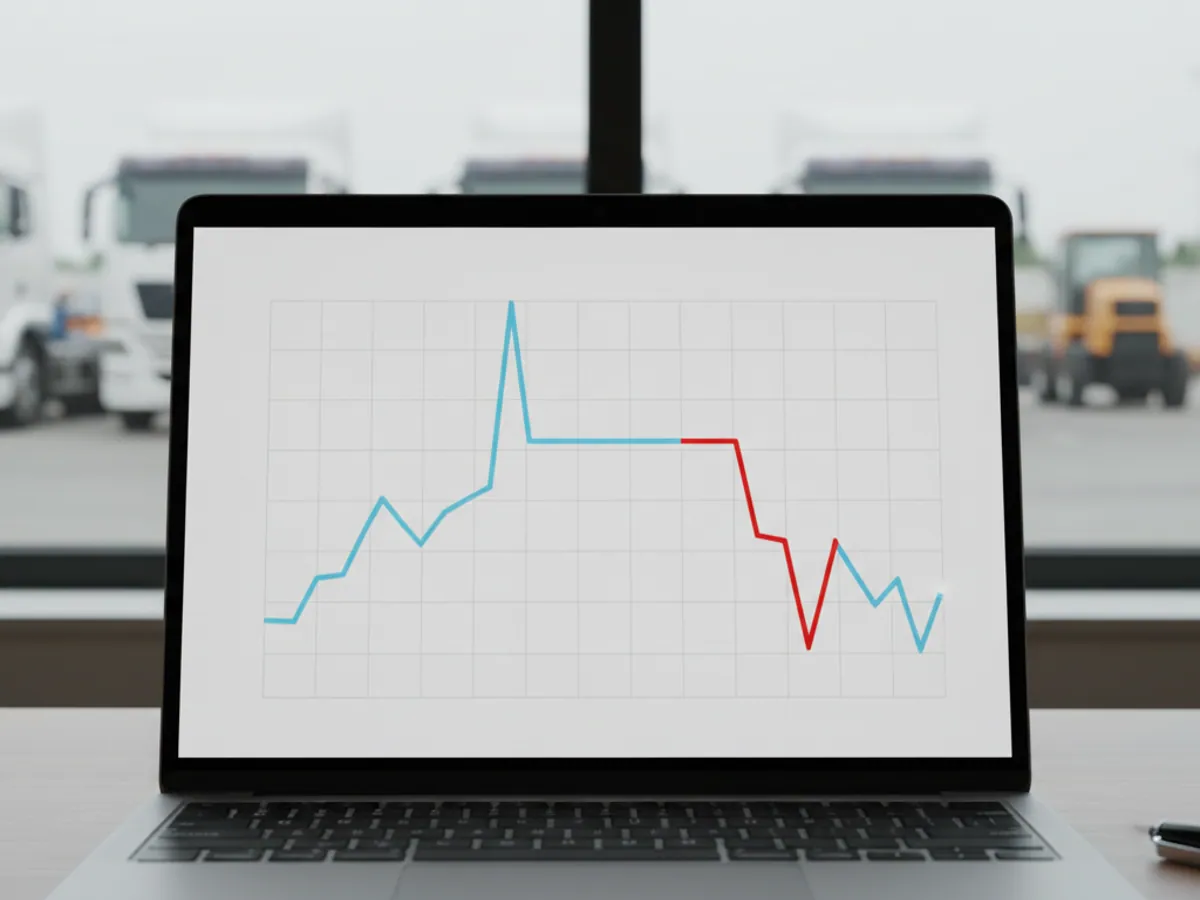
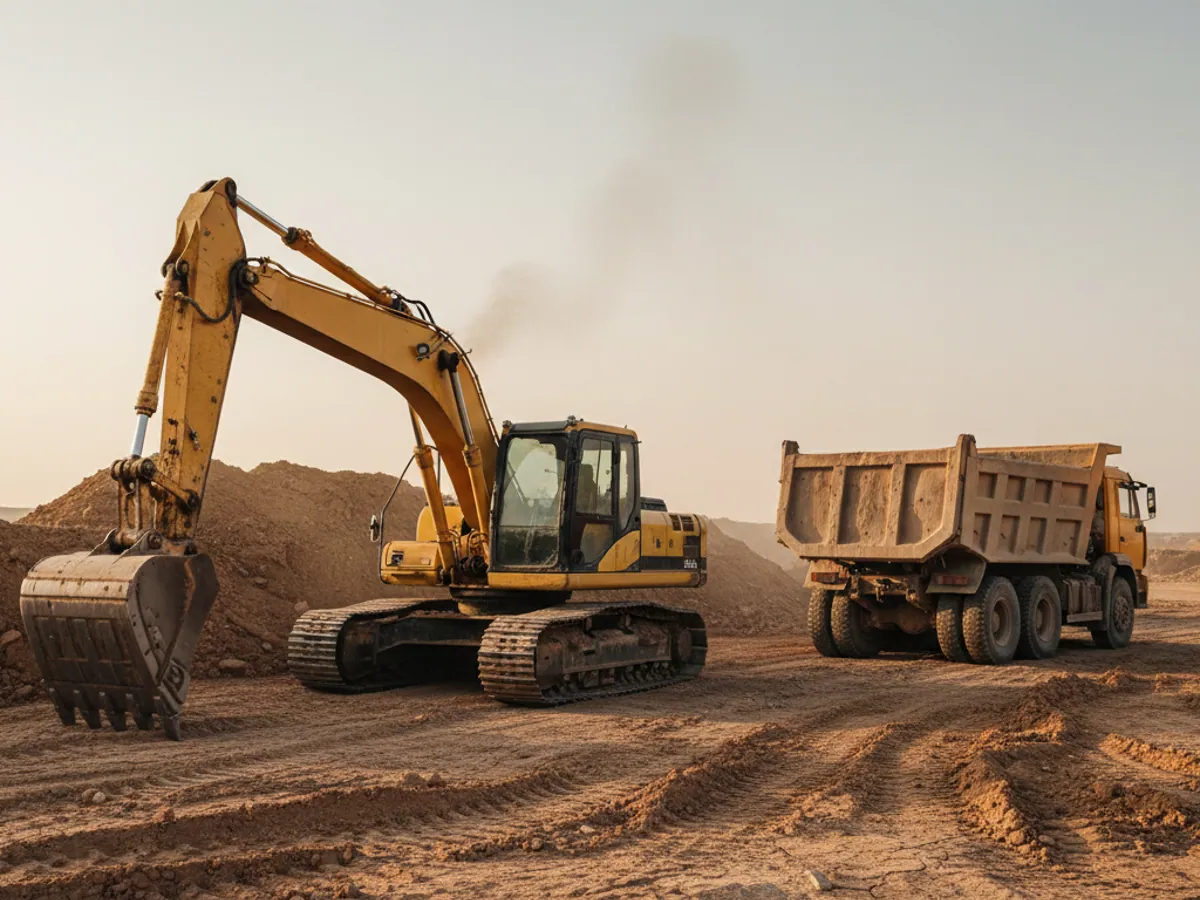
With a drain threshold of 5 litres, on the unmade road to the quarry at Garadagh the system will draw a drain at every pothole. Set it at 100 litres and it will miss a tidy 40-litre drain taken every night.
We pick the threshold to suit the tank capacity and the working conditions: for a car that is 5–10 litres, for a tractor unit with a 600-litre tank 15–20. And we always study a couple of weeks of charts before switching the notifications on. There is more on fuel monitoring in a separate section.
Auditing a system people have stopped trusting
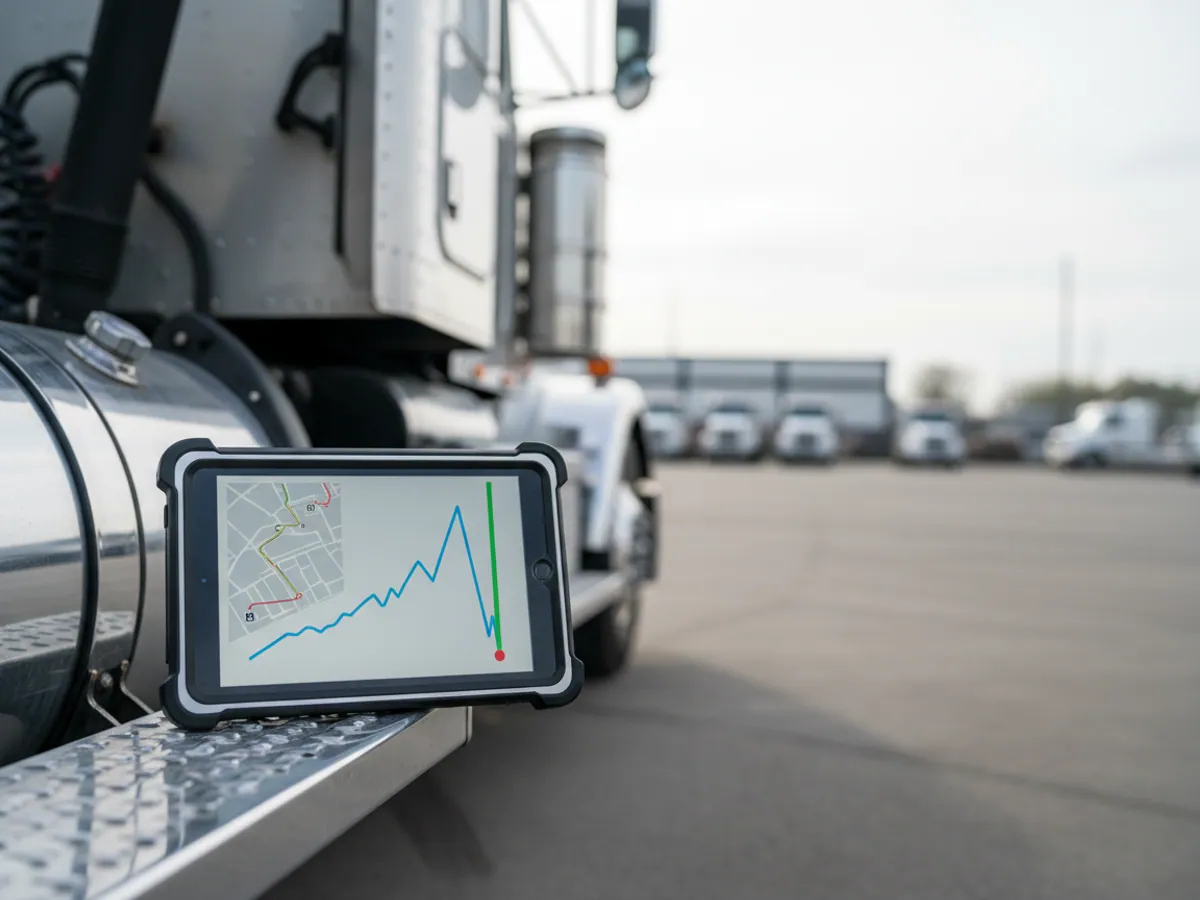
We are often called in not to a new fleet but to a system that has been running for several years. It was configured by somebody who left long ago. There are more vehicles now, half the sensors have been changed, and the settings have stayed exactly as they were.
An audit takes between two and five days, depending on the size of the fleet. What we check:
- whether every vehicle is online, and when each one last sent data;
- whether mileage from GPS and from the CAN odometer agree;
- whether every fuel level sensor has an up-to-date calibration table and whether refuelling matches the receipts;
- whether objects and drivers have been duplicated;
- which notifications fire in their hundreds, and who reads them;
- which former employees still have access.
At the end we give you a prioritised list of problems: what to fix immediately, what can wait, and where a visit to the vehicle is needed. Settings are put right remotely, while sensors that are physically lying are sent for recalibration or replacement.
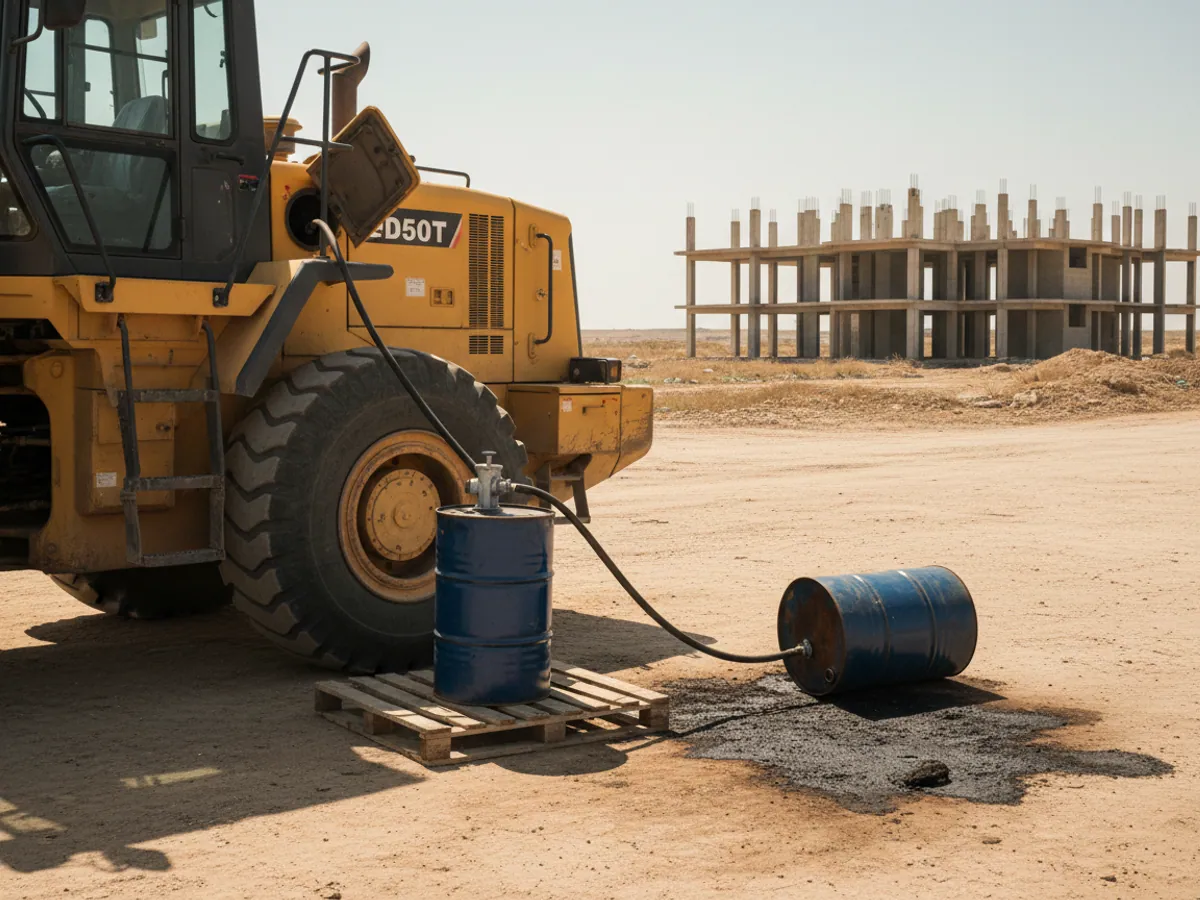
Sometimes an audit shows that the problem lies not in the settings but in the processes: machines are refuelled from a drum on site, for instance, and nobody enters those refuellings into the system. We say that plainly too.
How a new fleet is configured
For a fleet of 30–50 vehicles, configuring sensors, reports and alerts is usually scheduled for 3–14 days after we receive the source data, depending on the number of sensors. A full platform launch with training, a one-week pilot and sign-off after the first-month review runs to its own schedule, while follow-up adjustments take place during the agreed support period:
Gathering the data
A list of vehicles with tank capacities, consumption norms, site addresses, a list of users and what each of them needs to see.
Basic configuration
Objects, groups, drivers, sensors, the trip detector. At this stage the system is already counting mileage and engine hours correctly.
Fuel and geofences
Calibration tables, thresholds for drains and refuelling, geofences for depots and sites. Verified against the first real refuellings.
Reports and notifications
Templates by role, scheduled mailings, notifications with sensible thresholds. During the pilot week we review the new rules and false alarms on our side. Recipients for critical alerts — a fuel drain, loss of power, leaving a zone — are agreed in advance and those events go to the customer's contacts from day one; the remaining alerts are handed over under the agreed schedule once tuning is complete.
Handover and adjustment
We walk the users through it, collect their comments, and after two or three weeks adjust whatever proved awkward in practice.
What the before-and-after settings register looks like
Parameter and object
For each vehicle or group: what was configured. The minimum drain volume for tippers, for example, the fuel sensor filtering for machines in the quarry, or the source of mileage for the cars.
Before
The value before our changes and what it led to: a drain threshold of 5 litres produced dozens of false drains a week on unmade roads; uncorrected GPS mileage differed from the odometer by more than the agreed tolerance.
After, and why
The new value and the data we chose it from: a fortnight of charts, a control refuelling, a mileage measurement. The figures come from your own fleet, not from a template.
Who approved it
Parameters that affect money — consumption norms, drain thresholds, which hours count as working hours — are approved by your own project owner. A note of that stays in the register.
Open questions
Everything that configuration cannot solve: a sensor with no calibration, a tracker with no signal, refuelling from a drum that nobody records. With a note of who has to do what.
Acceptance scenarios and the limits of the work
Refuelling and drains
On several vehicles we compare the refuelling shown in the report with the receipts for the period. Where it is possible, we carry out a control drain or add a known volume and see how the system showed it.
Mileage and engine hours
We compare a week's mileage with the odometer or with CAN, and engine hours with the vehicle's own meter. The acceptable discrepancy is agreed before we start, not afterwards.
Notifications and rights
We trigger an event — leaving a geofence, speeding, a power cut — and check who received the notification. We log in under accounts for the different roles and see what each of them can view.
What is not included
Repairing and replacing sensors, visits out to the vehicles, and the development of integrations and non-standard reports outside Wialon. If the audit shows a need for any of that, we price it separately.
What proper configuration achieves
Reports you can believe
Refuelling agrees with the receipts and mileage with the odometer. The accounts department starts using the data rather than checking it all over again.
Savings measured on your own fleet
Configuration helps separate real events from false alarms and makes changes in fuel use visible. We assess any savings using your fleet's own data: we record a baseline period, mileage, trips and operating conditions, then compare them with the period after configuration. We do not promise a percentage in advance.
Important signals do not get lost
A dozen meaningful notifications a day instead of two hundred. The dispatcher responds to every one.
Machines working rather than standing
You can see the real time spent working under load and the time spent idle. That is the basis for moving machines between sites.
Price and what it depends on
The cost of configuring a GPS system depends on the amount of work involved: the number of monitored objects, the set of reports and notifications to be configured, the number of geofences and routes, and whether sensors have to be calibrated. A one-off basic configuration on connection and a deep, bespoke configuration built around a company's processes are priced differently.
If user roles, integrations or the automatic sending of reports have to be set up, that is taken into account as well. If sensors need recalibrating, that is done on site — see fuel level sensor installation and calibration. We will prepare an exact quotation after a short audit of your fleet — leave a request on the site or ring us on +994 (99) 207-88-88.
Where the system gets fuel consumption from
The source is chosen vehicle by vehicle. All three are often at work in the same fleet.
| Fuel level sensor in the tank | CAN bus | Calculation from norms | |
|---|---|---|---|
| Drains are visible | Yes, above the set threshold | No, the level is too coarse | No |
| Refuelling checked against receipts | Yes, within the agreed tolerance once calibrated | Approximately | No |
| No additional sensor needed | No, a fuel level sensor is required | Yes, if the vehicle reports it | Yes |
| Works without calibration | No, a table is needed | Yes | Yes |
| When we choose it | Guarding against drains | Newer lorries and cars | Machines with no sensors |
Questions about “GPS system and report configuration”
Request a call
A specialist will call back and match a solution to your fleet and your task.