GPS video monitoring installation
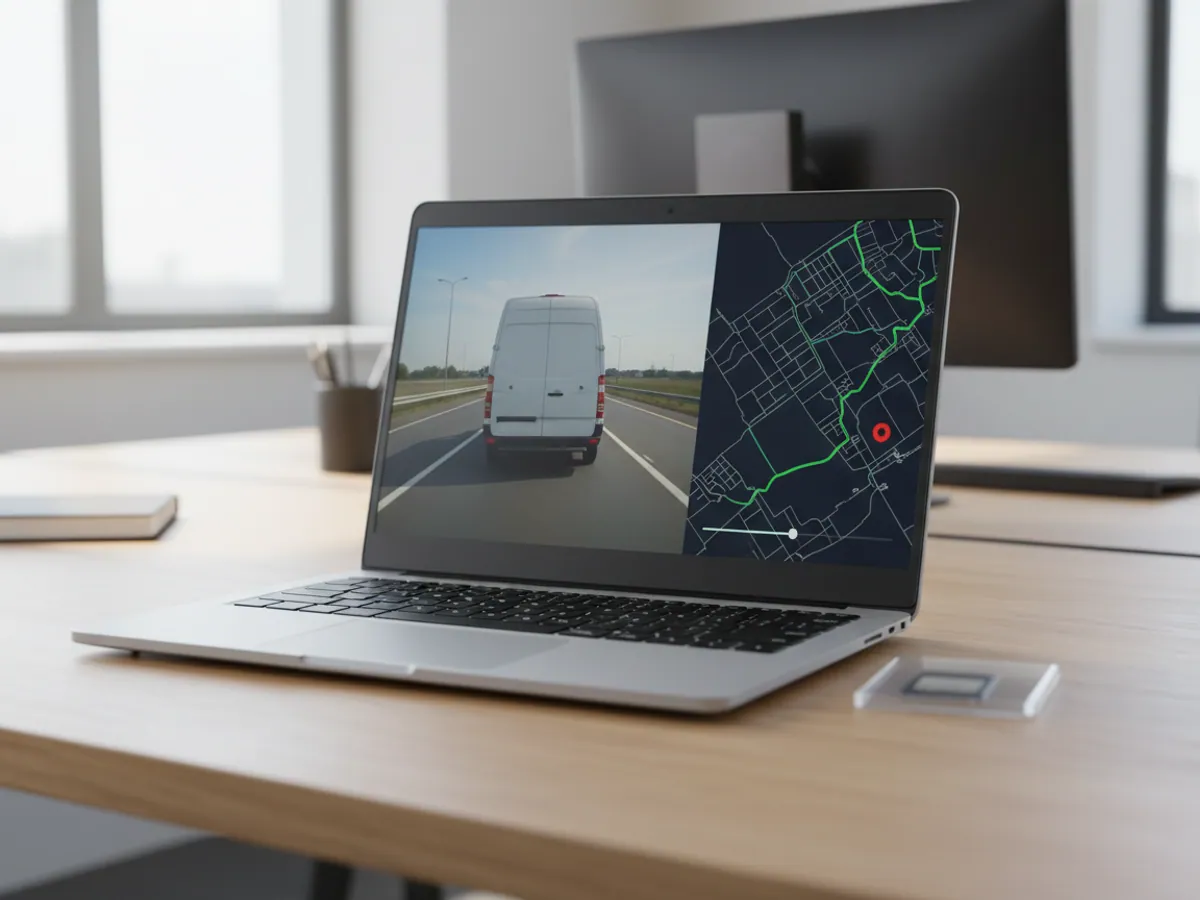
We fit 4G video recorders with cameras covering the road, the cab, the saloon and the load compartment, and link them to GPS monitoring in Wialon. Clips triggered by events — braking, impact, a door opening, driver fatigue — reach the dispatcher automatically, and live video is available wherever there is 4G coverage. We work out the number of cameras, the size of the archive and the data traffic for your particular case before anything is bought.
- 14:05 Angles: road, cab, load compartment, blind spot
- 14:20 Harsh braking — clip in Wialon
- 14:25 DMS camera covered by a hand — alert
- 14:30 Power cut — notification to the dispatcher
The cameras are fitted to the agreed plan, video and events are tied to the track in Wialon, and the AI functions are calibrated. At handover we record an acceptance clip from every camera on each vehicle, in daylight and in the dark, and confirm that event clips are reaching the dispatcher. You know in advance how many days the archive will cover and what the monthly data traffic will be.
Video where the figures are not enough
A GPS tracker shows that a bus braked hard on Heydar Aliyev Avenue. The video shows why: a car cut in, a pedestrian stepped out, or the driver was looking at a phone. When it comes to investigating a collision, a passenger complaint or an insurance claim, that is the difference between one person's word against another's and a fact.
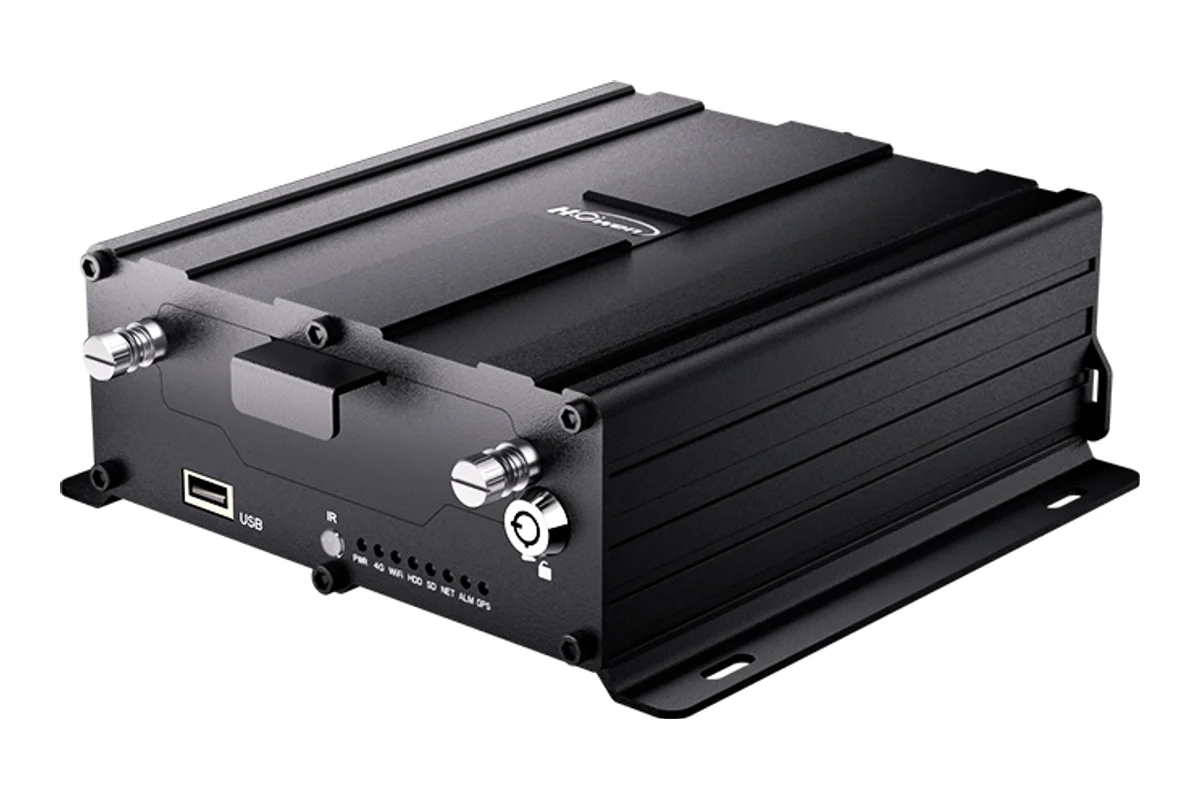
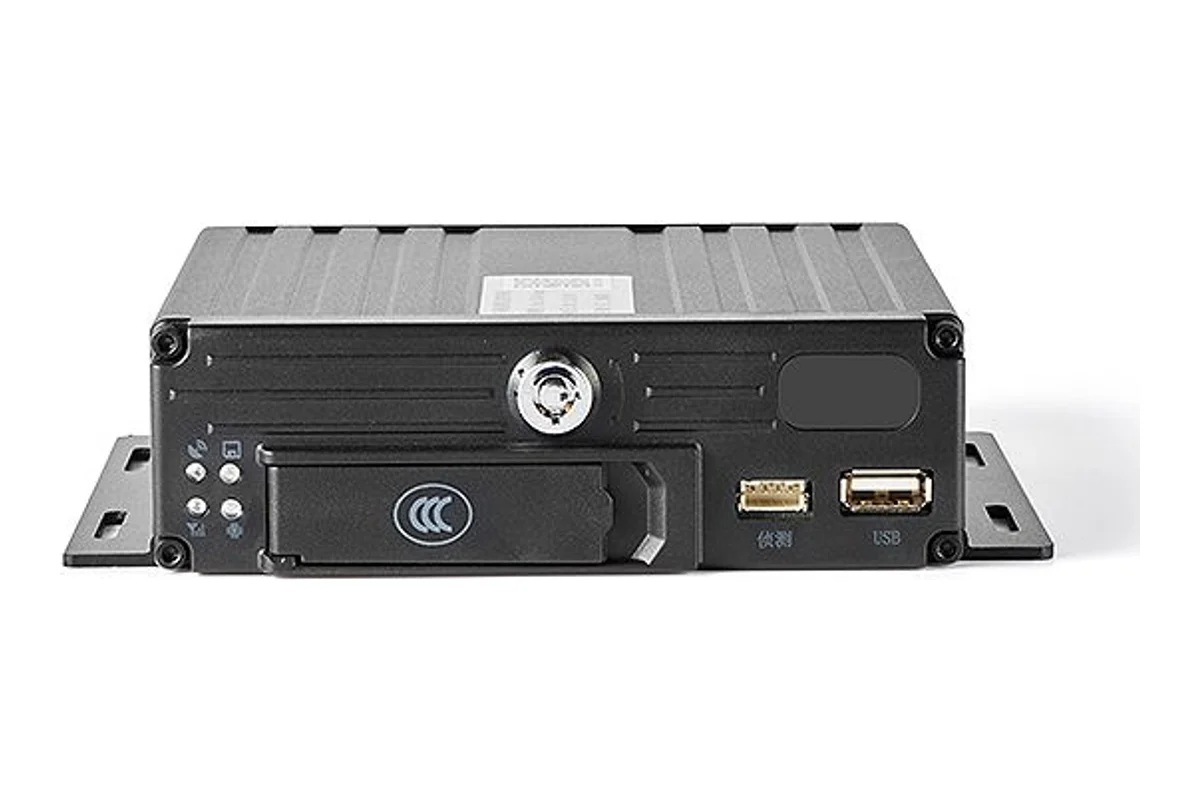
We fit mobile digital video recorders (MDVR) with 4G and cameras covering the road, the cab, the saloon and the load compartment, and link them to GPS monitoring in Wialon. Video triggered by events — harsh braking, an impact, a door opening, the AI fatigue detector firing — reaches the dispatcher automatically; everything else is available on request.
Video monitoring is most often ordered by bus and taxi operators in Baku, hauliers carrying valuable goods and companies running plant and heavy equipment, where the cost of a single incident bears no comparison to the price of a camera.
How the work goes, step by step
How many cameras and what for
Which events matter, how long after the fact complaints arrive, and who watches the video.
Camera positions and cabling
A camera plan and cable routing for each vehicle, with archive and traffic calculated before anything is bought.
Recorder and cameras
The recorder in an enclosed place, cables under the trim, power with a switch-off delay.
ADAS and DMS calibration
ADAS to the horizon and the lane, DMS to the driver's position. Without this the AI either says nothing or cries wolf.
Clip and events
A recording in daylight and in the dark, every event triggered by hand, and the camera plan and settings written down.
How a bus installation goes
An illustrative example: a city bus with 6 cameras at a depot in Sumgait, fitted in a single working day.
- The plan agreed: road, driver, doors, saloon 6 cameras
The saloon camera looks at the doors and the aisle, not at the backs of the seats.
- Recorder fitted and cables run under the trim fitting
The recorder goes somewhere shaded and out of the driver's reach.
- The factory monitor gets in the way of a new camera decided on site
We move the camera and record the change on the camera plan, so nobody has to hunt for it during a repair.
- DMS calibration and simulated events check
Braking, a door opening, a covered camera — the clips arrived and the dispatcher has the notifications.
- Acceptance clip and paperwork done
A recording from every camera in daylight and with the doors closed, plus the camera plan and serial numbers.
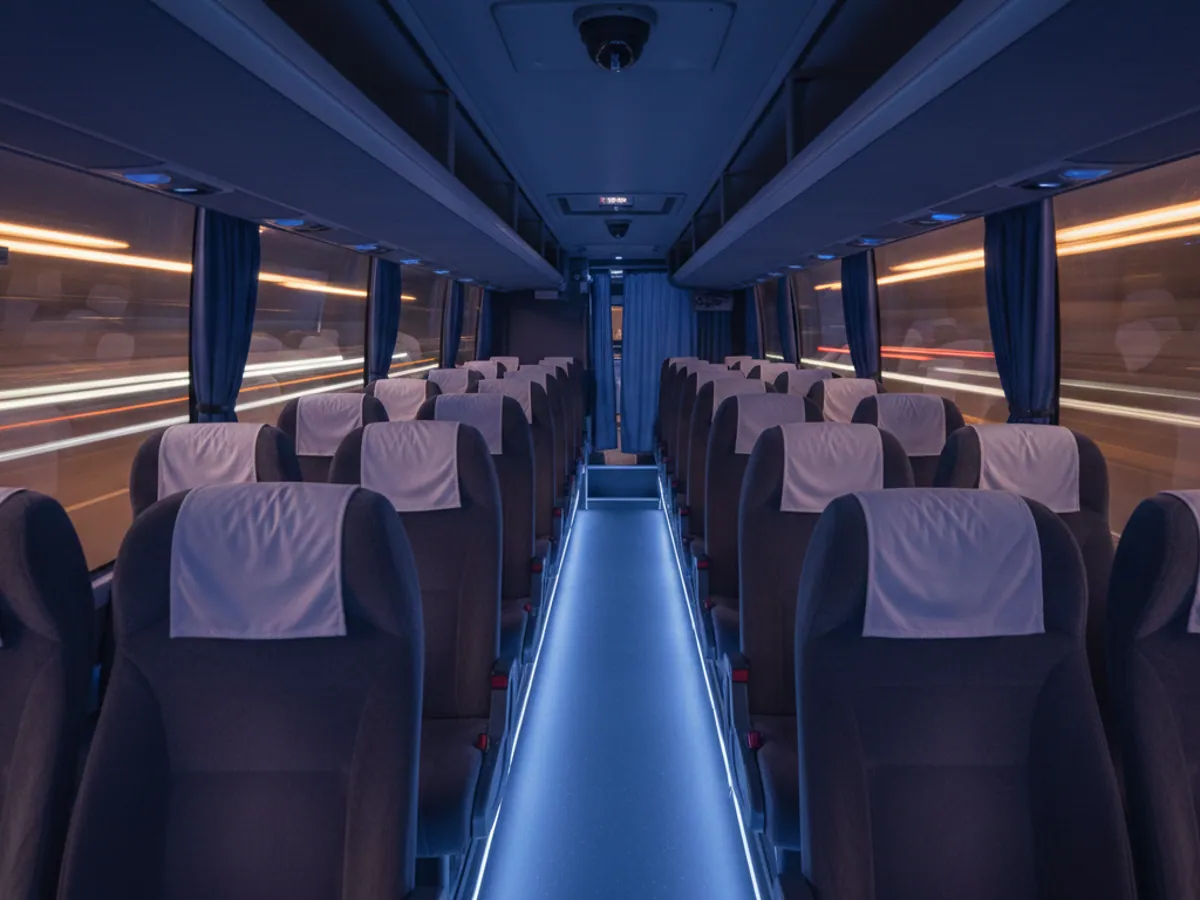
How many cameras you need and where to put them
More cameras does not mean better: each one adds data traffic, disk space and work for the dispatcher. We start from what you are trying to achieve.
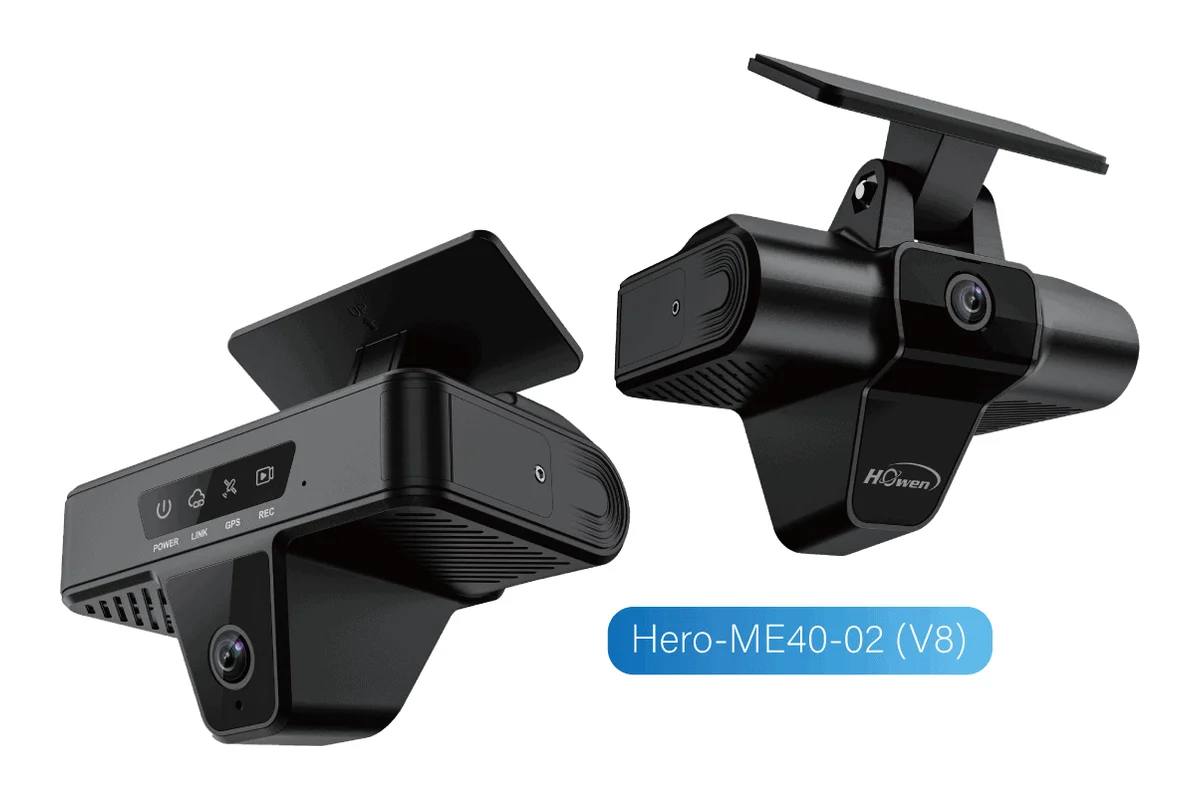
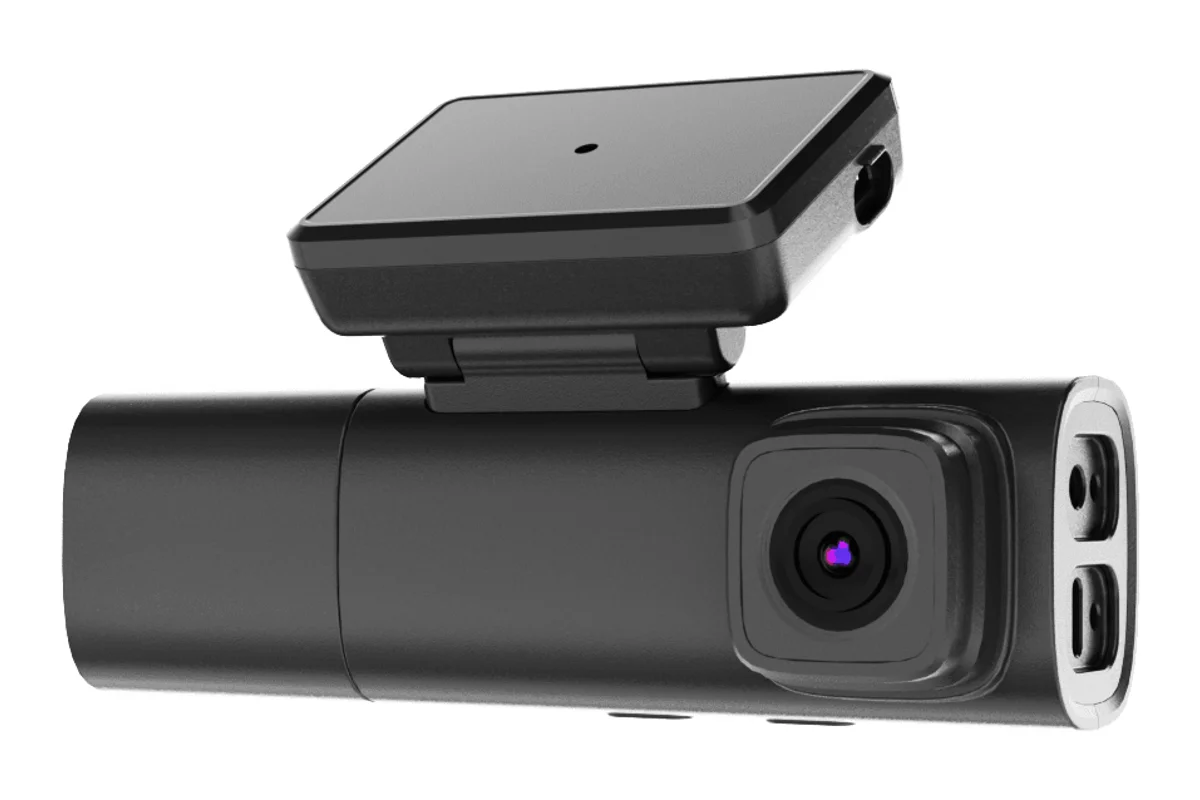
- Taxis and cars — the road and the cabin, sometimes a third camera facing rearwards. A compact recorder such as the BSJ DR03 with built-in AI is enough.
- Lorries — the road, the cab, the load compartment and the nearside blind spot. The 4-channel BSJ ED02R with ADAS, DMS and blind spot detection suits this well.
- Buses — the road, the driver, the front and rear doors and the saloon. Usually 5–8 cameras on a full Howen MDVR with a hard disk.
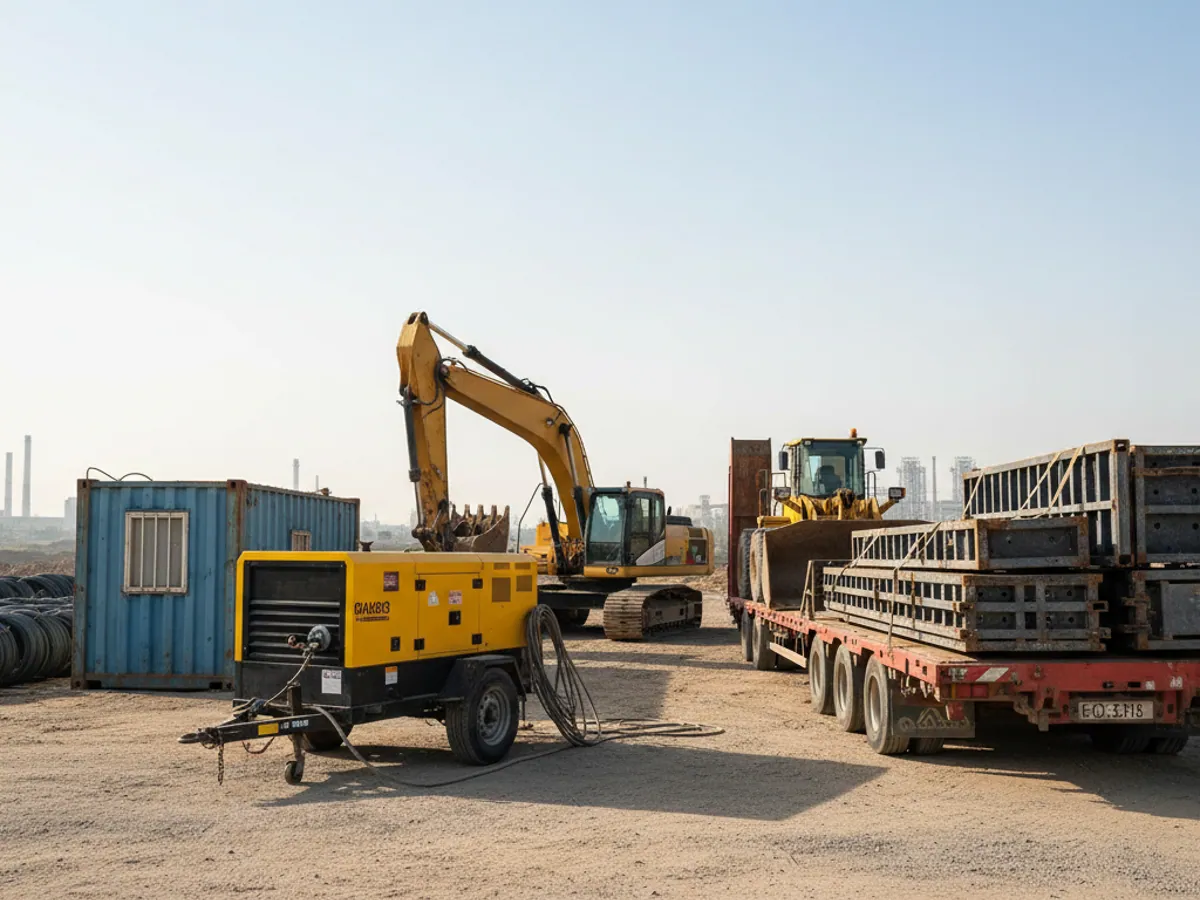
- Plant and heavy equipment — the working area and the rear view: the operator of an excavator or loader needs a reversing camera every bit as much as the dispatcher does.
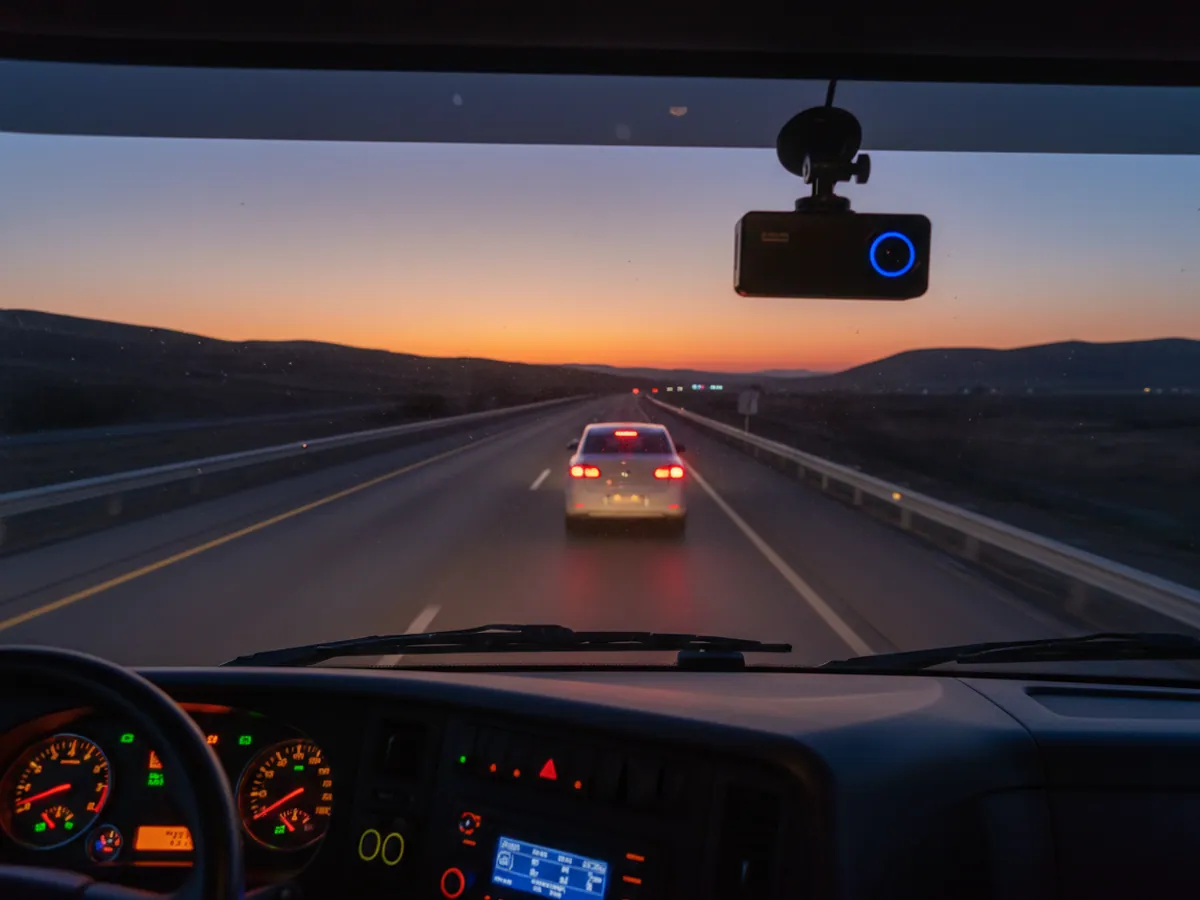
A camera in the cab must see the driver's face and hands, not the roof lining. A camera in a bus saloon must see the doors and the aisle, not the backs of the seats. It sounds obvious, but half the systems brought to us to be put right were shot from exactly those angles.
What the GPS.az video monitoring solution consists of
Video works together with the telematics: every event is tied to a position, a speed and the sensor readings.
Live video on request
Viewing the cameras through Wialon or the mobile app — from Baku to the M-1 and M-2 highways, wherever there is 4G coverage.
Recording and storage
Continuous recording to an SD card or hard disk, with clips uploaded to the cloud automatically on events: harsh braking, an impact, a door opening.
Linked to the telematics
Video is tied to the GPS tracker, the CAN bus and the fuel sensors: a drain or a body being opened is immediately backed up by a video clip.
Remote administration
Camera settings, clip retrieval and firmware updates over 4G — with no trip out to the vehicle.
How we work out the archive and the data traffic
What affects the archive
The number of cameras, the resolution and frame rate of each, the recording mode (continuous or only with the engine running) and the size of the storage. The saloon camera can be recorded at lower quality than the road camera, and the archive will stretch further.
How many days you need to keep
We start with a question rather than with a disk: how many days after an event do you usually hear about a complaint. If passenger complaints arrive a week later, a three-day archive is not enough.
What affects the data traffic
How many events a vehicle produces in a day, how long each event clip is, and how often the dispatcher watches live video. Continuous streaming is the most expensive option, and it is rarely needed.
How we verify the calculation
After a pilot week we look at the actual traffic and at how many days the storage really covers, and adjust the recording quality or the event thresholds if necessary.
Compatibility: what we check before anything is bought
Recorder and Wialon
Whether that recorder model can send video and events to Wialon, or whether a separate video platform is needed. This determines whether video and track appear in the same window.
Pairing with the tracker
If the vehicle already has a GPS tracker, we decide whether the recorder works as a separate unit or is paired with the tracker. Whether that is possible depends on the models of both devices.
Cameras and recorder
Cameras from another manufacturer may not fit in terms of connector, power supply or signal format. ADAS and DMS usually require cameras designed for that particular recorder.
The vehicle's factory equipment
Buses and newer lorries sometimes have cameras and monitors of their own. We check whether these can be used or whether they will get in the way of the new system.
How the installation goes
Survey and design. We agree the number of cameras, where they go and how the cables are routed. For buses and lorries we draw a simple diagram, which comes in handy later during repairs.
Fitting. The recorder goes in an enclosed place out of the driver's reach, and the cables are run under the trim. Power is supplied with a switch-off delay so that recording continues after the engine stops. A car takes 1.5–2 hours, a lorry 3–4 hours, and a bus with 6–8 cameras a full working day.
Setting up the AI. The ADAS camera is calibrated to the horizon and the lane, the DMS camera to the driver's position. Without calibration the warnings either stay silent or fire at everything in sight.
Checking. We simulate events: harsh braking, a door opening, a covered camera. We confirm that the clips reached the system and that the notifications reached the right people.
From you we need the vehicle for the duration of the work, a list of the events you want to know about, and a decision on who watches event video and how quickly. Without that last point the video piles up and nobody ever opens it.
Acceptance and the limits of the work
The acceptance clip
A short recording from every camera in daylight and in the dark or with the doors closed. It shows that the angles match the plan: the driver's face and hands, the doors, the aisle, the road.
Events
Harsh braking, a door opening, a covered camera, a power cut — we trigger each one by hand and confirm that the clip reached the system and the notification reached the right person.
Paperwork
The camera plan for the vehicle, the models and serial numbers of the equipment, and the recording and event settings. The cable diagram will earn its keep the next time the vehicle goes in for repair.
Not included
Repairs to the factory loom or the multimedia system, the legal side of recording employees and passengers, and reviewing footage in place of your own dispatcher.
How video monitoring is used in practice
Keeping an eye on the load and the route

Things worth thinking about before you buy
We discuss these questions at the first meeting, because they shape both the budget and the benefit:
Data traffic
Streaming several cameras online around the clock eats gigabytes. The sensible arrangement is event clips plus live video on request.
Heat and memory cards
In summer a cab standing in the sun gets extremely hot. Ordinary memory cards fail quickly in that heat, so we fit industrial-grade cards and choose a shaded spot for the recorder.
Recording while parked
If you need recording with the engine off, we set it up on a timer or on a motion sensor — otherwise the battery can end up flat.
Employees and passengers
Drivers must know about the cameras in the cab, and passengers about recording in the saloon. How to set that out within the company is best agreed with your own lawyer in advance.
Darkness and oncoming lights
The cab needs cameras with infrared illumination and the road needs cameras with good dynamic range, otherwise all you see at night is headlights.
What video monitoring usually gives you
Fewer disputed situations
A collision, a passenger complaint, damaged goods — the question is settled by watching a clip rather than by a week of enquiries.
Calmer driving
When a driver knows about the camera and the AI warnings, they pick up the phone less often and take fewer risks. It shows in the falling number of harsh manoeuvres in the reports.
Protection for the driver
Video protects your driver too: when a collision is another party's fault, the recording helps to establish who was to blame more quickly — provided the camera was set up properly and the clip was saved in time.
Idle time you can explain
A slow load, a queue at a warehouse, waiting on a customer — video explains where the idle time in the reports came from.
Price and what it depends on
The cost of installing GPS video monitoring is made up of the price of the equipment (the MDVR recorder, the number and type of cameras, the memory cards), the fitting and cable routing on each vehicle, and the configuration of the ADAS/DMS video analytics and the connection to the monitoring platform. A separate item is the subscription, which depends on the volume of video transmitted and the set of functions used.
The final price is determined by the number of vehicles, the number of cameras on each and the intelligent functions you choose. We will prepare an exact quotation after a short audit of your fleet — leave a request on the site or ring us on +994 (99) 207-88-88.
What the AI analytics can do — fatigue, phone use, the distance to the vehicle in front — is described in detail on the AI video analytics page. For bus operators the passenger transport page is useful, and for taxi fleets GPS monitoring for taxis.
How video reaches the dispatcher
A sensible arrangement usually combines the first two modes.
| Event clips | Live video on request | Continuous streaming | |
|---|---|---|---|
| Arrives without the dispatcher doing anything | Yes, automatically | No | Yes |
| Moderate data traffic | Yes | Yes, if watched rarely | No, gigabytes a day |
| No one needed at a screen | Yes | Yes | No |
| When we choose it | Investigating incidents | Checking a situation right now | Rare special cases |
Questions about “GPS video monitoring installation”
Request a call
A specialist will call back and match a solution to your fleet and your task.
Similar scenarios
How similar jobs are done on Teltonika hardware