
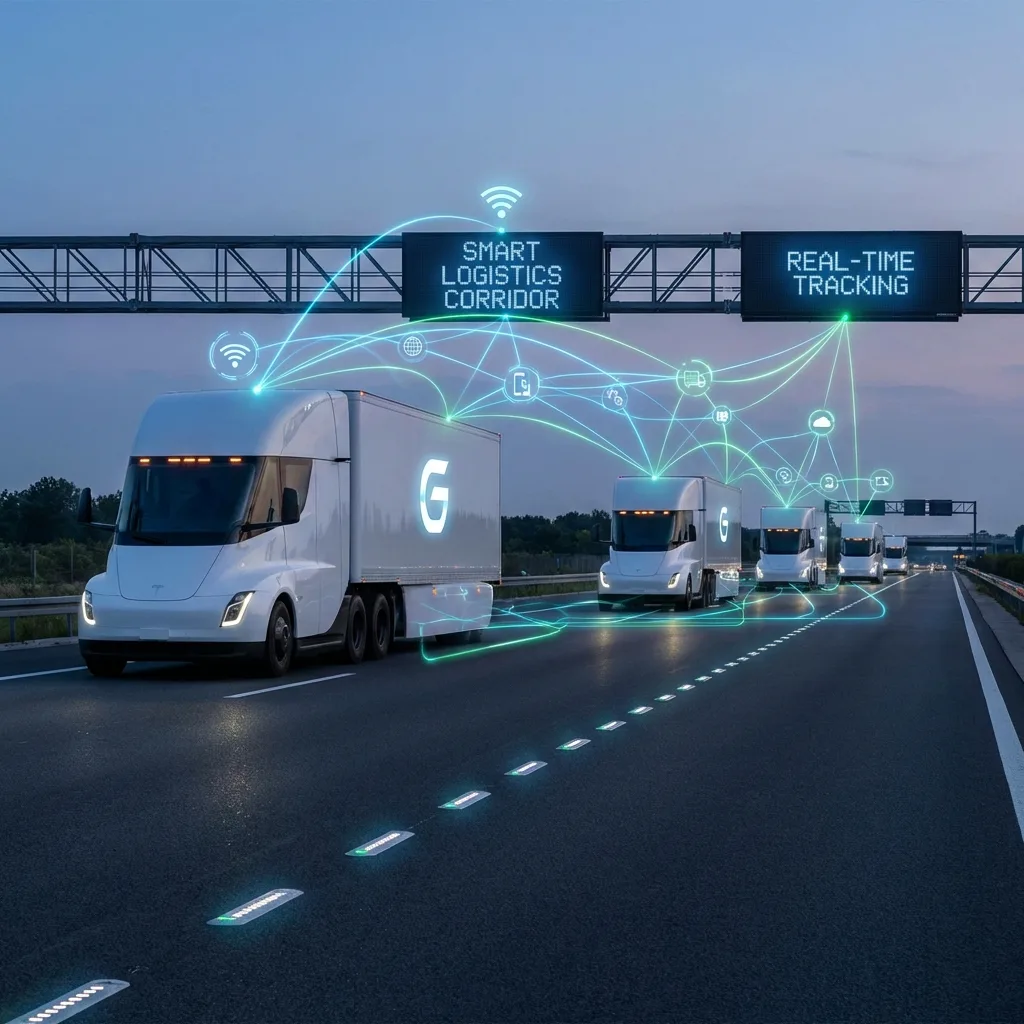
GPS monitoring for logistics and warehousing companies
A container from the port of Alat, pallets at a distribution centre outside Baku, a refrigerated unit carrying dairy to Ganja, a courier with an order in the Yasamal district. Logistics is a chain, and at every link the customer wants to know where his goods are.
We connect vehicles, trailers, containers and forklifts to Wialon, so that you see the whole chain in one window and can show the customer the status without ringing the driver.
Why a dot on the map is not enough for a logistician
What matters to a haulier is how much the tractor unit burned. What matters to a logistician is whether it arrived on time, in what condition, and what that run cost. So GPS monitoring in logistics is built around deadlines, temperature and statuses, not around fuel alone.
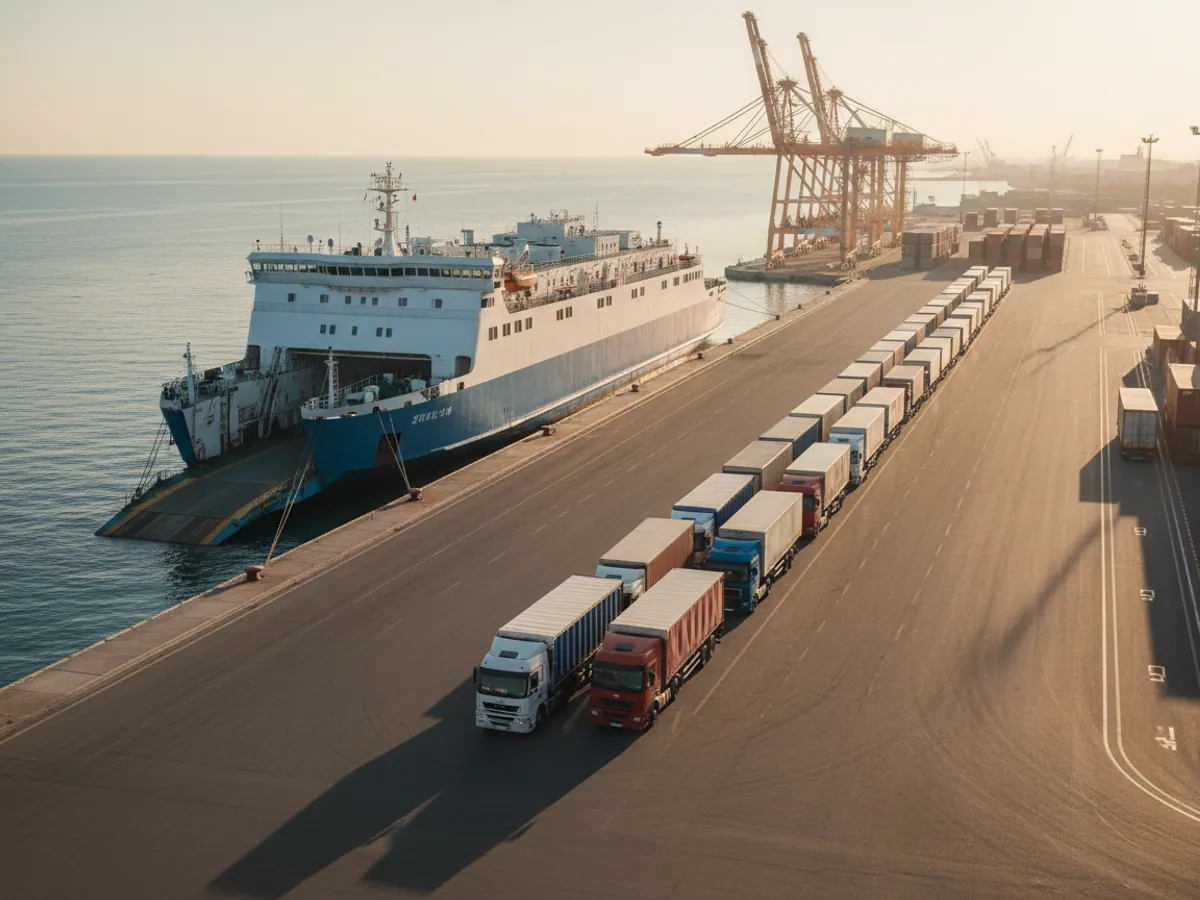
Azerbaijan is now working hard as a transit hub. Goods move along the Middle Corridor across the Caspian, along the North-South corridor towards Iran, and by the Baku-Tbilisi-Kars railway. The mode of transport changes on every leg, while responsibility for the cargo stays with the operator.
Where the driver's phone used to answer, the system answers now. The customer opens a link and sees the vehicle on the map, the warehouse gets an ETA in advance, and the manager spends his time on new orders rather than on making calls.
Solutions by sector: logistics & warehousing
What usually breaks in a logistics chain
This is not a list out of a textbook. These are the questions almost every operator puts to us at the first meeting, from small freight forwarders to distribution centres on Absheron.
An unknown ETA
The vehicle left Ganja in the morning, and the warehouse in Baku learns it has arrived when it is already at the gate. The loaders are not ready, the bay is occupied, the queue grows. Time lost at unloading eats into the next run.
Arguments about temperature
The consignee says the goods arrived warm, the haulier insists the refrigerated unit was running. Without a time-stamped record of the temperature in the body the argument cannot be settled, and whoever has no data usually pays.
Lost trailers and containers
A trailer was left on a yard near the port, a container went to a different station. For an operator with a few dozen units that means weeks of searching over a year and demurrage charges.
Opaque cost per run
Everyone knows the revenue from a run; the real cost - fuel, idle time, empty running - is known by very few. Without that data it is hard to tell which routes and which customers actually make money.
Where in the chain monitoring is needed, and what to read next
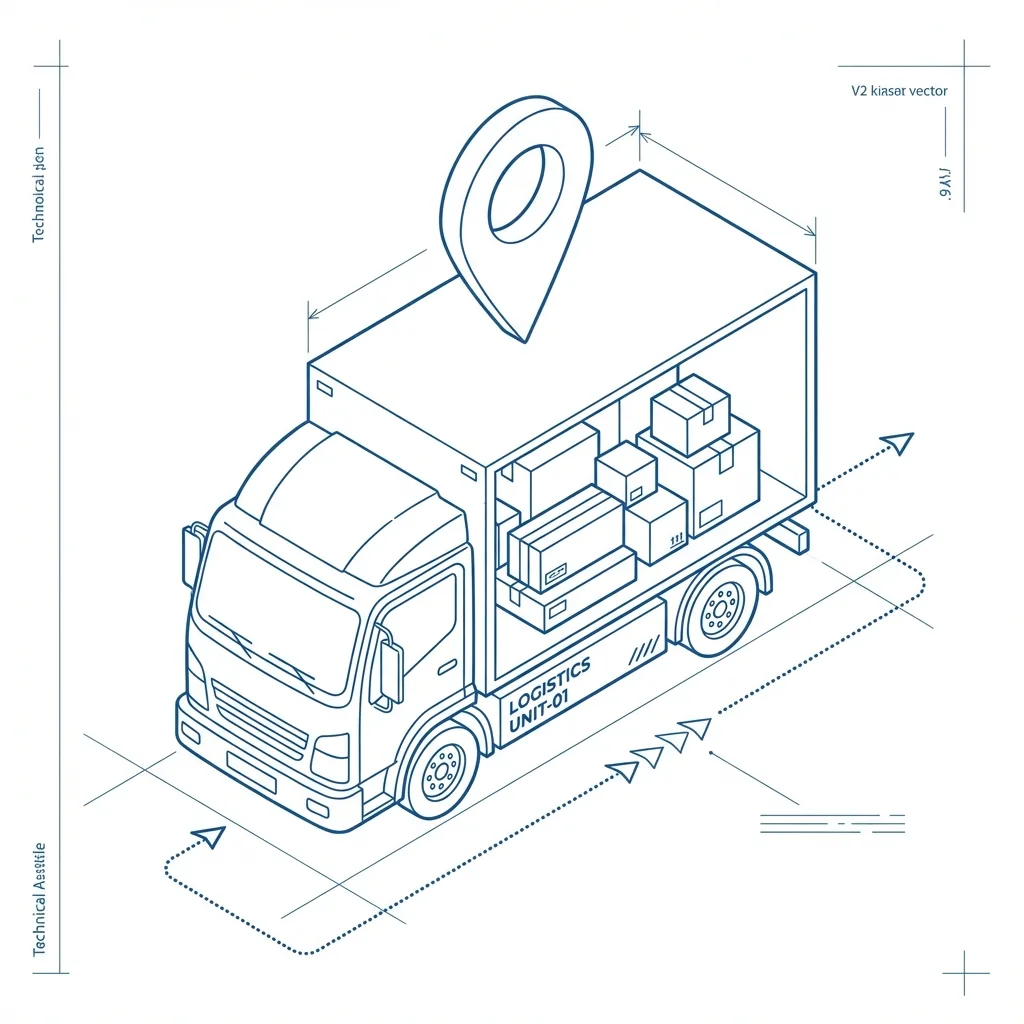
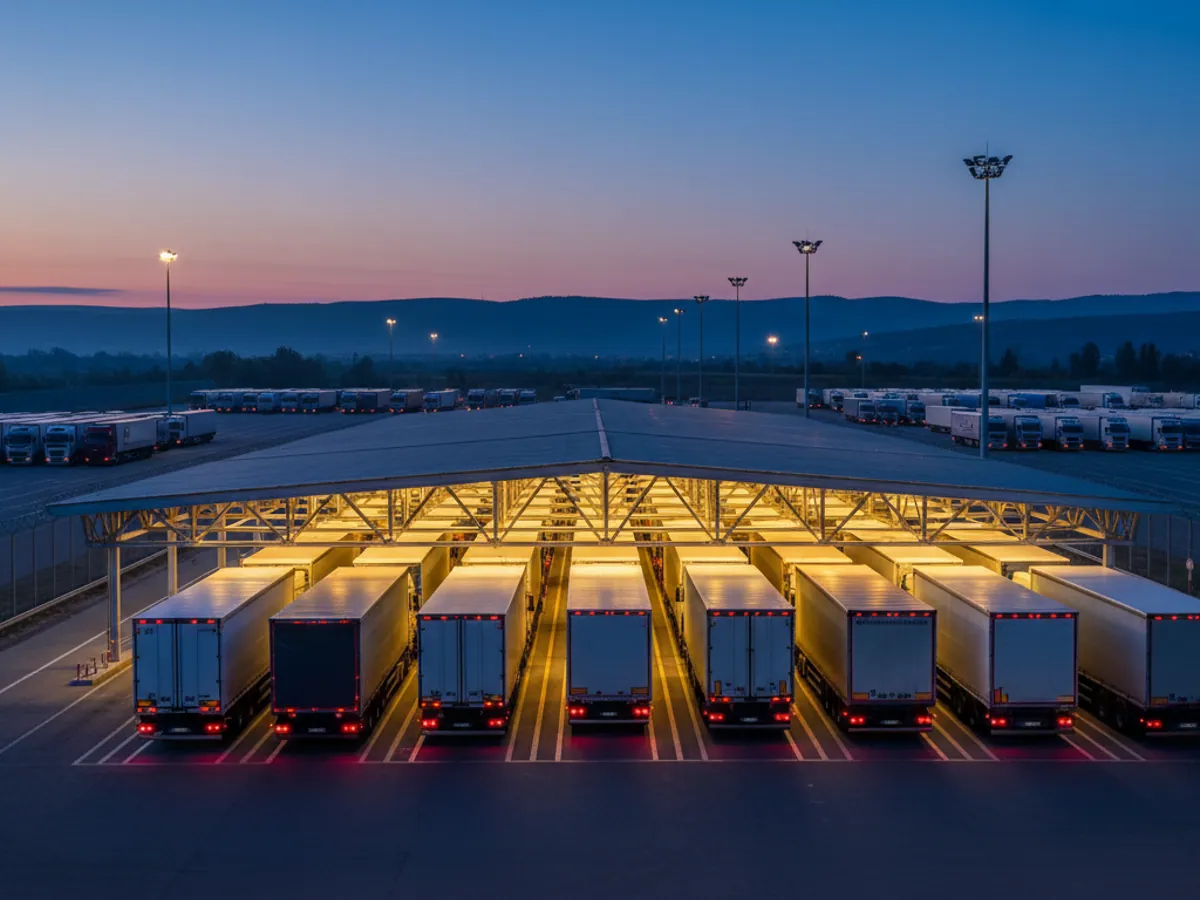
The logistics hub brings together six directions. They often overlap inside one company, but the tasks differ. Let us walk the chain from the port to the customer's door.
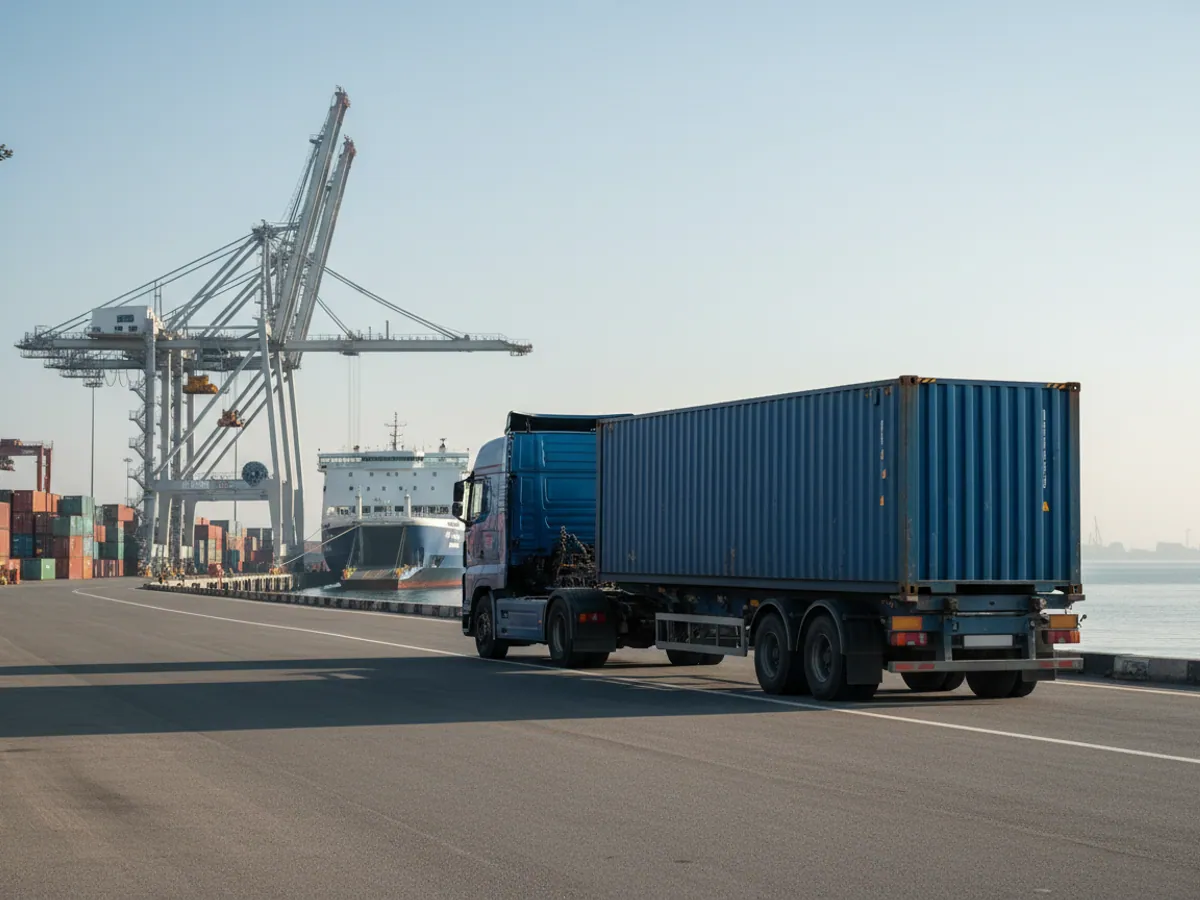
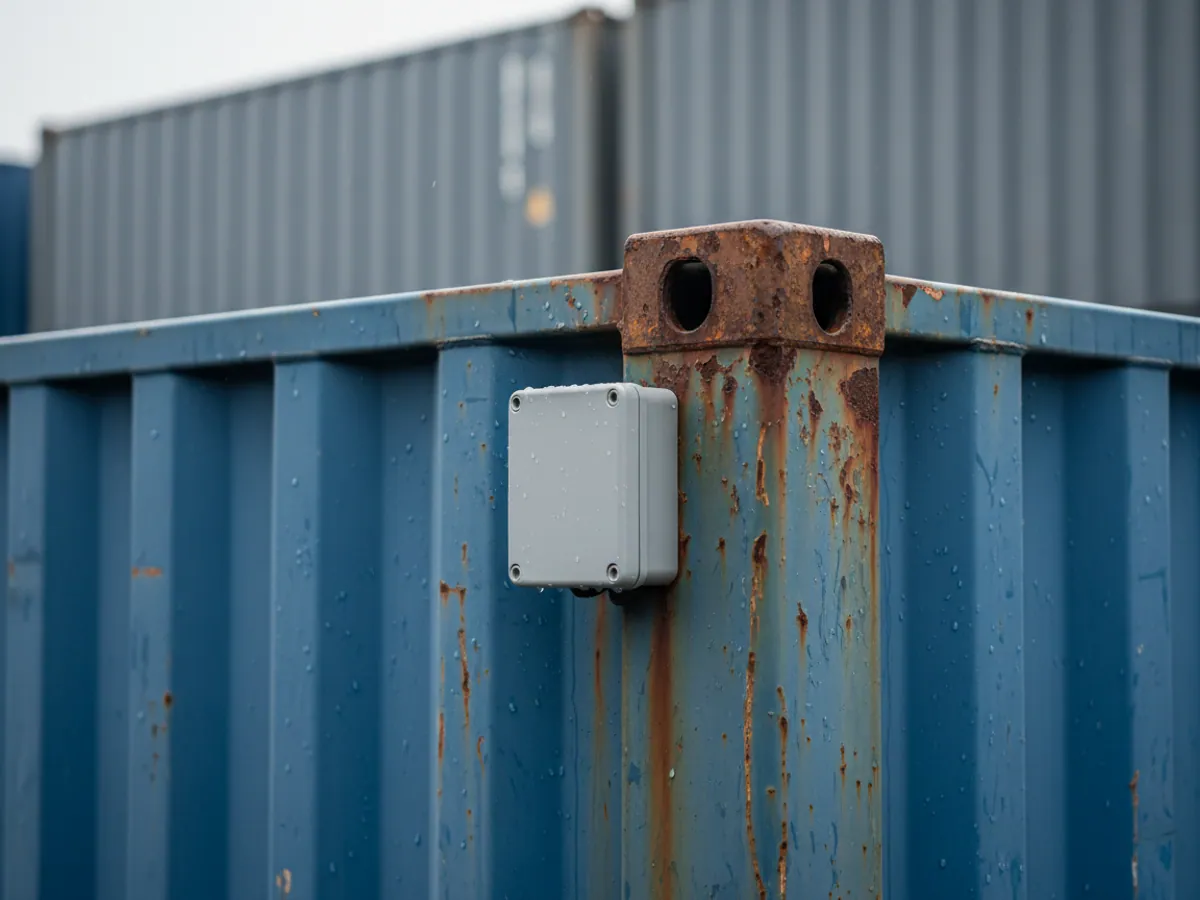
- Port and terminals. A container discharged at Alat travels on by road or rail. Self-powered trackers on the container show its journey even with no power supply. There is detail in the section on container tracking.
- Warehouse and distribution centre. GPS does not work indoors; what is counted there is forklifts, engine hours and zones. See warehouse machinery monitoring.
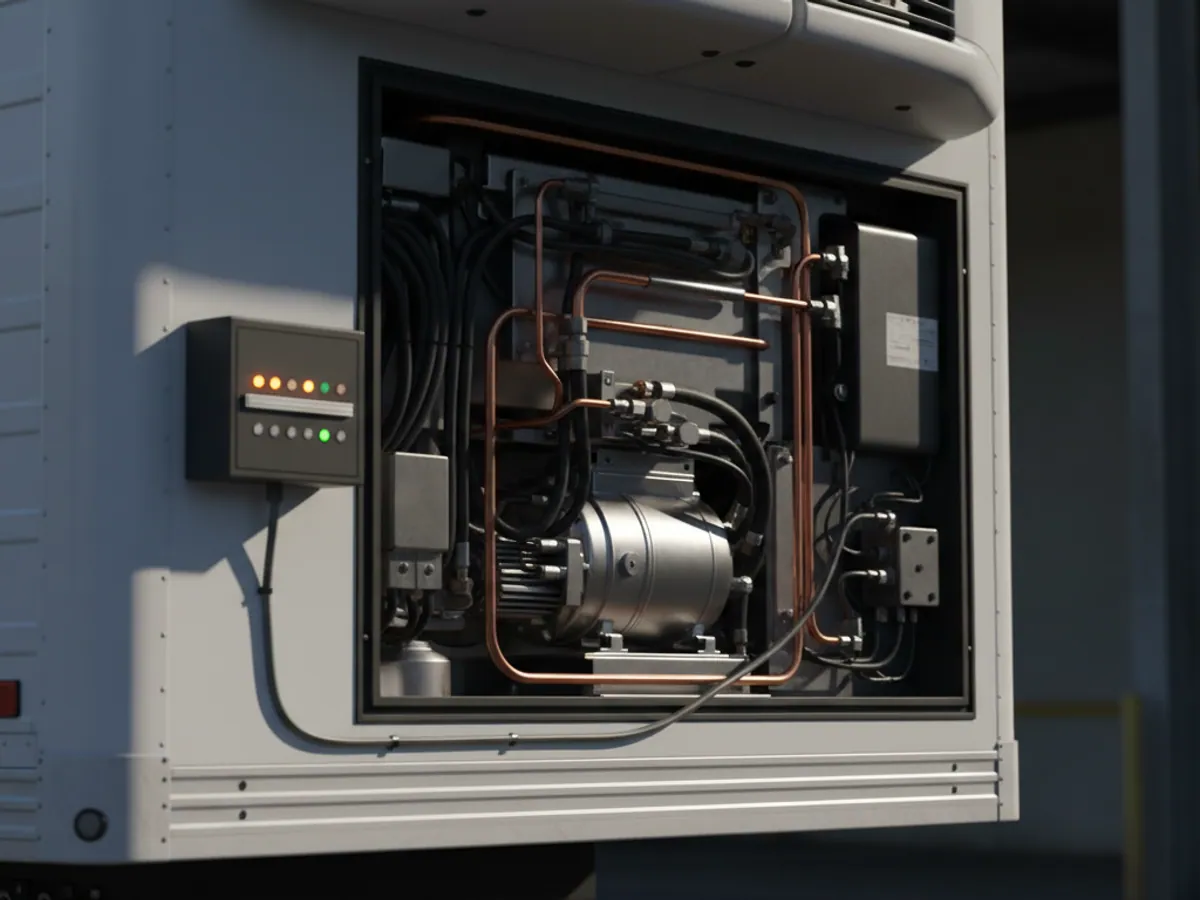
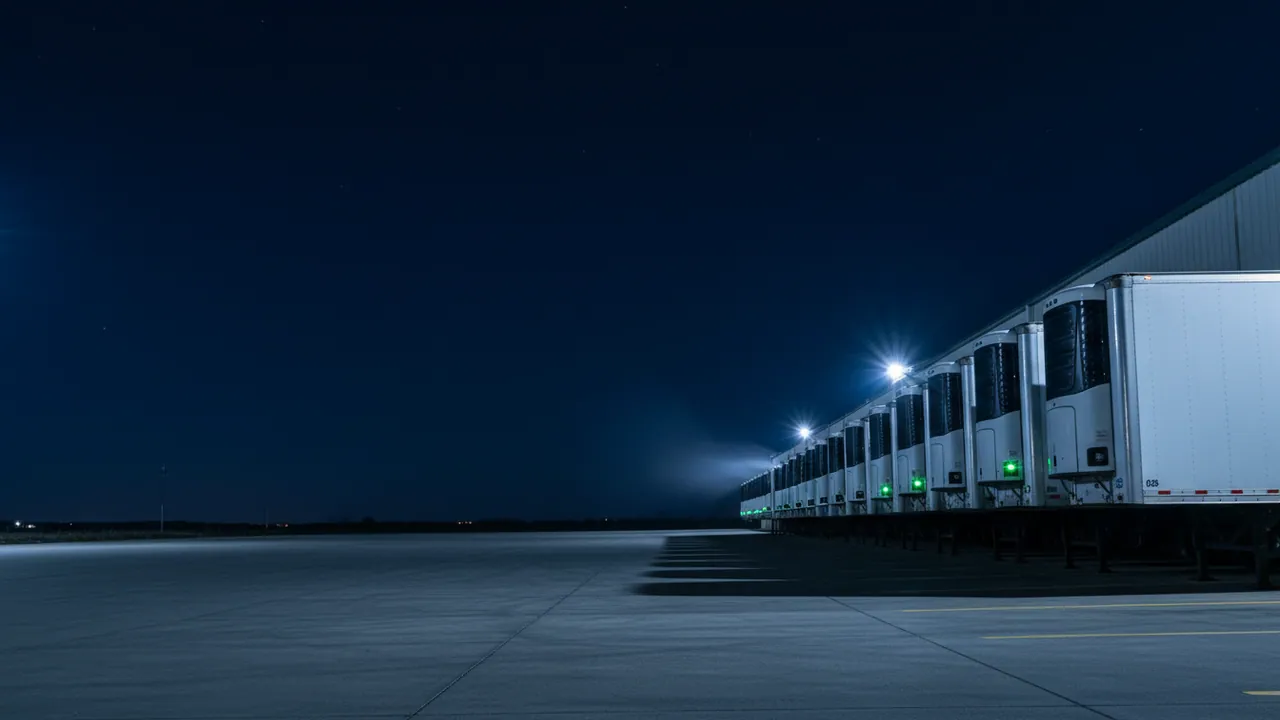
- Temperature-controlled goods. Food, pharmaceuticals, flowers. Sensors in the body and a report for the consignee - the page on cold chain logistics.
- Distribution to outlets. Deliveries to shops and visits by sales representatives - FMCG distribution.
- The last mile. Couriers, mopeds, online retailers' vans - delivery for e-commerce.
- Operators who do all of it at once. Own and subcontracted transport, reports for the client - solutions for 3PL and 4PL.
If you are not sure where your business fits, simply describe your chain to us. More often than not the right set comes from two or three of these directions.
Data that goes out to the customer and into your systems
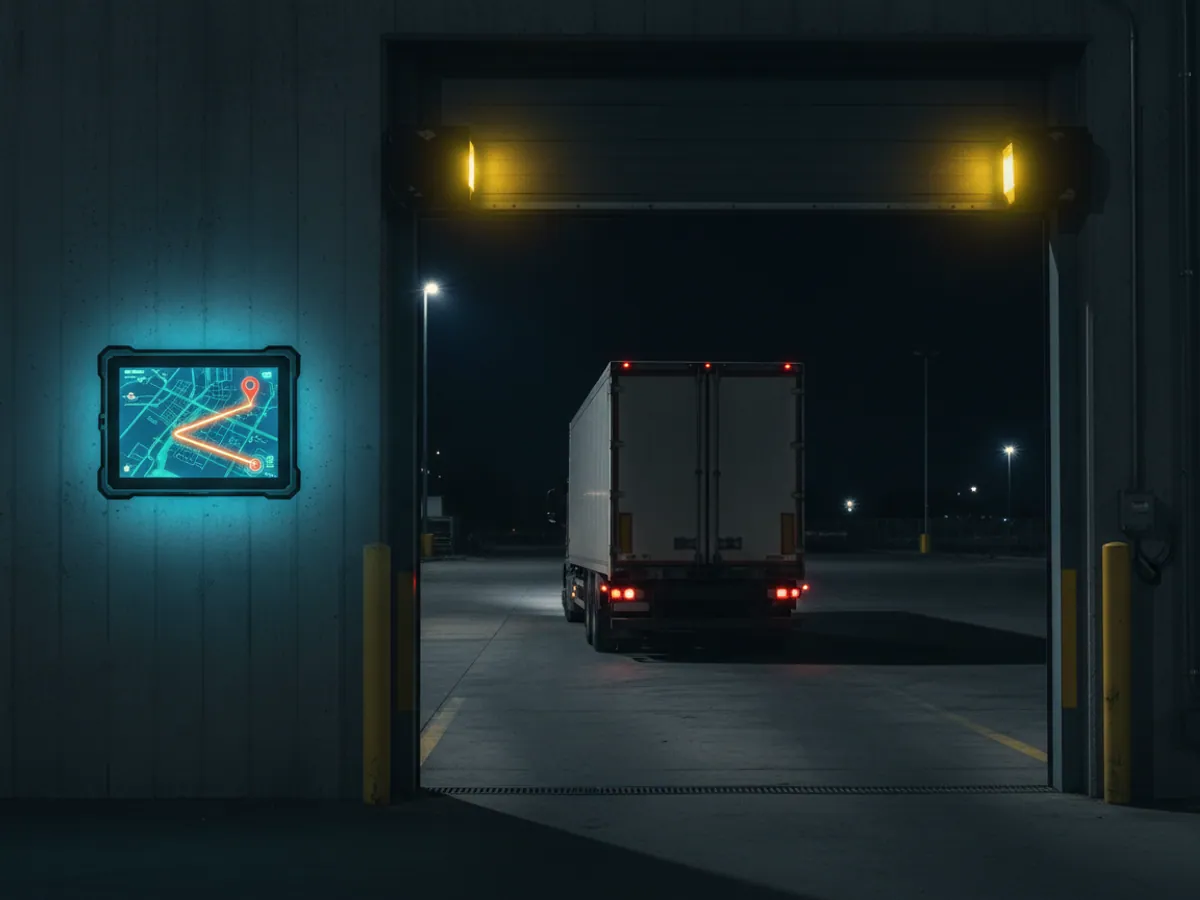
In logistics, monitoring almost never lives on its own. The client wants to see his goods, accounts want mileage by run, the WMS wants the vehicle's arrival time. So during the roll-out we discuss straight away where the data has to go.
The simplest option is a link with a limited lifetime. You send it to the customer, and he sees only his own vehicle on the map until the run ends. How that works is described on the page about public tracking links.
For a permanent exchange there is the Wialon API and ready-made connectors for 1C. Coordinates, mileage, time in geofences and events can be pulled from the system, and orders and routes pushed back into it. The details are in the section on integration with 1C and SAP.
It also happens that a large cargo owner requires the data stream to be sent straight into his own platform. In that case we set up data retransmission from our servers over the required protocol, and you do not have to fit a second tracker in the vehicle.
Which equipment suits logistics
Tracker powered from the vehicle
For tractor units, vans and refrigerated units. What matters is having enough inputs for a door sensor, temperature and driver identification. On refrigerated units it helps when the tracker can read data from the refrigeration unit itself.
Self-powered tracker
Runs on its own battery for years and comes online a few times a day. Fitted to trailers, containers and valuable pallets. An example is the Teltonika TAT100.
Wireless temperature sensors
Small BLE sensors are fixed inside the body without wiring and send temperature and humidity to the tracker. Convenient when bodies are frequently swapped or reloaded. See the Teltonika EYE Sensor.
Door sensors and seals
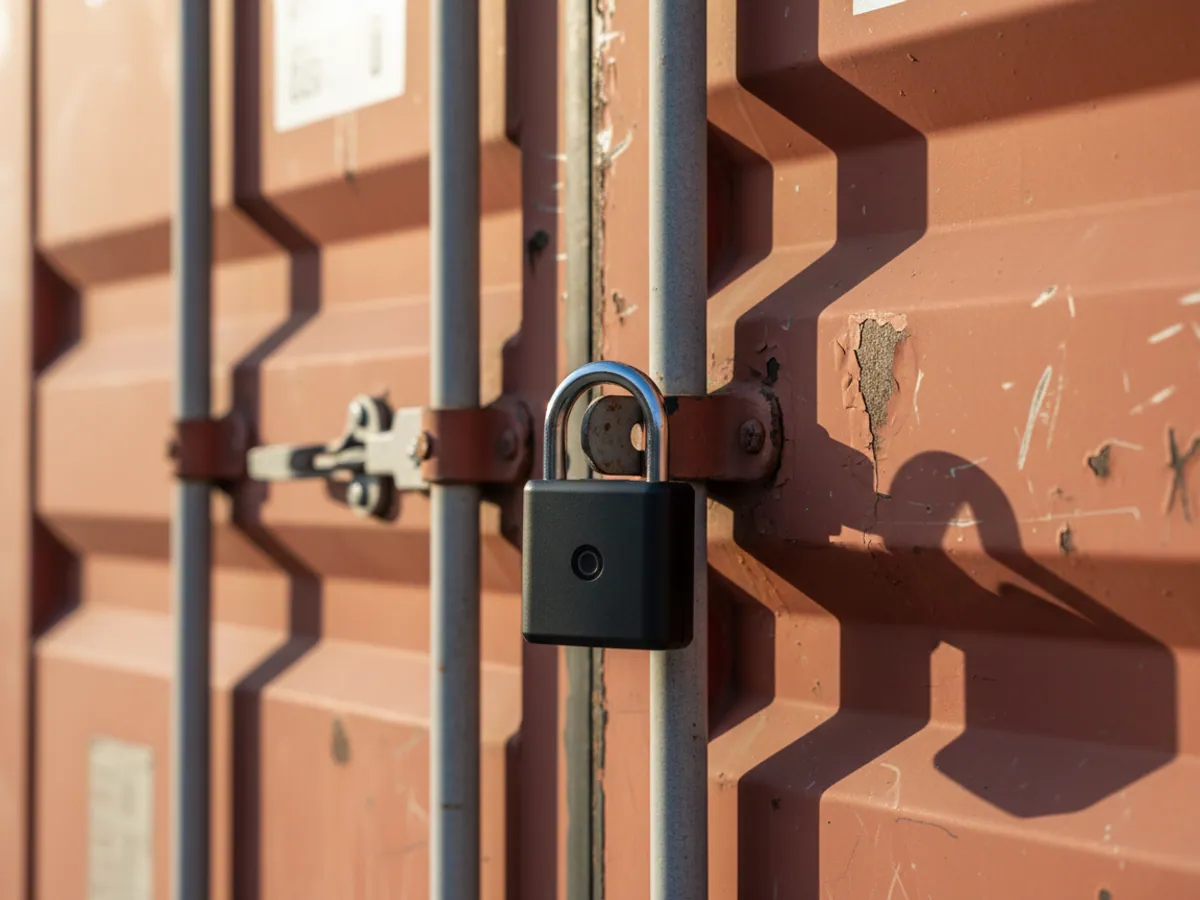
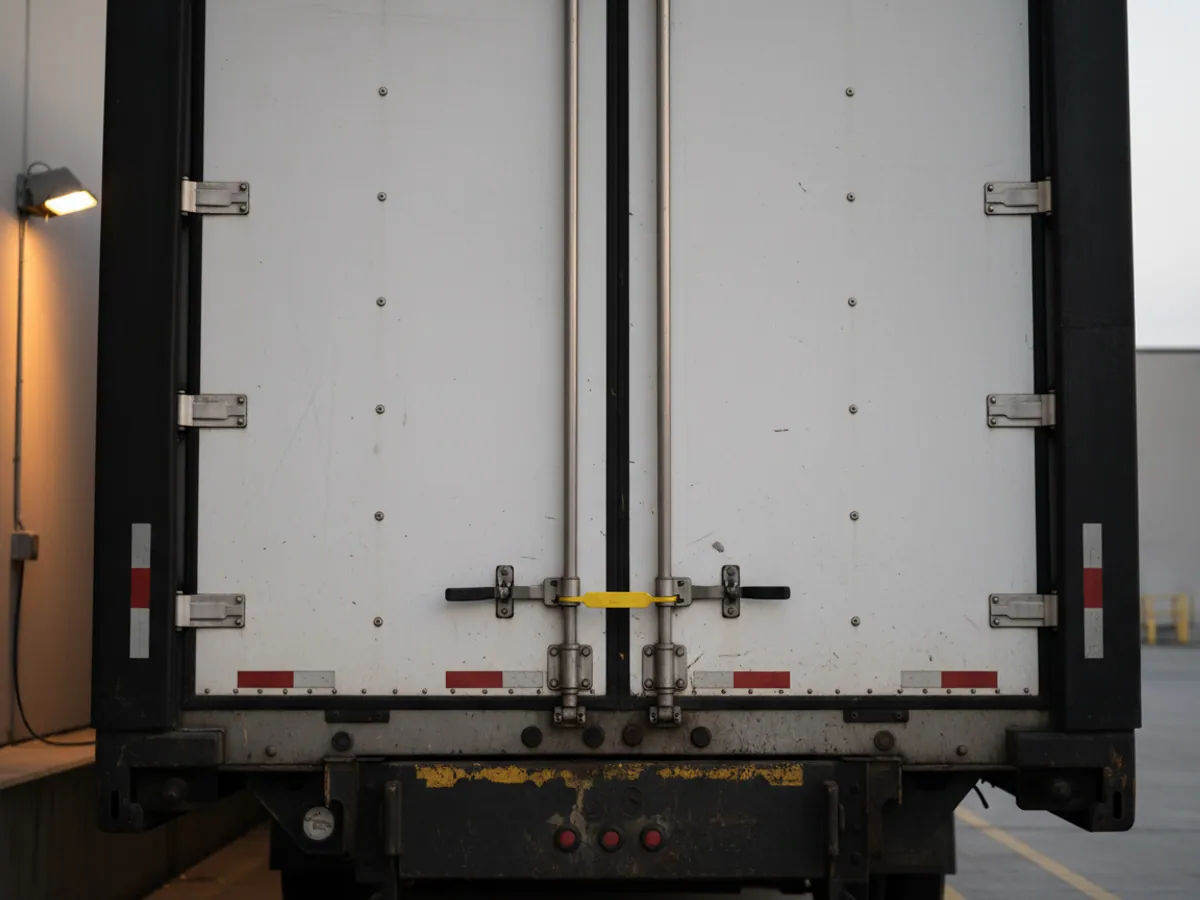
They record every opening of the body with its coordinates. If the doors open not at the consignee's warehouse but on the verge near Shirvan, the dispatcher gets a notification as soon as the tracker sends the event.
One run as the system sees it
Take an ordinary delivery of chilled goods from a distribution centre in Baku to shops in Shamakhi and Gabala.
At 06:40 the refrigerated unit leaves the warehouse geofence. Wialon records the departure time and the temperature in the body: +3 °C. The manager does nothing; the data is already in the report.
On the climb past Shamakhi the driver stops for 25 minutes at a roadside cafe. The doors stay shut, the temperature holds, and the system simply notes the stop. Had the doors opened here, the dispatcher would have got a notification.
At 09:10 the vehicle is 20 minutes from the first drop. The shop receives a message that it is about to arrive. During unloading the doors are open for 12 minutes, the temperature rises to +6 °C and comes back down. All of that stays in the history of the run.
A week later one of the shops complains about a spoiled batch. You open the report and see that the cold chain held throughout, and the goods were handed over at +4 °C. That makes for a very different conversation.
The whole run: order, cargo, ETA, proof of delivery
For a logistician a run is not a track but an order that has to be closed. We bring five links together in the system, and each has its own source of data.
- The order. Order number, customer, loading and unloading addresses, delivery window. It comes from your TMS, from 1C, or is entered by the dispatcher by hand.
- The cargo. What is being carried and what conditions it needs: a temperature range, a seal, a ban on intermediate stops. That determines which sensors and notifications are switched on for the run.
- The ETA. Estimated time of arrival from the current position and speed. It is a forecast: traffic in Baku, a queue at the border or the ferry across the Caspian will shift it. We present the ETA as a guide and update it as the run progresses.
- POD, proof of delivery. The consignee's geofence, the times of arrival and departure, the opening of the doors. If the driver uses a mobile app, a photograph of the delivery note and a signature can be attached to the run. Legal force belongs to the signed document; the tracker data supports it.
- Passing it to the client. A link to the run, a report after delivery, or a data stream into the cargo owner's system. What exactly the client sees is for you to decide.
If one of these links is missing - if orders live only in Excel, say - the run can still be managed in the system, but linking it to the order will have to be done by hand. That is worth allowing for before the start.
A pilot on one route: what it needs and how to sign it off
A pilot is best run on one route and one client: deliveries from a distribution centre to shops, say, or the regular Baku to Ganja line. Allow two or three weeks at least.
From you we need: a list of vehicles and trailers, the addresses of the warehouses and drop points, the format in which the client wants the data, an export of the orders for the pilot period and a contact in the traffic office.
The acceptance criteria are agreed in advance, for example: every run in the system is linked to an order; actual arrival times are reconciled with the warehouse records; temperature on refrigerated runs is exported into a report for the consignee; the client has received the data in the agreed format.
How we bring a logistics company on board
First we draw the route the goods take
At the first meeting we ask to be shown a typical run: where the goods come from, where they are stored, who carries them, to whom and how they are handed over. That diagram shows where trackers are needed, where sensors are needed, and where geofence records are enough.
It often turns out that subcontracted hauliers are invisible to the operator altogether. For them there are options that need no equipment fitted: a mobile app for the driver, or taking data from the trackers they already have.
Common questions from logisticians
How it is used in this industry
Case studies from “Logistics & Warehousing”
Containers and site cabins on GPS: the TAT240 tracker
Assets and workforce
Fuel and service planning from OBD data: FMC003
Logistics and delivery
Vehicle monitoring where there is no cellular coverage
Logistics and delivery
GPS monitoring for “Logistics & Warehousing”
Send us an enquiry and we will prepare a quote for your fleet and pick the hardware that suits this industry.
- 1 We pin down the task
A specialist calls back and asks about the vehicles, how many there are and what you need to keep an eye on.
- 2 We put a solution together
We propose the hardware and the features, and set out the one-off and the monthly cost separately.
- 3 We agree the fitting
At your yard or at ours, on a schedule that keeps the vehicles working.
Request a call
A specialist will call back and match a solution to your fleet and your task.