
Delivery tracking links and a vehicle map on your website
Send the customer a link and they can see for themselves where their load is, or show your buses and vans on your own website. We set up Wialon Locator and similar tools so that outsiders see only what you have decided to show.
- 09:05 Link sent to the customer by SMS
- 10:40 Van on the Zykh highway
- 11:25 Entry into the Mardakan geofence
- 18:00 Link expired, access closed
From the data on board to the dispatcher's decision
The tracker in the vehicle
Sends coordinates to Wialon exactly as before. Nothing has to be added to the vehicle.
Wialon Locator
The dispatcher picks the vehicles and the validity period, and the system creates a link.
WhatsApp, SMS, email
The link goes to the recipient whichever way suits, or the map is embedded in the site.
A map in the browser
The recipient sees only their own vehicle and only until the link runs out.
Features and tools
Links
- Wialon Locator: a link with a limited lifetime
- Delivery status for the recipient
- Notifications on arrival in a geofence
Website and API
- A map with your objects on the company website
- Your own tracking portal through the API
How a single delivery looks through a link
An illustrative example: a furniture order from Baku to Mardakan. This is how the dispatcher and the recipient see the trip.
- The dispatcher creates a link for the trip valid until 18:00
Only the van carrying this order goes into the link. The recipient will not see the rest of the fleet.
- An SMS with the link goes to the customer no login
The map opens in the phone's browser, there is no app to install.
- The van is stuck in traffic on the Zykh highway 25 min delay
The customer can see this and does not ring the dispatcher to ask where the van has got to.
- Entry into the geofence at the customer's address arrival
If a geofence notification has been set up, the recipient learns about the arrival without a phone call.
- The link expires access closed
The map stops opening. If the link has been passed on further, it no longer shows anything.
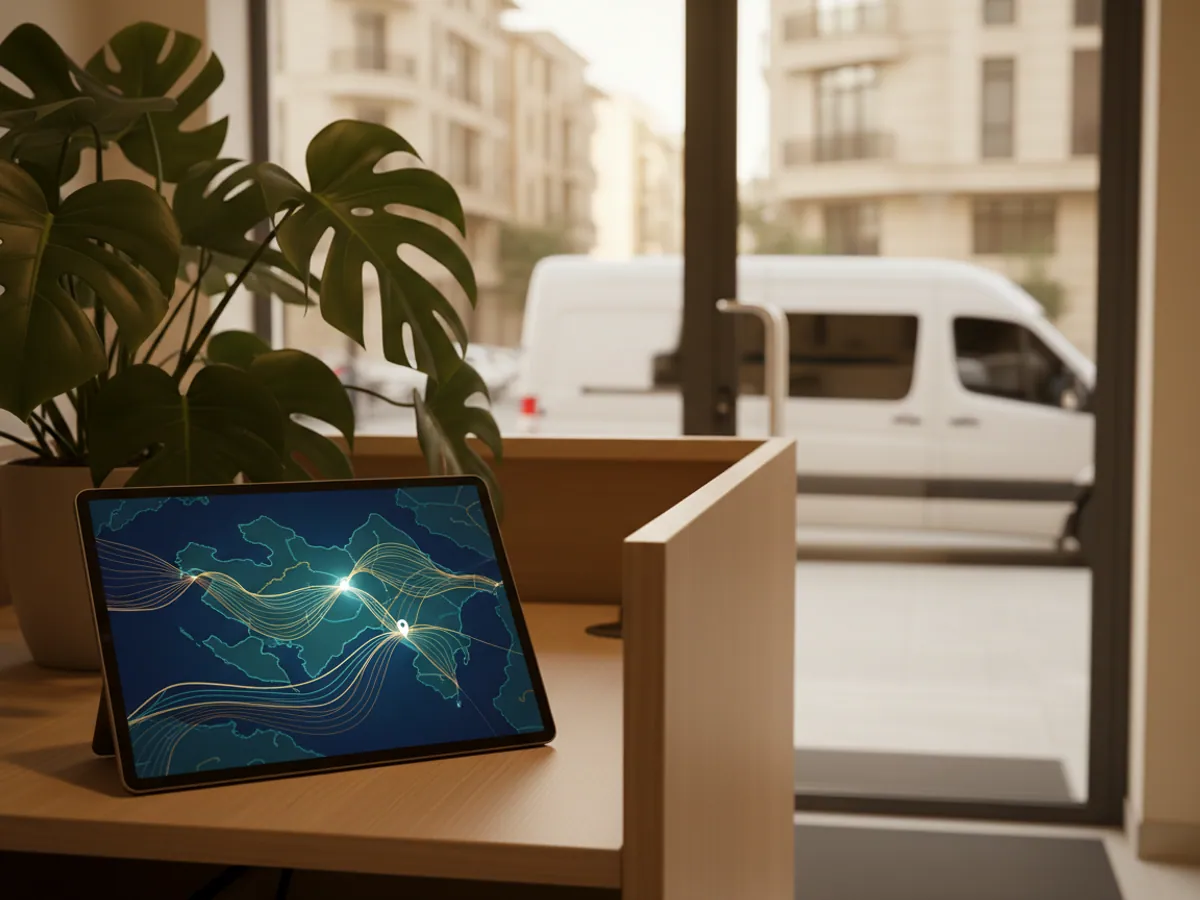
'Where is my vehicle?' is the most common call in logistics
In short: a public link gives the customer limited access to one delivery or one trip: they see the vehicle on the map with no login, only within the period you set and only the objects you have included. The dispatcher creates the link, and the same dispatcher can revoke it before it expires. For dozens of orders a day, links created by hand become awkward, and there you need a delivery module with statuses.
Ask any dispatcher at a freight forwarding company where the day goes. A large part of it goes on the same conversation over and over: the customer rings to find out where the load is and when it will arrive. The dispatcher opens the monitoring system, has a look, rings back. An hour later the customer rings again.
Public tracking breaks that loop. The customer gets a link and sees the vehicle on the map without help, from a phone, with no login and nothing to install. What is left for the dispatcher is the real problems rather than running an enquiry desk.
And you are not opening up anything you did not intend to. The link shows only the object in question, only for the period set, and access ends by itself. The rest of the fleet, the drivers, the fuel and the trip history stay inside your Wialon account.
It all works with the equipment already fitted in the vehicles, whether that is Teltonika, Queclink or another tracker connected to the platform. Nothing has to be changed in the cab, it is all configured on the server side.
How a Wialon Locator link works
Locator is the Wialon tool for publishing a location. A dispatcher creates a link in a minute, and it can be shared over WhatsApp, SMS or email.
Choosing the objects
A link can carry one vehicle for a particular trip, or several, for example all the buses on a staff shuttle route.
Validity period
The link lives as long as you set: for the duration of a trip, for a day, for a week. After that the map stops opening.
No account required
The recipient needs no Wialon login. The map opens in an ordinary browser on a phone or a computer.
Revoke at any moment
If the link has gone to the wrong person or the trip has been cancelled, the dispatcher deletes it and access disappears straight away.
The three scenarios this is usually built for
The recipient can see when the courier will arrive
A furniture shop in Baku is delivering a large order to Mardakan. The customer does not want to sit at home from ten in the morning until six in the evening. In the morning an SMS arrives with a link, and they can see that the van is on the Zykh highway at that moment and that they are third on its list.
For companies handling dozens of orders a day, links made by hand are awkward. Wialon Delivery is the better fit here: every order carries its own status, and the recipient can be sent notifications about the order automatically, with no dispatcher involved.
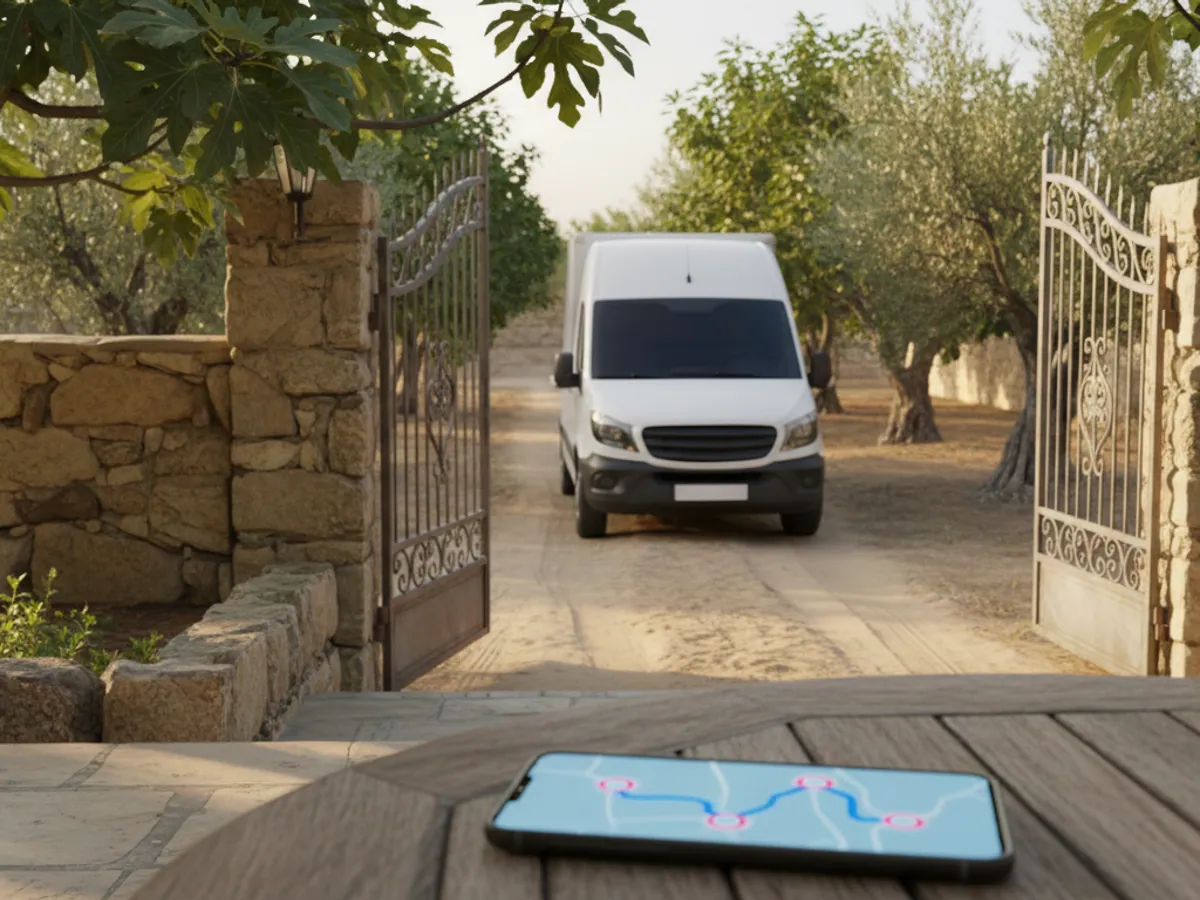


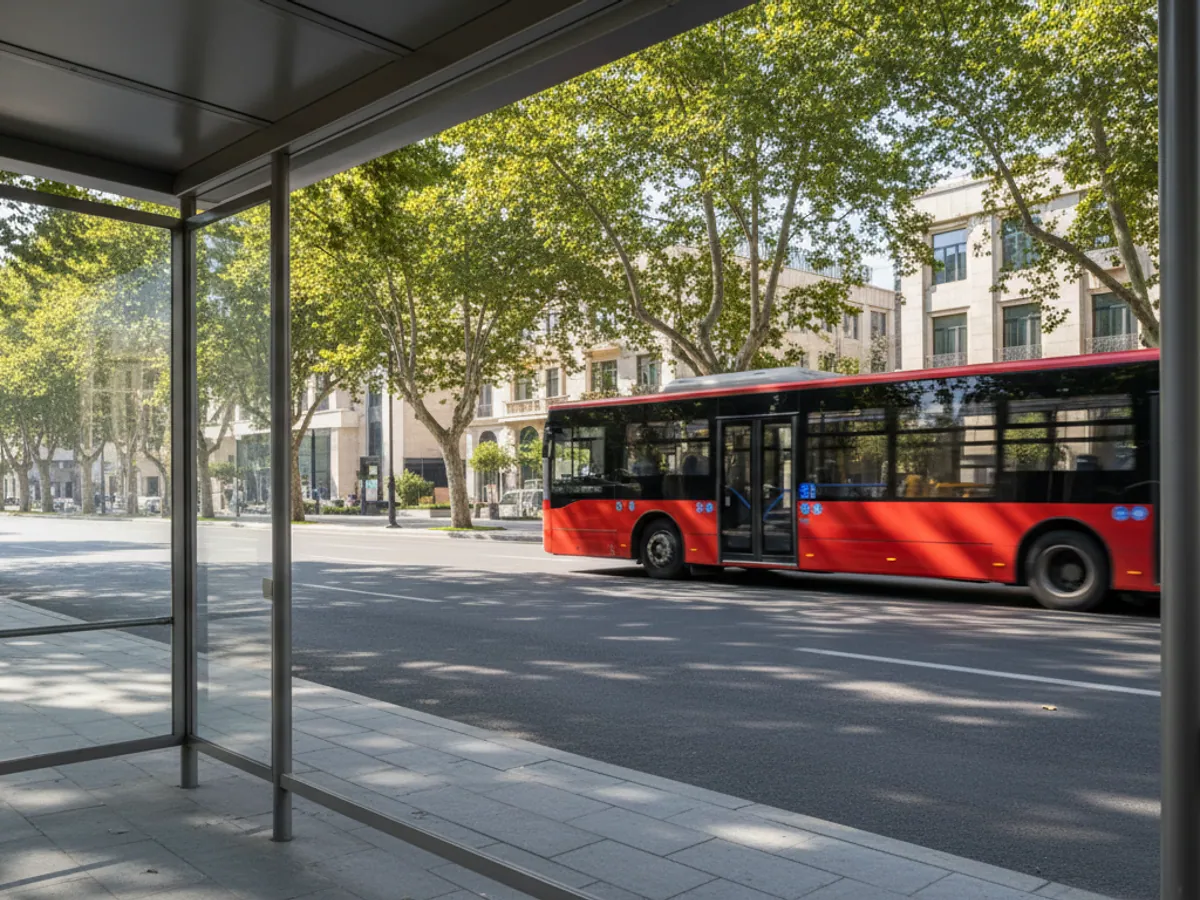
A map with your vehicles right on your own website
The second option is not a link to a separate page but a map embedded in your site. It is used where the vehicles have to be on show all the time and to a wide audience.
- Staff shuttles and buses. Buses between a campus, the metro and the office, or tourist shuttles between the hotels in Gabala.
- Municipal plant and equipment. Snow ploughs on the passes around Guba and Gusar in winter, water bowsers in summer. Residents can see that the road is being cleared.
- Mobile points of sale. Food vans or mobile service points that stand in a different place every day.
Technically the simplest route is to embed a Locator link in a page of the site. If you want your own design, filters or a list of stops, the map is built on your side with data drawn from Wialon through the API. The second route needs a developer, the first does not.

A link in practice: from sending it to the moment it expires
An illustrative trip: a lorry carrying a customer's load runs from Alat to Ganja, leaving in the morning and arriving towards evening.
- Creating it. The dispatcher picks one vehicle and a validity period, until the end of the following day, with some slack for delay. The object name has been changed in advance to something the customer will recognise, for example Trip 214, Alat to Ganja, with no driver surname in it.
- Sending it. The link goes to the customer on WhatsApp or by email, together with the trip number and the dispatcher's phone.
- What the recipient sees. A map with the position of the vehicle, its name and the time of the last update. The history of other trips, the rest of the fleet, fuel and driver data stay out of sight. If extra parameters were switched on when the link was created, those become visible too, so before it goes out we open the link ourselves and check what is on it.
- Revoking it. If the customer has changed contact person, or the link has been forwarded into a group chat, the dispatcher deletes it and the map stops opening.
- Expiry. Once the period is over the link does not work, even if it has been saved as a bookmark. A new trip gets a new link.
If the vehicle runs into an area with no connection along the way, the recipient will see the last known position and the time it came in. It is worth saying so in the message template, so that the customer does not conclude the vehicle has stopped.
What to check before you open data to the outside
Driver privacy
Do not show a vehicle publicly once the trip or the shift is over. A short-lived link takes care of that by itself, and a map with no expiry is worth limiting to working hours.
Cargo security
For valuable loads a public location is a risk. For cash-in-transit, electronics and pharmaceuticals we usually advise showing the customer only the status and the arrival time, with no live point on a map.
Object names
The name of the vehicle is visible in the link. If it contains the registration number, the driver's surname or an internal code, rename the object or use a separate display name.
Update frequency
The customer expects the point to move. If a tracker parked up sends data once every 10 to 15 minutes, explain that in advance, otherwise the calls saying the vehicle has stopped will start coming in.
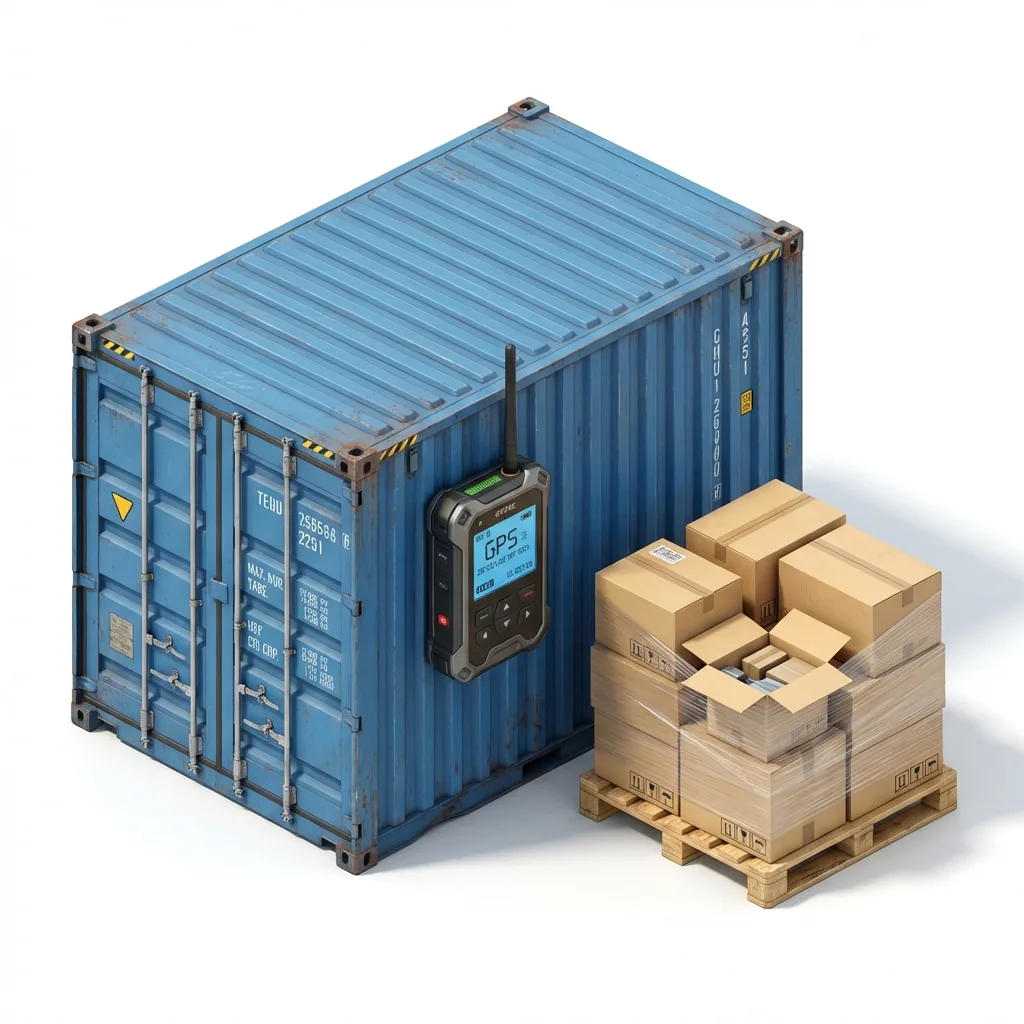
How we set up tracking for customers
It usually takes anywhere from a day to a couple of weeks, depending on whether simple links are enough or an embedded map is wanted.
- A conversation about the scenario. Who receives the link, for how long, and what they are allowed to see. The answers from a freight forwarder and from a school running buses are nothing alike.
- Order in the names and groups. We rename the objects so that they can be shown to a customer without embarrassment, and put the groups together: shift A shuttle, trips to Georgia.
- Tracker settings. We check how often data is sent. For a public map, a point once a minute while moving is a sensible minimum, otherwise the vehicle jumps about.
- A message template. We prepare the text for WhatsApp or SMS in Russian and Azerbaijani: trip number, link, dispatcher's phone.
- Training the dispatchers. We show them how to create a link in a minute and how to revoke it. This can be combined with general user training.
If a map on the website is wanted, a stage with your web developer is added: we provide access and help with the data, the front-end work is theirs.
Who uses public links
Forwarders and 3PL
A link to the trip for the cargo owner, instead of daily phone calls and screenshots of the map in a messenger.
Online shops
The recipient of a bulky order can see when the vehicle will arrive and does not wait in all day.
Schools and nurseries
Parents can see the school bus in the mornings. The link works only during the hours when children are collected.
Tourism
Transfers from Heydar Aliyev Airport and coach tours to Sheki and Gabala. The guest can see where their vehicle is.
Construction supplies
The site manager can see the concrete mixer coming and has the gang ready to unload in good time.
Service teams
The customer knows when the air conditioning or internet engineer will turn up, much as in a taxi app.
What the company and its customers get
Fewer calls to the control room
Customers who have a link ring less often. It shows most clearly on trips that run over several days.
A calmer recipient
People can see for themselves that the vehicle is on its way and plan their own time around it. Fewer deliveries refused because someone gave up waiting.
Transparency for the customer
It is easier for a forwarder to hold on to large customers when they do not have to plead for information about their load.
No development to start with
Locator links work as soon as monitoring is connected. A portal and an embedded map are the next step, if it turns out you need one.
What goes on the vehicle
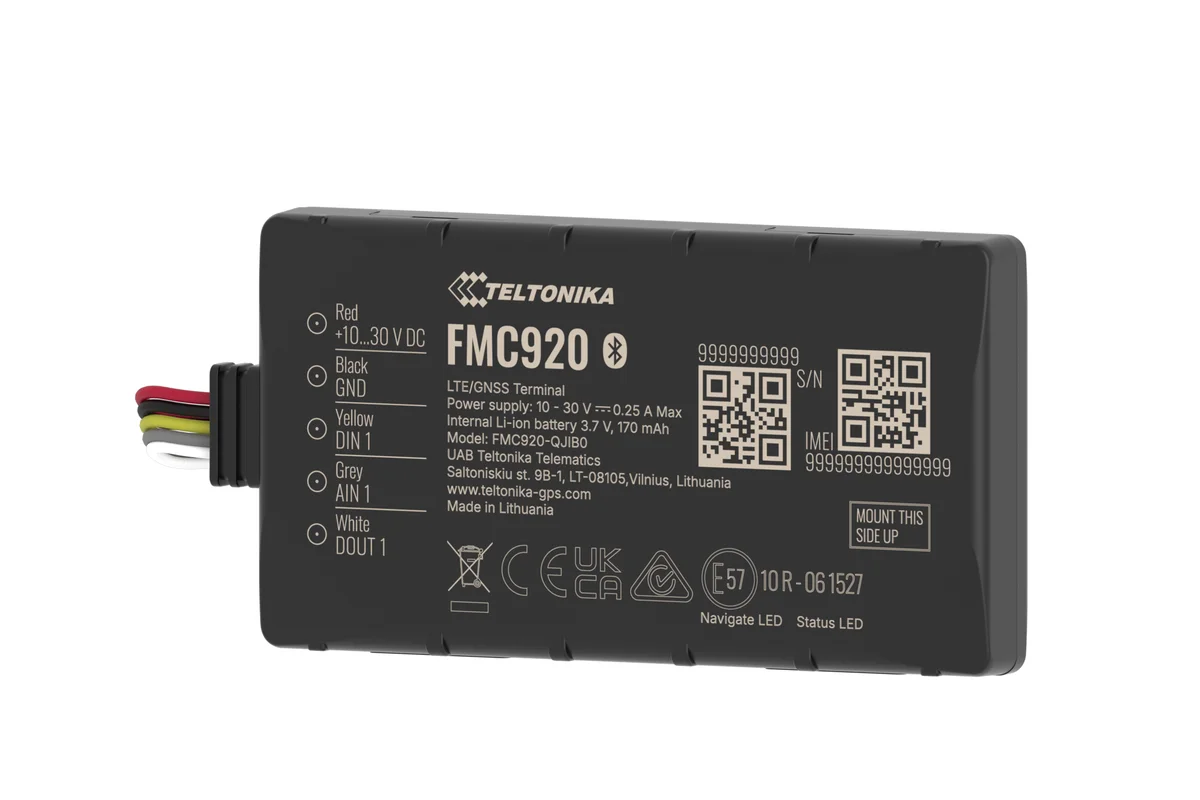
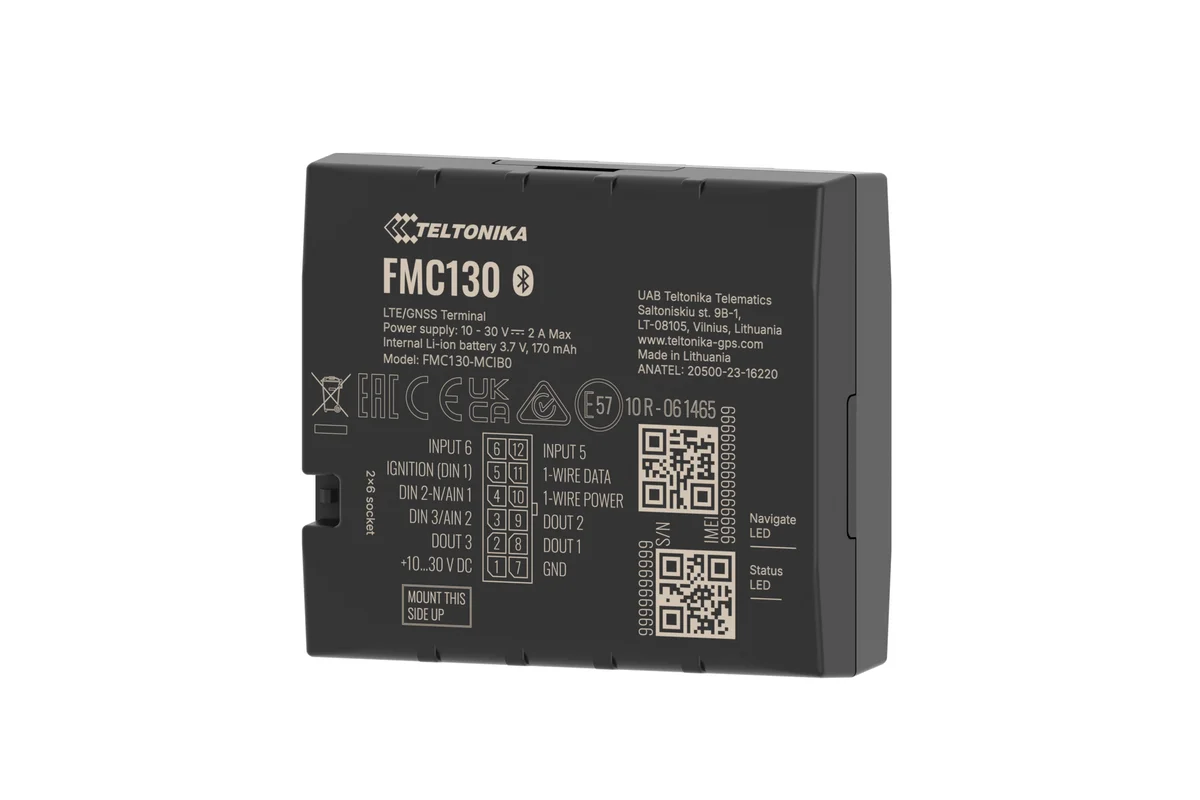
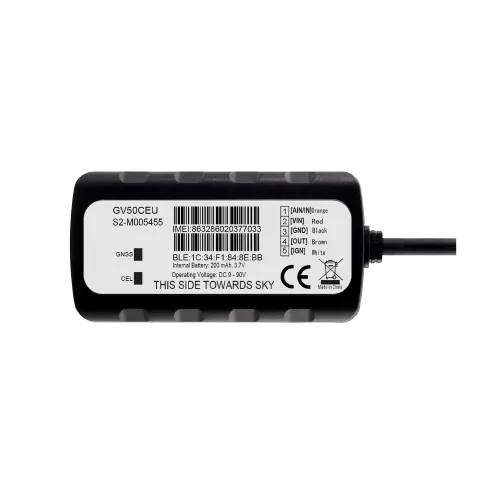
A link, a map on the site or your own portal
Three ways to show your vehicles to the outside world. Almost everyone starts with links.
| Locator link | Map on the site | Own portal (API) | |
|---|---|---|---|
| Goes live without a developer | Yes, in a minute | A webmaster is needed | No, development is needed |
| Access closes when the period ends | Yes | No, the map is always open | However you configure it |
| Suitable for a wide audience | No, the link is for one recipient | Yes | Yes |
| Your own design and branding | No, a standard look | Partly | Yes, completely |
| Typical scenario | One trip, one customer | Staff shuttles, buses | A large customer |
Fitting and cost
The feature becomes available once you are connected to the GPS.az platform. The cost is made up of the hardware, the fitting and a monthly subscription, which includes the SIM card traffic — the total depends on the type of vehicle and the set of sensors. We prepare an exact quote for your fleet free of charge within one working day.
- 1 Your enquiry and the list of vehicles
- 2 The quote and an agreed fitting schedule
- 3 Fitting the hardware at your own site
- 4 Setting up reports and alerts in Wialon, and training the dispatcher
Questions about “Delivery tracking links and a vehicle map on your website”
Request a call
A specialist will call back and match a solution to your fleet and your task.