
Servicing and maintenance control for a fleet
Servicing and maintenance control for a fleet based on real mileage and engine hours rather than on entries in a notebook. Wialon works out for itself when a vehicle is due at the workshop, reminds you in advance, keeps the repair history and shows engine fault codes — fewer unplanned stoppages and fewer expensive breakdowns.
- 1 Van 10-XX-123 86oil change in 8,600 km
- 2 Tractor unit 90-XX-417 71level-2 service in 2,900 km
- 3 Excavator 20-XX-058 64hydraulics in 180 engine hours
- 4 Diesel generator, site 38service in 95 engine hours
- 5 Bus 77-XX-302 12roadworthiness test in 9 days
From the data on board to the dispatcher's decision
Tracker and CAN
Mileage from the odometer over CAN or calculated from GPS, engine hours from the ignition or from an engine-operation sensor.
Wialon or FleetRun
Service intervals in the Wialon unit record are compared with mileage and engine hours. Costs and completed work are kept in FleetRun.
Reminder
The notification comes in advance, with a margin: 1,000 km or 20 engine hours before the interval, for example.
Repair history
The work and the parts are written into the record, and the interval starts counting from zero again.
Features and tools
Planning
- Automatic service planning by mileage, engine hours or the calendar
- Service intervals set up for every individual machine
- Forecasting the date of the next scheduled service
Control
One day of a mechanic who tracks servicing
An illustrative contractor's fleet: tractor units in Baku and an excavator on a site in Shamkir. This is how the events look in Wialon.
- Service summary by email 3 machines
The morning report: who is due for service in the next 7 days. The mechanic books the bay and the parts rather than hearing about it from the driver.
- A tractor unit is approaching its interval 1,000 km left
The notification came in advance. The vehicle goes in for an oil change after the run, not in the middle of the M-2.
- Engine fault code over CAN DTC
The mechanic sees the fault before the driver rings in, and decides whether the run can continue.
- Excavator on the site in Shamkir 40 engine hours
Two or three working days before the hydraulics service. The mobile crew is sent out with the consumables straight away.
- Service closed off in the vehicle record interval reset
The mechanic logs the work and the parts. The system now counts the next service from the current mileage.

Why servicing kept in a notebook gets missed
In short: service control in Wialon means intervals by mileage, engine hours or date for each machine, a reminder sent to the responsible person in advance, and a completion mark after which the count starts again from zero. What it needs is a tracker supplying mileage or engine hours, the starting readings and the date of the last service. The system does not plan the repair on the mechanic's behalf: it prompts the deadline, while the decision and the completion mark are made by a person.
In most of the fleets we come into, the service schedule is kept in Excel or in the mechanic's logbook. Mileage is entered from what the driver says, or once a month when the vehicle comes back to the depot.
While there are ten vehicles, this works. When there are forty, half of them out on the road, and the forklifts and excavators have no odometer at all, the schedule starts to lie. The oil is changed 3,000 to 5,000 km late. Filters on plant and heavy equipment get done when somebody remembers.
The consequences are usually visible a year later: a turbocharger on a tractor unit, hydraulics on an excavator, a starter motor on a bus. A repair that costs several times more than the service that was skipped, and a week of standstill on top of it.
Parts for European lorries and plant are often brought in to order, so the standstill easily stretches out by another week or two.
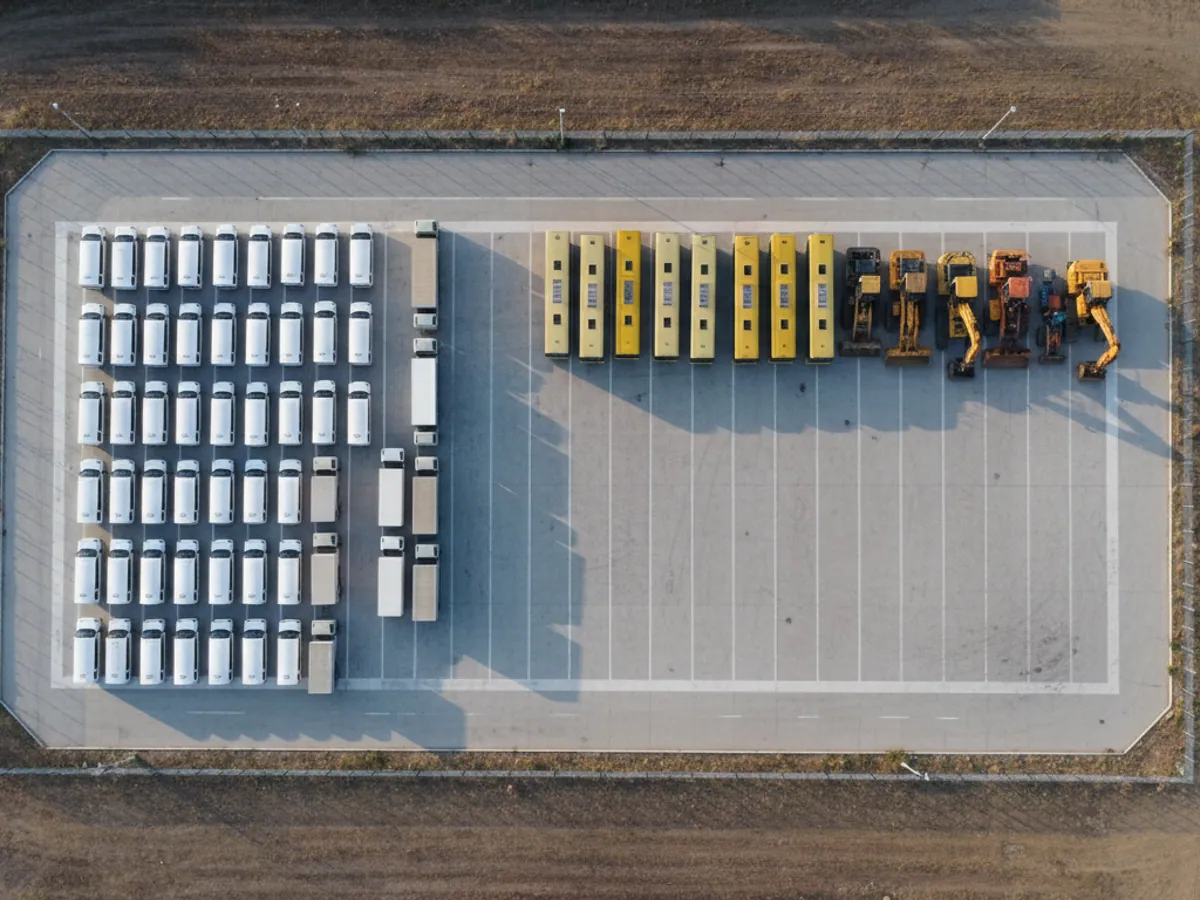
Where Wialon gets the mileage and engine hours from
A Teltonika or Queclink tracker sends each machine's mileage and engine hours to Wialon. If the CAN bus is connected, the mileage is taken from the vehicle's own odometer; if it is not, it is calculated from GPS. Engine hours run off the ignition or off an engine-operation sensor.
Service intervals are set in each machine's record: an oil change every 10,000 km, a hydraulics service every 500 engine hours, a roadworthiness test once a year. Wialon counts down and sends the mechanic a notification in advance — by email or to Telegram.
Once the work is done the mechanic marks it complete, and the count starts again from zero. That is how a maintenance history builds up in the system: what was done to each machine, when, and at what mileage.
What to count the intervals by
Cars, vans, tractor units
For road vehicles the main counter is kilometres. We take the intervals from the manufacturer's service book and, where necessary, shorten them for local conditions: dust, summer heat, short urban trips with long spells of idling.
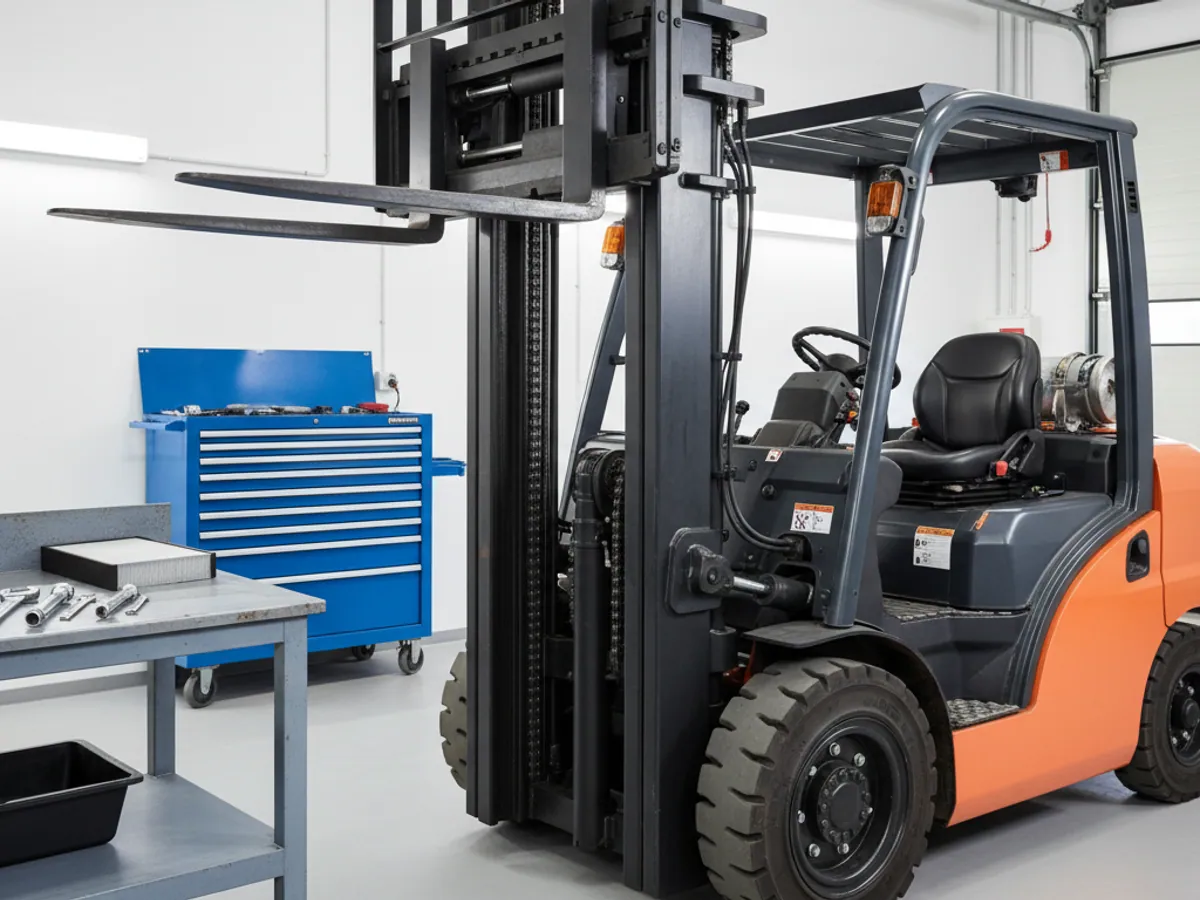
On vehicles that spend a lot of time standing with the engine running, mileage alone is not enough. A taxi or a cash-in-transit vehicle may cover 80 km in a shift and stand for six hours with the air conditioning on. For those it is worth keeping both counters.


Capabilities and metrics
What maintenance control on the GPS.az platform covers:
Flexible service intervals
Service frequency for each machine or group: by mileage (every 10,000 km, for example), by engine hours (every 250 h) or by date.
A digital service book
An electronic maintenance history: dates, types of work, parts replaced, cost and the mechanic responsible.
Forecast and notifications
The system estimates the date of the next service from the machine's average mileage and sends a reminder in advance by email or to a messenger.
Remote diagnostics
Alerts on fault codes (DTC) and warning lights from the CAN bus, so that you can react before the problem turns into a breakdown.
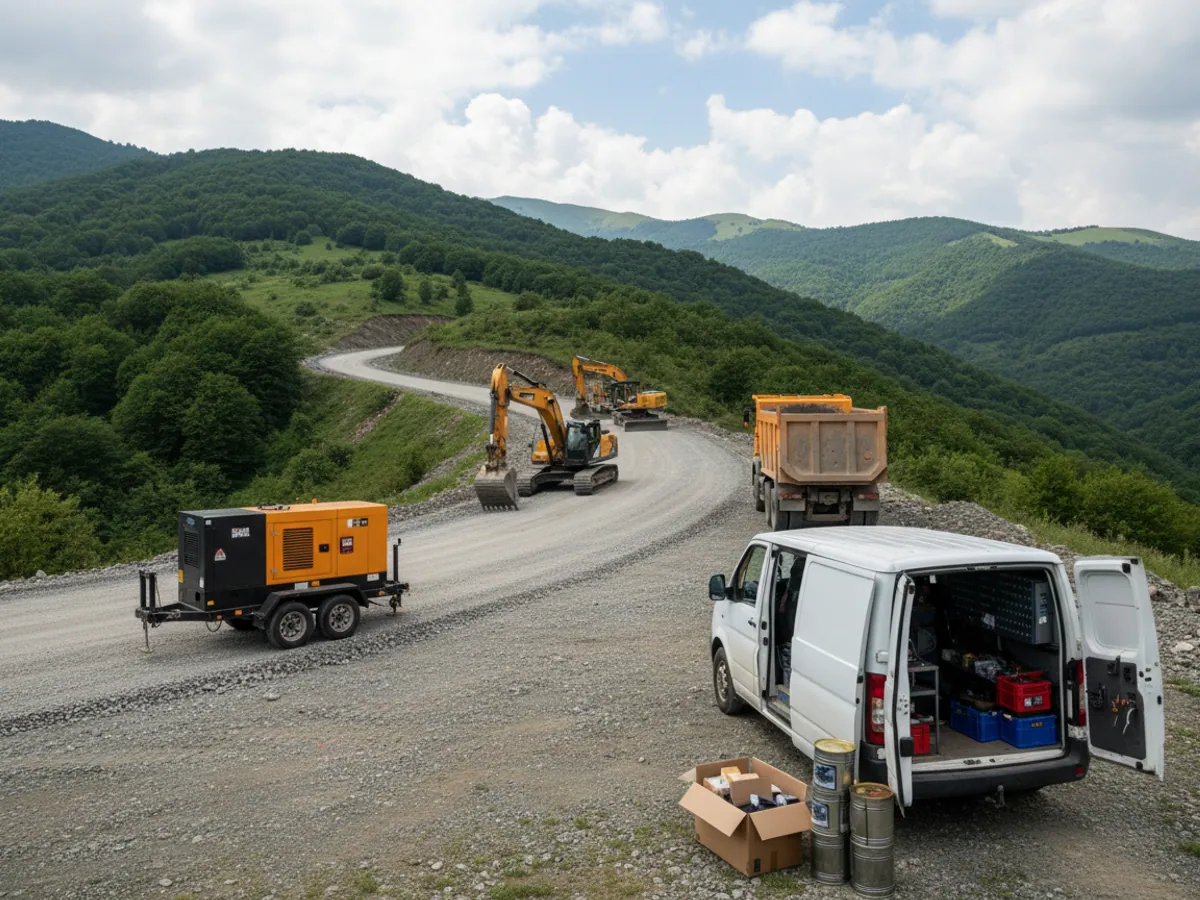
An example: machines on a remote construction site
A contractor is carrying out road works in Karabakh. On site there are excavators, tipper lorries, a grader and two diesel generators. The depot with the mechanics is in Baku, several hours' drive from the site.
Engine hours used to reach the mechanic by telephone from the site foreman, who copied them off the dashboard when he had a moment. The filter change on the excavator would slip by hundreds of engine hours, and the service crew drove out to the site once something had already broken.
After the trackers were fitted, every machine's engine hours are visible in Wialon daily. The mechanic sees in advance that three units are due for service next week and sends one mobile crew with consumables to all three at once. The machines stand idle less, and there are fewer trips out to the site.
There is more about projects of this kind on the operating construction machinery page.
What the business gets
Cheaper repairs
Servicing on time prevents some of the serious breakdowns. In our experience the cost of unplanned repairs usually falls by 15–20%.
The machines last longer
Regular oil and filter changes look after the engine, the transmission and the hydraulics. Vehicles have to be written off early less often.
Less idle time
Scheduled servicing happens when the machine is least needed, rather than in the middle of the season. There are noticeably fewer unplanned stoppages.
Safety on the road
Machines in good order break down less often on the way. For TIR runs to Georgia, Iran or Russia, recovery abroad is a large cost item in its own right.
A history when the machine is sold
A full service history with dates and mileage helps sell a used vehicle for more: the buyer can see that maintenance was done to schedule.
Less dependence on one mechanic
The schedule and the history are held in the system, not in the head or the notebook of one particular person. If the mechanic goes on holiday or leaves, nothing is lost.

The service record, and what happens if an interval is missed
This is what a maintenance entry in a machine's record looks like. The values are illustrative; yours will come from the service book.
- Work: engine oil and filter change.
- Interval: by mileage, by engine hours or by date — whichever comes first, if both conditions are set.
- Last carried out: the date and the odometer or engine-hour reading.
- Remaining: how many kilometres, hours or days until the next time.
- Responsible: who the reminder goes to and who marks the work as done.
If the date has passed and there is no completion mark, the interval is shown as overdue, and the mileage run beyond the interval keeps accumulating. The system does not immobilise the machine and does not send it to the workshop by itself. That is why we agree the procedure before going live: who receives the first reminder, who gets the repeat one if nothing has been done after an agreed period, and who has the right to postpone a service with a comment.
The completion mark is entered by the mechanic or the fleet supervisor after the work. If it is forgotten, the count will not reset to zero and the next reminder will come at the wrong time. This is the most common mistake of the first few months.
Where Wialon ends and FleetRun begins
Both tools work with the same mileage and engine hours. The difference lies in what you keep in them.
Wialon: deadlines and reminders
Service intervals in the unit record, notifications as the date approaches, fault codes from the CAN bus if the tracker receives them. Enough when the point is simply not to miss a service.
FleetRun: work and costs
A separate application where, besides the deadlines, you keep the work carried out, parts, tyres and workshop invoices. Needed when the question is no longer when, but what the machine is costing you.
What stays with you
Parts stock control, paying the workshops and accounting write-offs stay in 1C or the ERP. Monitoring prompts the deadlines and keeps the history, but it does not replace an accounting system.
What to prepare before going live
Setting up service control takes from a few days to a couple of weeks. It goes fastest if this data is gathered in advance:
- A list of the machines with registration numbers and current odometer or engine-hour readings — this is the starting point of the count.
- Intervals for each model. They are usually taken from the service book, but if you have experience of your own — the air filter being changed more often in dusty quarries, say — we enter your figures.
- The date and mileage of the last service for each machine. Without this the first forecast will be inaccurate.
- Who the reminders should go to: the chief mechanic, the fleet supervisor, the branch manager. Different people are often responsible for different groups of machines.
If the intervals in the service books have been lost, it is no great matter: we enter sensible values from experience and refine them over the first few months.
When costs have to be kept as well as deadlines — work, parts, tyres, workshop invoices — it is more convenient to work in the separate Wialon FleetRun application. It takes mileage and engine hours from the same monitoring system, so nothing has to be entered twice.




A notebook, Excel or records in Wialon
Intervals can be kept anywhere. The difference is where the mileage and engine hours come from, and who reminds you when the time is up.
| The mechanic's notebook | An Excel spreadsheet | Wialon | |
|---|---|---|---|
| Mileage updates itself | No | No | Yes, from the tracker |
| Reminds you in advance | No | If you open the file | Yes, by notification |
| Engine hours without the operator writing them down | No | No | Yes, from the ignition |
| Sees engine faults | No | No | Yes, over CAN |
| The history survives a change of mechanic | It leaves with him | If the file was kept up | Yes, in the vehicle record |
Fitting and cost
The feature becomes available once you are connected to the GPS.az platform. The cost is made up of the hardware, the fitting and a monthly subscription, which includes the SIM card traffic — the total depends on the type of vehicle and the set of sensors. We prepare an exact quote for your fleet free of charge within one working day.
- 1 Your enquiry and the list of vehicles
- 2 The quote and an agreed fitting schedule
- 3 Fitting the hardware at your own site
- 4 Setting up reports and alerts in Wialon, and training the dispatcher
Questions about “Servicing and maintenance control for a fleet”
Request a call
A specialist will call back and match a solution to your fleet and your task.