

Managing the operation and servicing of plant and heavy equipment
For chief mechanics, owners of construction plant fleets and companies that hire machines out. Engine hours, operating modes, engine faults, service schedules and the history of every machine in one system.
An excavator that has been serviced on time and has not been run hot lasts longer and sells for more. So here monitoring is above all about preserving machine life. Where the machine is comes second.

The chief mechanic is the last to hear about a breakdown
In a mixed fleet, with CAT and Komatsu alongside JCB, Hyundai, SANY and XCMG, every machine has its own service interval, its own weak points and its own history. The mechanic keeps all this in a notebook or a spreadsheet, and takes the running time from what the operators tell him. What happened to the engine during the shift he cannot see at all.
The result is repair after the event. A turbocharger killed by the habit of shutting the engine down straight after a heavy load. An engine run for a week with the oil pressure light on, because supposedly it would last till the end of the job. Oil changed 300 engine hours late, because the hour counter in the cab stopped working long ago.
Telematics puts servicing on a footing of data: real engine hours, fault codes from the CAN bus, operating modes, service reminders. How monitoring works on a construction site more generally is covered on the solutions for the construction industry page.
What shortens the life of a machine
When we go through the history of serious repairs with mechanics, in most cases the cause is not a factory defect but the way the machine was operated:
Missed servicing
Oil and filter changes hundreds of engine hours late. Particularly common on machines sitting on a distant site.
Faults ignored
The oil pressure or overheating light is on and the operator carries on working. The mechanic finds out when the machine will no longer start.
Harsh operation
Constant running at maximum revs, shutting down a turbocharged engine without letting it cool, working the hydraulic breaker without a break.
Idling
The engine runs while the machine stands still. Engine hours accumulate, the service interval comes closer, fuel burns and no work gets done.
Overstated hours
Hours worked are inflated in order to write off fuel or to be paid more for piece-rate work.
What can be taken from the CAN bus and what cannot
On modern machines much of this is already in the machine's electronics: engine hours, revolutions, coolant temperature, oil pressure, fuel consumption, fault codes. We take that data with a contactless reader that clips onto the bus wire and does not interfere with the electronics. There is more on the CAN adapter page.
An honest limitation: not every machine gives everything. Older machines may have no CAN at all. Some Chinese excavators and loaders have a bus, but the data is closed or is sent in a non-standard format. Sometimes fuel consumption is missing, sometimes fault codes are.
So we check every model before fitting. Where CAN does not give what is needed, we fit separate sensors: a fuel level sensor in the tank, an engine running sensor, a temperature sensor, a pressure sensor in the hydraulic system. The result in the report is the same; only the route to it differs.
Tools for the chief mechanic
Running time you can trust
Engine hours are counted from CAN or from an engine running sensor, rather than from the counter in the cab, which can fail or be disconnected. The time is divided into three parts: engine off, idling and working under load.
The proportion of idling is a good indicator of trouble. If one excavator is at 25% and an identical machine on a neighbouring site is at 55%, it is worth looking into: either the machine is waiting for tippers or the operator does not shut the engine down.

One excavator, one week, one turbocharger
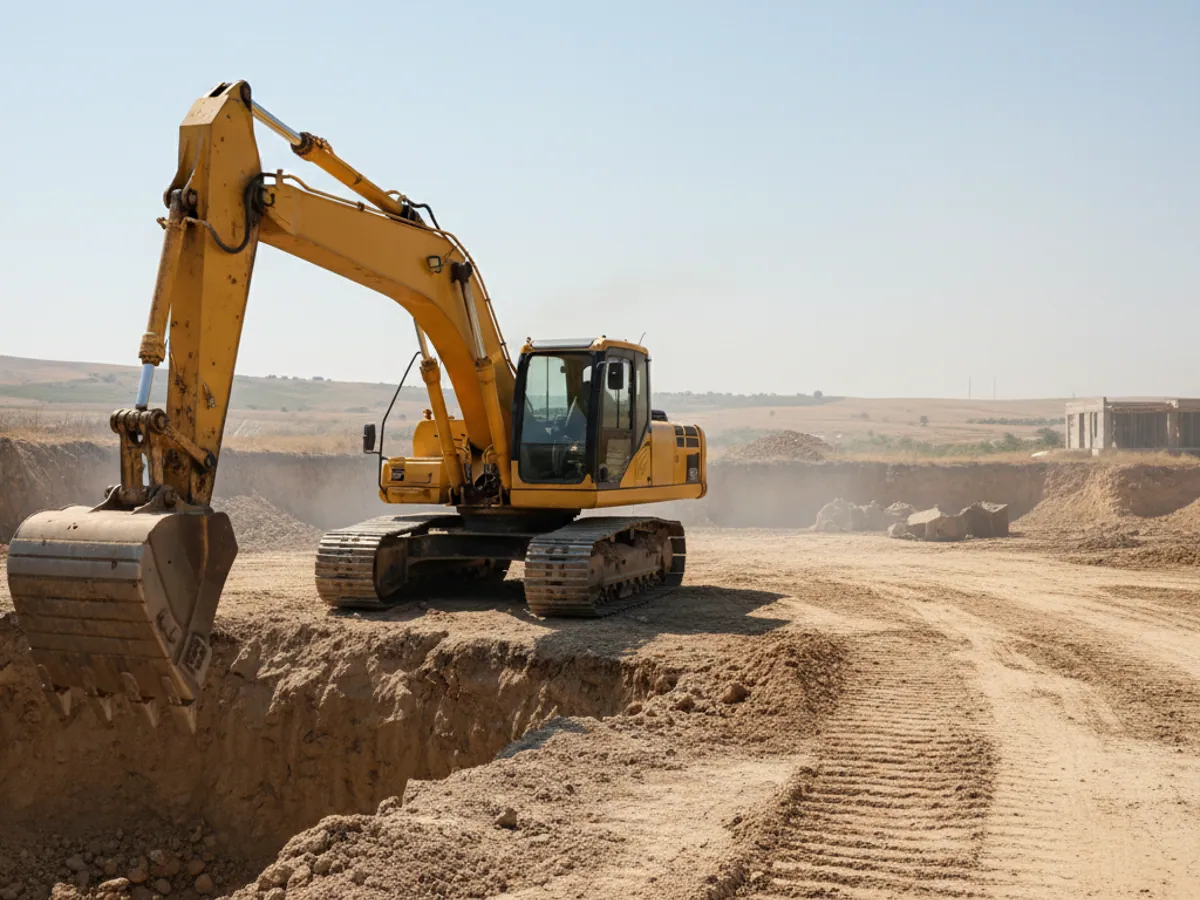
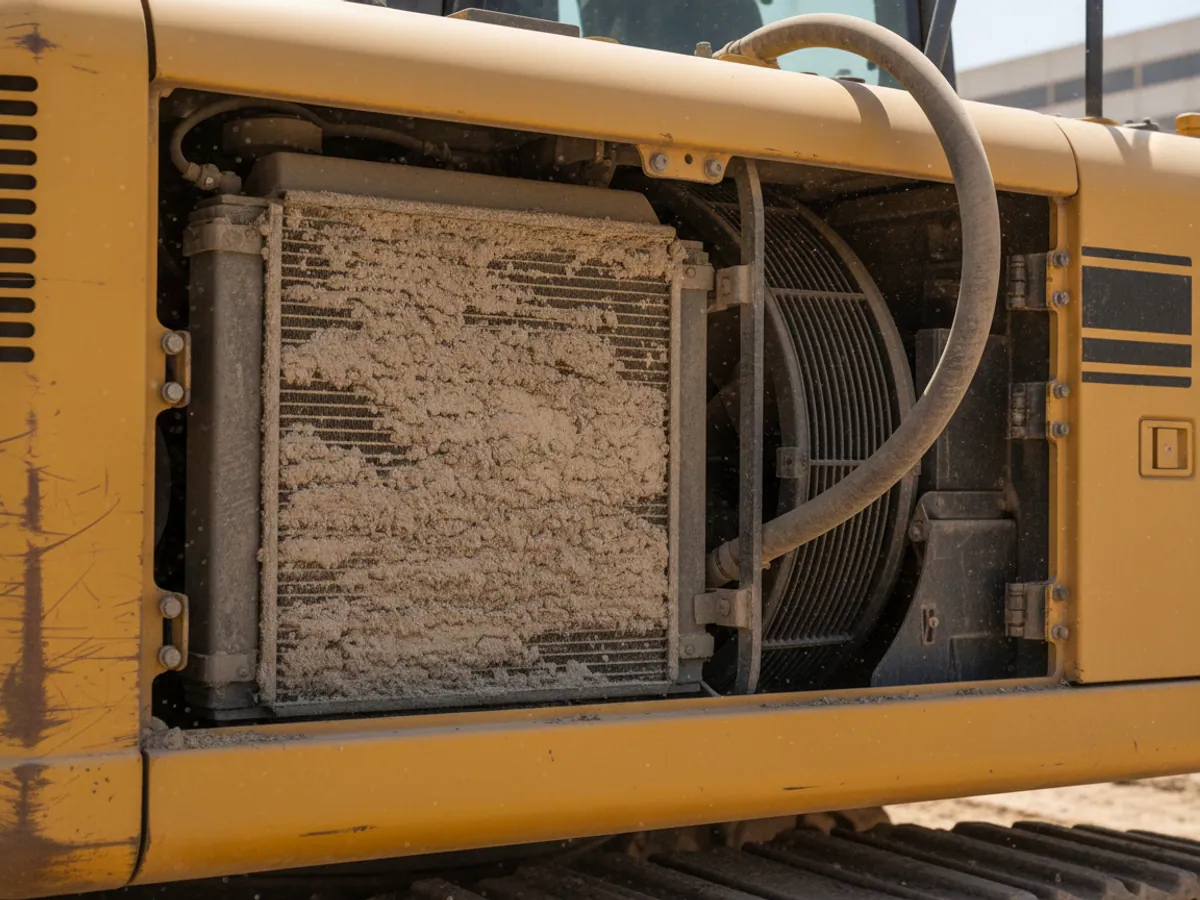
A tracked excavator on a site outside Sumgait. On Monday the system records coolant temperature above the norm for 12 minutes. The mechanic gets a notification and rings the operator, who says everything is fine, it is just hot.
On Tuesday the overheating happens twice, on Wednesday five times. The mechanic drives out to the site and finds the radiator clogged with dust. Cleaning it takes an hour. Without the notifications this would have come to light when the engine already needed major work.
On the same machine the report shows that the operator shuts the engine down straight after digging an average of 15 times a shift. A short conversation and a couple of minutes of cooling, and the turbocharger's life is back on a normal course rather than an accelerated one.
Which counter to keep: engine, PTO or attachment
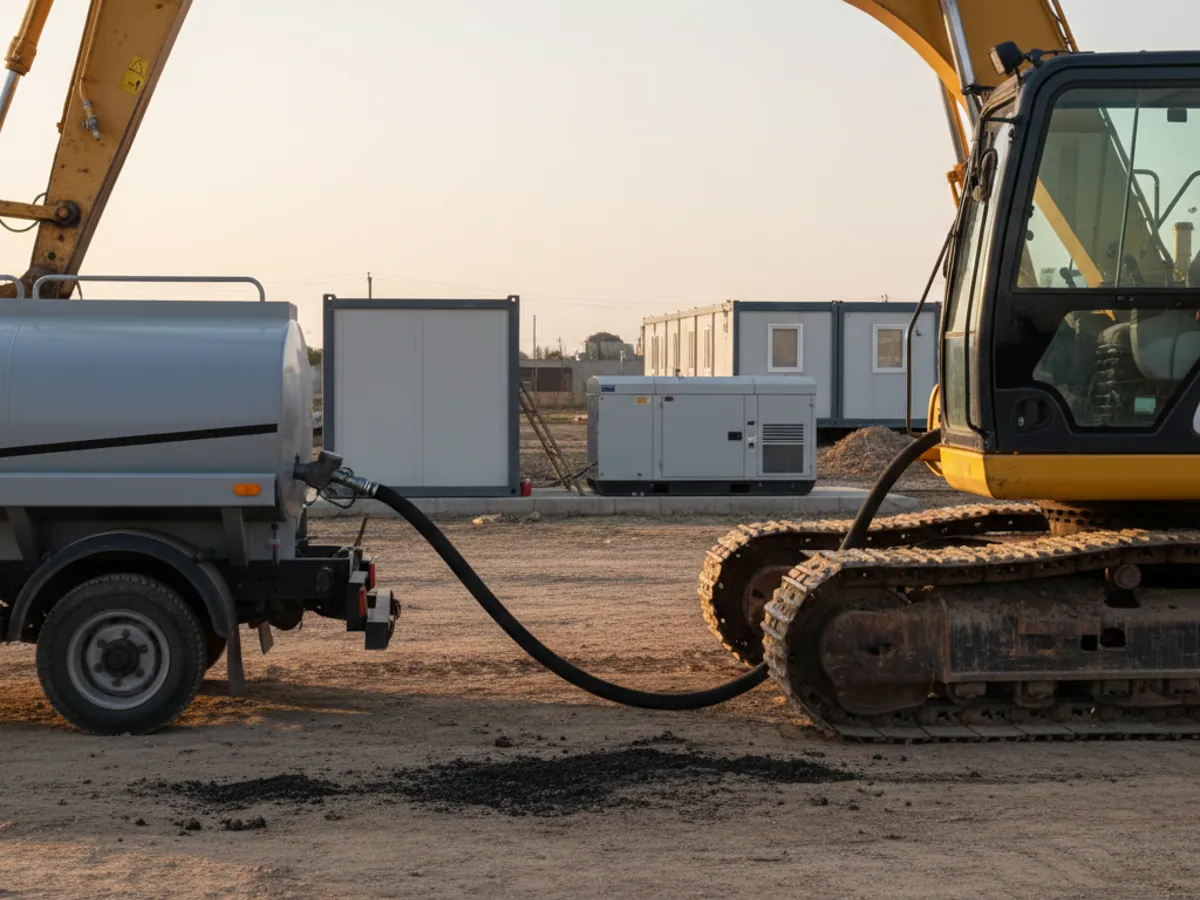
Plant and heavy equipment often has several sets of hours, and confusing them is a common cause of wrong service intervals.
- Engine hours. These govern servicing of the engine, the oil, the filters and the cooling system. We take them from CAN or from an engine running sensor.
- PTO hours. On mobile cranes, concrete pumps, mixers and machines with attachments, the crane, the pump or the drum runs separately. Their life and service schedule are counted on their own hours. The signal comes from a sensor on the power take-off engagement or from CAN where it is available there.
- Attachment hours. A hydraulic breaker, an auger or a vibratory driver has its own service schedule and its own wear, unrelated to the base machine's engine hours.
Each counter is given its own interval in FleetRun. If the PTO counter is not connected, the system will not be able to remind you about servicing the crane, and that has to be understood when choosing the equipment.

A service reminder is not a service: parts and responsibility
The system says there are 50 engine hours left until the oil change. After that it is down to people, and the roles are worth agreeing in advance.
- The reminder reaches the chief mechanic a set number of hours before the due point.
- Parts. The storeman or the buyer checks that filters and oil are in stock. For machines whose parts take weeks to arrive, we set the reminder threshold higher so there is time to order.
- A window on site. The mechanic agrees with the foreman when the machine can be stopped.
- Marking it done. After the work the mechanic closes the service in the system, with the actual engine hours and costs. Without that entry the next interval will not be recalculated.
If the machine is out with a hirer, the hire contract should say who is responsible for servicing and who receives the reminders. We configure the recipients to match that arrangement, but the system cannot be answerable for the servicing itself.
A pilot on part of the fleet: what is needed and how to accept it
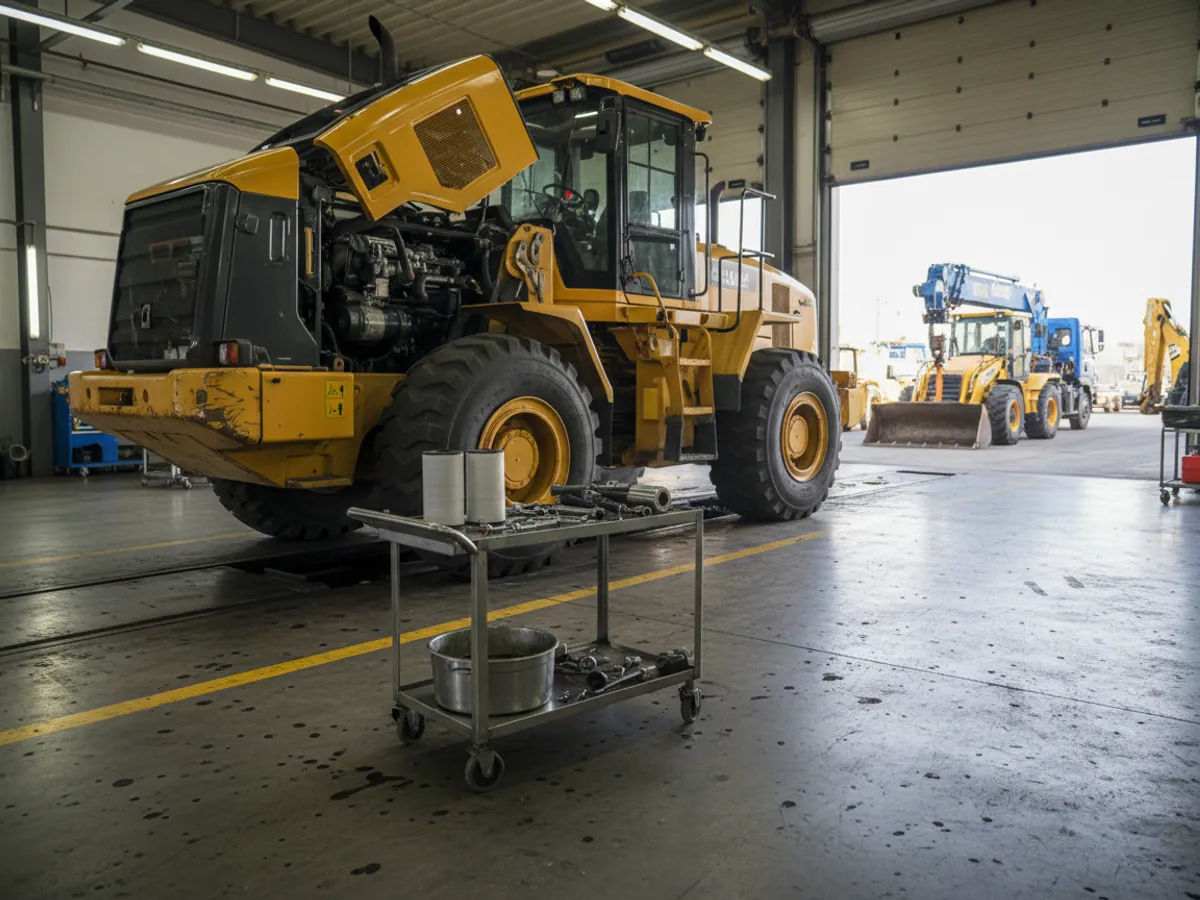
A pilot is conveniently run on 5 to 10 machines of different makes, including at least one with an attachment or a crane. The duration is a month or more, so as to take in at least one scheduled service.
What is needed from you: a list of machines with models and years, the current service intervals for each model, the repair log for recent months and a mechanic to take responsibility.
Acceptance criteria, for example: engine hours in the system have been checked against the cab counters or the timesheet; for each machine it is clear which parameters come from CAN and which from sensors; at least one service has gone through the full cycle of reminder, work and completion entry; notifications about overheating and oil pressure reach the mechanic and have been reviewed.
If you hire machines out
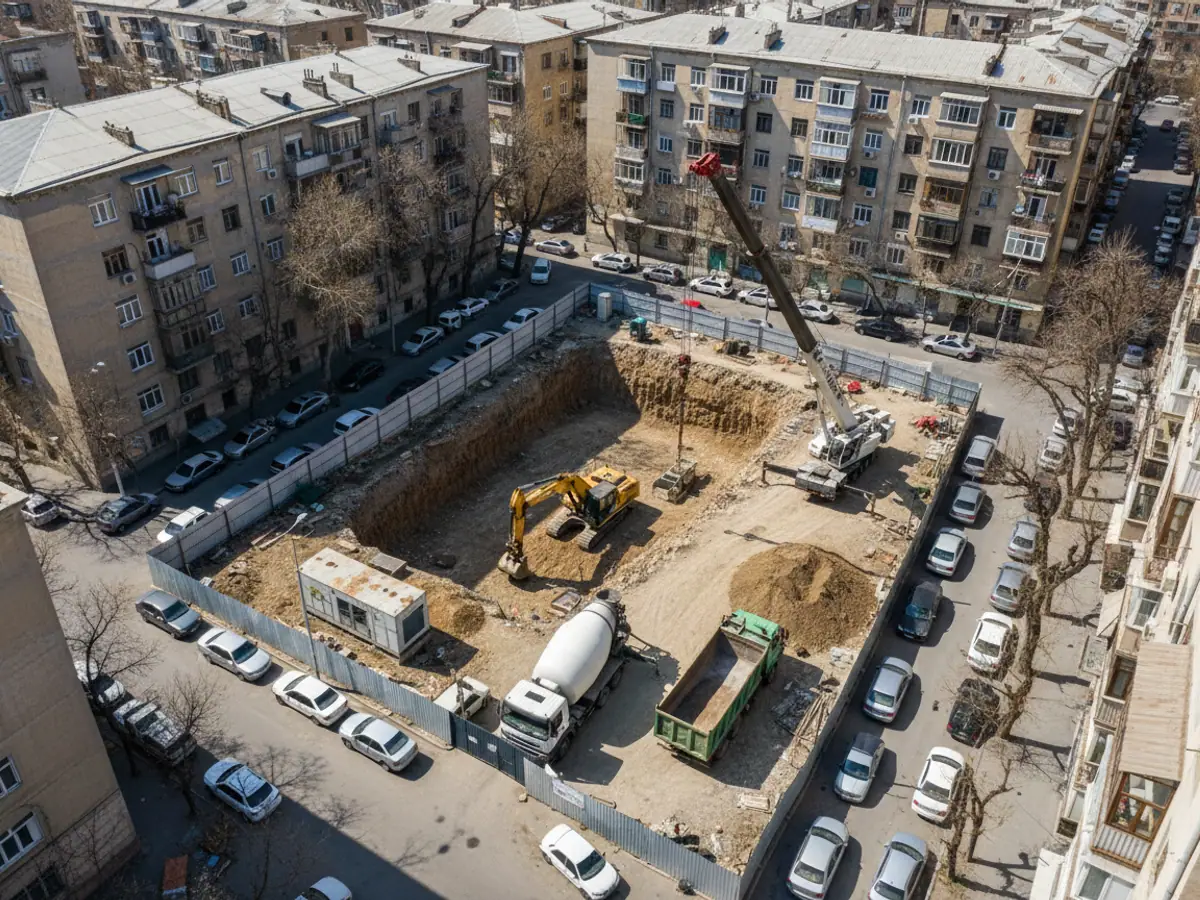
For a hire company telematics protects the machine while it is with the customer. You can see where it is working, for how many hours and in what mode. If the customer has taken the excavator outside the agreed area or is running it on three shifts instead of one, that is visible during the shift rather than when the machine comes back.
Where hire charges go unpaid, the engine can be prevented from starting again after it has been switched off. Stopping a machine while it is moving is not possible and not needed. There is more about the function on the remote immobilisation page.
The operating history is useful at resale too: a buyer of used plant is readier to pay for a machine with verified running time and a service history. The sector view of hire is described on the monitoring for plant hire page.
How to work out the payback on your own fleet
Idling
An excavator at idle burns several litres an hour. If a machine idles for 80 hours a month and you halve that, it is dozens of litres per machine and 40 engine hours that do not bring the next service closer.
A repair avoided
For most fleets the cost of one engine overhaul or turbocharger replacement is higher than a year of monitoring on several machines. So a single event spotted in time can cover the cost of monitoring, though it should not be counted on as a guarantee.
Honest engine hours
If engine hours are used for operators' pay or for invoicing customers, the gap between the hours claimed and the hours actually worked usually shows up in the very first month.
Downtime from a breakdown
Work out what a day costs when the machine is in the workshop and the site is waiting. A scheduled service takes hours; an unplanned repair takes days.
Mistakes when rolling this out across a plant fleet
The same norms for everything
Service intervals and consumption norms have to be set by model and by working conditions, not as one figure for the whole fleet.
Too many notifications
If the mechanic gets 200 messages a day, he stops reading them. We start with three or four critical events.
Nobody responsible
The data is there, but there is no person answerable for acting on it. The system turns into an archive.
CAN not checked beforehand
You counted on consumption from the bus, and the machine does not provide it. Checking the model before purchase saves time.
What the fleet owner gets
Machine life
Servicing based on real running time, and a response to engine faults before they turn into repairs.
Honest records
Operators paid and customers invoiced on the hours actually worked.
Fewer unplanned repairs
Warnings about overheating, oil pressure and fault codes reach the mechanic as soon as the tracker transmits the event.
Resale value
A verified history of running time and servicing raises a buyer's confidence.
Questions from chief mechanics
What is used in this sector
What we do end to end
Wialon modules for this sector
How it is used in this industry
Case studies from “Construction & Infrastructure”
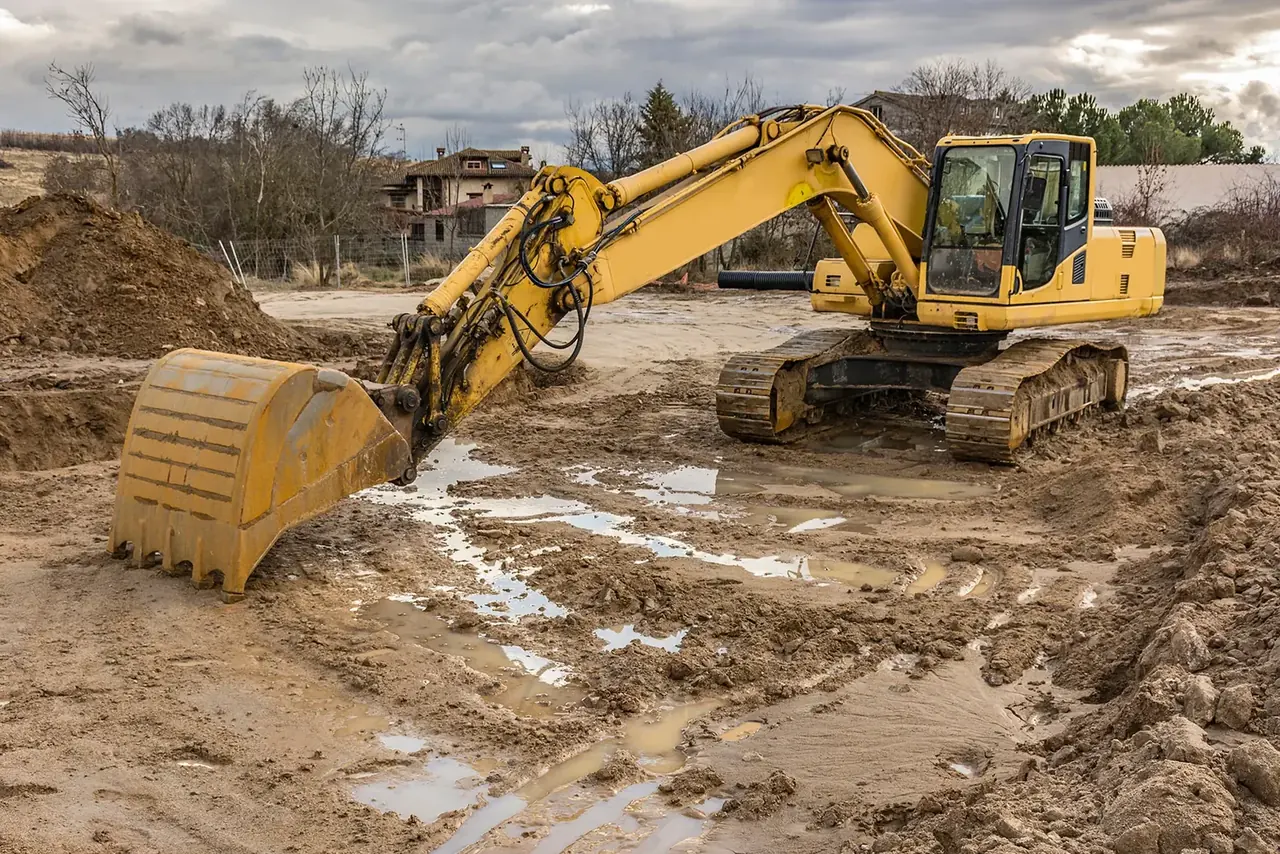
IP67 trackers for construction machinery
Agriculture, construction and mining

Servicing construction lorries by engine hours
Agriculture, construction and mining

Hard hat and PPE monitoring with the GH5200 tracker
Assets and workforce
Thinking of rolling out GPS monitoring in “Construction equipment operation”?
Send us an enquiry and we will price it up for your fleet and pick the hardware for this sector: construction & infrastructure.
- 1 We pin down the task
A specialist calls back and asks about the vehicles, how many there are and what you need to keep an eye on.
- 2 We put a solution together
We propose the hardware and the features, and set out the one-off and the monthly cost separately.
- 3 We agree the fitting
At your yard or at ours, on a schedule that keeps the vehicles working.
Request a call
A specialist will call back and match a solution to your fleet and your task.