

Control of construction plant and equipment hire
For companies hiring out excavators, loaders, mobile cranes, diesel generators and compressors to sites in Baku and Absheron and to reconstruction projects in Karabakh. Engine hours for the invoice, location, control of overrun and immobilisation for non-payment.

The hire invoice should match the work the machine did
Plant and heavy equipment is hired out by the shift or by the engine hour. The contract says one 10-hour shift, and the excavator on site works from six in the morning until midnight because the foreman is in a hurry to hand over the excavation. The invoice goes out for 10 hours, and 18 hours of service life are used up.
Control of construction plant hire rests on three figures: how long the engine ran, how much of that was under load, and where the machine was at the time. The tracker captures them, and with those numbers you can invoice for overrun with a clear head, or work out why the excavator ended up on a different site.
A general overview of solutions for the hire business is on the rental and leasing page. If the machines work on your own sites rather than being hired out, see the operating construction plant section.

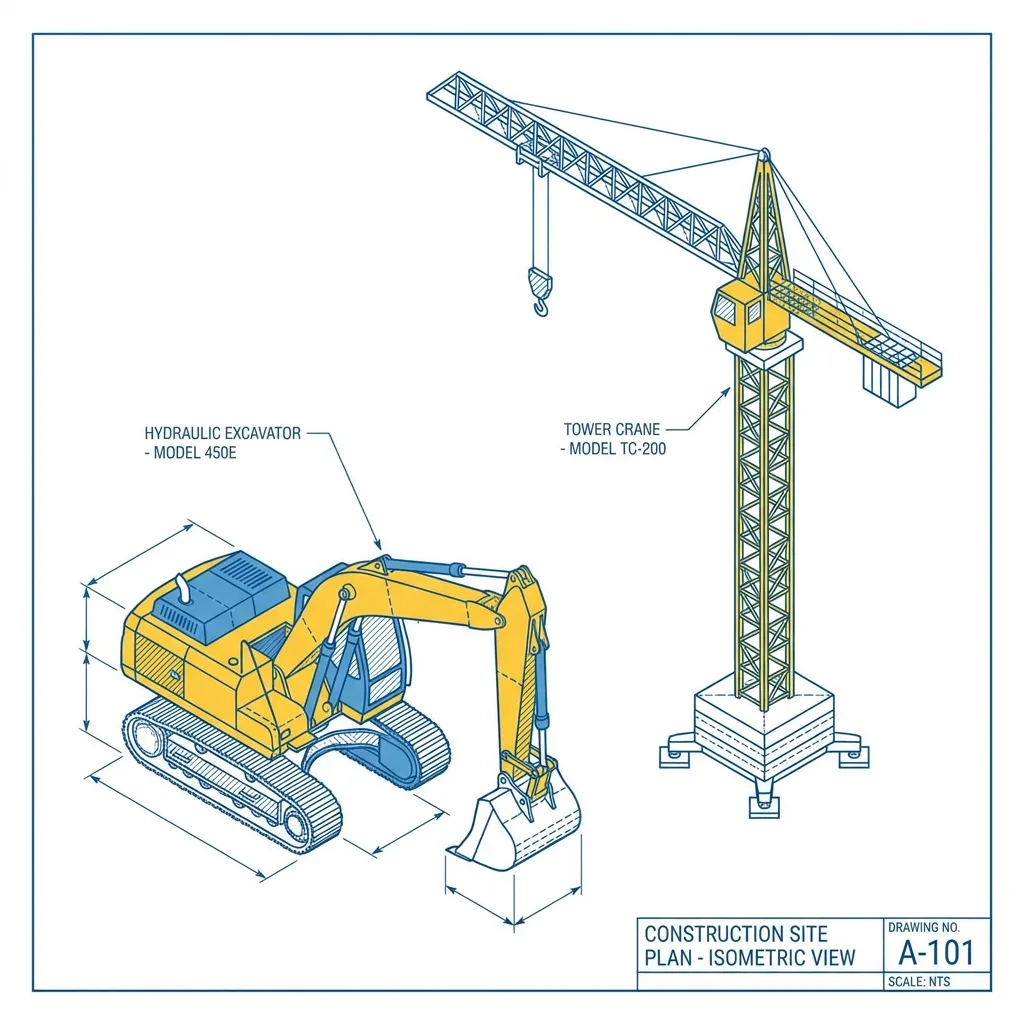
An excavator near Fuzuli: the shift on the contract and on the tracker
A tracked excavator is hired to a contractor on a reconstruction site near Fuzuli. Under the contract it is one shift a day, six days a week. Two weeks on, the report shows:
- an average of 15.5 engine hours a day, of which about 11 are under load;
- work on Sundays — three Sundays out of three;
- on one night the machine was moved by low-loader to another site 12 km away and brought back in the morning. The tracker showed movement with the engine off.
With a report like that the conversation with the contractor is short: either an extra payment for the overrun and agreement on the second site, or a restriction under the contract. Engine hours from the system are hard to argue with, especially when they are confirmed by engine running time taken off the CAN bus.
Coverage around the reconstruction sites is patchy in places. The tracker accumulates data in memory and sends it when the network appears, so the engine hours history is not lost.
Where a hire company loses out
The machines are expensive and they work a long way from their owner. The problems are much the same for everyone:
Unpaid overrun
They pay for 8–10 hours and the machine works 16–20. The wear, the servicing and the downtime for repairs fall on the owner.
Subletting
The hirer passes the machine on to another contractor or moves it round its own sites without telling you.
Swapped parts and siphoned fuel
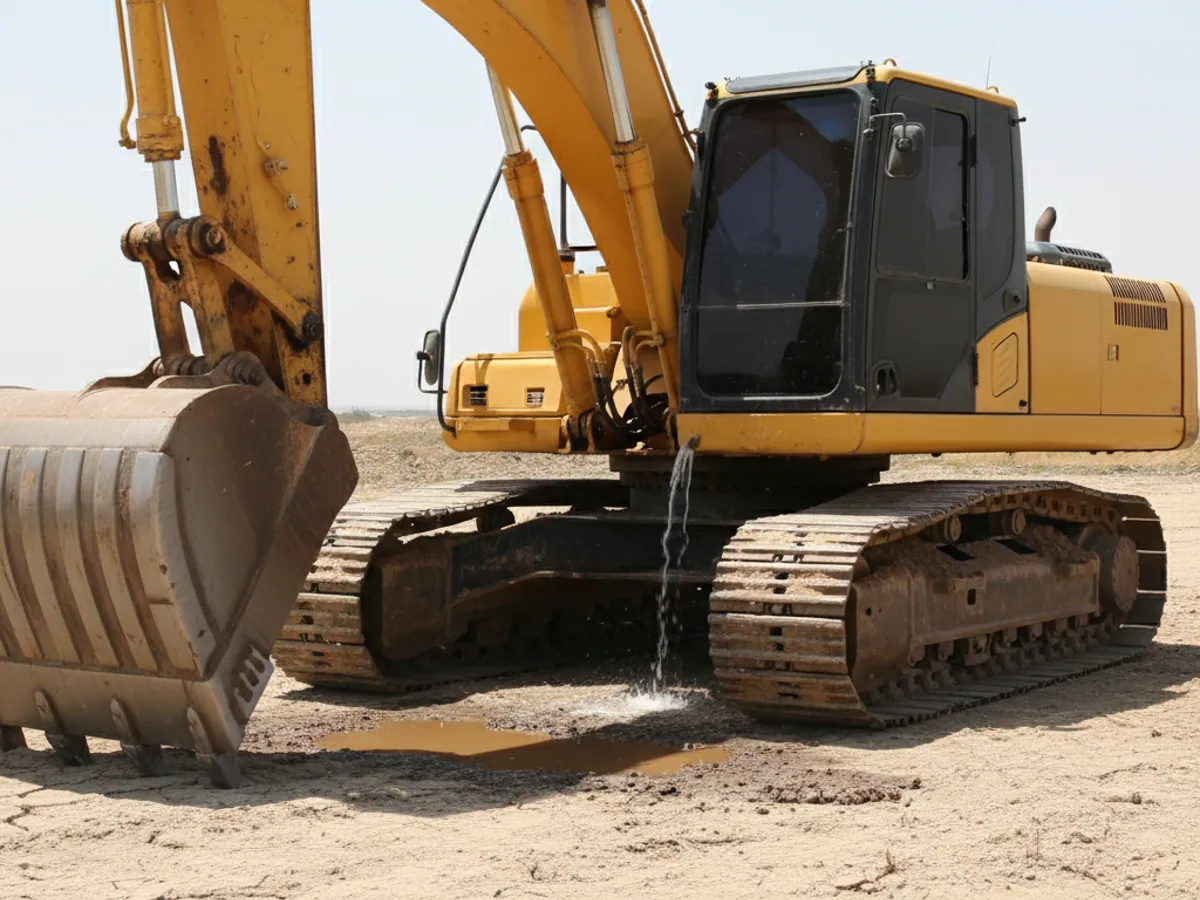
A new battery is swapped for an old one, diesel is drained from the tank, lights and tools disappear.
Non-payment
The work is done, the invoice has been outstanding for three months, and the machine is still standing on the debtor's site.
A machine that has gone missing
A compressor or a generator was taken off site once the work finished, and nobody remembers where to.
From handover to return: where the argument about engine hours begins
An argument about running time usually starts not at the end of the month but on the day the machine went out, when nobody wrote down the opening figures. So we build the process step by step:
- Handover. The manager records the start of the hire in the system: the site (a geofence), the shift under the contract, and the engine hour meter reading from the panel and from the tracker. Any gap between them at the start is written down straight away rather than discovered later.
- Contract engine hours. What has been paid for is entered in the site's settings: 10 hours a day, six days a week, for instance. Everything beyond that the system treats as overrun.
- Actual load. Hours under load and hours at idle are separated out of the engine's running time. On machines with a CAN bus this comes from engine speed and load; on older machines from an engine running sensor or hydraulic pressure, where one is fitted.
- Disputed running time. If the hirer disagrees with a figure, we open the day-by-day report: when it was started, how long it stood at idle, whether the machine left the geofence. The dispute usually comes down to one or two days, and for those it is clear what happened.
- Acceptance on return. The machine is back at the depot — the hire period is closed in the system, the final engine hours are checked against the panel, and we look separately at night-time events: compartments opened, a drop in fuel level, a loss of power.
The boundary of the system is simple. Monitoring provides data and a report. It does not issue the invoice, does not decide whether idling is chargeable, and does not replace the contract: how overrun and idle hours are to be treated is for you and your lawyer to settle.
A pilot on five machines: what you will need and how to tell it worked
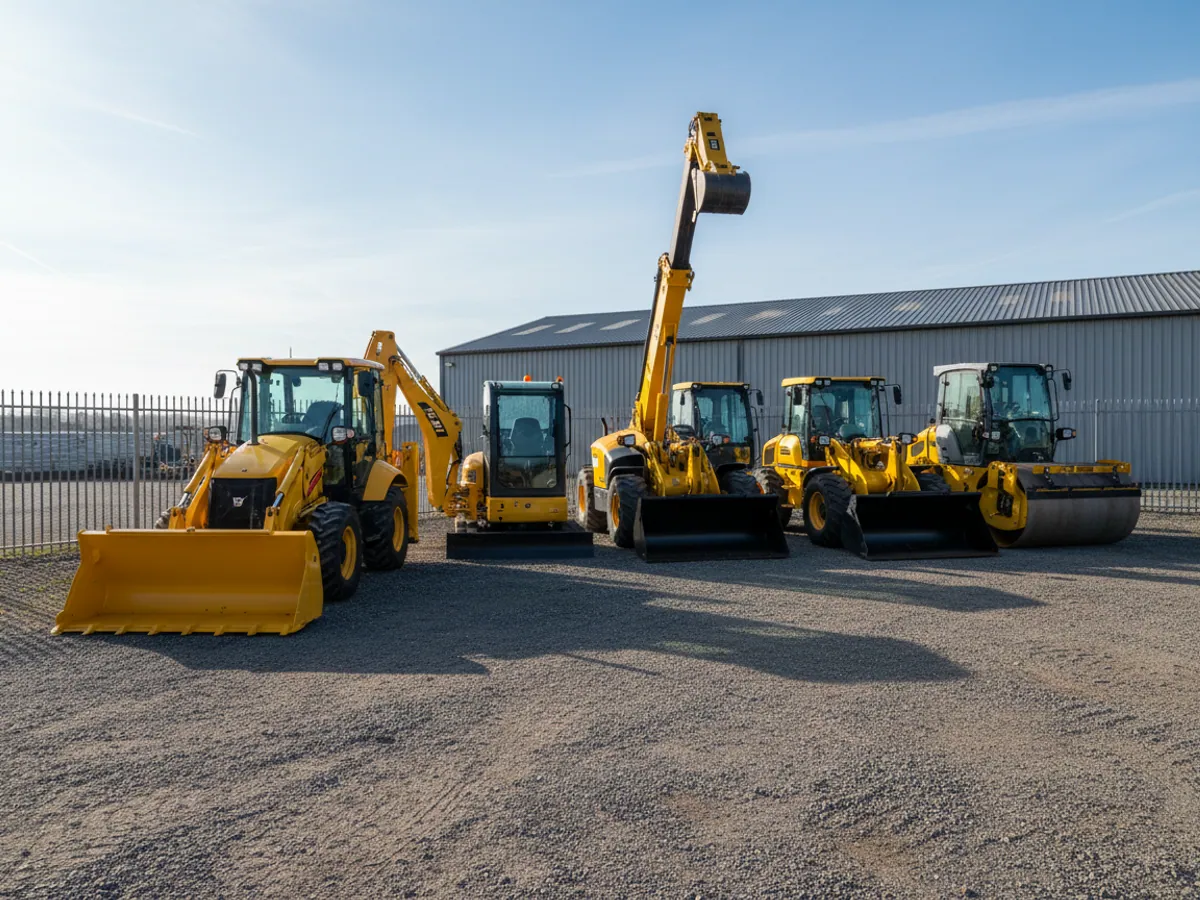
There is no need to start by equipping the whole fleet. It is easier to take 3–5 units currently on hire to different customers, over one or two billing periods.
What we need from you:
- a list of the pilot machines with model, year and whether they have a CAN bus;
- the current contracts: the shift, the overrun rate, and a telematics clause if there already is one;
- the addresses of the sites, so that geofences can be drawn;
- someone on your side who will look at the report and talk to the hirer;
- the engine hours log or the certificates for the same period, for reconciliation.
The report for the certificate during the pilot looks like a table by day: date, site, total engine hours, of which under load and at idle, hours beyond the shift, trips outside the geofence, security events. We adjust the columns to your own certificate.
We agree the acceptance criteria in advance, for example: engine hours from the system agree with the machine's panel within the agreed margin; every instance of overrun in the report is either confirmed or explained; at least one disputed case has been worked through on the data. After that you decide how much of the fleet to extend it to.
Features for hire fleets
Engine running time and load
On machines with a CAN bus — Caterpillar, JCB, Hyundai, Komatsu and others — engine hours and engine speed are read from the on-board computer. On older machines we fit an engine running sensor; the work is described under the engine running sensor fitting service.
Idling and work under load are counted separately: an excavator ticking over for six hours while the operator sleeps in an air-conditioned cab is not the same as six hours of digging. More on this in the engine hours accounting section.


Equipment for different types of machine
Excavators and loaders
A tracker in a protective housing, a CAN connection or an engine running sensor, and an immobilising relay. For expensive machines, a fuel level sensor as well.
Mobile cranes and lorry loaders
A tracker plus separate accounting for the crane itself. Chassis engine hours and crane engine hours are different things, and they are invoiced differently.
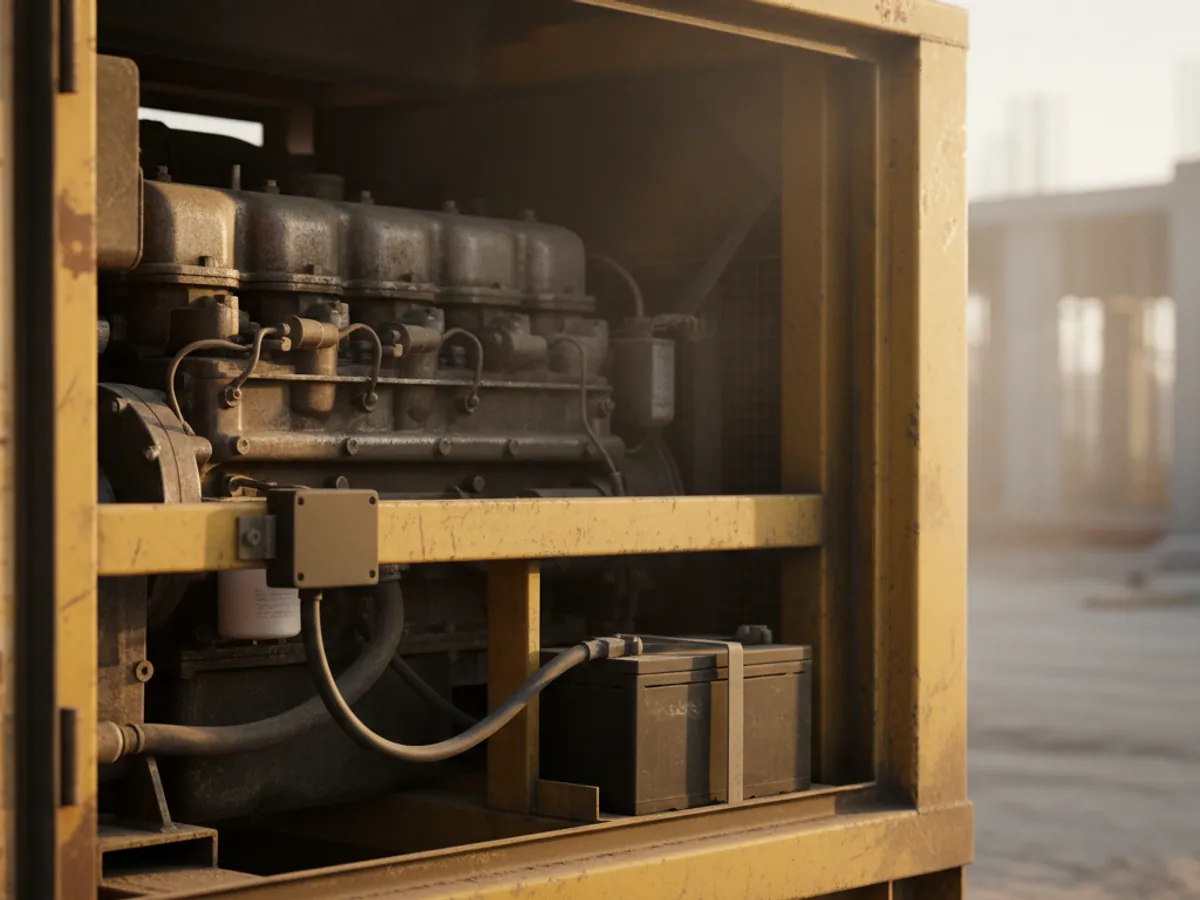
Diesel generators and compressors
A tracker powered from the unit's battery with a battery of its own for the idle periods. It counts running hours and shows where the unit is standing.
Small machines with no electronics
A standalone tracker with a vibration sensor: vibratory rollers, older skid-steer loaders. Engine hours are counted from engine vibration.
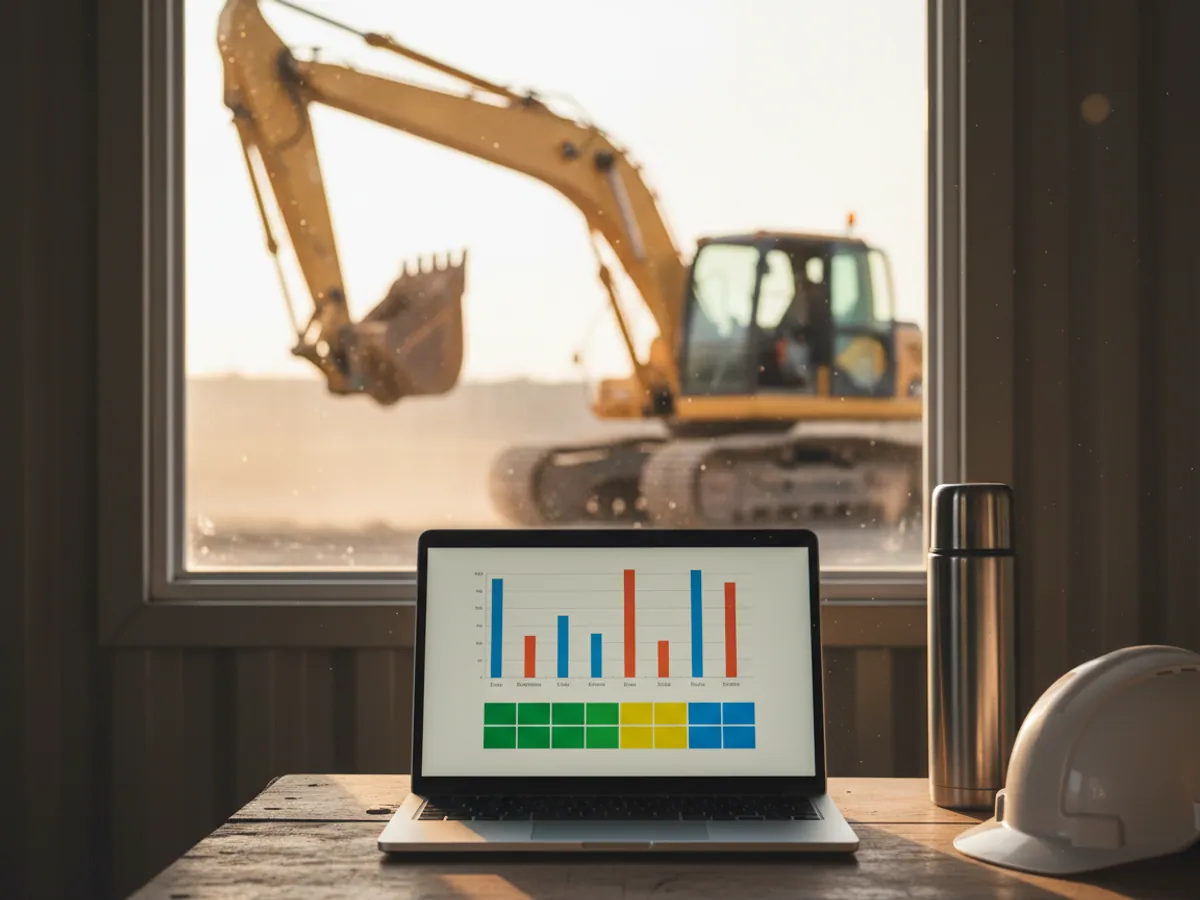
A completion certificate built from data rather than the foreman's word
The main value of monitoring for a hire company is a document you can lean on when you invoice. We set up a report by machine for a period, in a form that is easy to attach to the certificate:
- the days worked and the engine hours for each day;
- hours under load and at idle;
- time on the contracted site and away from it;
- overrun beyond the shift, as a line of its own.
For such a report to carry weight, the telematics clause and the way engine hours are counted must be written into the hire contract. The hirer then agrees in advance that the invoice is calculated from the system's data rather than from entries in a logbook.
If you need to see which part of the fleet is standing at the depot and which is earning, the fleet utilisation report is the one to use.
How we connect a hire fleet
An inventory of the fleet
Models, year of manufacture, whether there is a CAN bus, where each machine is standing now. What we fit to each unit depends on that.
Fitting at the depot or on site
Machines currently at the depot are equipped there. Those out on hire are done by a visiting crew on site, during a break in the shift. The regions, Karabakh included, are covered by visits.
Setting up sites and contracts
Site geofences, the contracted shift, engine hour norms, and notifications about overrun and about leaving the area.
A report for accounts
A report template to match your completion certificate, exported to Excel or into the accounting system.

Where hire companies go wrong
Counting engine hours from the ignition alone. The key turns and the clock starts. On machines that stand for hours with the ignition on, that inflates the figure and the hirer disputes the invoice. You need a real engine running signal.
Fitting the tracker in plain sight under the panel. The first dishonest hirer will disconnect it. Concealed fitting and a loss of power event are essential.
Not writing telematics into the contract. The data is there, but invoicing on it is legally harder.
Forgetting the generators and compressors. They are stolen more often than excavators, because they are easier to carry away.
What a hire company gets
Payment for the real work
Overrun beyond the shift goes onto the invoice rather than into wear on the machine.
The fleet on a map
Where every machine is standing across the country — on site, at the depot or on a low-loader.
Leverage over non-payment
If blocking of starting is written into the contract, you have an argument in the conversation about the debt. It does not replace the legal side of recovery.
Servicing on running time
A service reminder on engine hours rather than the calendar — machines break down less often and last longer.
Frequently asked questions
What is used in this sector
What we do end to end
Wialon modules for this sector
How it is used in this industry
Case studies from “Rental & Leasing”

Thinking of rolling out GPS monitoring in “Heavy equipment hire”?
Send us an enquiry and we will price it up for your fleet and pick the hardware for this sector: rental & leasing.
- 1 We pin down the task
A specialist calls back and asks about the vehicles, how many there are and what you need to keep an eye on.
- 2 We put a solution together
We propose the hardware and the features, and set out the one-off and the monthly cost separately.
- 3 We agree the fitting
At your yard or at ours, on a schedule that keeps the vehicles working.
Request a call
A specialist will call back and match a solution to your fleet and your task.