
Integrating GPS monitoring with ERP/CRM
We link Wialon to your CRM and ERP: orders reach the driver as a task, delivery statuses come back into the deal, and mileage, engine hours and sensor-based consumption land in your accounts. The exchange scheme is chosen to fit what your system's API can do; for systems without an API the exchange runs on files, with a delay. What is exchanged and what happens when things fail are written into the specification.
- 09:12 Deal set to Ready to ship → task for the driver
- 09:48 Lorry 10-XX-462 arrived at the warehouse: Loading
- 10:20 Departure — a tracking link sent to the customer
- 11:05 No answer from the CRM, event queued for retry
- 11:40 Arrival at the site in Masazir and driver confirmation: delivered
A working exchange between Wialon and your CRM or ERP over an agreed list of events, with a queue, resending and a notification when something fails. You are left holding the specification, the reference list matrix and an exchange log that shows what went out, what came back and what got stuck.
When orders live in the CRM and vehicles live in monitoring
A salesperson takes an order in the CRM, rings the dispatcher, the dispatcher messages the driver on WhatsApp, the driver rings back to say it has been delivered. Meanwhile the customer has asked three times where their goods are. And at the end of the month the accountant gathers mileage and running hours by hand to invoice for equipment hire.
Integrating GPS monitoring with ERP and CRM cuts down those calls and that retyping. An order in the CRM can create a task for the driver in the Wialon logistics module; the delivery status returns to the deal on entry into the customer's geofence and the driver's confirmation; mileage, engine hours and fuel level sensor consumption go into the ERP on a schedule. This works on two conditions: your system has an API or database access, and geofences, drivers and vehicles in Wialon are set up tidily. A delivered status without the driver's confirmation is still an assumption, and consumption without a calibrated sensor is still an estimate.
We link Wialon to Bitrix24, amoCRM, Odoo, Microsoft Dynamics, 1C and SAP, and to bespoke systems as well if they have an API or at least database access. For each pair of systems we pick the simplest exchange scheme that does the job — no extra layers.

How the work goes, step by step
Entities and fields
We look at deals, orders and accounting objects in your system, and who uses which fields.
An event contract
Which data, in which direction, how often, and what to do when something fails. The owner of each reference list.
Connector and queue
API, data stream or files — whichever the system allows. Retries without duplicates, using a unique key.
5–10 vehicles in service
Every event in the contract runs at least once, and the daily actuals match the Wialon report.
Watching the exchange
A failure sends a notification to the person responsible, rather than a surprise at the end of the month.
How a CRM and monitoring link comes together
An illustrative example: a building materials wholesaler, orders in Bitrix24, 25 lorries across Baku and Absheron.
- Survey of deal stages and reference lists specification
Vehicles and drivers are kept in the ERP, customers and addresses in the CRM, and we build the geofences from them in Wialon.
- Delivered means different things to different people to agree
Sales and the warehouse agree the rule between themselves: entry into the geofence plus the driver's confirmation.
- A connector with a queue and retries development
Each event gets a unique key so that a resend does not create a second deal.
- Trial on 8 vehicles in live conditions trial
Tasks reach the drivers, statuses come back into the deal cards with time and coordinates.
- The whole fleet on the exchange go-live
The logistics coordinator works on routes, the salesperson sees the status in the deal and answers the customer directly.
What happens while the systems stay apart
The gap between monitoring and accounting costs money in four places:
Padded mileage
The driver writes 500 km on the waybill having driven 400. The accountant has no way of checking it and writes off fuel that was never burned, even though the track is sitting there in Wialon.
Under-invoicing
A hired excavator worked 212 hours but 180 went onto the certificate, because the site manager counted from memory. For hire companies that is revenue straight out of the door.
Where is the vehicle calls
The salesperson cannot see where the customer's load is and keeps pulling the dispatcher away. The dispatcher spends hours describing what is already there on the map.
Typing mistakes
One extra digit in an odometer reading and the whole month's figures for that vehicle are out. Finding an error like that afterwards takes longer than entering the data again.
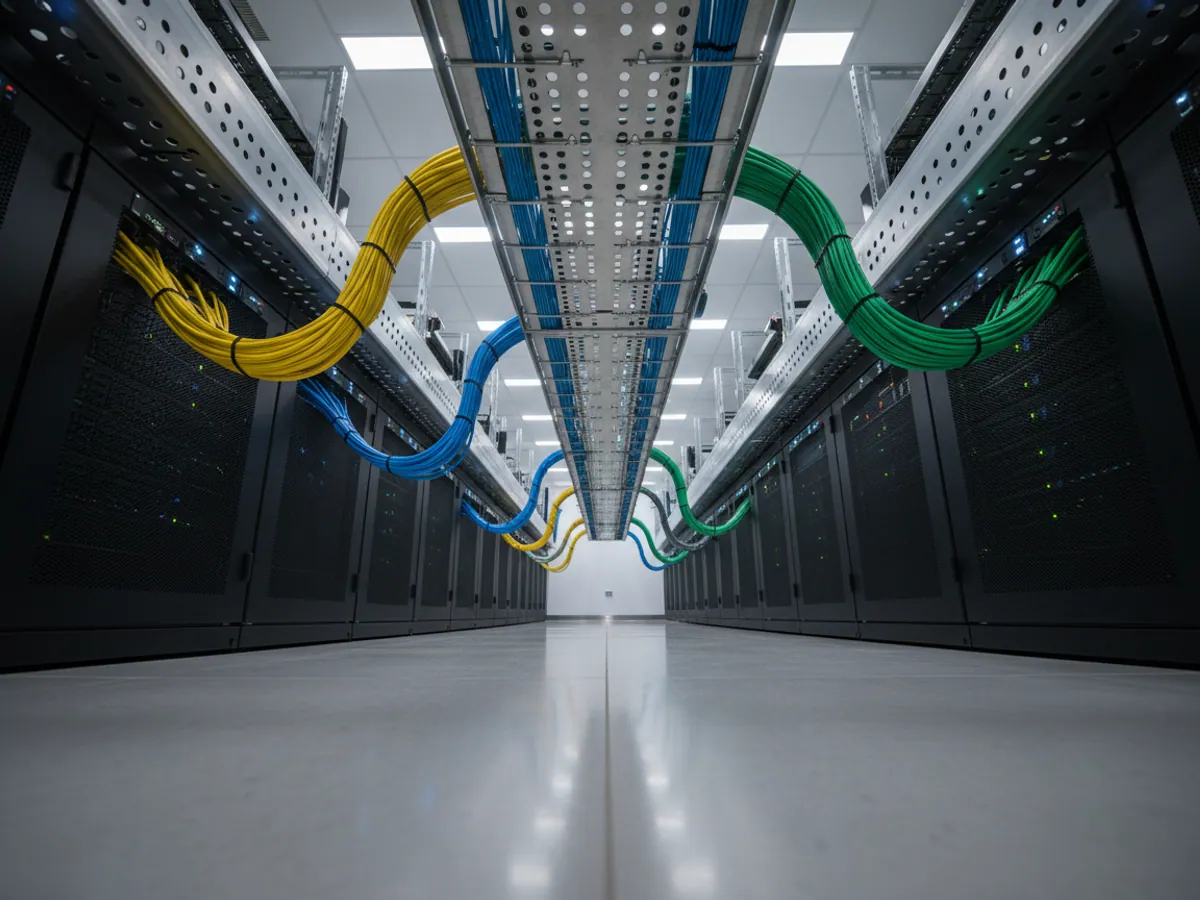
Three exchange schemes to choose between
1. API request. The ERP or an intermediate service of ours calls the Wialon API and pulls finished data: a daily mileage report, engine hours, a list of geofences visited. This suits accounting and billing, where an update once an hour or once a day is enough.
2. A stream of data to your server. If you need vehicle positions in real time — in your own dispatch application or in a data warehouse — we set up data retranslation over the Wialon IPS protocol or another one your side can accept.
3. File exchange. For older systems with no API: a scheduled export of CSV or XML into a folder or onto an FTP server. The simplest option, but with a delay.
The reverse direction is possible too: orders, delivery point addresses, the list of drivers and new vehicles can be passed from the CRM into Wialon. That way reference lists are maintained in one place.
What the integration module can do
A deal in the CRM becomes a task for the driver
The salesperson moves the deal to the Ready to ship stage and a task is created in the Wialon logistics module with the address, the time window and the recipient's contact details. The driver sees it in the mobile app.
When the vehicle enters the customer's geofence and the driver confirms the delivery, the deal status in the CRM changes automatically, and the time and coordinates are attached to the card.


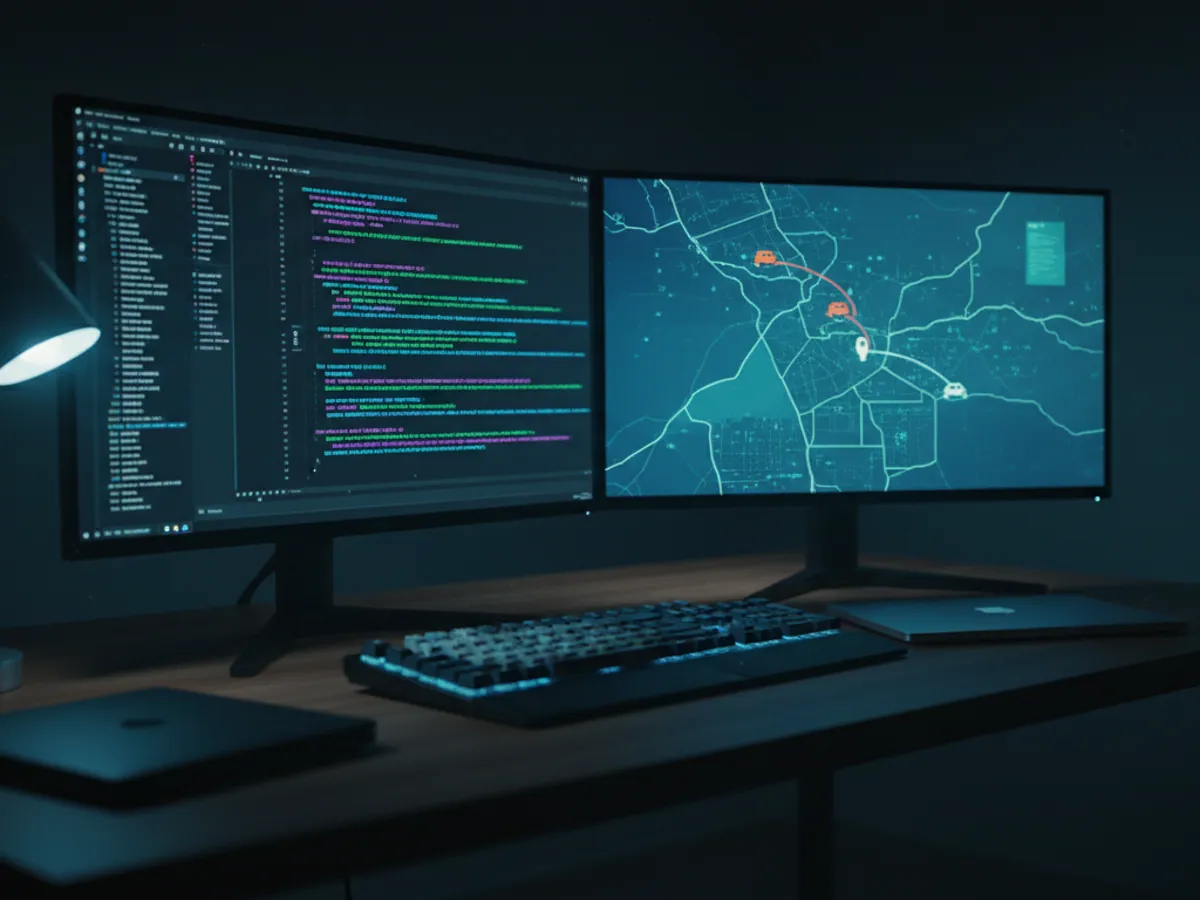

A scenario: delivering building materials around Baku
A wholesaler sells cement and reinforcing bar and delivers them in its own lorries to sites in Baku and across Absheron. Orders are kept in Bitrix24.
Before the integration the logistics coordinator printed the order list every morning and handed it out to the drivers. Sales rang the coordinator 30-40 times a day asking whether the lorry had left yet. Customers found out about a delay when the lorry failed to turn up.
After the integration it works like this:
- a deal at the Dispatch stage creates a task in Wialon with the site address;
- when the lorry enters the warehouse geofence the deal moves to Loading;
- on departure the customer receives an SMS with a link to a public page tracking the lorry;
- on entry into the site geofence plus the driver's confirmation the deal closes as delivered.
The logistics coordinator works on routes rather than on the phone. The salesperson sees the status on the deal card and answers the customer directly.
Timescales and the order of work
A project normally goes through five steps:
- Survey, 2-5 days. We look at which entities your CRM or ERP has (deals, orders, accounting objects), which fields are needed and who uses them.
- Specification. Short, 2-4 pages: which data, in which direction, how often, what to do on an error. Agreed with your IT people.
- Development, 1-4 weeks. It depends on whether the system has a decent API. Bitrix24, amoCRM and Odoo do; many bespoke systems do not.
- Trial on 5-10 vehicles. A couple of weeks in live conditions on part of the fleet.
- Go-live and support. We watch the exchange, and if it fails you get a notification rather than discovering the problem at the end of the month.
If all you need is an export of data into a warehouse for analysis, it is simpler and quicker. For ready-made connection options see the integrations section.
The reference list ownership matrix and the event contract
Who maintains vehicles and drivers
For every reference list we name a single owning system. Usually vehicles and drivers are created in the ERP and passed to Wialon, not the other way round. An edit made in the other system will be overwritten at the next exchange, and that is written into the specification.
Who maintains customers and delivery points
Customer addresses and contacts live in the CRM, and the geofences in Wialon are built from them. If a geofence had to be adjusted by hand — because the entrance to a warehouse is somewhere else, say — it is flagged so the exchange does not reset it.
The event contract
The list of events one system passes to the other: task created, entry into the warehouse geofence, departure, delivered, daily mileage actuals. For each one: the fields, the object identifier and the response expected from the receiving side.
Repeat delivery
If the recipient does not respond, the event stays in the queue and is retried under the agreed policy. Each event has a stable ID: the receiving system must recognise a retry by that ID and avoid creating a second document. We test retries, conflicts and final failures during the pilot and show them in the exchange log. After a set number of failures a notification goes to the person responsible.
Scope of work, estimating and sign-off
Included
The survey, the specification with the reference list matrix and the event contract, building the connector, the trial on part of the fleet, go-live and monitoring of the exchange queue.
Not included
Reworking the business processes and stages in your CRM, setting up ERP user rights, and development on the side of a system without an API where your own contractor owns it.
How we estimate the effort
We quote after the survey, on three things: how many events and directions are in the contract, whether the system has a documented API, and how clean the reference lists are. Before the survey we can only give an order of magnitude for the timescale.
Sign-off
On the trial group of vehicles every event in the contract runs at least once, a resend creates no duplicates, and the daily mileage and engine hours match the Wialon report. The result is confirmed by the person responsible at your end.
What to have ready before the start
Access to your system's API
A test user or an API key with rights to the entities involved. For cloud CRMs this takes 10 minutes.
A list of vehicles and drivers
An export from the ERP with the identifiers we will use to link units: registration number, inventory number, staff number.
Rules for the statuses
Which deal stage means dispatch and which means delivered. Sometimes that has to be settled inside your own company first.
A contact in IT
Someone who can answer questions about your system and approve access. If IT is outsourced, a contact at the contractor.
Monitoring that is properly set up
Warehouse and customer geofences, sensors and drivers in Wialon need to be entered tidily. If that side is in disarray, we start with configuring the system.
What the company gets
Fewer entry errors
Mileage, engine hours and fuel reach the accounts without being keyed in, so there are no typos in odometer readings. Errors in the source data, an uncalibrated tank for instance, are not something integration can fix.
Reports in minutes
The monthly fleet summary is built from data already loaded rather than assembled from paperwork over a week. The time goes on looking at the exceptions.
Transparency for the tax authorities
Fuel sensor and refuelling data help reconcile fuel write-offs against recorded events. For internal review and audit we keep the links to waybills, source documents and your accounting rules; whether those records meet tax documentation requirements is for your finance team to determine.
Complete invoices
Billing on actual hours and kilometres. Time worked no longer goes missing between the site manager and the accounts department.
Which exchange scheme we choose
We take the simplest one that does the job.
| API request | Stream to your server | File exchange | |
|---|---|---|---|
| What it suits | Accounting and billing | Your own dispatch software | Older systems with no API |
| Data frequency | Set by the integration and API limits | Streamed as messages arrive | Scheduled |
| Data content | Messages or calculated reports, depending on the methods used | Messages over the agreed protocol | CSV or XML with agreed fields |
| What you need at your end | API access and permissions | Your own receiver for the stream | An agreed protected channel and format |
Questions about “Integrating GPS monitoring with ERP/CRM”
Request a call
A specialist will call back and match a solution to your fleet and your task.