
A mobile app for GPS vehicle monitoring
Your fleet on a phone screen: the map, notifications, reports and commands to the tracker, in the Wialon app. Separately, there is an app for drivers and field staff with jobs, photographs and visit check-ins.
- 09:12 Van 10-XX-123 left the yard
- 10:40 Tractor unit idling for 45 min
- 11:05 Push: van outside the geofence
- 11:20 Link to the vehicle sent to the customer
From the data on board to the dispatcher's decision
The tracker in the vehicle
It passes coordinates, sensor data and events to the Wialon server over the mobile network.
Wialon Local
It stores the tracks, builds the reports and sends push notifications according to your rules.
The Wialon app
The map, the track, short reports and commands to the tracker, under the same login as on the computer.
A decision on the spot
A call to the driver, a link to the customer or a command to the tracker — without waiting until you reach the office.
Features and tools
Access
- The Wialon app for iOS and Android
- The web version go.gps.az in a browser
- Training users to work in the app
Response
A manager's day away from the computer
An illustrative example: the owner of a van fleet in Baku spends the whole day in meetings. This is what working from the app looks like for him.
- Checking the fleet on the way to the office 12 of 14 on the road
Two vehicles are still standing at the yard in Khirdalan. It is clear who to ring, without calling round every driver.
- Push: left the geofence off route
A van has turned off towards Sumgait. A tap on the notification opens the vehicle on the map.
- A customer asks about their delivery link sent
A link to the vehicle's location goes to the customer by messenger in a couple of taps, with no screenshots.
- Alert: tracker power cut alert
The push arrives even with the app closed. The vehicle's last point is visible straight away.
- A short report on a vehicle mileage and stops
The day's mileage and stops read easily on a phone screen. Fleet-wide summary reports are more comfortable to open in go.gps.az.
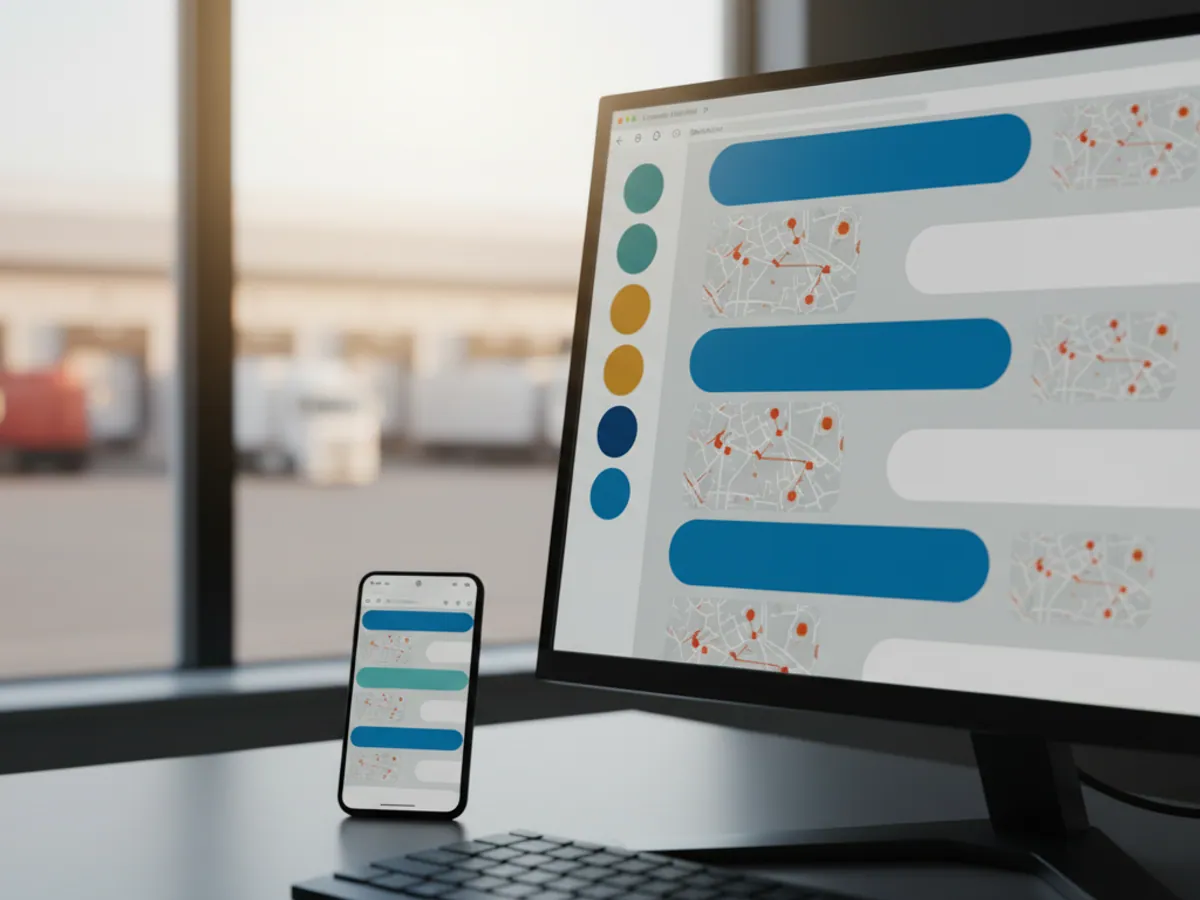
A manager does not sit at a monitor all day
In short: mobile access is set up around the role. For the owner and the fleet engineer, the Wialon app for iOS or Android with push notifications for the events that matter. For those who sign in rarely, or cannot install apps on a company phone, go.gps.az in a browser. For drivers and field staff, a separate app with jobs, if the process calls for it. We issue a login, rights and a set of notifications to each person individually.
The go.gps.az web interface suits a dispatcher at a desk. But the owner of the company spends half the day in meetings, the fleet engineer is out in the yard, and the site manager is on a job in Shirvan. They need exactly the same thing, only in their pocket.
There are two options for that. The first is the Wialon app from the App Store and Google Play: you sign in with the same username and password as on the computer and see your vehicles. The second is the web version go.gps.az, which opens in a browser and needs no installation. It suits someone who signs in once a week, and company phones where installing apps is not allowed.
Both versions work with the same data as the main online monitoring: access rights, objects and notifications are configured once.
The difference between them is convenience. The app is quicker, sends push notifications and remembers your login. The web version in a browser is simpler to roll out: you send a link and a login, and there is nothing to update on the phone.
What a manager can do in the app
Where the vehicles are right now
A list of objects with colour-coded statuses: moving, stopped, no connection. Tap a vehicle and you see its speed, address, driver and fuel level, if a sensor is fitted. You can look at today's track, or any day's, and work out where a driver went after lunch.
Searching by name or registration number is convenient: in a fleet of 80 vehicles there is no need to scroll the whole list.

An app for the people behind the wheel and out on site
A driver does not need a map of the whole fleet. He needs the list of today's jobs and a quick way to report on each of them.
What the app gives field staff
The day's jobs
A list of addresses or orders in the right sequence, with the dispatcher's comments, customers' phone numbers and navigation to the point. A new urgent job arrives mid-shift.
Completion check-ins
Done, rescheduled, customer refused — with a reason. The status is visible in the office at once, with no need to ring in.
Photographs and signatures
A photograph of a signed delivery note, of installed equipment or of the state of the site. The customer's signature on the phone screen, where the process provides for it.
Checklists
For service crews, a list of the steps that must be carried out on site. The engineer will not leave until every item is ticked off. The set of functions depends on the solution chosen, and we select it to fit your process.
Contact with the dispatcher
Messages tied to a specific job, instead of calls and threads in personal messengers where everything gets lost.
Visits confirmed by location
Arrival on site is confirmed by the coordinates from the phone or the vehicle's tracker. The visit report is built automatically.
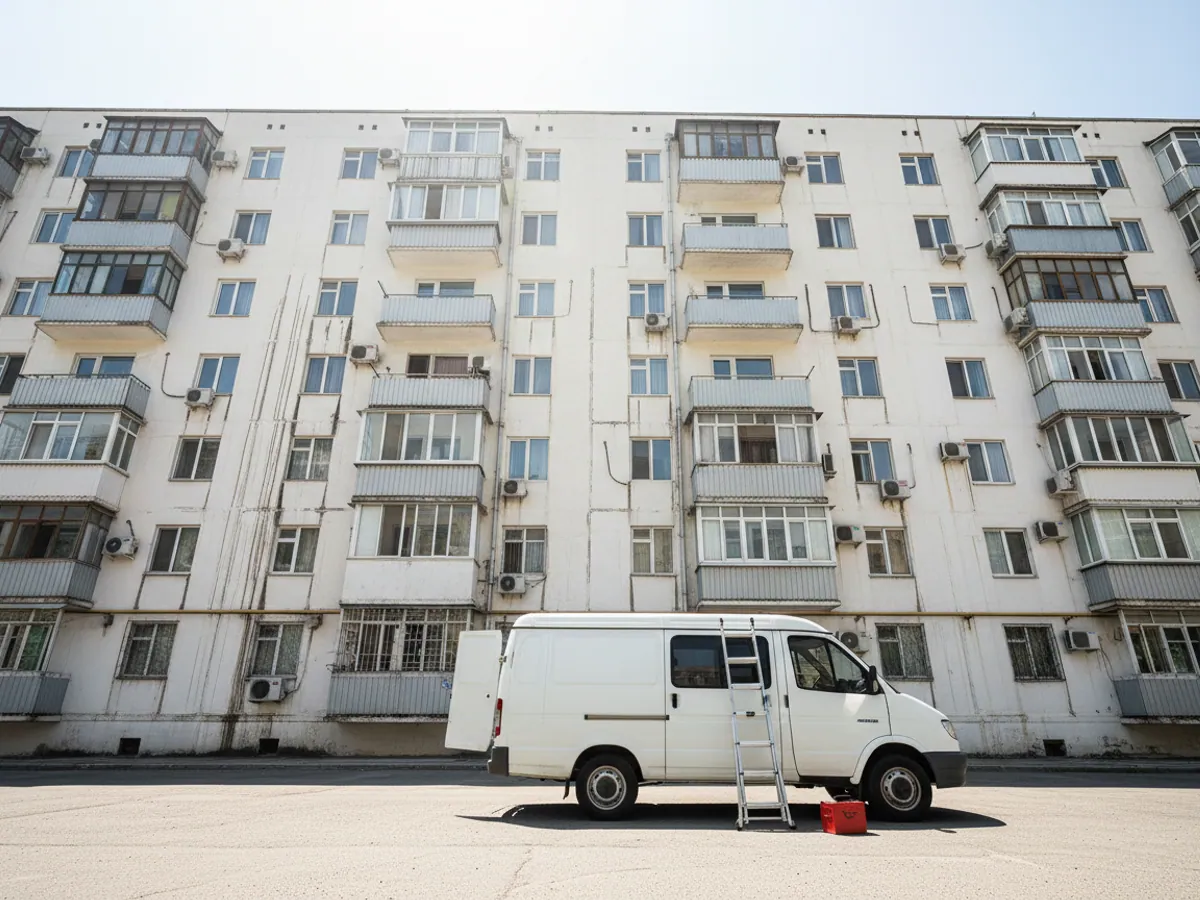
An air conditioning service crew in July
July in Baku, 40 degrees in the shade, and an air conditioning service company has three times as many jobs as it did in spring. Six crews, each getting through 5–7 addresses a day from Badamdar to Mardakan.
In the morning the engineer opens the app and finds his jobs already in the order he will drive them. He arrives at an address and the visit is logged from his location. The work done, he takes a photograph of the outdoor unit, runs through a short checklist (refrigerant, drainage, filters) and takes the customer's signature. If the customer is not at home, the engineer sets the status to no answer, the dispatcher reschedules the job there and then, and the crew moves on to the next one.
All day the office can see which crew is where and how many addresses have been closed. In the evening there is a report on the completed jobs, which accounts use to work out the piece-rate part of the pay. This used to be pieced together from phone calls and photographs on WhatsApp.
There is more about keeping track of field staff on the mobile staff and crews page.
A phone instead of a tracker: when it makes sense
Suitable
Sales representatives on foot, merchandisers, inspectors. People who travel in their own vehicle or by public transport.
Suitable with reservations
Couriers in their own cars. The phone's location works, but mileage and driving style worked out from it are only approximate.
Not suitable
Monitoring fuel, engine hours, sensors and protection against theft. A phone can be switched off or left at home. Here you need a properly fitted GPS tracker.
Which app to issue to whom
The same Wialon account can be opened in different ways. This is the matrix we start the conversation about access from:
Owner and senior manager
The Wialon app on a personal phone. The whole fleet or part of it, short reports, three to five important notifications by push. Commands to the tracker only if the manager is prepared to answer for them personally.
Fleet engineer, mechanic, site manager
The Wialon app, restricted to their own group of vehicles. Notifications about servicing, idle time and departures from the site's geofences. Rights to modify objects are usually not needed.
Accountant, auditor, occasional user
The go.gps.az web version in a browser. Viewing and reports only, with no push and no commands. Nothing to install and nothing to update.
Driver and field worker
An app for jobs and visit check-ins rather than a map of the fleet. They see only their own jobs. Which solution to use we choose to fit the process: delivery, service work or sales visits.
Requirements and limitations
A smartphone on a current version of iOS or Android with mobile internet is required. Push notifications only arrive if notifications are allowed on the phone and the app has not been put to sleep by battery saving. With no internet, no new data reaches the app and the current position of the vehicles does not refresh.

How we roll mobile apps out in a company
Installing an app takes five minutes. Getting people to use it is a separate piece of work. The order that has worked best for us:
- Roles and rights. First we decide who sees what. The owner sees the whole fleet, the site manager only his own equipment, the driver only his own vehicle and jobs. We create a separate user for each person; we do not hand out one shared login.
- Notifications per person. The manager gets alerts and fuel drains, the fleet engineer servicing and mileage, the dispatcher departures from geofences. We configure this before access is issued, not after the first complaints about spam.
- A pilot with one crew. The field staff app goes to one or two crews for a fortnight first. We watch where it is awkward for them, which statuses are redundant and which are missing.
- A short briefing. Drivers and engineers need 20–30 minutes on the phone, right there at the yard. Managers we train separately — reports and notifications matter more to them.
- A check a month later. We look at who is actually using it and who has gone back to the telephone, and find out why.
The most common reason a rollout fails is not the technology but the process: if the dispatcher carries on taking reports by phone, drivers will not set statuses in the app.
What changes in the way you work
Decisions without delay
The manager sees the problem and responds from wherever he is, rather than hearing about it in the evening from the dispatcher's report.
Fewer phone calls
Job statuses and vehicle positions are visible in the app. People ring only when something has genuinely gone wrong.
Work that is evidenced
A photograph, the time and the coordinates of a visit are an argument both with the customer and when working out an employee's pay.
Order in the data
Everything is held in one system rather than in the personal chats of drivers and dispatchers.
What goes on the vehicle
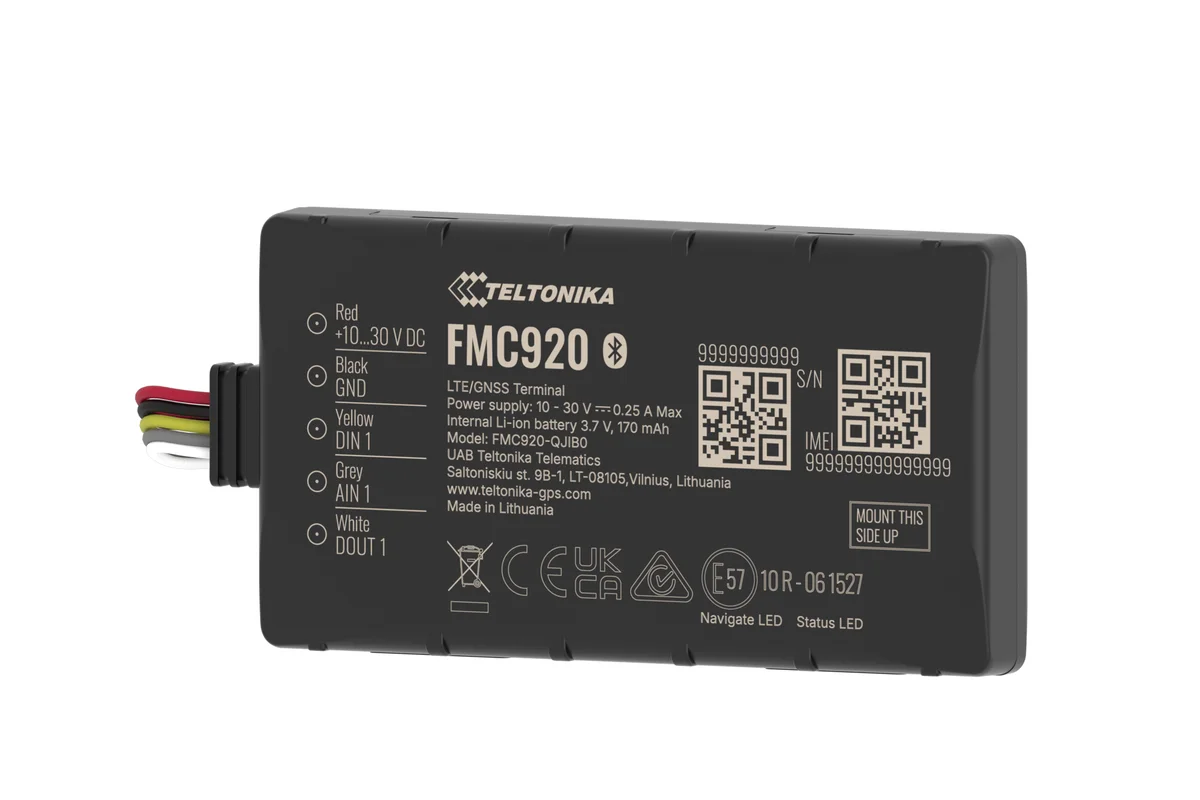
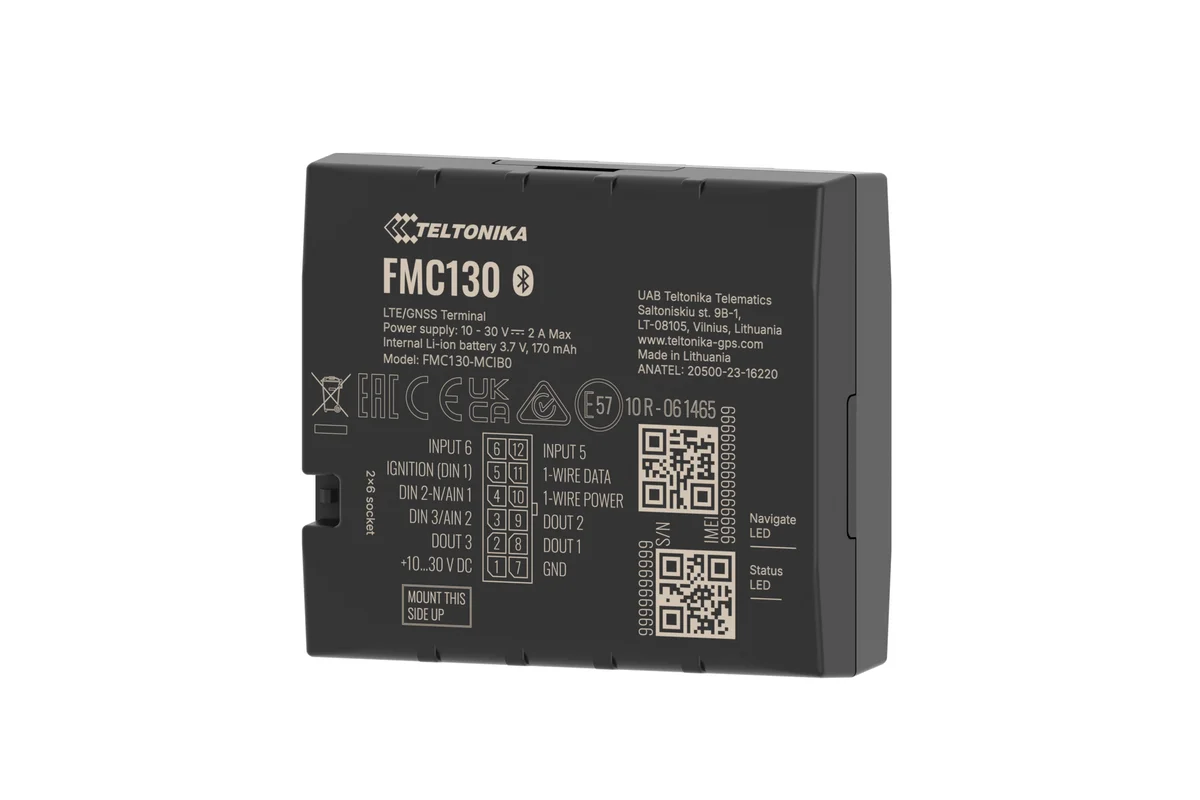
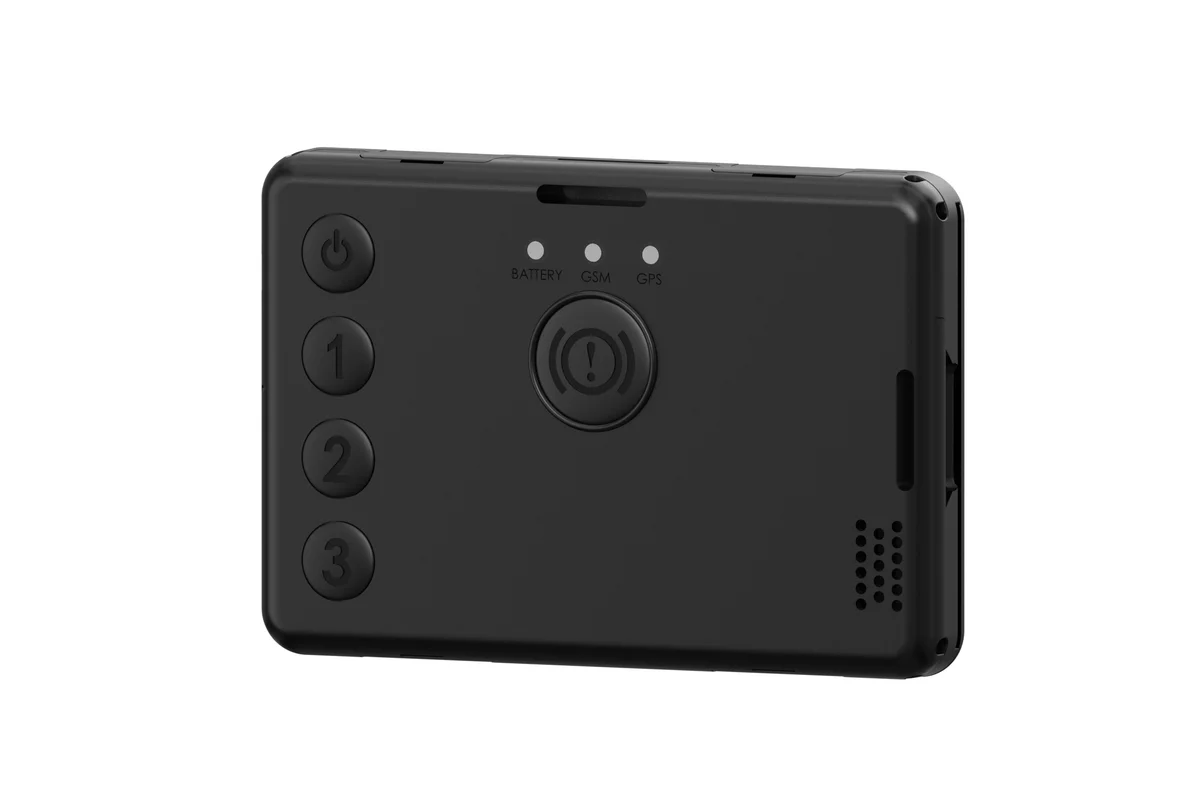
The Wialon app or go.gps.az in a browser
Both work under the same login. The choice depends on how often you sign in and from which phone.
| The Wialon app | go.gps.az in a browser | |
|---|---|---|
| Map, track, short reports | Yes | Yes |
| Push alerts with the screen locked | Yes | No |
| Works without installing anything | No, from the App Store or Google Play | Yes, in any browser |
| Suits phones where installing apps is barred | No | Yes |
| Who it suits better | Those who look every day | Those who sign in rarely |
Fitting and cost
The feature becomes available once you are connected to the GPS.az platform. The cost is made up of the hardware, the fitting and a monthly subscription, which includes the SIM card traffic — the total depends on the type of vehicle and the set of sensors. We prepare an exact quote for your fleet free of charge within one working day.
- 1 Your enquiry and the list of vehicles
- 2 The quote and an agreed fitting schedule
- 3 Fitting the hardware at your own site
- 4 Setting up reports and alerts in Wialon, and training the dispatcher
Questions about “A mobile app for GPS vehicle monitoring”
Request a call
A specialist will call back and match a solution to your fleet and your task.