
The SOS panic button and alert events from the GPS tracker
An SOS button, an impact, a rollover, a loss of power, signal jamming and the vehicle being towed away — the tracker reports events like these within seconds. We set up who receives the alert and by which channel, and what happens if the first recipient does not answer.
- 02:41 SOS · Van 10-XX-123 · M-3 road, Masally
- 02:43 Escalation: SMS to the shift supervisor, no answer for 2 min
- 03:05 Movement with the ignition off · Tractor unit 90-XX-417, Khirdalan
- 04:12 Tracker power cut · Van 77-XX-208
- 04:20 SOS closed by the dispatcher: driver reached by phone
From the data on board to the dispatcher's decision
The event on board
SOS, an impact on the accelerometer, a power cut or movement with the ignition off.
The tracker
It sends a packet with the coordinate straight away, and with no network it stores the event and forwards it later.
Rules in Wialon
They check the event type, the vehicle and the time, and decide who gets the alert and through which channel.
Escalation
The dispatcher first, then the shift supervisor by SMS if the alert has not been closed within a few minutes.
Features and tools
People
- An SOS button in the cab and carried by staff
- Impact, collision and rollover from the accelerometer
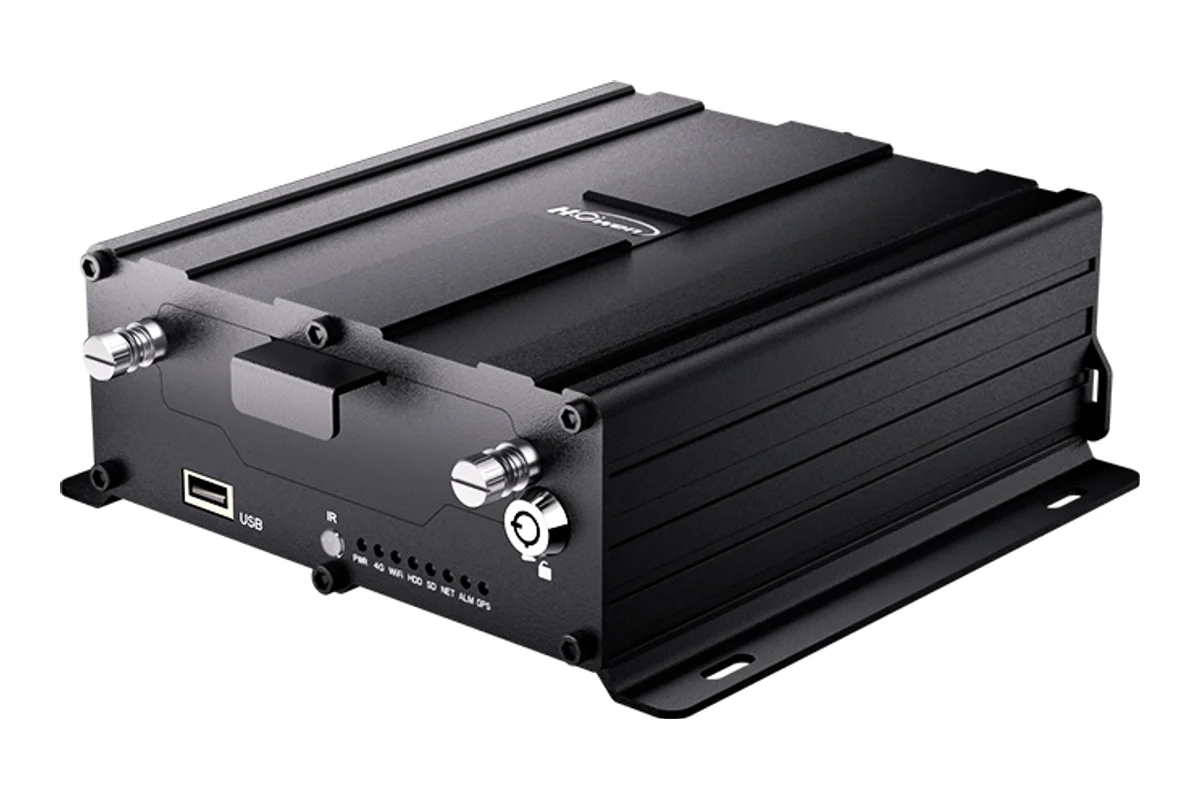
- Video of the moment of the event
Vehicle
- Power cut and tracker tampering
- GPS and GSM jamming
- Towing and recovery with the ignition off
- Movement outside working hours
How a single alert plays out
An illustrative example: a night run by van along the M-3 road towards Lankaran.
- The driver pressed SOS near Masally SOS
The dispatcher sees the point on the map, the vehicle and the driver. A push notification and a sound in the app arrive at once.
- The dispatcher has not opened the alert escalation
After two minutes the rule sends an SMS to the shift supervisor. SMS gets through without mobile internet.
- The shift supervisor rings the driver reached
The vehicle is on the hard shoulder with a punctured tyre. They call out a tyre fitter and record the reason in the log.
- Alert closed with a comment closed
The response time and the reason stay in the report. At the end of the month you can see how many SOS calls were false.
An alert is not just any notification
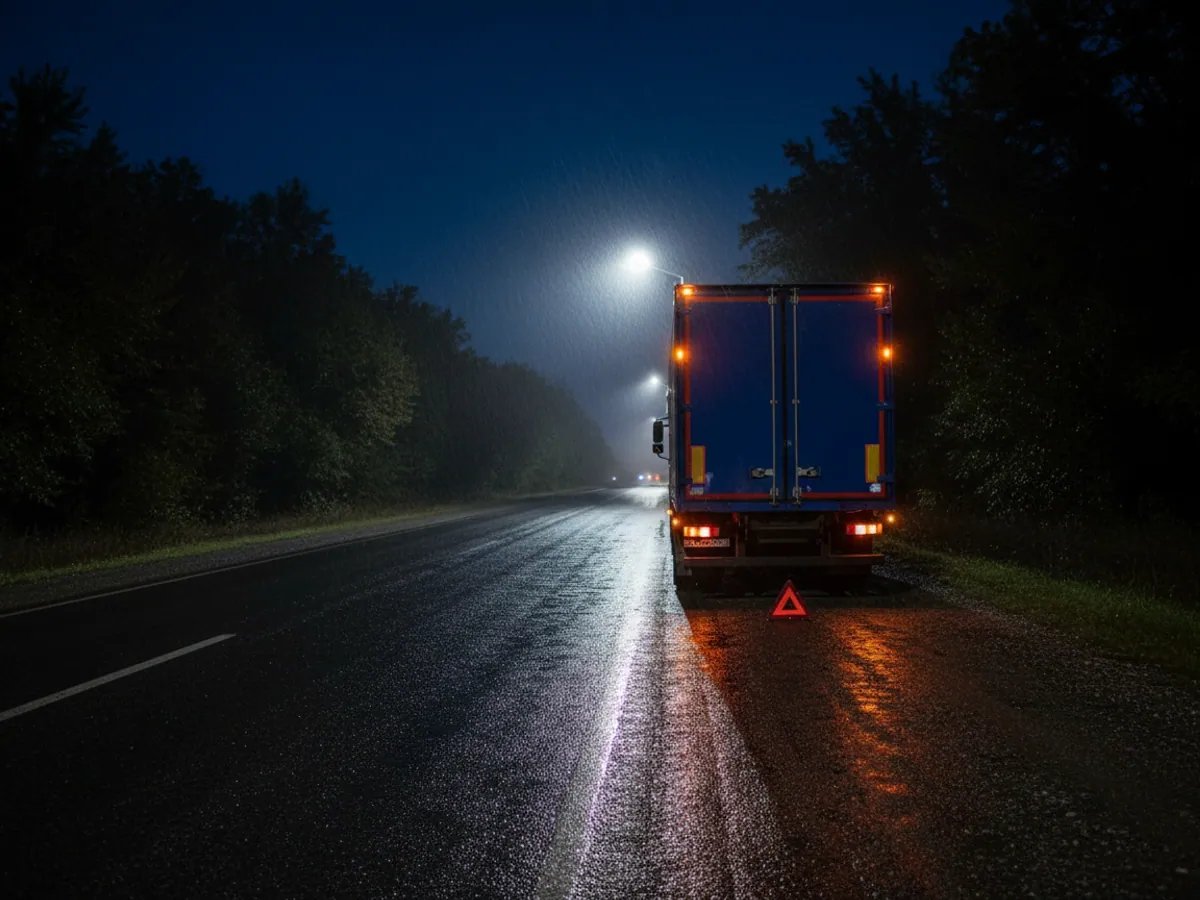
Wialon lets you set up a hundred different notifications: speeding, refuelling, entering a geofence. Most of them can wait until the evening. Alert events are different. A driver presses SOS on the M-3 at night near Masally, a vehicle rolls over on the hairpins in the Guba district, someone pulls the power off a tracker in a car park — here it comes down to minutes.
That is why we set alerts up separately from ordinary notifications. They have their own sound in the app, their own recipients and their own order of response. The aim is simple: to stop what matters from drowning in a hundred messages saying the driver went 4 km/h over the limit.
Which events a tracker can recognise at all depends on the model and how it is wired in. Below we go through the main types, with what each one needs and where false alarms tend to come from.
Which events we catch and what each one needs
SOS button
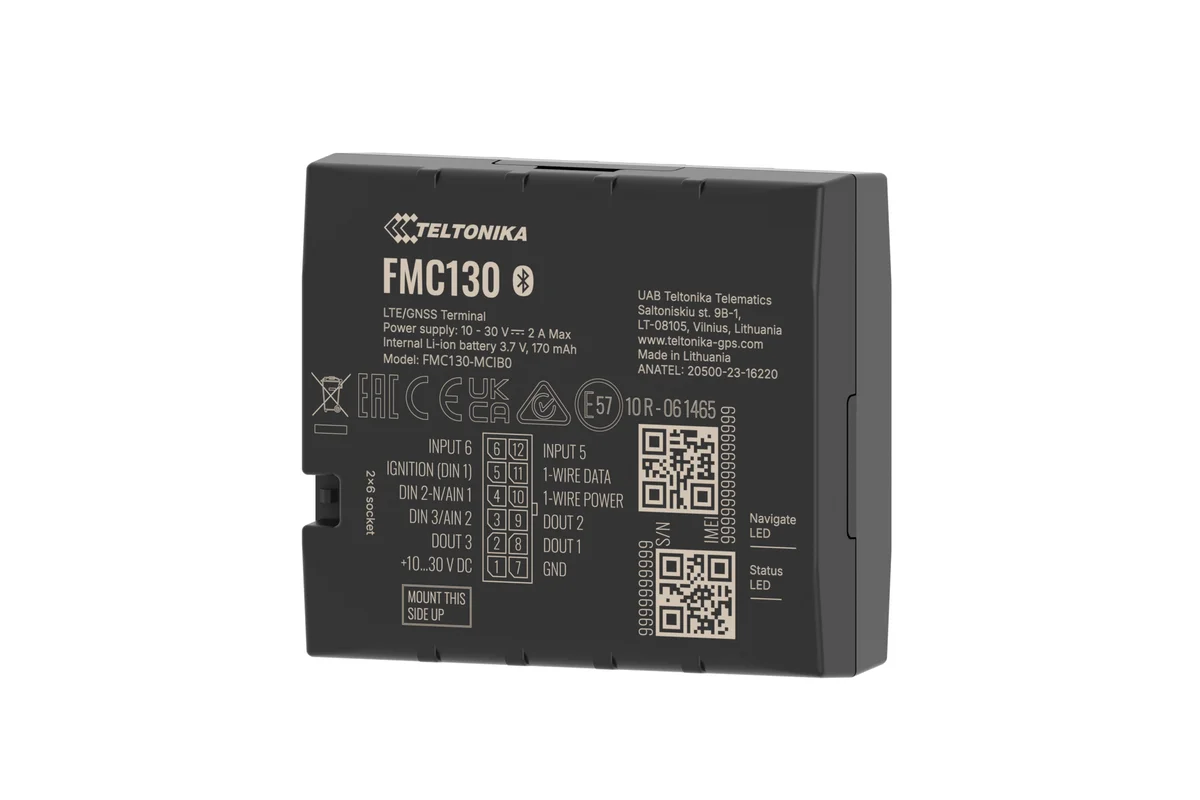
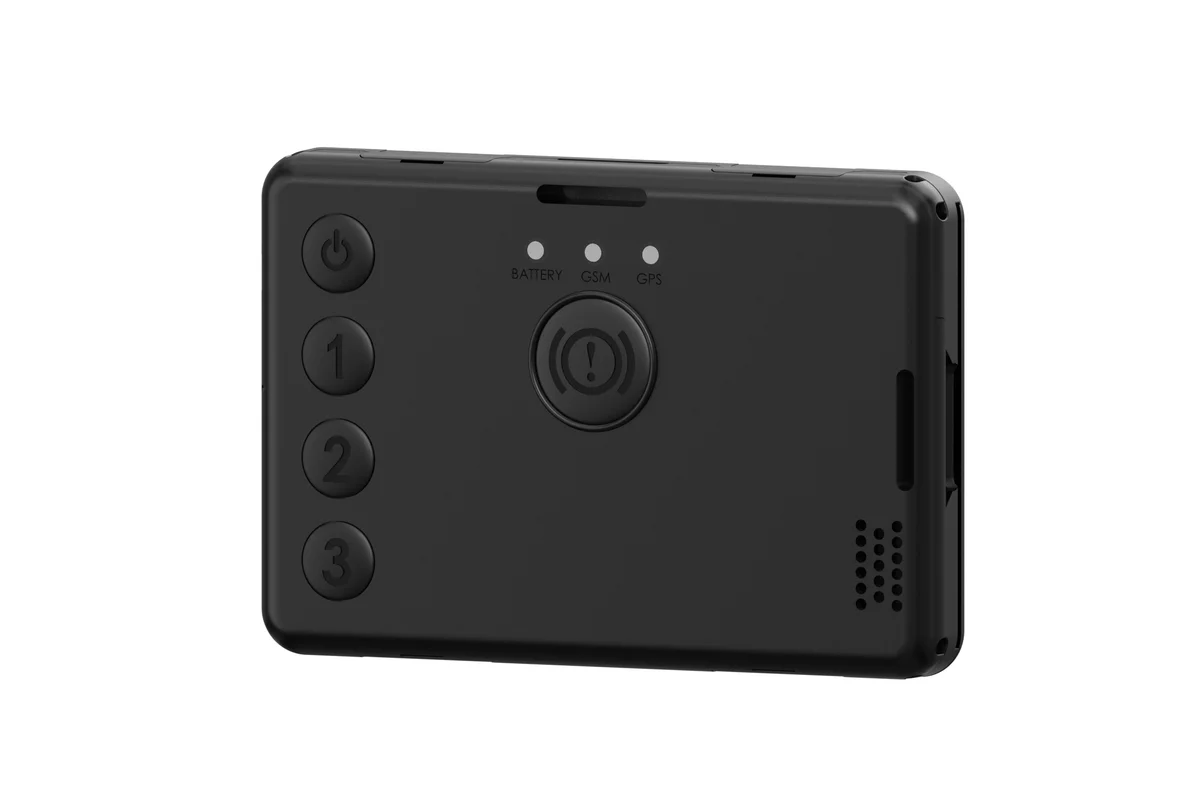
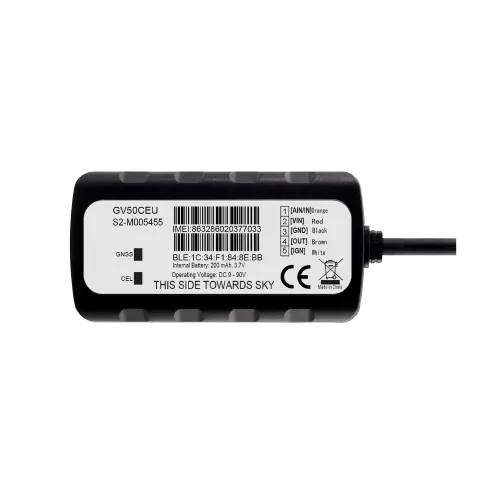
A concealed button under the dash or on the steering column wires into a digital input on the tracker. For staff on foot there is a personal tracker such as the Teltonika GH5200 with a button on the case. The press goes straight to the server with coordinates.
Impact and rollover
The tracker's accelerometer registers sharp deceleration and a change in the unit's orientation. We calibrate the threshold after fitting: too sensitive and it fires on every pothole in Binagadi, too coarse and it misses a light collision.
Power cut
The tracker switches to its internal battery and reports that external power has gone. That shows up an attempt to remove the device, a flat vehicle battery, and a back-street mechanic at work on the wiring alike.
Signal jamming
Modern Teltonika trackers can recognise the signs of GSM and GNSS suppression. The jamming message is sent once the connection comes back, or else held in memory. Jamming itself is a common sign of an attempted theft.
Towing and recovery
The ignition is off, yet the vehicle is moving or its angle is changing. This is the classic pattern of a theft by recovery truck, and of an unlawful tow from a car park.
Work outside the schedule
The ignition comes on at 3 in the morning on a Sunday, or a vehicle leaves the yard after the shift has ended. The rule is tied to the schedule and to the geofences around the parking areas.

One night in a car park in Khirdalan
An example of how a chain of events looks in practice. A refrigerated unit stands in a guarded yard and the driver has gone home.
01:12 — the tracker registers the loss of external power. At that same moment an alert reaches the duty dispatcher in Telegram and the shift supervisor by SMS.
01:14 — a sign of GSM jamming appears in the data. Points stop coming in.
01:19 — the connection partly returns and the tracker delivers its buffer: the vehicle is moving with the ignition off and the angle of the unit has changed. It looks like a loading onto a truck.
From here a person decides. The dispatcher rings the yard's security, who go out to the gate. If the vehicle is already beyond the perimeter, the track and the last coordinates are passed to the police.
Honestly about the limits: the system will not stop a thief by itself. What it does is cut the time it takes you to learn about the problem from the morning, when the driver turns up for his shift, down to a couple of minutes. If you need to physically prevent the engine from starting, we add remote immobilisation alongside the alerts.
Notification channels and who receives what
The quickest route to the dispatcher
A push notification from the Wialon mobile app and a Telegram message arrive almost at the same moment as the event reaches the server. For Telegram it is convenient to set up a separate channel or group per shift, so that every person on duty sees the alert and it is clear who has already taken it on.
There is one drawback: if the phone is on silent, the notification can be missed. For night shifts that has to be discussed in advance.


How to build escalation so an alert does not hang
Wialon itself has no ready-made escalation ladder with acknowledgement of receipt. We assemble one from several rules with delays and different recipients, and for larger operations through an external system over the API.
First line
Immediately after the event — Telegram and push to the duty dispatcher, plus an audible signal in the web interface.
Second line
If the event is still running, for instance the vehicle is still moving with the ignition off five minutes later, an SMS goes to the shift supervisor.
Third line
For SOS and rollover — straight to the head of security. That list has to stay short, or people start ignoring the messages.
An external control room
If you have your own control room or use a security firm, we pass the events into their system over the API and webhooks, where response tracking already exists.
The procedure: what the dispatcher does from the alert to closing it
The rules in Wialon are responsible for delivering the alert. What happens next is up to people, and it is better written down before go-live than on the first night. Below is the order we suggest taking as a starting point and adapting to your own team.
1. Accept
The duty dispatcher replies in the shift's group chat with I've got this, or marks acceptance in the log. That way the others know the alert is not nobody's. If no such mark appears within the agreed time, the next line fires.
2. Confirm
A call to the driver or member of staff following an agreed pattern. It is worth agreeing a code word: everything is fine without it means the person is speaking under duress.
3. Decide
Based on the call — stand down, send out your own people, ring the yard's security or call 112. We keep the list of numbers by region next to the map rather than in one person's head.
4. Escalate
If the driver does not answer and the event is still running, the alert goes to the shift supervisor and then to the head of security. The timing of each step is set down in the procedure in minutes.
5. Close with a reason
Every alert is closed with a comment: accidental press, breakdown, collision, attempted theft. Once a month those records show where thresholds need adjusting and which drivers need retraining.
When there is no coverage, and why it is worth pressing SOS deliberately once a month
The tracker does not send an alert into the void. With no network it puts the event into memory and forwards it as soon as it picks up Azercell, Bakcell or Nar. In the mountains beyond Guba, or on the passes on the road to Sheki, that can take tens of minutes. At that moment the dispatcher sees the last known point and the time of the last packet, not where the vehicle is now.
What to do about it in practice:
- Mark on the map the stretches of route where coverage drops out, and agree that the driver makes contact before and after them.
- Switch on a no data for more than N minutes rule for vehicles on night runs. The tracker's silence then becomes a reason to ring in its own right.
- For people working in areas with no coverage, discuss devices with a different communications channel. An ordinary GSM tracker will not get an alert out in time in places like that.
A practice alert is the thing almost nobody does, and they should. Once a month the driver presses SOS by arrangement, and we look at how many minutes it took the dispatcher to accept the event, get through and close it. That tests everything at once: the button's wiring, the rule in Wialon, the SMS balance, the phone numbers on the escalation list, and whether the night duty officer has turned the sound off. We mark practice presses separately in the log so they do not distort the statistics.
Who needs this first
Cash in transit and valuable loads
An SOS button, door monitoring and jamming detection. Any deviation from the route is a reason for an alert.
Lone workers
Pipeline patrollers, electricity staff at substations, security guards. A personal tracker with SOS and fall detection.
Passenger transport
A bus or taxi driver presses a concealed button without drawing the passenger's attention. There is more in the section for taxi operators.
Expensive plant and heavy equipment
An excavator on a site in Karabakh is left overnight unguarded. Power being removed and movement at night are the first signs of a theft.
Rental and leasing
A customer's vehicle has left the country, or someone is trying to cut its power — the rental company hears about it immediately.
Long-haul
Long stops on the M-2 and in neighbouring countries. A power cut or a suspicious halt at night calls for a response.
Where false alarms come from and how to get rid of them
- The button gets caught by a foot. We fit it somewhere it cannot be reached by accident and, where needed, require a press of 2–3 seconds.
- An impact on a speed bump. We choose the accelerometer threshold from several days of real driving rather than from the factory setting.
- A power cut while the battery is being replaced. We warn drivers and mechanics, and planned work is noted in the log so that security is not roused by an alert.
- Being carried on a ferry. A vehicle on the ferry to Turkmenbashi is moving with the ignition off. For runs like that we switch the rule off for the duration or set an exception around the geofence of the port at Alat.
- Jamming in dead spots. In tunnels and in the mountains a loss of signal can be perfectly natural. That is why a jamming alert is better combined with other indicators.
Over the first fortnight after go-live we usually fine-tune the thresholds together with the dispatchers. After that there are fewer alerts, but each of them means something.
What goes on the vehicle
Which channel to receive alerts on
The channels do not replace one another: for night-time alerts two are usually combined.
| Push | SMS | Telegram | |
|---|---|---|---|
| Gets through without mobile internet | No | Yes | No |
| Reaches the whole group in one chat | No | No | Yes |
| A link to the location on the map | Yes | Yes | Yes |
| No separate app required | No, an app is needed | Yes | No, Telegram is needed |
Fitting and cost
The feature becomes available once you are connected to the GPS.az platform. The cost is made up of the hardware, the fitting and a monthly subscription, which includes the SIM card traffic — the total depends on the type of vehicle and the set of sensors. We prepare an exact quote for your fleet free of charge within one working day.
- 1 Your enquiry and the list of vehicles
- 2 The quote and an agreed fitting schedule
- 3 Fitting the hardware at your own site
- 4 Setting up reports and alerts in Wialon, and training the dispatcher
Questions about “The SOS panic button and alert events from the GPS tracker”
Request a call
A specialist will call back and match a solution to your fleet and your task.