
Tracking mobile staff and field teams
Tracking mobile staff and field teams through a smartphone or a personal tracker: where a person is now, which sites they have visited, how long they stayed and whether the job was done. A manager can see how the field team works without hourly phone calls and verbal progress reports.
- 1 Agent R. 9648 of 50 calls, photos attached
- 2 Technician E. 8822 jobs, 2 rescheduled
- 3 Courier N. 743 visits with no photo report
- 4 Agent S. 615 check-ins outside the site geofence
- 5 Technician T. 457 jobs closed behind schedule
From the data on board to the dispatcher's decision
App or GH5200
The employee's smartphone or a personal tracker sends positions to Wialon during working hours.
Job
The address, the deadline and what has to be done. The job lands on the phone with a notification.
Check-in and photo
Arrival and departure are recorded by geofence, the result by a checklist, photos and the customer's signature.
Report
Visits, time on site and on the road, jobs completed and jobs missed over a day or a week.
Features and tools
Jobs
- Planning and allocating jobs for field staff
- Built-in chat so the dispatcher and the employee can talk
- Automatic notifications about new jobs and changes
On site
- Electronic checklists and reporting forms on mobile devices
- Photo proof of completed work and an electronic signature
- Site visits recorded with the time and the location
A sales agent's shift
An illustrative example: an agent calling on shops around Sumgait. This is how the manager sees the day.
- Shift starts, first call on schedule
The app starts sending positions when the working day begins. Before that the employee is not on the map at all.
- Visit to a shop 22 min on site
Arrival and departure are recorded by the geofence of the call point, and the checklist holds shelf stock and photos of the display.
- Urgent job from a customer nearest agent
The dispatcher can see on the map who is closest and hands over the job without ringing round. The employee gets a notification.
- Visit checked in outside the geofence 300 m from the site
The check-in is there, but the phone was somewhere else. That is a reason to ask the employee, not to hand out a penalty straight away.
- End of shift 11 of 12 calls
The day in summary: visits, time on the road and time on site. One call was moved to tomorrow with a comment from the agent.
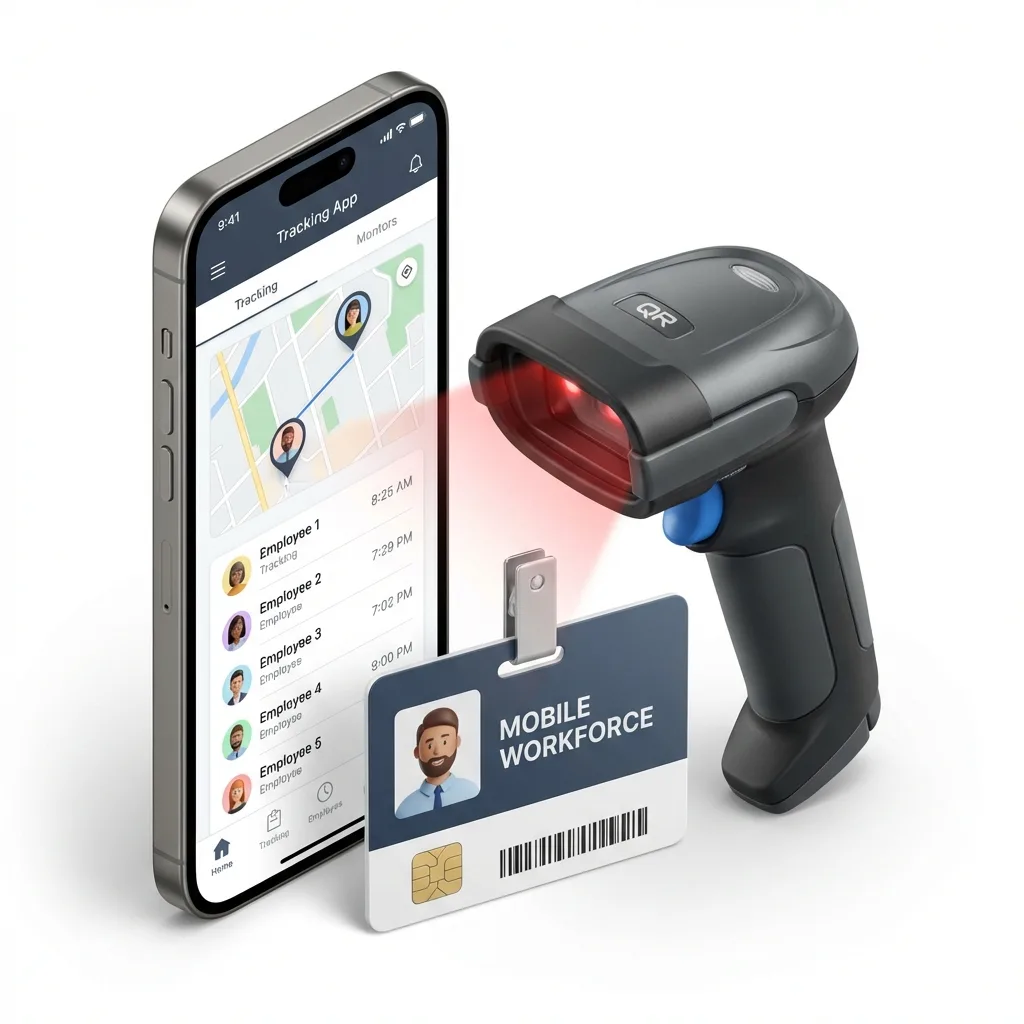
How an employee's phone appears on the map
In short: tracking field staff exists so that visits can be matched against jobs — whether the person was on site, when they arrived and left, and what they recorded. The source is an app on a smartphone or a personal tracker. Positions are only sent during working hours, and the conclusions drawn from a report are the manager's, after a conversation with the employee, not the system's.
The employee installs a mobile app on their smartphone, and the phone starts sending positions to the Wialon platform, in the same way a GPS tracker in a vehicle does. During working hours the manager sees them on the map alongside the company vehicles.
The dispatcher creates a job: the address, the time, what has to be done. The employee receives it on the phone, drives to the site, records the start and the end of the work, attaches photos and fills in a short form. The system records the arrival and departure times itself, from the geofence around the site.
At the end of the day or the week the manager opens a report: how many sites were visited, how much time went on driving, how much on the work itself, where there were delays. A report like that is harder to argue with than a verbal account.
Who needs this
Calls on retail outlets
A distributor has 15 sales representatives, and each of them has to call on 20–25 shops a day across Baku and Absheron. Previously the only evidence of a visit was the orders the agent brought back.
Now it is clear which outlets the agent actually reached, how long they stayed, and which shops go unvisited for weeks. Photos of the shelf and the stock on it are attached to the visit. How brands handle this is described on the FMCG brands page.


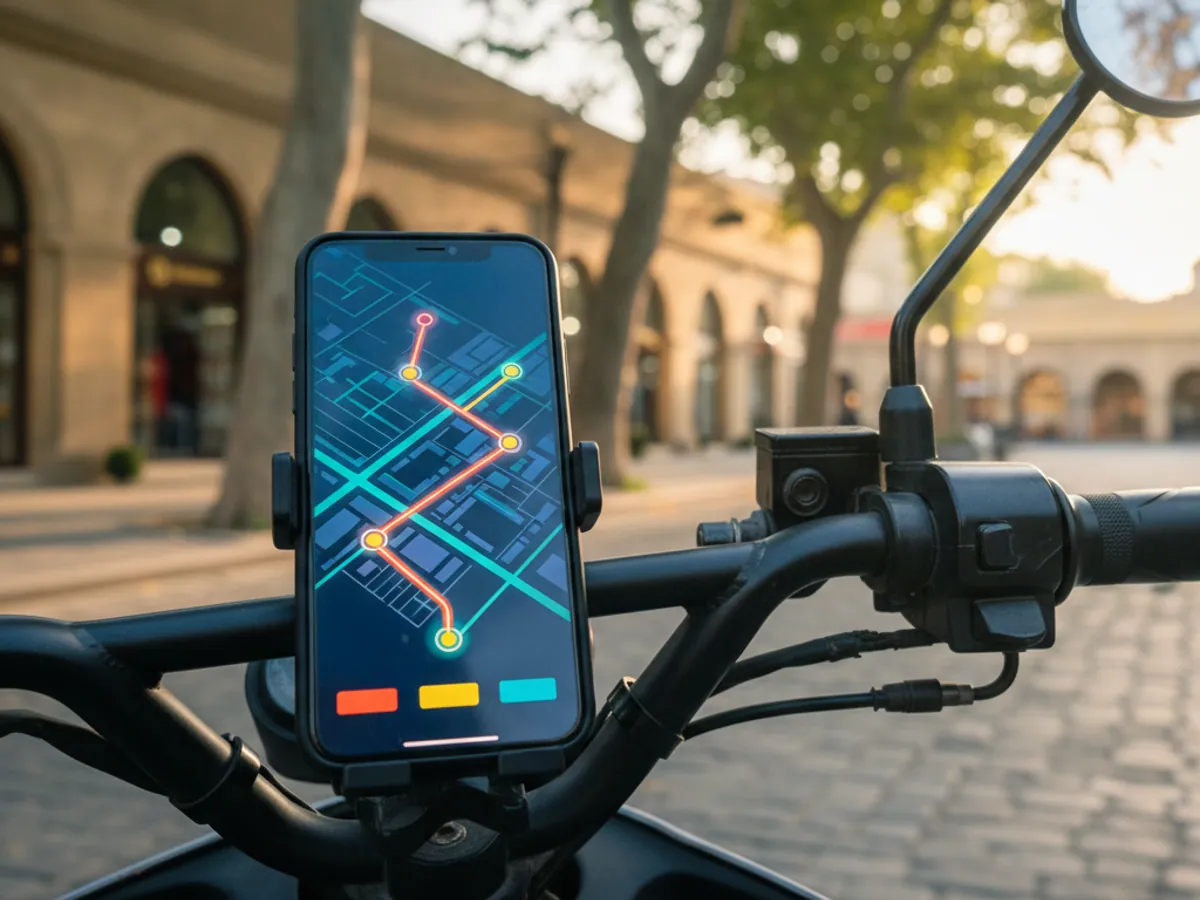

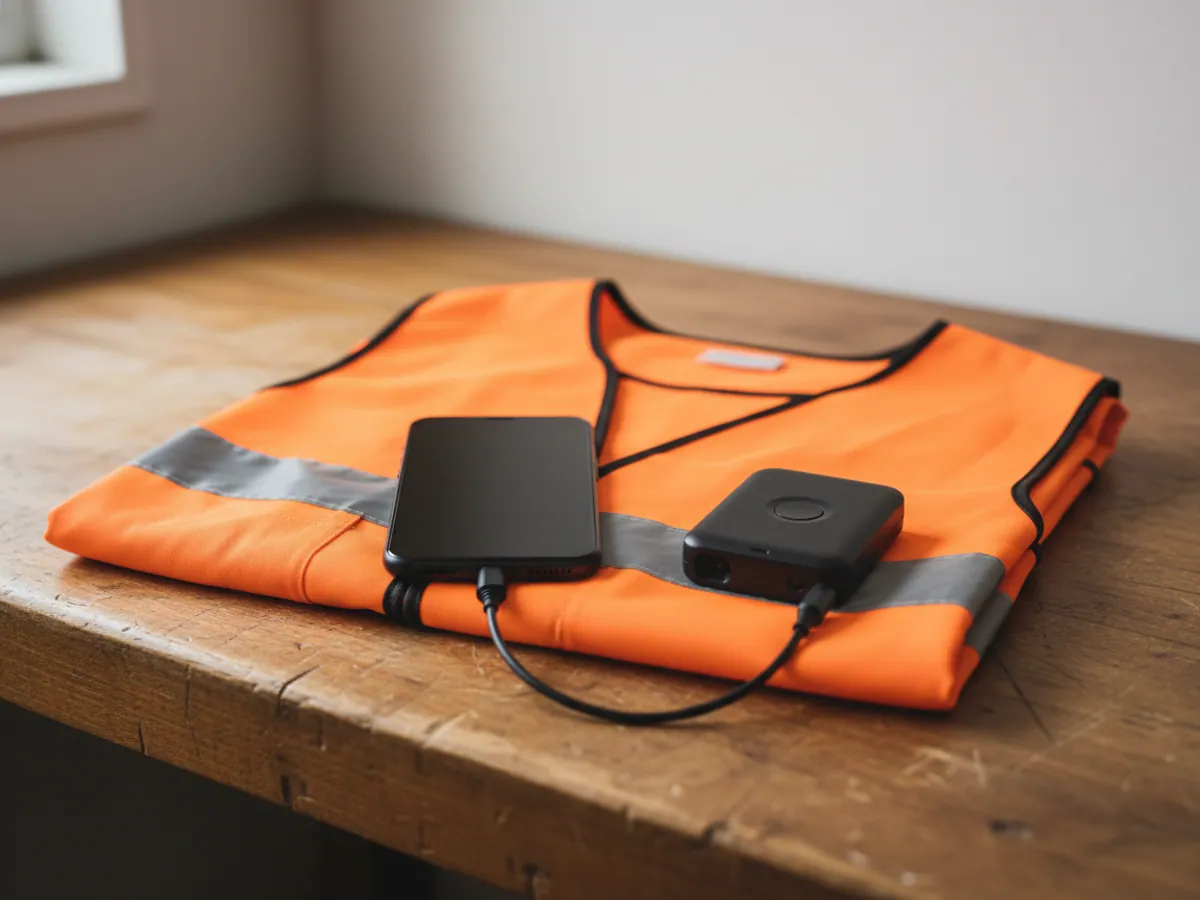
Smartphone or personal tracker
Both send positions to one and the same system, but they suit different jobs.
A smartphone with the app is the quickest way to start. There is no hardware to buy, because the employee already has a phone. Jobs arrive through it as well, and photos and forms go back the same way. The drawbacks: the phone runs flat, it can be left behind or have location switched off, and on an iPhone the operating system may limit how the app works in the background.
A personal tracker, for example the Teltonika GH5200, is a separate device about the size of a key fob or a badge. It holds a charge longer than a phone, it has an SOS button, and switching it off by accident is harder. But you cannot send jobs and photos through it.
In practice companies often combine the two: the app for engineers and sales agents, a tracker for patrol staff and for people working on hazardous sites. Everything appears on one map, in the mobile app and in the go.gps.az web interface.
Features and metrics
What the manager learns about the work of the field team.
Jobs and their status
Creating jobs with an address and a deadline, assigning them to an employee, following the status. The system records the arrival and departure times on site itself.
Site geofences
Offices, depots, customers and service points are marked on the map. The system reports an employee arriving and leaving — a courier in Ganja, say, or a sales agent in Khirdalan.
Mobile reporting
Electronic forms and checklists, photos and the customer's signature straight from the smartphone. The data reaches the system immediately.
Time on the road and on site
The working day broken down into driving, work and breaks. It shows where a route could be shorter and where jobs take longer than the time allowed for them.
What to settle before you start
Tracking people is a more sensitive matter than tracking vehicles. There are several things we suggest thinking through in advance.
Working hours only. The app can be set up to send positions on a schedule, or only once the employee has started a shift. An employee's own time is no business of the company's, and it is better if everyone can see that.
Consent from staff. Explain to the team what is tracked and why, and put it in writing. The legal details are worth checking with your lawyer — this belongs to employment law, not to system settings.
Whose phone. If an employee uses a personal smartphone, agree how mobile data will be reimbursed. The app does not use much of it, but the question is better closed in advance.
What counts as a breach. An employee who spent an extra hour on site may have been working through a difficult problem for the customer. The report shows the fact; the conclusions are the manager's, after a conversation.
Battery life. With positions being sent constantly a phone runs flat faster. A full working day is usually fine, but a car charger or a power bank does no harm for people who are out all day.
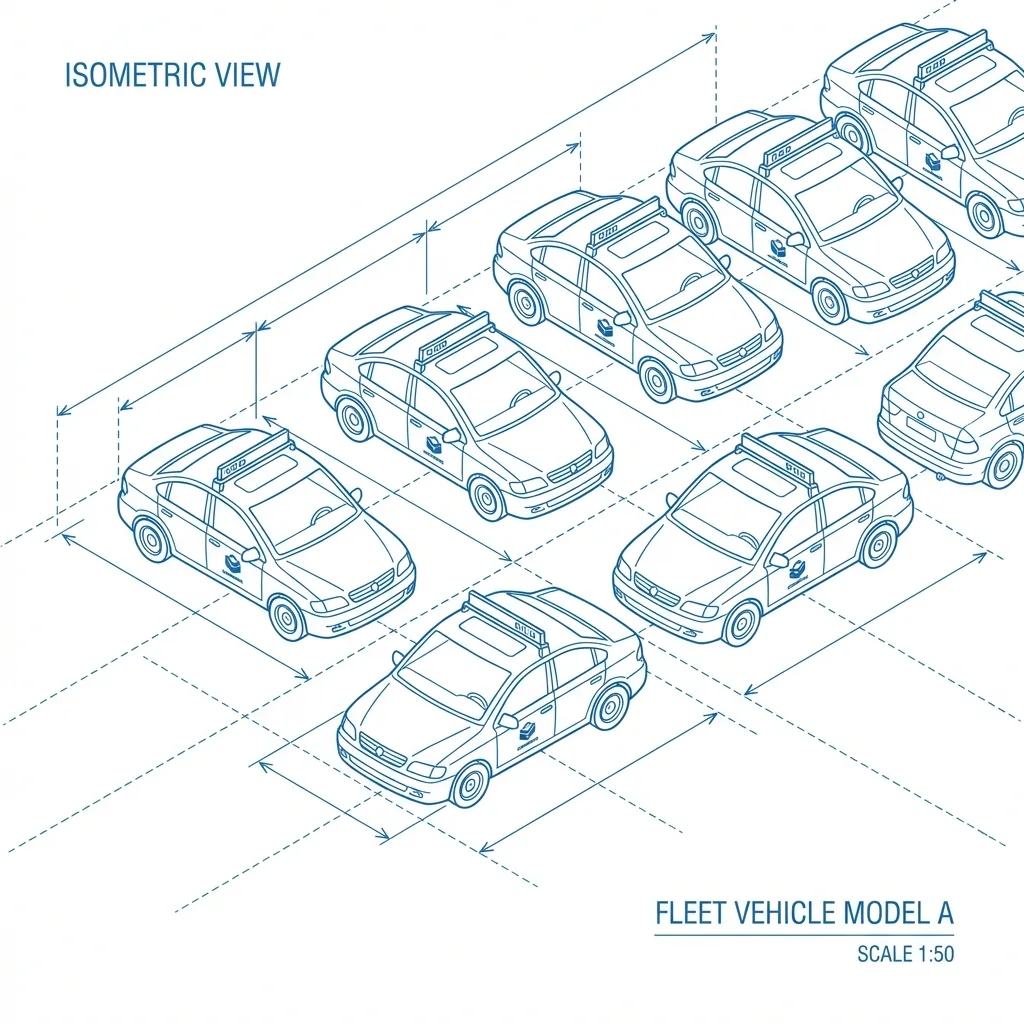
Shift rules: when the phone sends positions
Before you start it is worth writing down a short set of rules and showing them to the team. This is the framework we usually suggest, and you adjust the detail to your own schedule.
- Start of shift. The employee taps start shift in the app, or transmission switches on to a schedule, from 09:00 on weekdays for example.
- End of shift. After end shift, or at the scheduled time, positions are no longer sent. At weekends and during leave nothing is sent at all.
- Breaks. A lunch break is recorded as a status rather than by switching location off, so that no gap appears in the report that looks like a breach.
- Battery. We choose the transmission rate to suit the task: sales calls do not need a position every few seconds. The less often positions are sent, the longer the charge lasts. Actual consumption depends on the model of phone, so we check it during the pilot.
- Who can see it. The immediate manager and the dispatcher see their own group. Movement history is not circulated around the whole company.
The legal side of staff consent and data retention is for your lawyer to draw up: it is a matter of employment law, not of app settings.
A visit with no GPS: what to do
A basement store, a shopping centre, a workshop with a metal roof — inside a building a phone often cannot see the satellites. Visits like this happen every day, and the rule for them has to be agreed in advance.
What the system shows
The last position at the entrance to the building and the next one after the person comes out. The coordinate of the check-in itself may be imprecise, or taken from the mobile network with an error of hundreds of metres.
How to confirm the visit
A check-in in the app with a photo of the sign, the shelving or a signed document. The time of the photo and of the check-in are kept, even when the coordinate is imprecise.
How to count it in the report
Visits like these are better flagged separately and checked on a sample basis, rather than accepted or rejected automatically. If the same address is always without satellites, the site geofence is made larger or tied to the entrance.
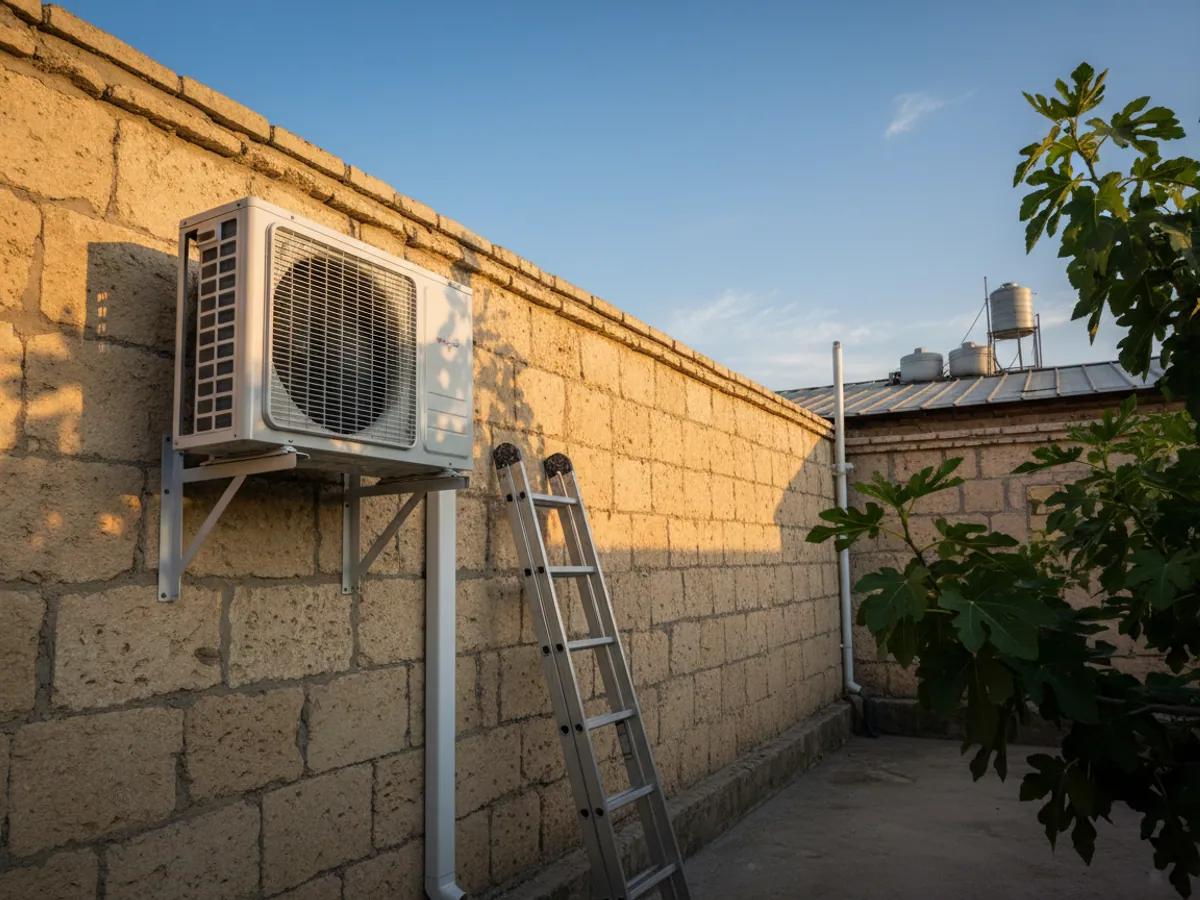
An example: air conditioning service in July
A typical picture for a Baku service company in season. Heat above +40 °C, three times the usual number of jobs, twelve technicians out on call from morning to evening. The dispatcher spends the whole day on the phone: where are you, when will you be free, can you make Binagadi before six?
Once the technicians are connected to the app the picture changes. A new job in Masazir goes to whoever has just finished in Khirdalan, rather than to whoever picked up the phone first. The technician records the arrival, photographs the unit once it is installed and takes the customer's signature on the screen.
A month later the manager can see in the report that almost half the working day goes on driving. The city is divided into zones, a pair of technicians is assigned to each one, and the number of jobs completed per day goes up without taking on new people.
And there is one more thing customers value: a complaint that the technician never turned up no longer turns into an argument. The time and the place of the visit are there in the system.
What the business gets
Discipline
When visits are recorded automatically, follow-through usually improves noticeably. In our projects the number of missed visits falls within the first month.
A faster response to jobs
The dispatcher can see who is closest to a new job and sends them, without ringing round the whole team.
Fewer wasted trips
Route analysis shows where staff drive across the whole city between sites that are next to each other. Reallocating jobs cuts mileage and time on the road.
Evidence for the customer
The time, the place and a photo of the completed work are an argument in disputes with customers and grounds for payment under a service contract.
What goes on the vehicle
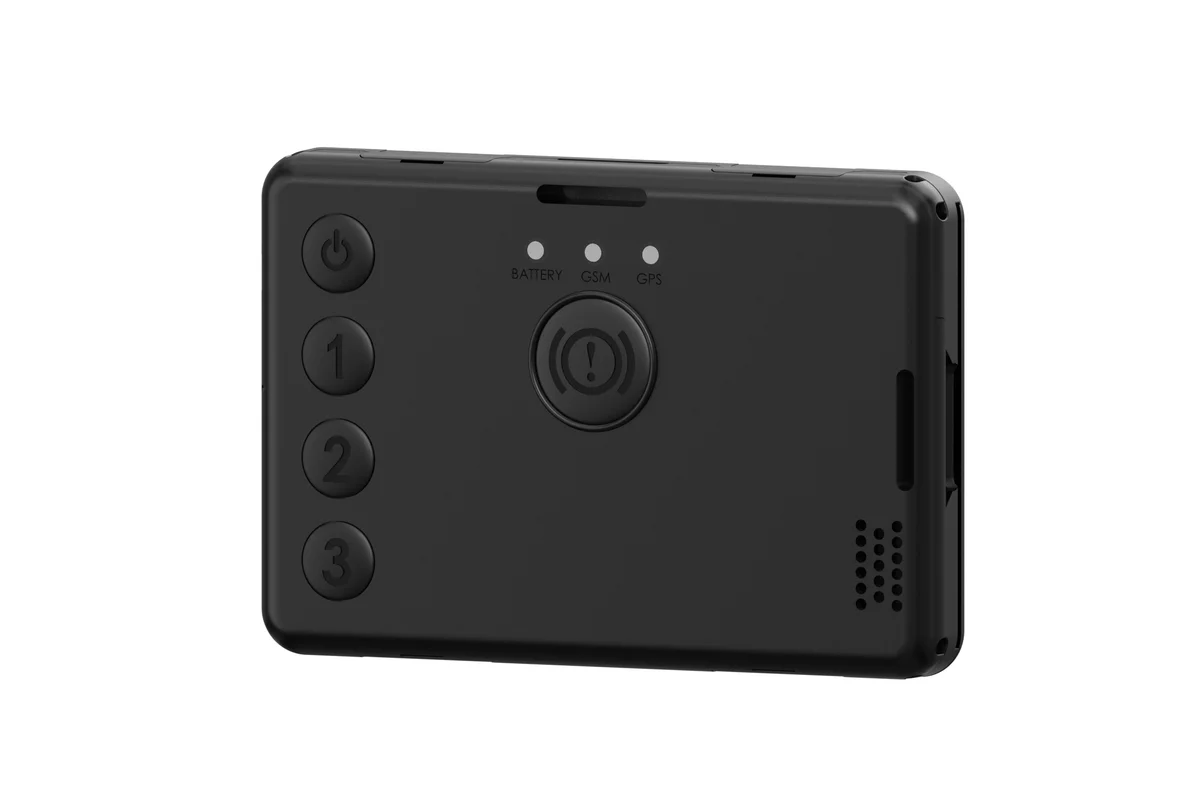
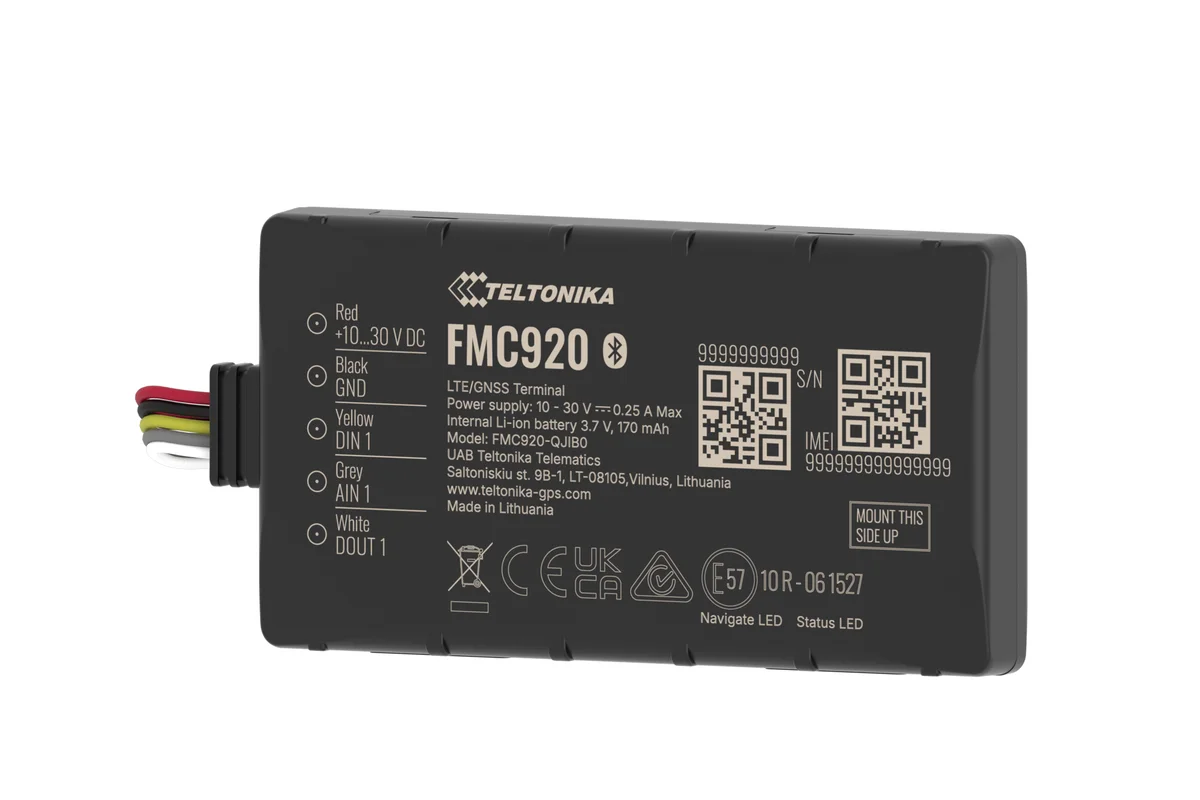
Smartphone or personal tracker
Both send positions to the same system. Companies often use both, for different groups of staff.
| Smartphone | GH5200 tracker | |
|---|---|---|
| No hardware to buy | Yes | No |
| Jobs, checklists and photos | Yes | No |
| Does not depend on the employee's phone | No | Yes |
| Dedicated SOS button | Depends on the app | Yes |
| Who it suits | Agents, technicians, couriers | Patrol staff, hazardous sites |
Fitting and cost
The feature becomes available once you are connected to the GPS.az platform. The cost is made up of the hardware, the fitting and a monthly subscription, which includes the SIM card traffic — the total depends on the type of vehicle and the set of sensors. We prepare an exact quote for your fleet free of charge within one working day.
- 1 Your enquiry and the list of vehicles
- 2 The quote and an agreed fitting schedule
- 3 Fitting the hardware at your own site
- 4 Setting up reports and alerts in Wialon, and training the dispatcher
Questions about “Tracking mobile staff and field teams”
Request a call
A specialist will call back and match a solution to your fleet and your task.