
Notifications and alerts in GPS monitoring
Wialon notifications and alerts report what matters on their own: a fuel drain, speeding, leaving a geofence, an SOS press, a tracker going dead. Nobody has to sit in front of the map. The message reaches whoever has to act on it by Telegram, push, email or SMS, and it stays in the event log.
- 02:14 Fuel drain −60 l, Ganja, tractor unit 90-XX-417
- 07:55 Van 10-XX-123 left the Warehouse geofence
- 11:20 Speed of 110 km/h for over a minute, M-2 road
- 13:05 Idling with engine on for 25 min, Sumgait
- 16:48 Power to the tracker cut, crane 77-XX-208
From the data on board to the dispatcher's decision
Tracker and sensors
Speed, coordinates, fuel, doors, SOS, power — everything the tracker knows.
A condition in Wialon
For example, speed above 90 km/h for more than 30 seconds and only outside Baku.
Delivery
Telegram, push in the app, e-mail or SMS — only to those who have to act.
Response
A message with the vehicle, the place and the time. The event stays in the log.
Features and tools
Alarms
Drivers
- Speeding above the set limits on any stretch of road
- Long periods of engine idling
- Unauthorised use of a vehicle outside working hours
- Eco-Driving breaches of driving style
A day as the garage manager sees it
An illustrative fleet of 30 vehicles in Baku and Ganja. This is how the notifications look in Telegram over one day.
- Drain at an overnight stop in Ganja −60 l
A message with the vehicle, the coordinates and the volume. By morning the garage manager already knows who to talk to.
- Left the depot before the shift began outside the schedule
The rule only applies outside working hours, so ordinary morning departures do not disturb it.
- Speeding on the M-2 110 km/h, 2 min
Brief bursts of speed are filtered out by the duration threshold. Only what is worth a conversation with the driver comes through.
- Idling with the engine on at the warehouse 35 min
One vehicle is a trifle. A report on such idling over a month shows how much fuel goes up in smoke at a standstill.
- Tracker stopped reporting no connection
The cause may be a mountain area or a loss of power. The alert tells you where to look first.
Three situations that make people set notifications up
Nobody watches the fleet map around the clock. Notifications exist so that you learn about what matters the same minute rather than from a report at the end of the month. These are the episodes that most often start our clients off.
A night-time drain in Ganja
A tractor unit is parked overnight by a cafe on the way out of Ganja. At 2:40 the tank level falls by 70 litres, the engine is not running and the vehicle has not moved. A couple of minutes later the garage manager gets a Telegram message reading Drain: 70 l with the address and a link to the map. In the morning the conversation with the driver takes place with the fuel chart already to hand.
It is Sunday and the vehicle is on the move
A company van is meant to stay at the depot in Binagadi from Friday evening until Monday morning. On Sunday afternoon it leaves the geofence. The movement outside working hours rule sends an alert to the head of department, who rings the driver while the vehicle is still on its way.
An impact on the M-3
A bus carrying shift workers is heading towards Astara. The tracker's accelerometer registers a sharp impact and an alarm arrives with the coordinates and the speed at the moment of the event. The dispatcher rings the driver at once and, if need be, calls out help without waiting for someone to report it.
How a notification rule is put together
In short: notifications exist so that the right person learns about an event he has to act on and is not sent everything else. For that, every rule needs a threshold, a channel, a recipient and a clear action to follow the message. We start with three to five rules and add the others once the first ones have stopped making noise.
Every notification in Wialon is a rule with three parts: what to watch, for which vehicles, and what to do once the condition is met.
The condition can be almost anything the tracker knows about: speed above a set figure, entering or leaving a geofence, a sensor value, loss of connection, idling for longer than N minutes, refuelling or a drain, a press of the panic button, a service interval falling due. Conditions can be narrowed: for example, counting as speeding only a speed above 90 km/h sustained for more than 30 seconds and only outside Baku.
The action is not only a message. The platform can send an email, a push, a Telegram message or an SMS, show a pop-up in the dispatcher's web interface, write the event into the object's history, send a command to the tracker, or build and send out a report.
- A rule can be switched on to a schedule, for instance only at night or only at weekends
- One rule can watch a group of vehicles rather than each one separately
- The text of the message is configurable: vehicle name, driver, address, speed, sensor value
- Every notification that has fired stays in the log and can be pulled up as a report for any period
Where the messages arrive
The most popular channel among our clients
In Azerbaijan work chats have long lived in Telegram and WhatsApp, so Telegram notifications caught on fastest of all. Messages arrive in a private chat or in a group: Fuel — Absheron, say, with the garage manager and the head of transport added to it.
It is useful to split events across chats. Drains and SOS into one, geofences and late arrivals into another. That way the important things do not drown among routine arrived at the warehouse messages.

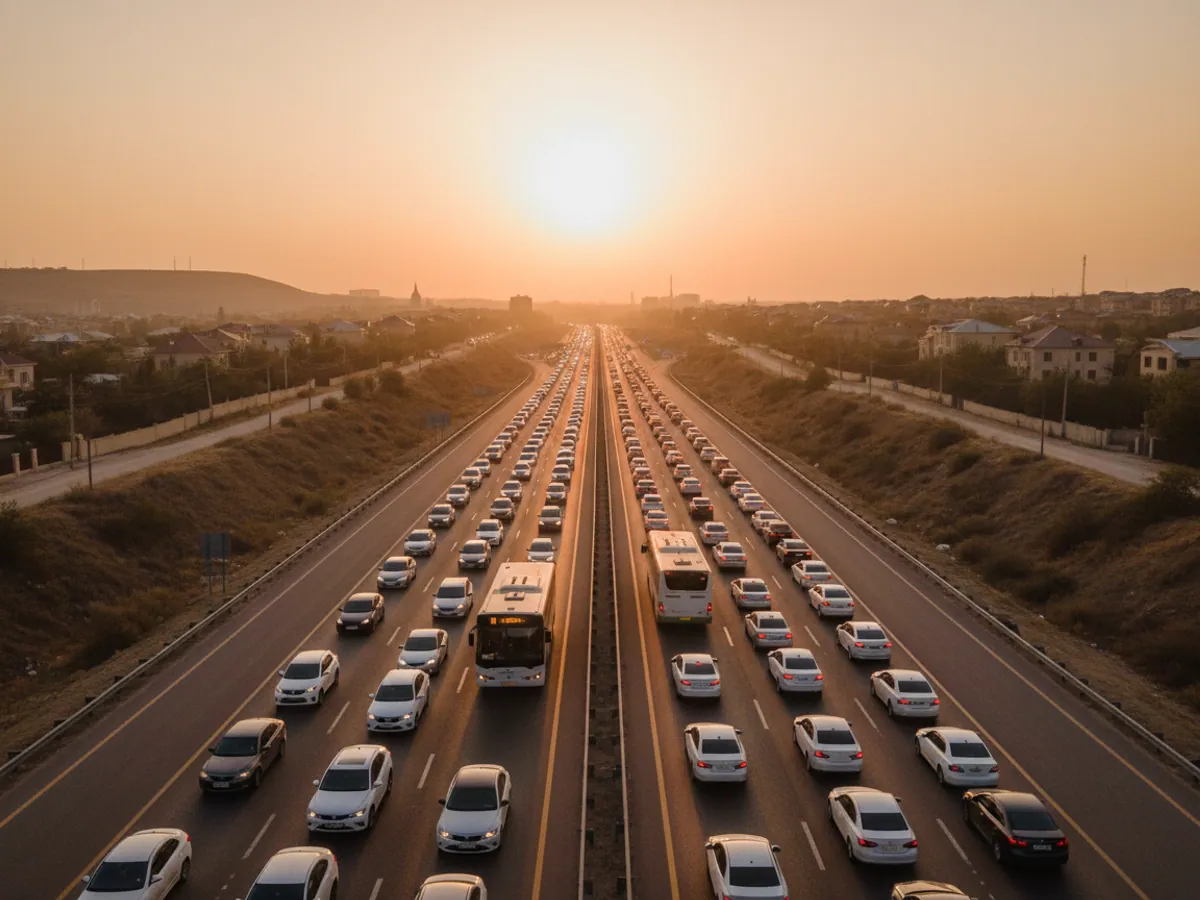
Security alarms: SOS, jammers, loss of power
Some notifications are about the safety of people and vehicles rather than about money. We set those up with the highest priority and send them to several recipients at once.
- The SOS panic button. A concealed button under the steering wheel or beside the seat. The driver of a cash-in-transit vehicle or a taxi presses it and the dispatcher receives an alarm with the coordinates.
- Impact and rollover. The tracker's accelerometer notices a sharp change in acceleration or in the attitude of the body. We choose the trigger threshold so that the ruts on the dirt track to a quarry do not raise false alarms.
- Signal jamming. Thieves use GSM and GPS jammers. Teltonika trackers can recognise such interference and report it the moment the connection breaks through even for a second, and until then they write the event to memory.
- Loss of power. The tracker has been cut off from the vehicle's electrical system. Its built-in battery is enough to send the event and to keep working for a while.
There is more about alarm scenarios and the hardware for them on the page covering SOS and alarm signalling. If an alarm has to do more than inform you, and the vehicle has to be stopped, that is handled through remote engine immobilisation.
Which notifications pay for themselves fastest
Drains and refuelling
An alert about a sharp fall in fuel level is the strongest argument in a conversation with a driver. It requires a fuel level sensor or CAN data.
Idling
In winter in Guba a driver warms the cab for an hour; in summer in Baku he sits under the air conditioning for an hour. A rule reading idling with the engine running for more than 15 minutes soon shows how much that burns.
Work outside the schedule
Weekend and night-time departures are usually the quickest source of savings on private trips.
Loss of connection
Not the most striking rule, but an important one. If a tracker goes quiet for more than a day, you find out straight away rather than when a report is needed.
Customer geofences
A vehicle arriving at a customer and leaving again. You can forward the arrival to the customer immediately and stop fielding calls asking where the driver is.

A rules matrix: event, threshold, channel, recipient, escalation
Before setting anything up we fill in a simple table with the client. Each row is one rule. Here is an example of how it looks for a small fleet; your thresholds and names will be your own.
- Panic button pressed. Threshold: any press. Channel: Telegram and push. Recipient: the duty dispatcher and the manager. Escalation: if the dispatcher cannot get through to the driver, he rings the head of security under the internal procedure.
- Fuel drain. Threshold: a fall in level greater than the agreed volume while parked. Channel: Telegram. Recipient: the garage manager. Escalation: a review with the driver the next day, and on a repeat, up to the manager.
- Speeding. Threshold: above 90 km/h for more than 30 seconds outside town, for instance. Channel: a daily summary by email. Recipient: the head of transport. No escalation is needed; this is material for a conversation.
- No connection to the tracker. Threshold: more than a few hours during working time. Channel: email. Recipient: the monitoring administrator. Escalation: a job raised to check the tracker.
Wialon does not run the escalation itself: the system does not know whether a person has responded. A second rule with a tighter threshold partly takes its place — idling for more than 30 minutes to the dispatcher, more than two hours to the manager. Everything else is procedure: who answers a message and within what time.
The notification log helps you check that the rules are working: a report for a period shows which rules fired, for which vehicles and when. Whether the message actually reaches the phone is something we check with a test trigger on each channel at commissioning and after the recipients change. SMS and Telegram depend on the operator and on the phone's own settings, and that is worth allowing for with the most important alarms.
Why people stop reading notifications and how to avoid it
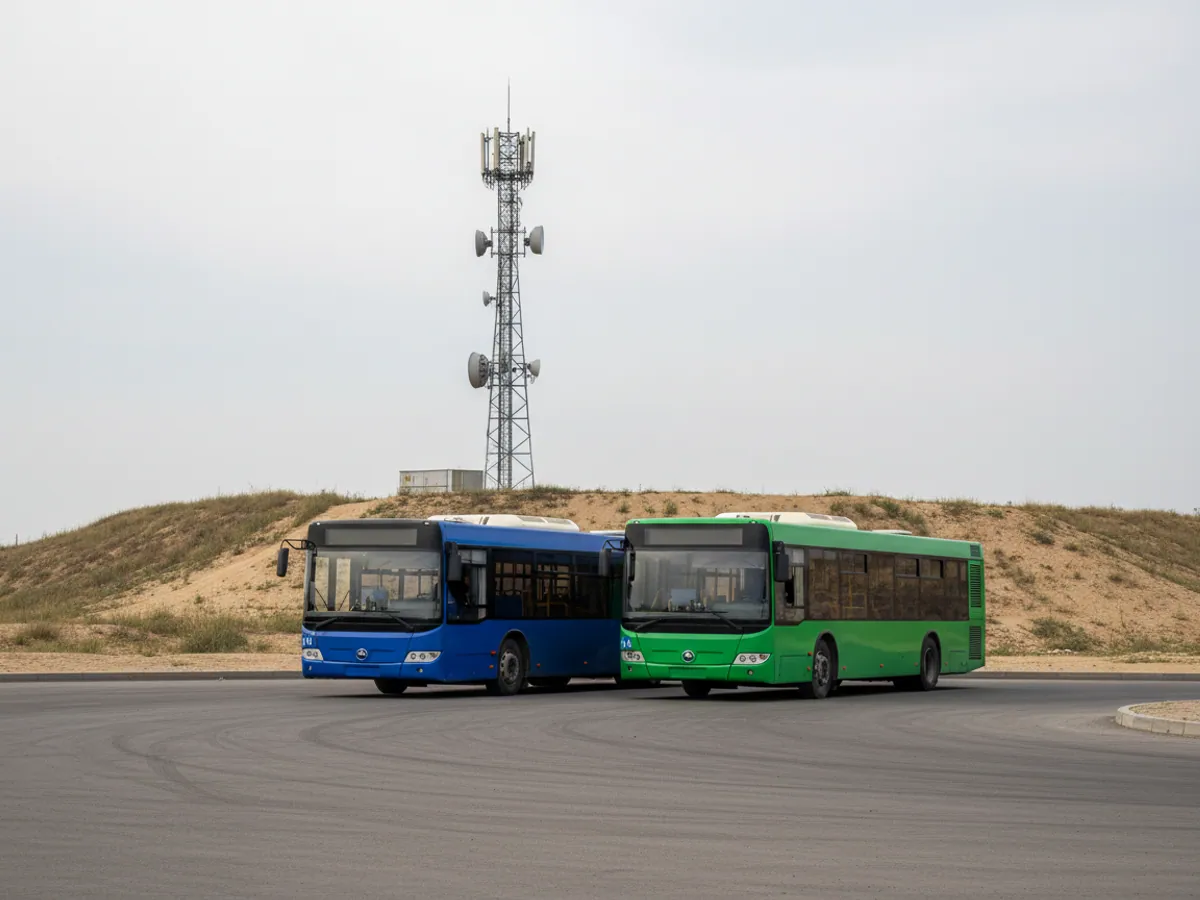
The commonest mistake is to switch everything on at once. On the first day 400 messages arrive: every arrival at the warehouse, every 3 km/h over the limit, every brief halt. A week later the chat is muted, and an important drain drowns in the flow.
We advise starting with three to five rules that call for a response and adding the rest gradually. Here is what we pay attention to when setting them up:
- A speed threshold with some margin and a minimum duration. Five km/h over the limit for two seconds is noise; 110 km/h on the M-2 for more than a minute is grounds for a conversation.
- Different recipients for different events. The driver gets the speed warning, the garage manager the drains, the manager only SOS alerts and the daily summary.
- A schedule. A movement at night rule should not fire on a shift that is rostered to work at night.
- A chatter filter. A door sensor on a poor road can flap dozens of times, so we set a minimum duration for the event.
- Reviewing the list once a month. Rules nobody responds to are better switched off.
If notifications are already set up and have turned into noise, we will go through them with you and put them in order as part of system configuration.
What goes on the vehicle


Which channel for which events
Urgent alarms usually go to Telegram and push, summaries to email, while SMS stays as a fallback channel.
| Telegram | Push | SMS | ||
|---|---|---|---|---|
| Suits urgent alarms | Yes | Yes | No | Yes, as a fallback |
| Gets through without mobile data | No | No | No | Yes |
| A shared chat for dispatchers | Yes, a group chat | No | A mailing list | No |
| Daily summaries and reports | Possible | No | Yes, the most convenient | No |
| No charge per message | Yes | Yes | Yes | No |
Fitting and cost
The feature becomes available once you are connected to the GPS.az platform. The cost is made up of the hardware, the fitting and a monthly subscription, which includes the SIM card traffic — the total depends on the type of vehicle and the set of sensors. We prepare an exact quote for your fleet free of charge within one working day.
- 1 Your enquiry and the list of vehicles
- 2 The quote and an agreed fitting schedule
- 3 Fitting the hardware at your own site
- 4 Setting up reports and alerts in Wialon, and training the dispatcher
Questions about “Notifications and alerts in GPS monitoring”
Request a call
A specialist will call back and match a solution to your fleet and your task.