
Engine hours and plant utilisation
Engine hours for excavators, loaders, cranes and tractors taken from the tracker rather than from the operator's word. Work under load and idle time counted separately, attachments logged, hours split by site, and an honest hourly bill for contractors' machines.
From the data on board to the dispatcher's decision
Ignition and sensors
The ignition signal, engine revs from the CAN bus, or a sensor that shows the attachment working.
Teltonika tracker
Records the start and the end of work, logs coordinates and sends the data over the mobile network.
Wialon
Counts the engine hours, splits them into work under load and idle running, and ties them to site geofences.
Report and timesheet
Engine hours by machine, by site and by shift - for paying the contractor and planning servicing.
Features and tools
Recording the work
- Engine hours from ignition and from the CAN bus
- Work under load and idle running
- Sensors for attachment operation
Sites and payment
- Plant hours by site and geofence
- Hourly pay for contractors' machines
- Monitoring of construction plant
An excavator's shift on a road project
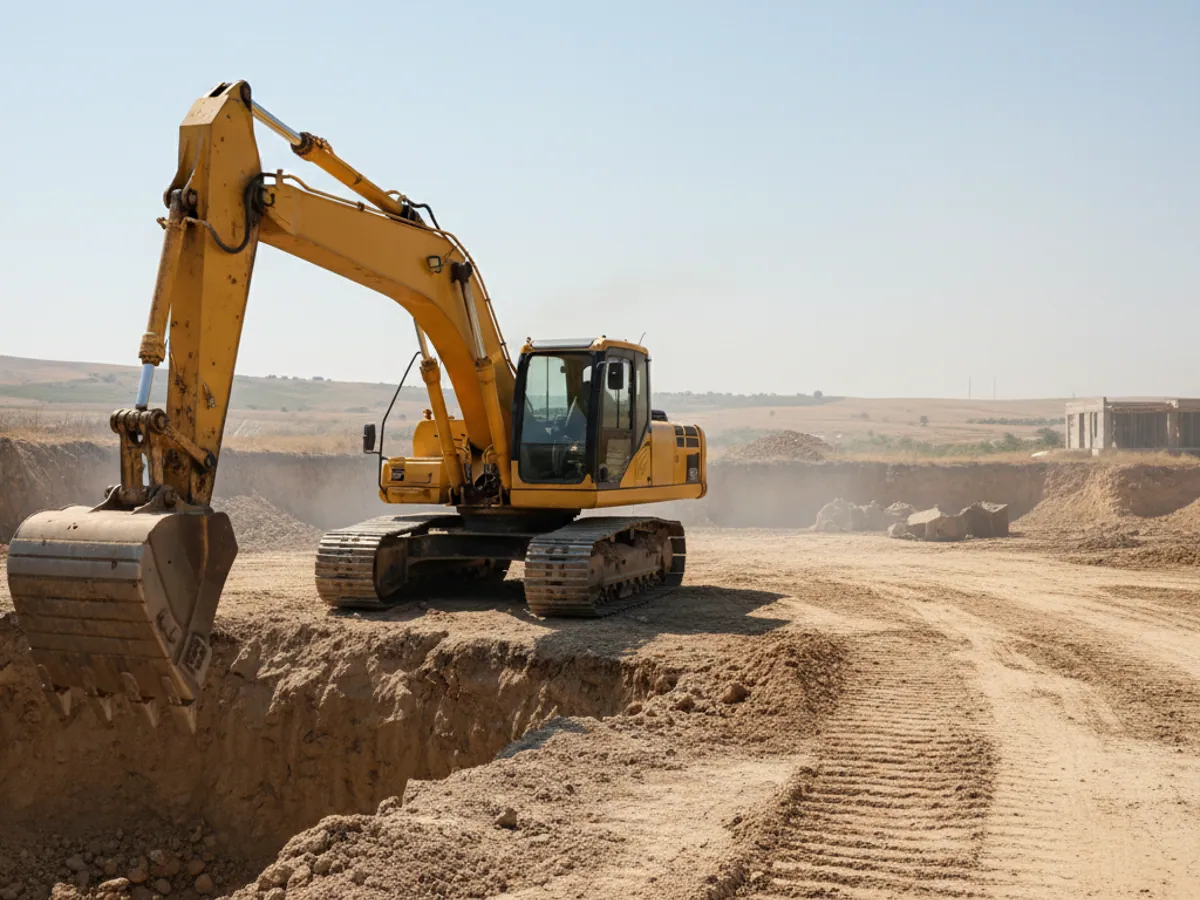
An illustrative example: a contractor's machine on a site in Karabakh. This is how the shift looks in the engine-hours report.
- Ignition on, engine warming up idle 25 min
A morning warm-up is normal, but 25 minutes is worth a word with the operator. In the report this is a line of its own.
- Work under load begins bucket working
The attachment sensor shows that the excavator is actually digging, not simply standing there with the engine running.
- Lunch break with the engine running idle 50 min
In summer the reason is usually the same - the air conditioning in the cab. These hours do not go onto the contractor's timesheet.
- Leaves the site geofence off site
The machine has moved to the neighbouring site. The hours worked there are not credited to your project.
- Engine switched off 7.5 h of work
The shift total: engine hours altogether, under load and at idle. A ready-made line to check against the timesheet.
Why plant is measured in hours and not in kilometres
In short: the point of counting engine hours is to separate the time the engine was merely running from the time the machine was doing useful work. Ignition shows that the machine was switched on. Work under load and the operation of attachments are shown by the revs from the CAN bus or by a separate sensor. Which source you need depends on what you intend to do with those hours: plan servicing, or pay a contractor.
In a single shift an excavator may travel 300 metres and still put in nine hours of work. Mileage means nothing for a machine like that. Wear, fuel consumption, service intervals and the contractor's invoice are all counted in engine hours.
The trouble is that nobody photographs the hour meter in the cab every evening, and the operator's timesheet is written from memory. On a construction site this turns into an argument: the site manager says the machine stood idle for half the day, the contractor invoices for a full shift.
Counting engine hours through a GPS tracker takes that argument away. The tracker records every start and stop of the engine with the exact time and position. If it is connected to the CAN bus, Wialon also receives the machine's own engine-hour counter and the engine revs. The data sits on the server, and neither the operator nor the dispatcher can go back and amend it.
How we measure a machine's work: four levels of accuracy
Engine hours from the ignition
The simplest option: the tracker is wired into the ignition circuit and counts the time the engine is switched on. It suits any machine, including older ones with no electronics.
There is one limitation, and it matters: ignition on does not always mean the engine is running. If the operator leaves the key in and goes off to lunch, the time is still counted. That is why, for machines billed by the hour, we recommend at least monitoring the on-board voltage, which shows whether the alternator is turning.
Contractors' machines and hourly billing
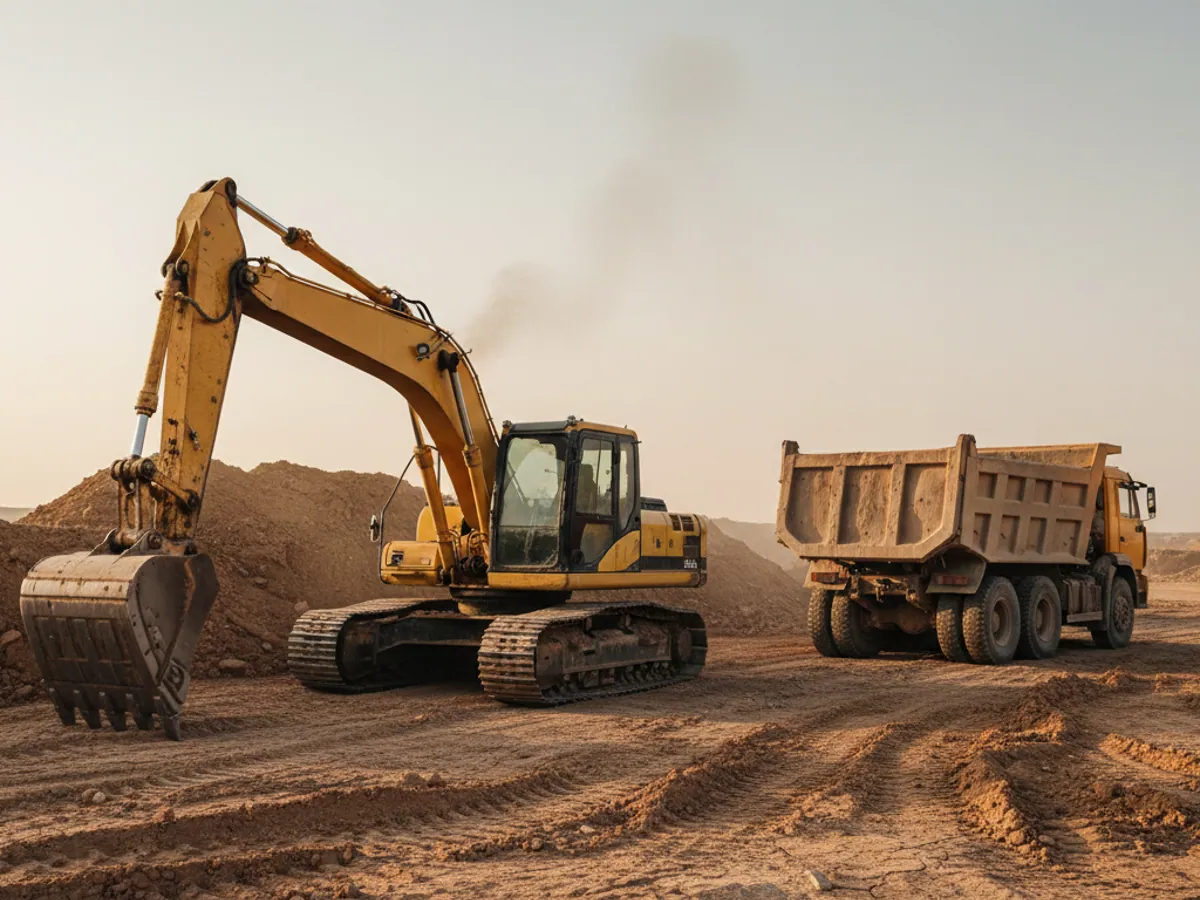
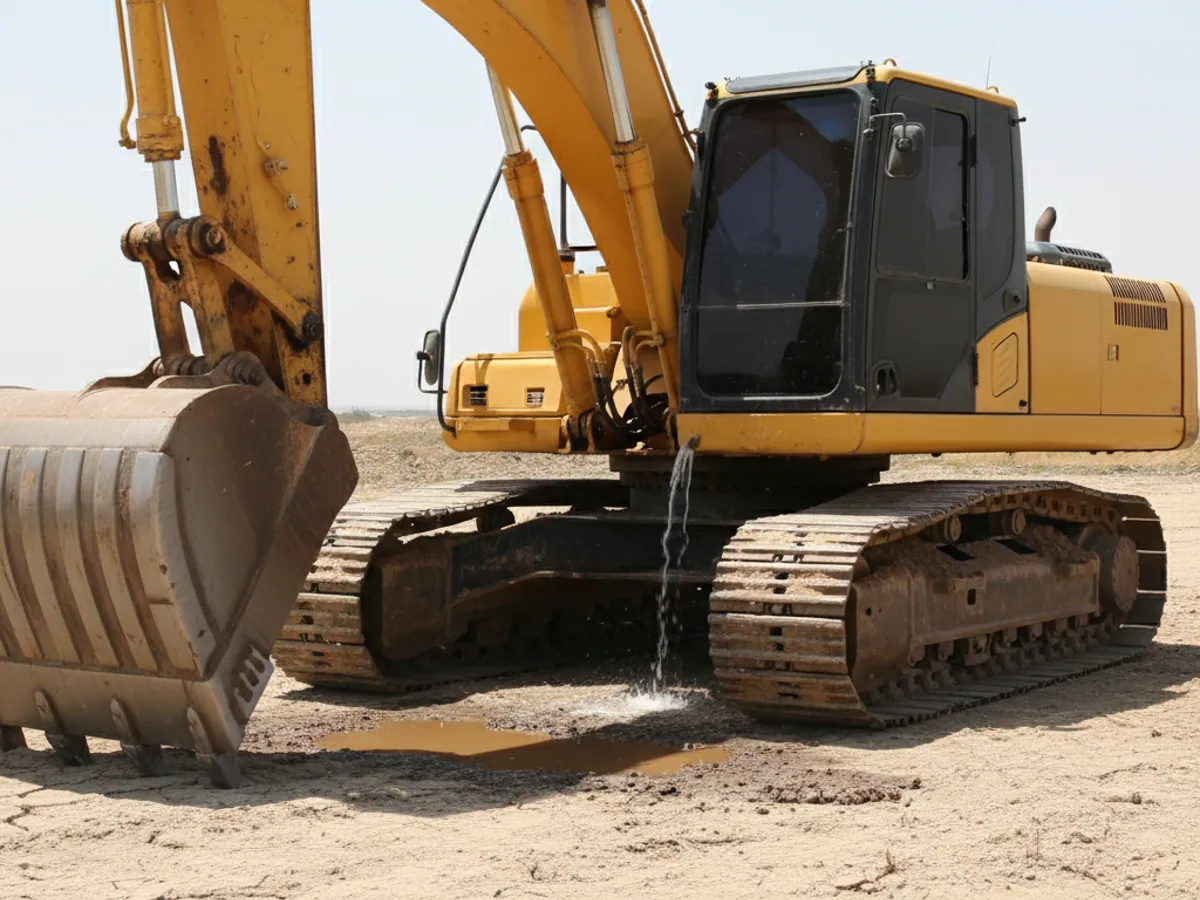
On large construction projects a considerable share of the plant belongs to someone else: tippers, cranes and rollers are hired from contractors and paid for by the machine hour. This is where monitoring pays for itself soonest.
Checking the timesheet against the tracker
The contractor submits a timesheet, the dispatcher opens the engine-hours report for the same dates. Any discrepancy shows up machine by machine and day by day.
Work on your site only
The site geofence shows how many hours the machine put in for you, and how many it spent on the neighbouring plot for another client on the same days.
Idle running is not paid for
The contract can state that hours under load are paid for and that prolonged idling beyond an agreed allowance is not. The report gives you the grounds for such a clause.
The tracker is fitted for the term of the contract
For machines that are not yours we use removable or quickly fitted trackers. When the work ends the equipment comes off and moves to another machine.

How it works on site: an example from construction
Take a road project in one of the districts of Karabakh where reconstruction work is under way. There are 14 machines on the site: half of them owned, half belonging to a contractor. The site manager keeps a paper timesheet, the contractor keeps his own.
After the trackers go in, the very first month shows a discrepancy. According to the contractor's timesheet, two rollers and a motor grader worked ten hours a day. According to the tracker the engines ran for seven hours on average, of which about five were under load, the rest being idle time in the morning and while waiting for tippers. On two further days one of the rollers was in fact on another site 30 km away.
From there it is settled in a meeting. The contractor is shown the report with the track and the times, the invoice is corrected, and the next contract includes payment on the basis of monitoring data. The figures here are an example, but discrepancies of this character are something we see regularly.
Because sites like this are remote, the connection matters: the tracker stores data in its memory when there is no Azercell or Bakcell signal and sends it once the network comes back. The engine hours are not lost in the meantime.
The engine-hour reports people use most often
Engine hours per shift and per period
How long the engine ran, how much of that was under load and how much at idle. Per machine and totalled across the site.
Fuel burn per engine hour
How many litres went on an hour of work. If identical excavators differ by more than 15-20%, it is worth looking for the reason: the condition of the machine, the way it is worked, or siphoning.
Work by site geofence
A machine that moves between sites has its hours credited to each site separately. Convenient when costs have to be allocated across budgets.
Work outside the shift
The engine started at night or at the weekend. A common reason is unofficial side jobs on somebody else's site.
Service intervals
Oil and filter changes by actual engine hours. The reminder reaches the mechanic in good time, before the interval has been missed.
What the different kinds of hours mean
A single report may carry four different figures. Confusing them is the main cause of arguments with contractors, so the terms are best agreed before the contract is signed.
Ignition
The time the key was in the on position. The source is the ignition wire run to the tracker. Good enough for general records and servicing, but it includes standing with the engine running and even ignition left on with the engine off.
Engine running
The time the engine was actually turning. The source is the revs or the machine's own hour meter from the CAN bus, or the on-board voltage from the alternator. Closer to the built-in counter, though idle running still forms part of the total.
PTO and attachments
The running time of the power take-off, the hydraulic pump, the concrete mixer drum or the auger. The source is a dedicated sensor or a discrete signal wired to the tracker. It shows that the working element was turning, not just the engine.
Work under load
The time the revs or the load were above a threshold agreed for that particular model. The threshold is set on site over several shifts. Without that calibration the figure is open to dispute, and it is too early to rely on it in a contract.
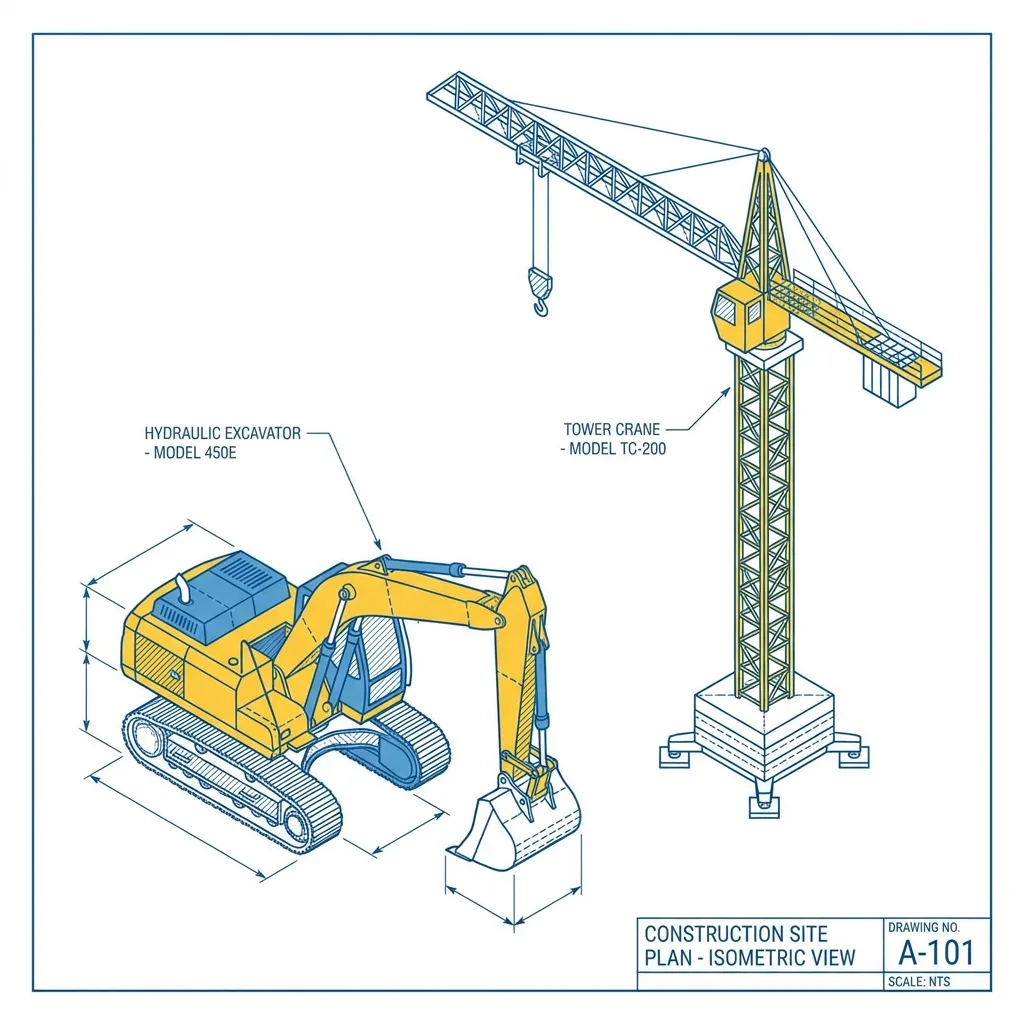
What a sign-off sheet for hired plant looks like
The Wialon report does not replace the sign-off sheet, but it gives you the basis for one. In practice the sheet for a period is assembled from an export for each machine with the report attached.
- Header. The machine with its registration or serial number, the contractor, the site, the period, and the chosen source of hours (ignition, engine, PTO or load) - exactly the one named in the contract.
- Day-by-day table. Hours from the contractor's timesheet, hours from the tracker inside the site geofence, the difference and a comment.
- Exceptions. Days with no connection to the tracker, the machine leaving the site, work outside the shift. For each day a decision: credit it, do not credit it, or look into it separately.
- Appendix. The engine-hours report and the track for the disputed days, exported from the system.
- Signatures. The site manager or whoever is responsible for plant on your side, and the contractor's representative.
The rule for what to do with days that have no data is best written into the contract in advance. For example, credit them from the timesheet if the tracker went off through no fault of the contractor. That is a matter of agreement between the parties, not of system settings.

What to take into account before fitting
Plant and heavy equipment is not a passenger car, and there are particulars here that are better known in advance.
- Dust, vibration and water. For quarries and open sites we use trackers in a protected housing and hide them so that the operator cannot damage the wiring, by accident or on purpose.
- Power supply. On some machines the earth is disconnected with a battery isolator overnight. A tracker with a backup battery will go on sending its position, but engine hours will of course not be counted.
- Fuel. Tanks on plant are often an awkward shape, so the fuel level sensor needs careful calibration. Without it the consumption per engine hour will be imprecise.
- The machine's own counter. Engine hours from the tracker may differ from the built-in counter by a few per cent. If they have to agree, we record the starting reading at the fitting and check against CAN from then on.
There is more on working with plant on site on the page about operating construction plant, and for hire companies on the page about plant and equipment hire.

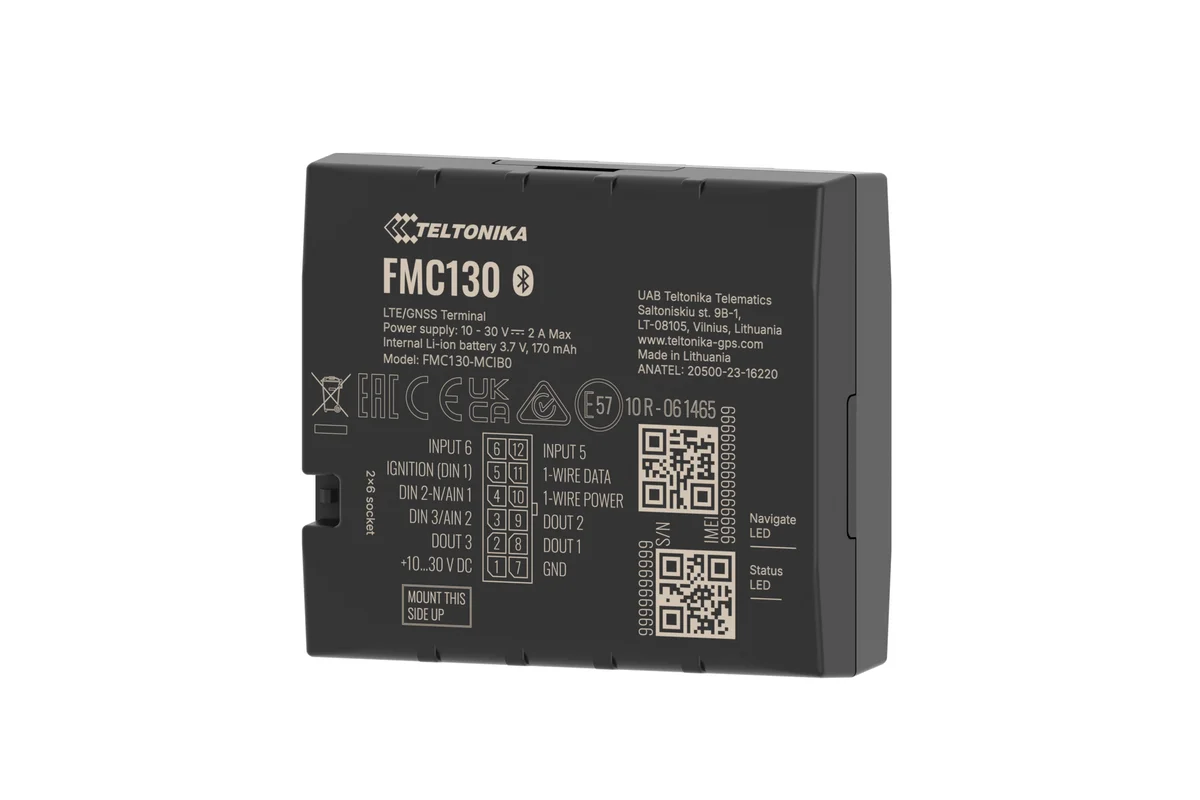
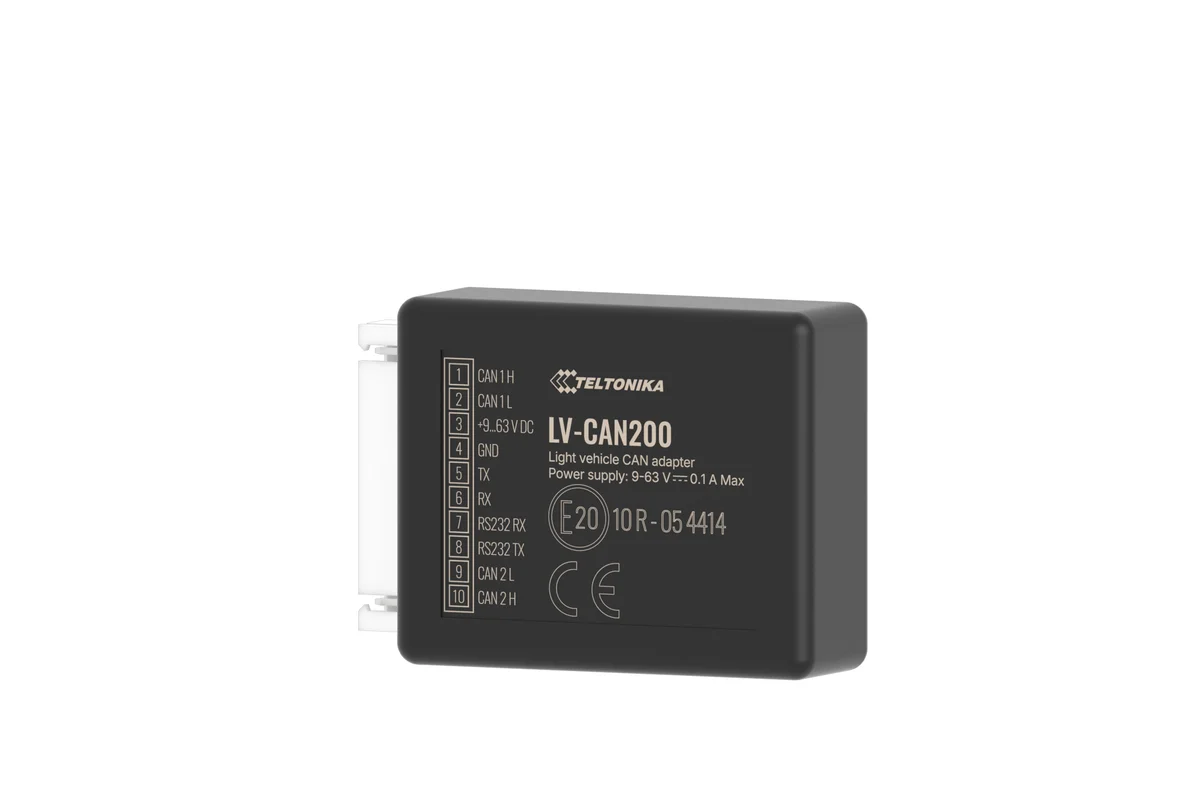

Ignition, CAN or a load sensor
Three ways of counting engine hours. The more the hourly billing rests on them, the more precise the source has to be.
| From ignition | From the CAN bus | Load sensor | |
|---|---|---|---|
| Tells work apart from idle running | No | Yes, by revs | Yes |
| Sees the attachment working | No | Partly | Yes |
| Suits older machines | Yes | No, if there is no CAN | Yes |
| No cutting into the machine's systems | One wire | Yes, contactless | No, a sensor is needed |
| Where it fits | Hours by site | Newer machines | Hourly billing |
Fitting and cost
The feature becomes available once you are connected to the GPS.az platform. The cost is made up of the hardware, the fitting and a monthly subscription, which includes the SIM card traffic — the total depends on the type of vehicle and the set of sensors. We prepare an exact quote for your fleet free of charge within one working day.
- 1 Your enquiry and the list of vehicles
- 2 The quote and an agreed fitting schedule
- 3 Fitting the hardware at your own site
- 4 Setting up reports and alerts in Wialon, and training the dispatcher
Questions about “Engine hours and plant utilisation”
Request a call
A specialist will call back and match a solution to your fleet and your task.