

Fleetrun: planning and recording fleet maintenance
Fleetrun is an application from Gurtam for planning maintenance, keeping it under control and recording what repairs cost. Move on from fixing things once they break to planned preventive servicing, so that vehicles last longer and the budget goes further.
See a demo built around your own task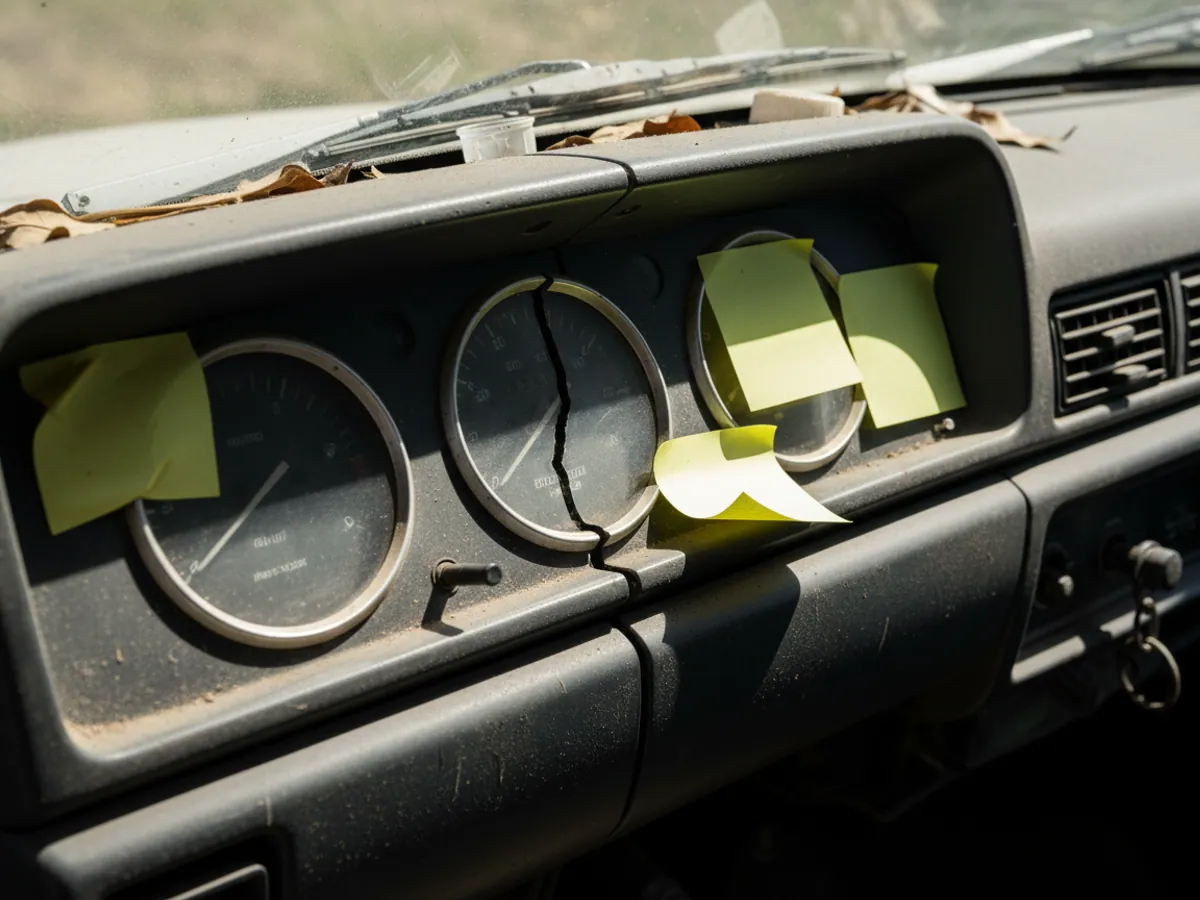
Forget the spreadsheets and the sticky notes on the dashboard
Recording maintenance in spreadsheets or paper logbooks leads to mistakes sooner or later: someone forgets to write down the mileage, someone else misses an oil change. For a business in Azerbaijan, where vehicles often work in hard conditions (heat, mountain roads), a missed service can cost you an engine rebuild. Wialon Fleetrun takes the real odometer and engine hour figures from the GPS trackers and works out the date of the next service automatically.

Planning around actual usage
Service intervals can be set not only by date (once a year, say), but by the load the vehicle actually carries: by mileage (every 10 000 km) or by engine hours (every 250 hours). As soon as a vehicle approaches a service threshold, the mechanic and the manager are notified. The mechanic learns that a service is coming up in advance, rather than from notes in a notebook. How accurate the forecast is depends on how correctly the tracker reports mileage and engine hours, and the decision to book a vehicle in for service still rests with the mechanic.
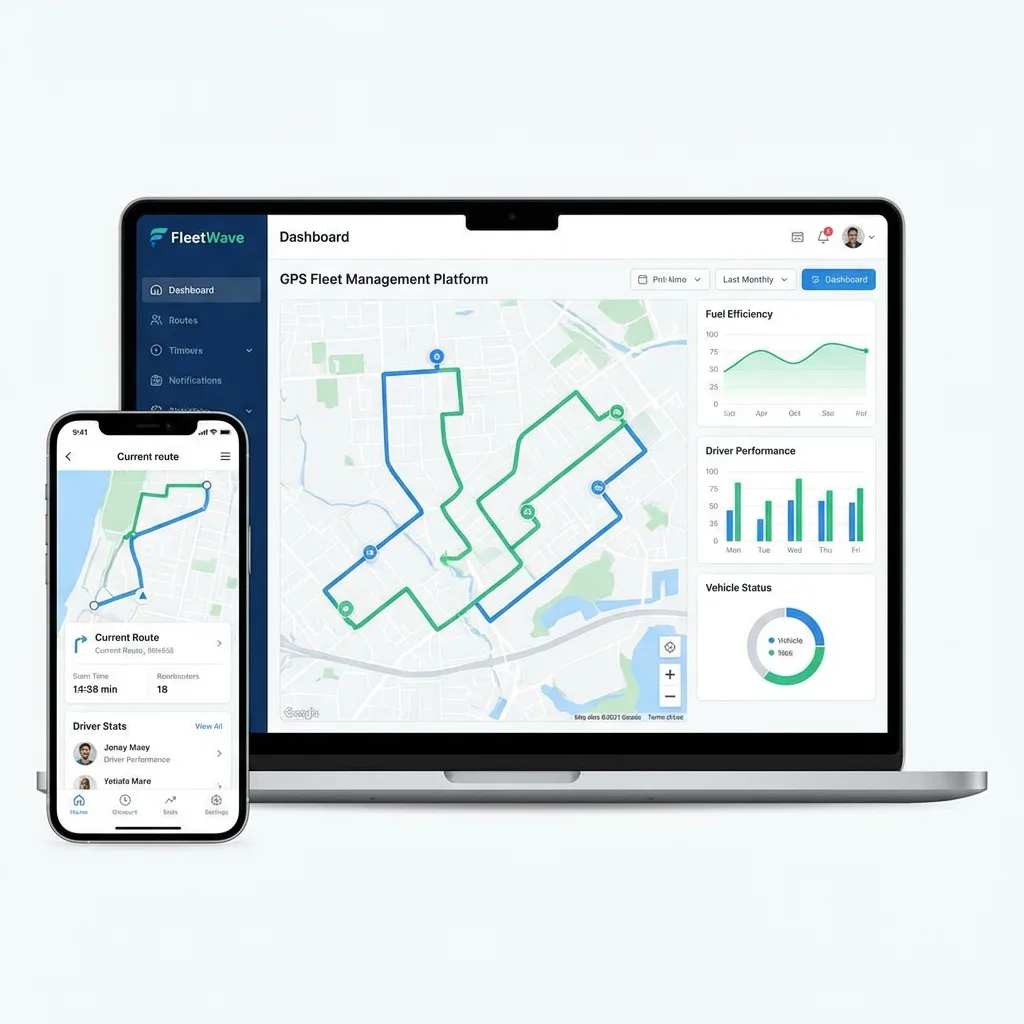
What it is and who develops it
- The product: Fleetrun is an application from Gurtam, the developer of Wialon. It works with the units in your own Wialon account and takes mileage and engine hours from it.
- How it differs from a service reminder in Wialon: Wialon itself lets you set a service interval and receive a reminder. Fleetrun runs the whole cycle: intervals by mileage, engine hours and dates, job requests with statuses, the cost of labour and parts, the history of each vehicle and the spend across the fleet.
- Roles: the manager sees the spend across the fleet, the mechanic sees the work plan and the overdue intervals, and the person doing the job marks it as complete. Rights are set per user.
- Getting started: the list of vehicles comes from Wialon, and intervals and repair history can be uploaded from a file.
- What GPS.az does: connects the application, moves your reference lists across, sets the intervals to match your own schedule and trains the mechanics.
- Licensing: the terms for connecting Fleetrun are set out in the quotation.
The price of leaving repairs unchecked
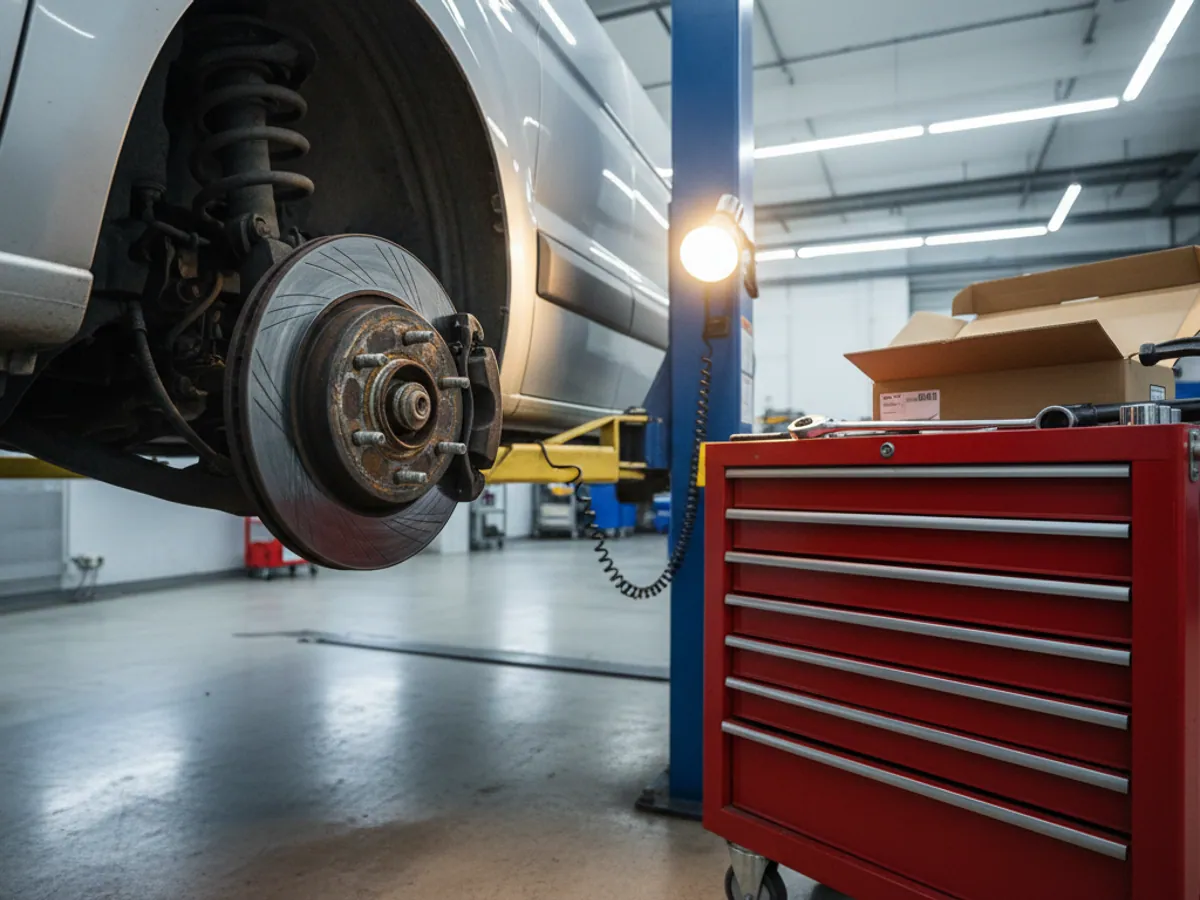
Servicing vehicles at random is a black hole in a fleet budget:
Breakdowns out of the blue
A vehicle comes to a stop on the motorway with a load on board because of a snapped cam belt that nobody replaced in time.
No financial clarity
There is no way to tell what a vehicle really costs to own (TCO) — how much money it swallows in parts.
Fiddling at the garage
Drivers or mechanics can inflate the cost of the work, buy cheap parts instead of originals, or write off parts that were never changed.
A lower resale value
Without a documented service history a vehicle is worth less on the second-hand market.
What Fleetrun does
Services
Keeping jobs in view



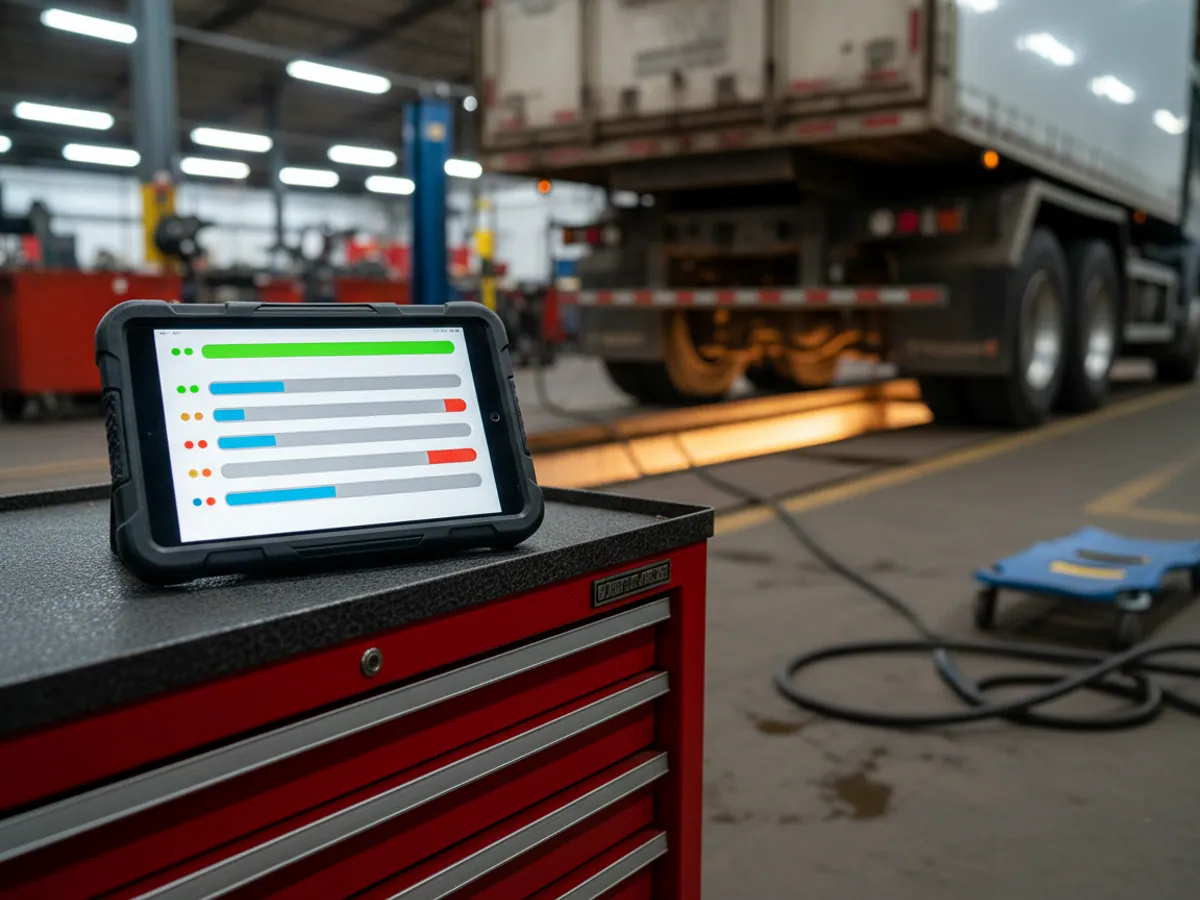
The mechanic's working screen
The main screen is a list of vehicles with the jobs that are due and the ones that are overdue: what needs doing, in how many kilometres or engine hours, and by what date. Each vehicle opens into a card with its intervals, its work history and its costs. The job sheet records the work carried out and the cost of the parts, so it is clear what was fitted and to which vehicle. Fleetrun does not replace parts stock control: stock balances are kept in your accounting system.
What the solution gives you
Less downtime
Breakdowns headed off
A clear budget
An exact cost per kilometre
Discipline
Job deadlines kept in view
Longer service life
Fewer services missed
Frequently asked questions
Request a call
A specialist will call back and match a solution to your fleet and your task.