
GPS video monitoring for vehicles
GPS video monitoring built on Howen and BSJ recorders with AI analytics on board. The cameras watch the road and the driver, spot tailgating, fatigue, a phone in the hand, and warn straight away. The clip of the event reaches the dispatcher together with the coordinates from Wialon.
- 08:14 Tailgating, M-2 highway
- 08:14 20-second clip sent to the dispatcher
- 10:02 DMS: phone in hand
- 13:37 DMS: signs of fatigue
From the data on board to the dispatcher's decision
Road and cab
ADAS watches the road, DMS watches the driver, and side cameras cover the blind spots.
AI on board
The neural network finds the event, warns the driver and writes everything to the memory card.
The event in Wialon
Only the event, the coordinates and a short clip go to the server — no constant video stream.
Reviewing the clip
The dispatcher opens the point on the track and watches 10–20 seconds either side of the event.
Features and tools
AI in the cab
- ADAS: lane departure, tailgating, pedestrians
- DMS: fatigue, distraction, smoking and phone use detection
- Driver identification by face (Face ID) at the start of a shift
Recording
- Live video streaming 24/7 from the recorders (MDVR)
- Automatic recording and sending of clips on collisions and events
- Local video storage on the SD card plus cloud backup
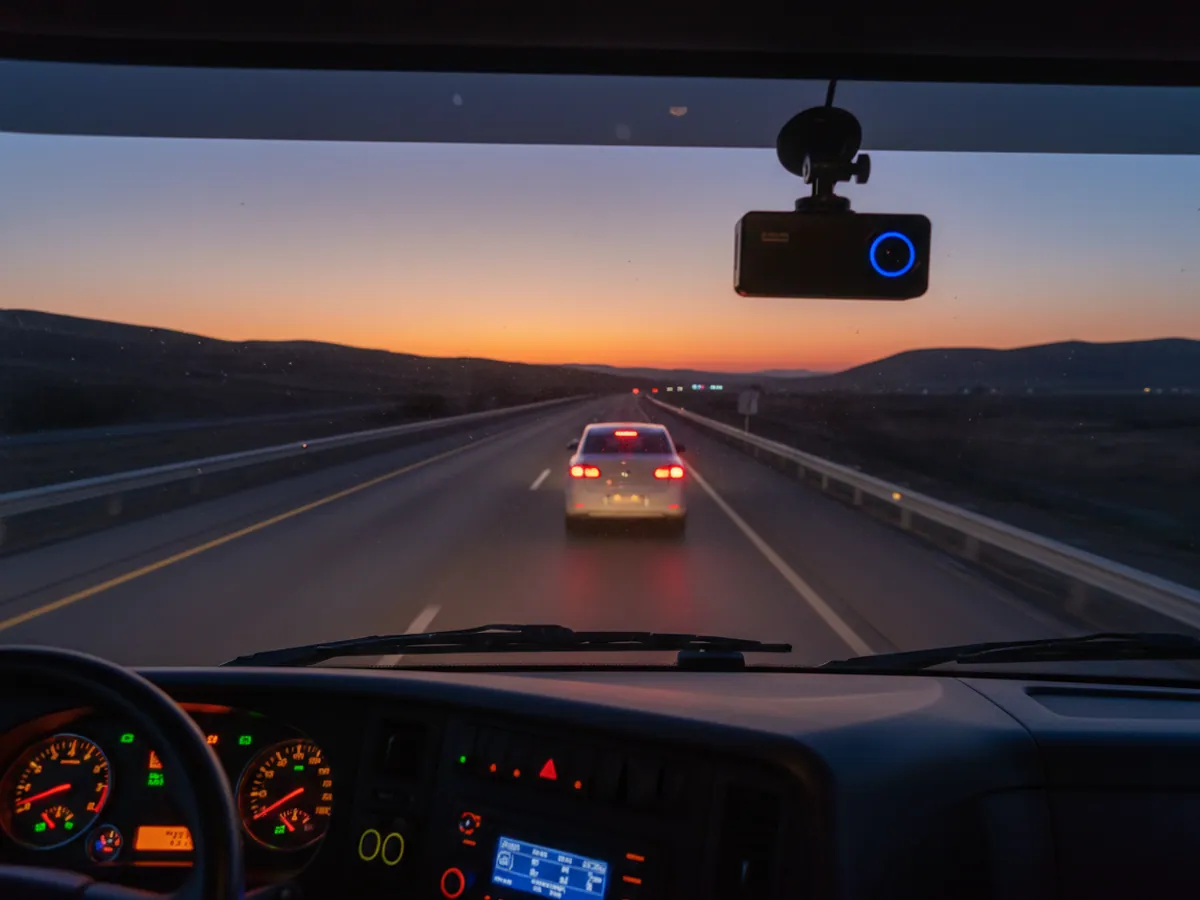
A night run by tractor unit along the M-2
An illustrative example: a Baku to Gazakh run. This is how AI events sit in Wialon next to the track.
- Face ID: driver confirmed Driver A.
The run is tied to a person, with no iButton keys that can be handed to someone else.
- DMS: phone held to the ear while driving 20-sec clip
The driver hears the warning immediately and the dispatcher receives the event with a short video.
- ADAS: unsafe headway near Yevlakh 0.8 s
Too close to the vehicle ahead for that speed. One event is not a problem; a run of them is already worth a conversation.
- DMS: closed eyes, yawning fatigue
The dispatcher rings the driver and suggests a rest stop before a collision happens.
- Run completed 4 events
In the morning the person responsible watches the clips and marks the false alarms so the sensitivity can be tuned.
What the AI in the cab can do
The road-facing camera
ADAS is an advanced driver assistance system. A camera behind the windscreen recognises lane markings, vehicles ahead and pedestrians, and warns the driver by voice or tone:
- the vehicle ahead is too close for the current speed;
- risk of a collision if the vehicle ahead brakes hard;
- drifting out of lane without indicating;
- a pedestrian in the path when driving in town.
Every one of those warnings is also an event in the system. If a driver picked up 30 headway warnings over a shift, that is worth a conversation long before the first collision.
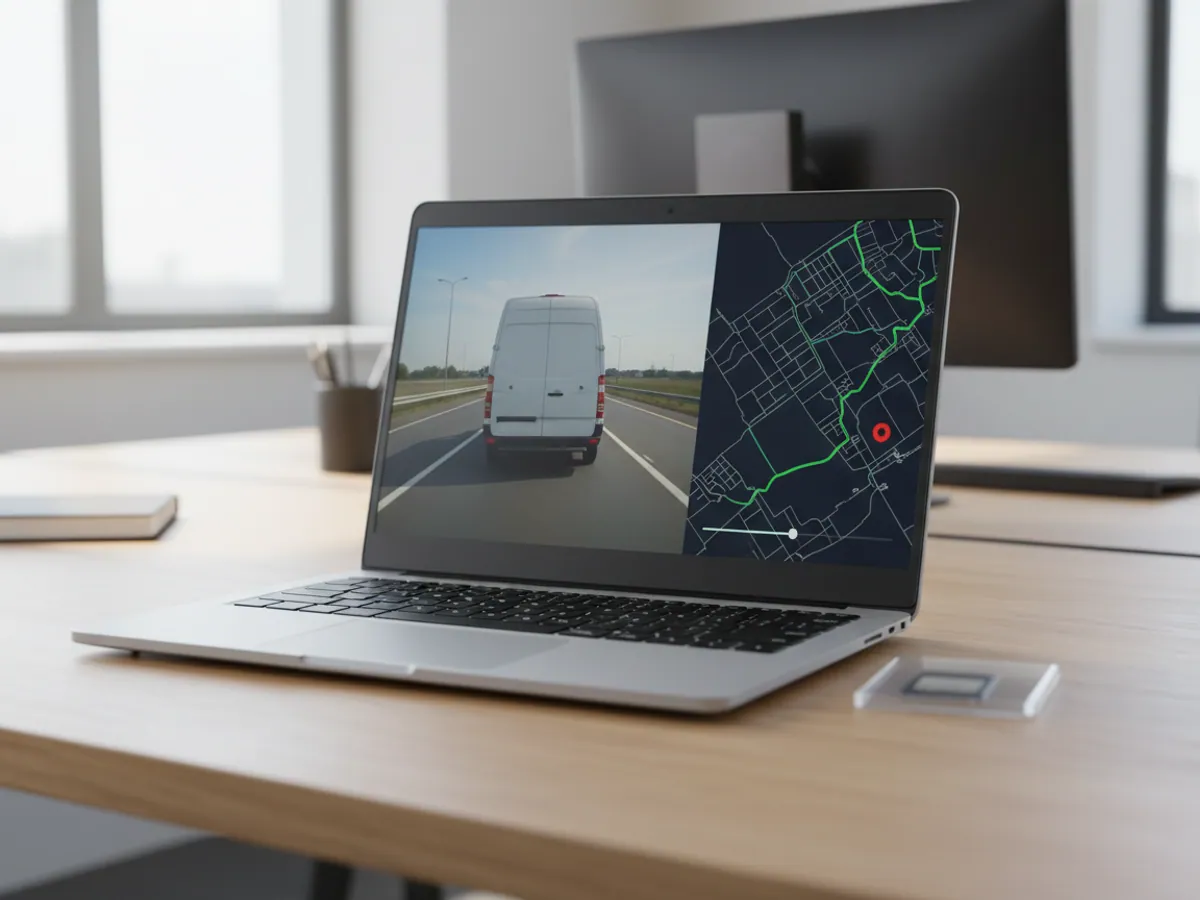
How the video reaches the dispatcher
In short: video monitoring exists so that incidents are settled by footage rather than by argument: an AI event or an impact lands on the track in Wialon, and the dispatcher watches a short clip around it. The full recording stays in the recorder itself, and how far back it goes depends on the amount of memory and the number of cameras. False alarms happen no matter what, so you need a person who reviews events and adjusts the sensitivity.
The video recorder (MDVR) writes every camera continuously to its own memory card or hard drive. That is the main archive, and it does not depend on the mobile network. Over the mobile network the recorder sends only what matters to the server: AI events, coordinates and short clips around the event.
The event lands in Wialon next to the track. The dispatcher sees a tailgating point on the map, clicks it and watches 10–20 seconds of video either side. There is no hunting for the right minute in hours of recording.
A live stream from any camera can be opened on request, provided the vehicle is in coverage. We do not advise streaming video constantly: it eats a great deal of mobile data, and there is nobody to watch 50 streams at once anyway.
The choice of recorder depends on the job. A compact Howen V8 or BSJ DR03 suits cars, taxis and delivery vans. The multi-channel Howen Hero MDVR is for buses and lorries where 4–8 cameras are needed.
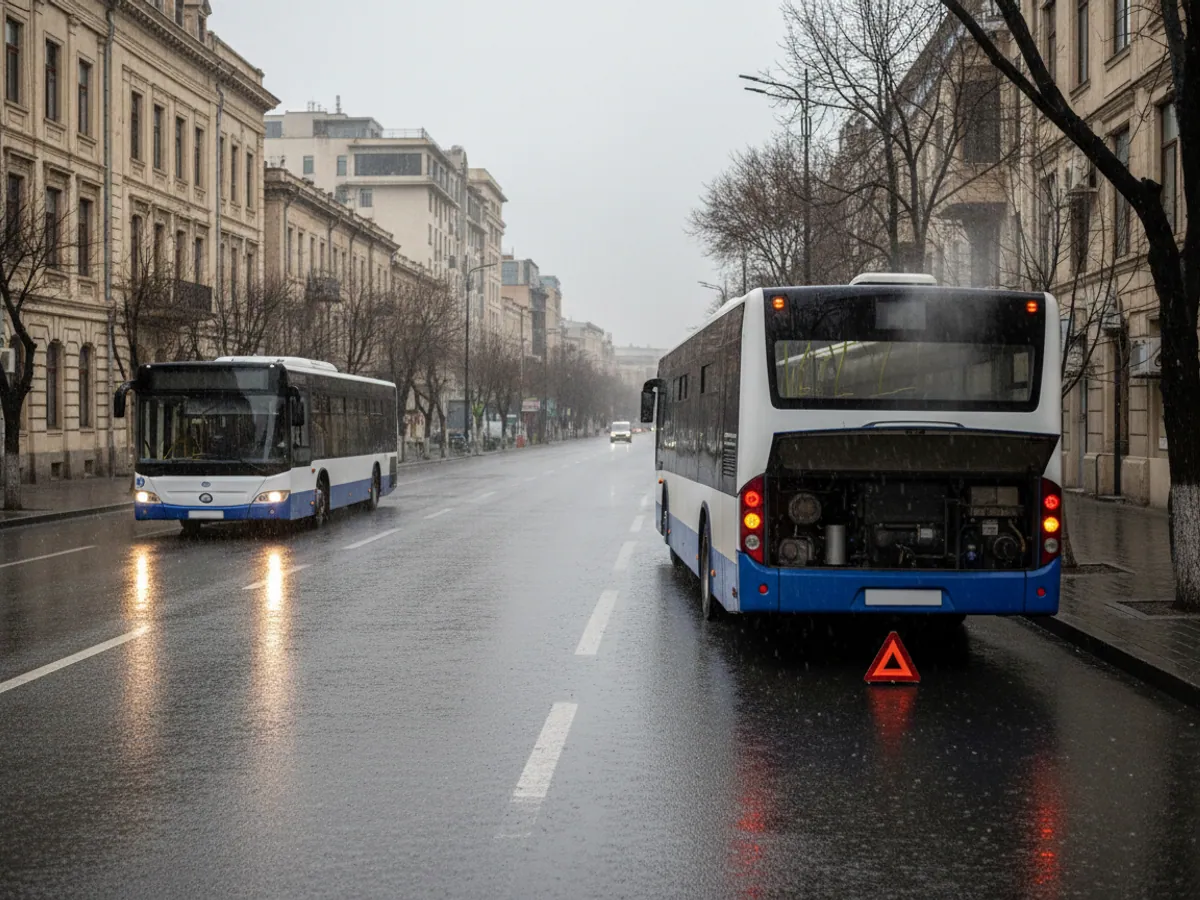
One disputed case, settled by video
A concrete mixer pulls out of the yard in Garadagh. At the roundabout heading towards Baku a car cuts sharply in front of it and brakes. An impact to the rear bumper. The car driver insists the lorry was going too fast and was not keeping its distance.
The recorder registers the impact on the accelerometer and automatically sends the server a clip from the road-facing camera covering 15 seconds before the collision and 15 seconds after. Within a few minutes the dispatcher has footage showing the abrupt lane change, and a track showing 42 km/h at the moment of impact.
The clip goes to the insurer and the traffic police together with the speed from the track. A dispute that could have dragged on for weeks is closed far sooner.
- Event clips are held on the server separately from the loop recording and are not overwritten
- The full recording for a given day can be downloaded from the recorder remotely or when the vehicle returns to the yard
- For insurance companies and leasing firms, video with a track is a weighty argument — there is more on this in the insurance section
What each camera gives you and where you see it
The functions depend on the recorder model and the set of cameras. Before you buy, we check which events you actually need and which of them the chosen model really passes to Wialon.
Road-facing camera
ADAS functions: tailgating, lane departure. Wialon receives the event with a coordinate and a clip around it. The full recording of the road stays on the recorder's memory card.
Driver-facing camera
DMS functions: fatigue, phone use, smoking, eyes off the road. The event and the clip go to Wialon, and on most models the driver hears a warning in the cab straight away, with no dispatcher involved.
Side and rear cameras
Blind spots and manoeuvring on lorries and buses. These are used more often for reviewing the archive after an incident than for live events.
Impact sensor
Harsh braking or an impact is registered by the recorder or the tracker. A clip from several cameras at once is the main material for reconstructing a collision.
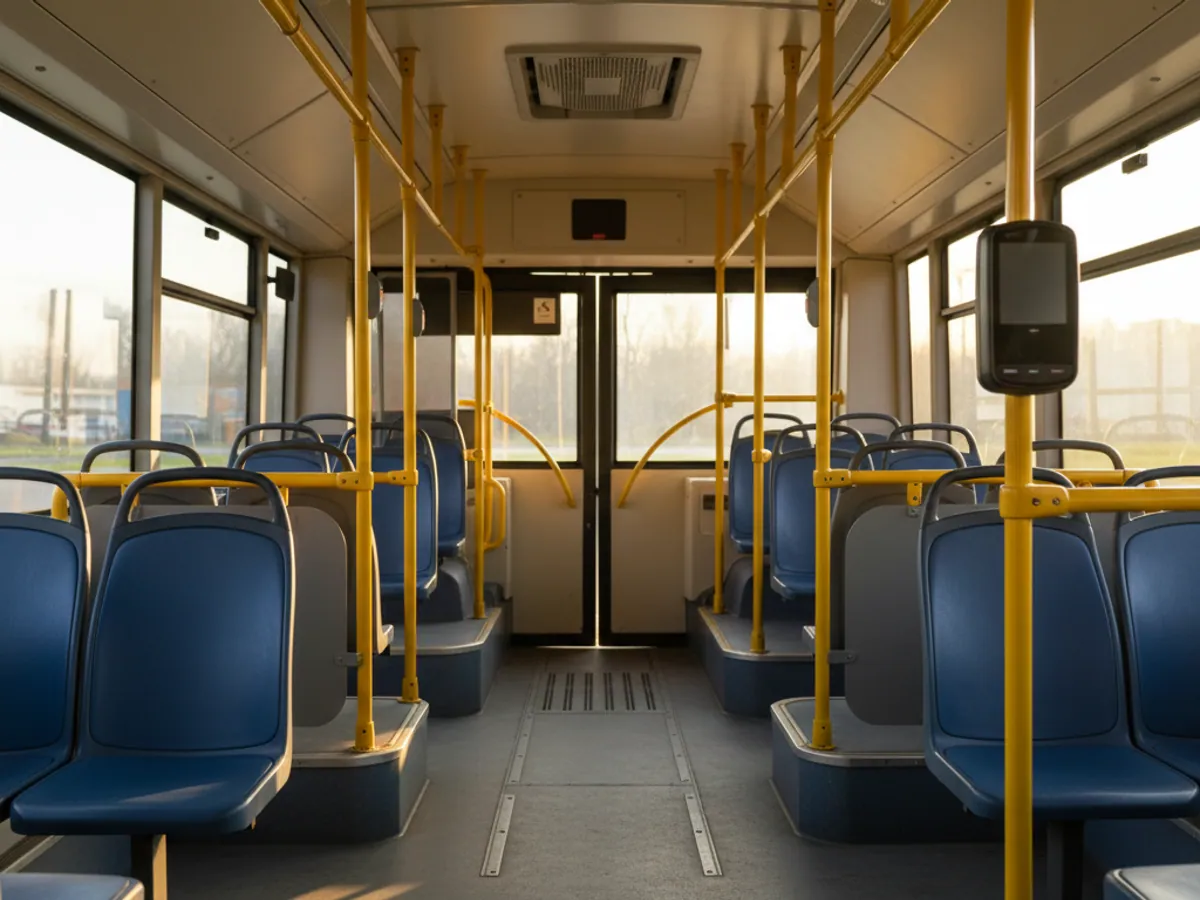
Who watches the video, how long it is kept and what a false alarm looks like
Viewing rights. Video from the cab is the driver's personal data. We grant access to clips and to the live stream only to the users whose job requires it: the safety dispatcher, the head of the transport department. Other Wialon users see the track and the events without video, if that is what has been decided.
How long the archive lasts. The continuous recording is held on the recorder's memory card or drive and is overwritten in a loop. How many days fit depends on the size of the storage, the number of cameras and the recording quality, so we work it out for the specific configuration. Event clips sent to the server are held separately, and we agree their retention period during setup. If a full recording is needed after a collision, it has to be pulled off before it is overwritten.
An example of a false alarm. In the evening on the road towards Shamakhi the sun shines straight into the windscreen. The driver squints, and DMS registers fatigue. The dispatcher opens the clip, sees that the driver is fine, and does not pass the event on for review. If events like that keep recurring at the same time on the same route, that is a reason to correct the sensitivity rather than to have a word with the driver.
What is worth knowing before you buy
Video analytics brings a lot of benefit, but it has its limits. Better to discuss them at the start than to be disappointed a month in.
The AI makes mistakes
Sunglasses, strong low sun at dusk and a dirty windscreen all produce false alarms from DMS and ADAS. Over the first fortnight we tune the sensitivity and the noise drops noticeably, but there will never be zero false events.
Data costs money
Event clips run to tens of megabytes a day per vehicle, and a live stream is far more than that. We pick the SIM tariff to suit the scenario rather than fitting the cheapest one.
A camera in the cab is about people
Drivers have to be told in writing that they are being recorded, and why. Setting that out properly in the company's internal documents is a job for your lawyer. Without it you get taped-over cameras and resignations.
Heat and vibration
In summer a cab standing in the sun in Baku gets extremely hot. We use industrial-grade memory cards and recorders rated for automotive use. Consumer dash cameras fail quickly in those conditions.
Without a response the video is useless
If nobody reviews the events, drivers quickly work out that nothing will come of them. You need a person who goes through the important clips once a day and talks to the drivers.
What the fleet gets
Fewer collisions
Headway and fatigue warnings fire before the impact. In fleets where events are reviewed with the drivers regularly, the number of dangerous situations usually drops noticeably within the first few months.
Faster settlements
Video together with the track and the speed makes the conversation with the insurer and the other party far simpler.
Discipline behind the wheel
Phone use at the wheel and smoking in the cab stop being one person's word against another's. The breaches are visible, and the conversation with the driver has something to stand on.
Protection for the driver
The camera works in the driver's favour too: it proves that the fault lay with a passenger, a customer or another road user rather than with them.
Fitting and setup
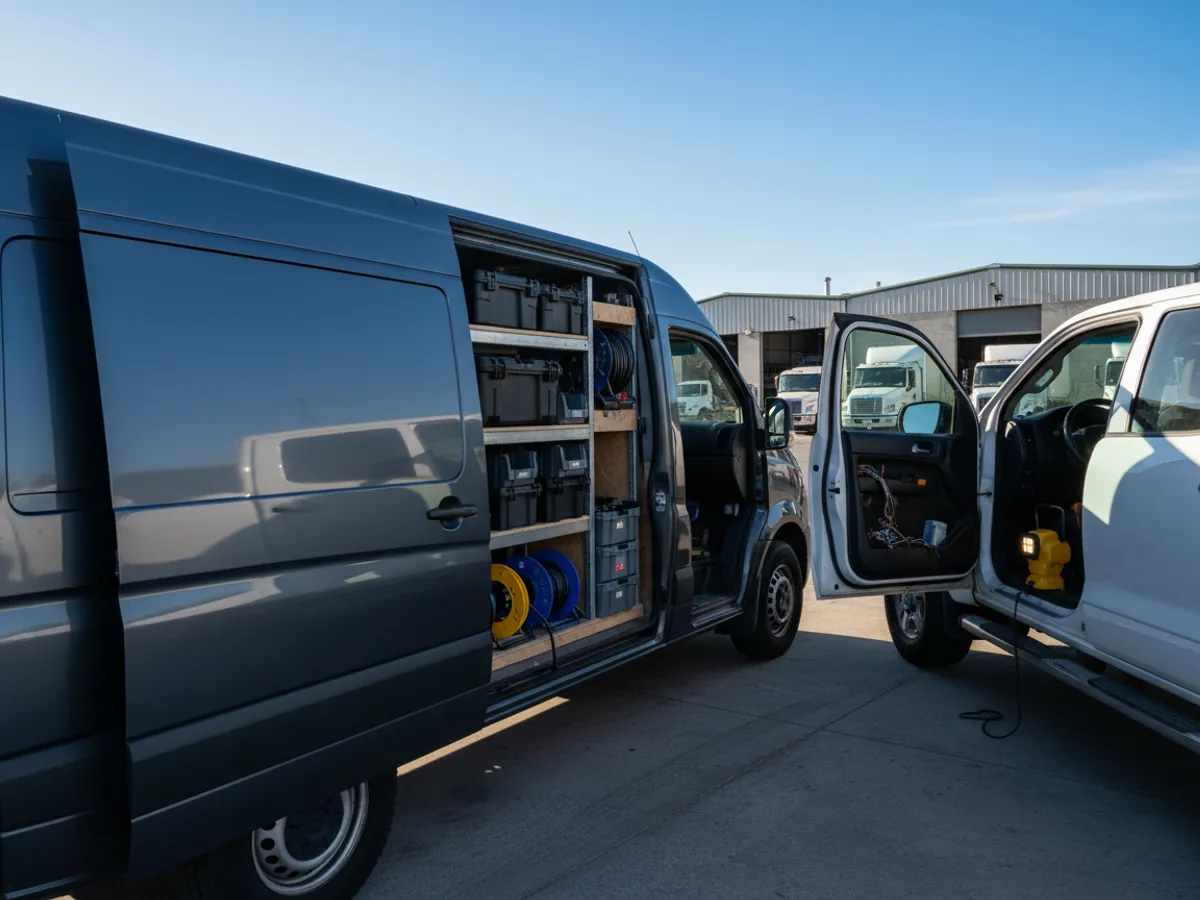
Our crew fits the video system as part of the vehicle CCTV installation service. A compact recorder on a car takes about half an hour. A multi-channel system on a bus or tractor unit, with cabling run to each camera, takes anywhere from a few hours to a full working day.
Once fitted, the ADAS cameras are calibrated: mounting height, vehicle width, position relative to the centreline. How accurately the system judges headway depends on that calibration. We then connect the recorder to Wialon, set which events are sent with video and which only as a marker, and who receives the notifications.
If the vehicle already has a GPS tracker, it stays. The recorder can be linked to it or used as a standalone device with its own GPS — we decide case by case.
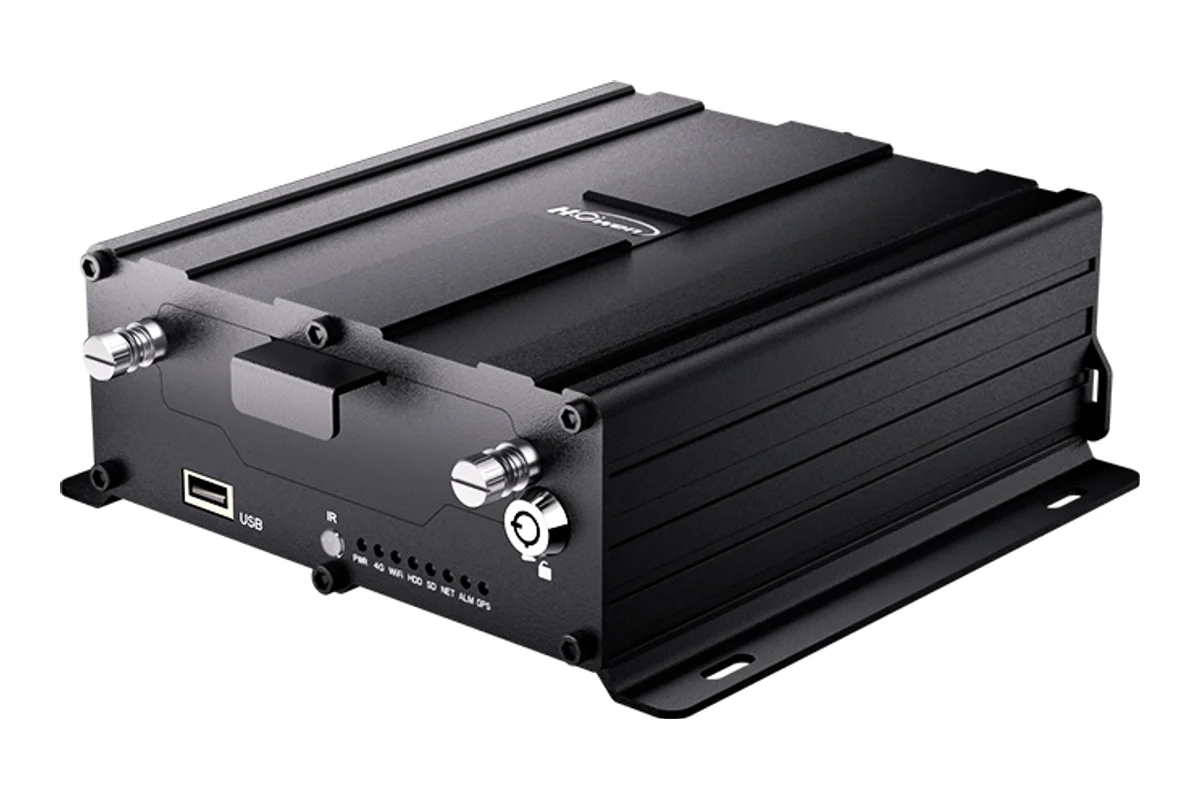
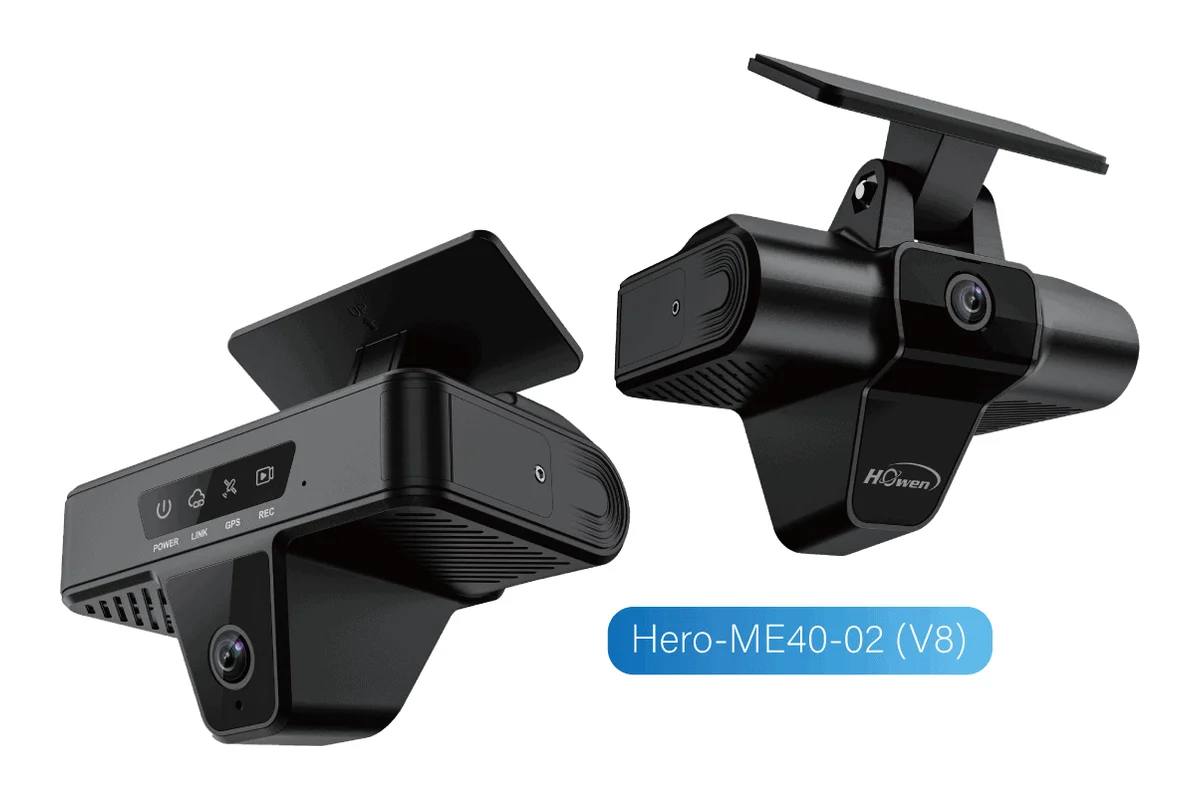
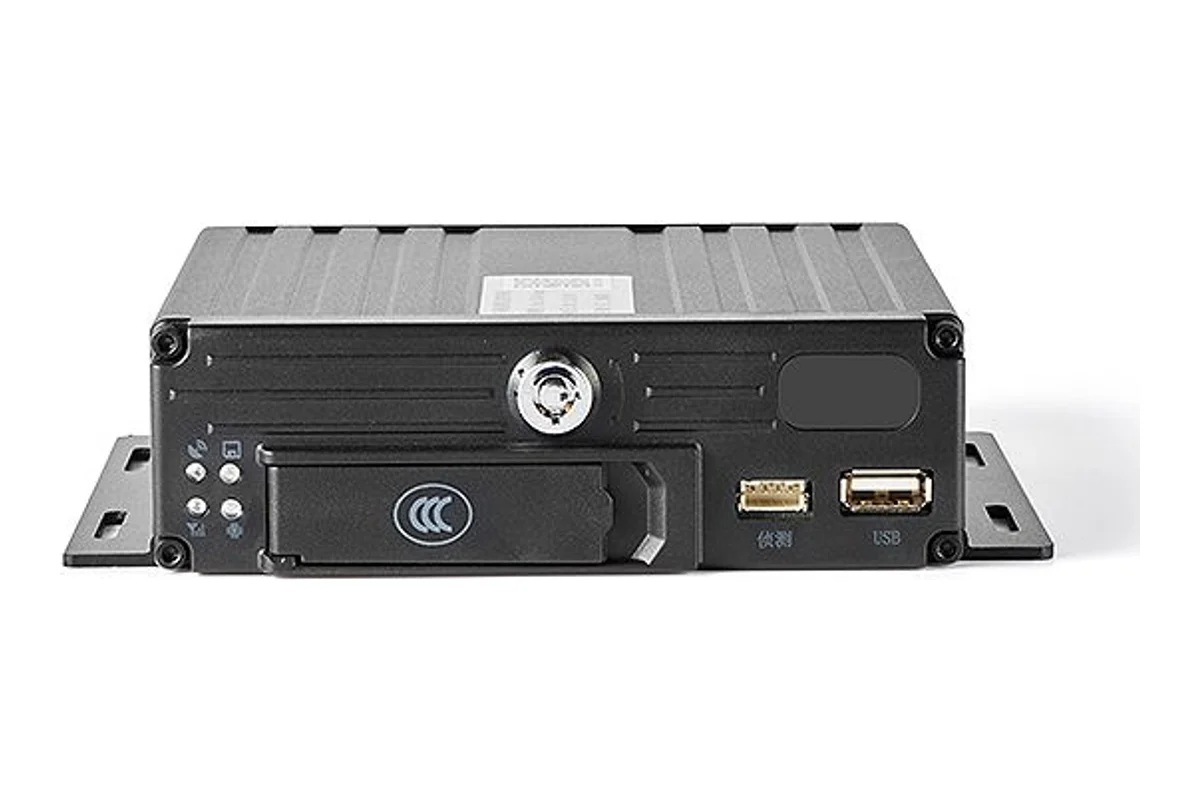
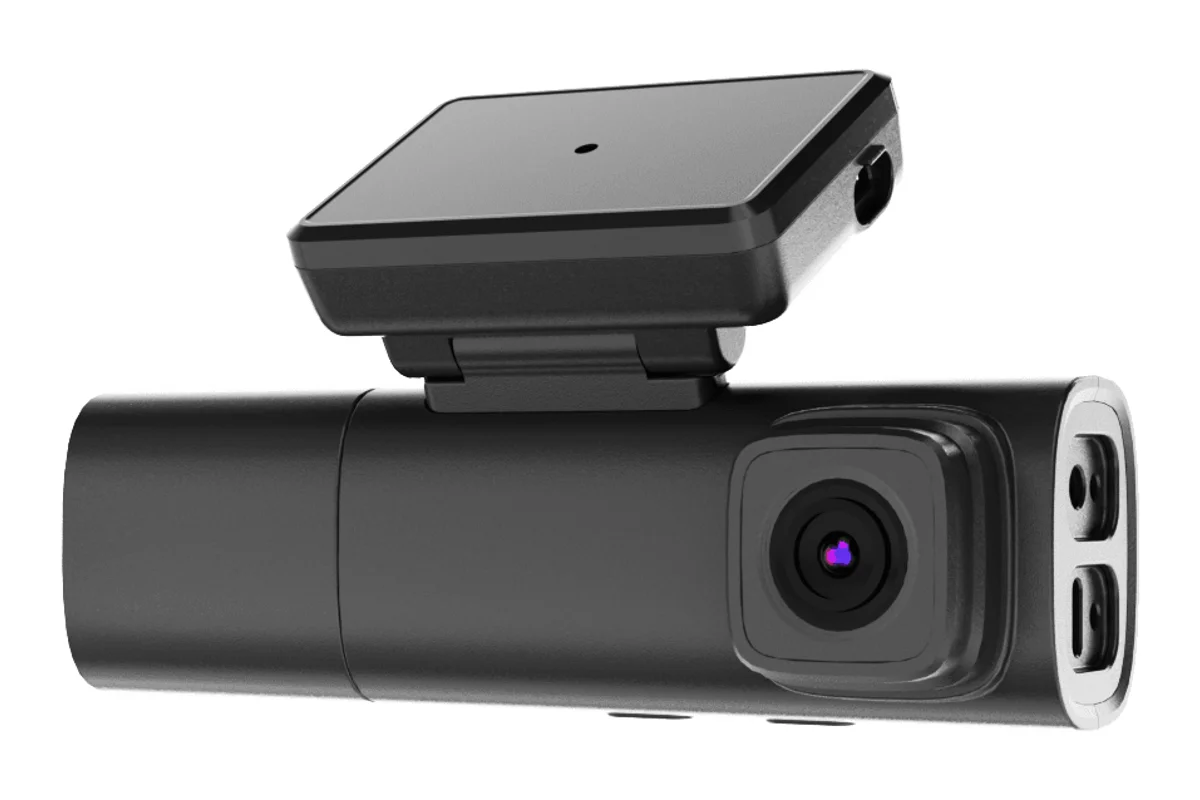
A compact recorder or a multi-channel MDVR
We choose the model to suit the type of vehicle and the number of cameras needed.
| Compact (Howen V8, BSJ DR03) | Multi-channel MDVR | |
|---|---|---|
| Cars, taxis, delivery vans | Yes | Overkill |
| Buses and lorries needing 4–8 cameras | No | Yes |
| Driver-facing camera (DMS) | Yes | Yes, as a separate camera |
| Side cameras for blind spots | No | Yes |
| Fitting | Behind the windscreen | Main unit plus camera cabling |
Fitting and cost
The feature becomes available once you are connected to the GPS.az platform. The cost is made up of the hardware, the fitting and a monthly subscription, which includes the SIM card traffic — the total depends on the type of vehicle and the set of sensors. We prepare an exact quote for your fleet free of charge within one working day.
- 1 Your enquiry and the list of vehicles
- 2 The quote and an agreed fitting schedule
- 3 Fitting the hardware at your own site
- 4 Setting up reports and alerts in Wialon, and training the dispatcher
Questions about “GPS video monitoring for vehicles”
Request a call
A specialist will call back and match a solution to your fleet and your task.