
Integrating GPS monitoring with ERP and CRM
Integrating GPS monitoring with ERP, CRM and 1C passes mileage, fuel, trips and events from Wialon straight into your corporate systems. Vehicle data no longer has to be retyped by hand: accounting, logistics and reporting all work from a single source of figures.
- 06:00 Mileage and fuel for the day exported to 1C
- 09:14 Webhook: Van 10-DL-205 entered the Alat warehouse zone
- 10:32 CRM: order status updated to in transit
- 12:47 Retranslation to the TMS: 3 objects with no data for 20 min
- 14:05 Webhook not delivered: the ERP server returned an error
From the data on board to the dispatcher's decision
The fleet's trackers
Coordinates, mileage, fuel and sensor events go up to the Wialon platform.
Wialon
It holds the data, builds reports and either serves them over the API or pushes them out itself.
API or webhook
Your system either pulls the data on a schedule or receives an HTTP request when an event fires.
1C, ERP, CRM
Waybills, fuel write-offs and order statuses appear without anyone typing them in.
Features and tools
API
- Access to Wialon data through an open REST API.
- Use of the SDK to build your own solutions quickly.
- An API for managing objects and system settings.
Back-office systems
A day of data exchange with nobody involved
An illustrative trading company delivering across Baku and Absheron, running Wialon plus 1C plus a CRM.
- Export for the previous day into 1C
Mileage, engine hours and consumption for each vehicle go into 1C. In the morning the accountant finds the waybill data ready.
- A vehicle has left the warehouse webhook
Wialon sends an HTTP request to the CRM and the order status changes to in transit by itself.
- The customer opened the map link public link
Nobody rings the account manager to ask where the vehicle is — the position is there on the tracking page.
- The tracker has been offline for 25 minutes no data
The vehicle is in an area of weak coverage. The tracker banks the points in memory and the integration will pull them in on the next request.
- The trip report has gone to the logistics manager on schedule
The export arrives by email every evening in the agreed format, with nothing assembled by hand.

How data gets from Wialon into your systems
In short: an integration starts with choosing how you will exchange data with the ERP or CRM, not with programming. For accounts a daily export over the API or a scheduled report is usually enough. Order statuses in a CRM are more conveniently changed by an HTTP request from a notification. An external TMS, or your own customer, more often needs the points retranslated. Which scheme fits depends on three things: which data you need, how often, and who on your side is going to receive it.
The Wialon platform that GPS.az runs on is open to external systems. Everything you see in the go.gps.az interface — coordinates, mileage, engine hours, fuel level, sensor events, finished reports — can be obtained programmatically.
There are two routes. The first: your system requests the data over the API when it needs it, for example pulling the day's mileage once every 24 hours. The second: Wialon pushes the data out itself — retranslating the stream of points or sending an HTTP request when an event fires.
Which route to take depends on the job. For accounts a daily export is enough. A dispatching TMS needs data in real time. We help you pick the scheme and, if you want, build the integration end to end.
Four ways to get data out of Wialon
In practice nearly every integration is assembled from these four tools.
- Remote API. HTTP requests with a JSON response: searching for objects, the latest coordinates, running a report, messages for a period, changing an object's properties. Authorisation is by a token issued to a specific user with restricted rights. The description and examples are on the Wialon API and SDK page.
- An HTTP request from a notification. When a notification fires (entering a geofence, a fuel drain, speeding), Wialon can send a request to an address on your server. It is effectively a webhook: your system learns about the event at once, without polling the API.
- Retranslation. The raw stream of points from the trackers is forwarded in real time to an external platform over a supported protocol. This is how data is passed to a cargo owner or to a third-party service. There is more in the data retranslation service.
- Scheduled reports. The simplest option: a finished report in Excel, PDF or CSV lands in an inbox every morning. No programming is required, and for many accounting tasks that is all you need.
The systems we connect most often
Waybills and fuel write-offs
The most frequent request from accounts departments: that mileage, engine hours and actual fuel consumption should find their own way into the waybills in 1C. Once a day, or at the press of a button, a routine pulls the data for each vehicle and driver over the required period out of Wialon.
There is no off-the-shelf box that fits every configuration: every company has its own 1C modifications. We take a standard routine and adapt it to your database. How that works is described on the 1C and SAP integration page.

Capabilities and metrics
Which data most often leaves Wialon for external systems, and what it is used for:
Centralised record keeping
Mileage, engine hours and fuel consumption sitting next to the data on orders, staff and costs from 1C or the ERP.
Automatic reporting
Regular export of reports in the format needed by accounts, logistics and management — with no copying by hand.
Logistics in real time
Coordinates and events passed into a TMS for planning runs, forecasting arrivals and keeping track of deliveries.
BI and analytics
Fleet data in Power BI or another BI system alongside the company's sales and finance figures.
Managing objects
Creating objects, assigning drivers, changing groups and rights over the API — handy when the fleet is large and changes often.
An example: a drinks distributor and its waybills
This is what the job usually looks like at an FMCG distributor with 40 vehicles delivering across Baku, Sumgait and Khirdalan.
Before the integration, every evening a dispatcher copied the mileage off the odometers, an accountant typed it into 1C, and fuel consumption was worked out from the standard rate. Nobody checked the discrepancies against reality, because there was no time for it.
After the integration, a routine in 1C pulls yesterday's mileage, engine hours and consumption from the fuel level sensor out of Wialon at 7 in the morning. The waybills fill themselves in and the accountant only checks and posts them. Vehicles where the actual figure differs from the standard rate by more than 10% are highlighted.
There is nothing complicated about a scheme like this, but there is one catch: the registration numbers and the drivers' staff numbers in 1C and in Wialon have to match. Putting the reference data in order is what the first days of any integration are spent on.
What to discuss with your IT department before you start
Who will own the integration. If your own programmer writes the link, we provide access, a token and advice. If we build it, we agree on a test database and on who signs the work off.
Which data is genuinely needed. A common mistake is trying to export everything, every point of every track. Record keeping needs daily totals; a TMS needs the latest coordinates and events. A raw stream of points is rarely required.
How often. Wialon limits the rate of requests, so polling the API every five seconds across the whole fleet is a poor idea. For events, notifications with an HTTP request are a better fit.
Access rights. The token for an integration is issued to a separate user with only the rights it needs — read access, no deleting objects. That is safer, and it makes clear which actions were performed by the external system.
What to do when something fails. If your server was unreachable, you have to be able to pull the data for that period afterwards. This is built into the logic from the very start.
What works as standard, what we adapt, what we write from scratch
Before estimating timescales, we sort the job into three levels. That determines whether a programmer is needed and how long testing will take.
Standard Wialon functions
Scheduled reports by email in Excel, PDF or CSV, an HTTP request from a notification, retranslation over a supported protocol, access to the Remote API by token. These are configured in the interface, with no code on the platform side. But somebody still has to stand up the receiving end for a webhook or a retranslation.
Adapting a standard routine
A standard routine for 1C, or an exchange template for an ERP, fitted to your reference data, your documents and your configuration's modifications. The amount of work only becomes clear once we have looked at your database.
Development to order
A service of your own that gathers data from several sources, calculates your own indicators or writes into a system with no open API. This needs a specification, a test environment and a separate estimate.
What none of the three levels does
An integration does not correct data: if a tracker failed to send a point or a fuel level sensor is not calibrated, the same inaccuracy will reach the external system. Nor does it substitute for order in your reference data: different registration numbers in 1C and in Wialon will break the matching whatever the scheme.
Who owns the data and how to reconcile the exchange
Every data flow needs an owner. Otherwise, six months on, nobody remembers why the mileage in 1C does not agree with the Wialon report.
- The source. The monitoring administrator is responsible for the data in Wialon: objects, sensors, geofences, drivers. We set it up, you keep the reference data current.
- The receiver. Where and how the data is written in 1C, the ERP or the CRM is the responsibility of that system's owner: your IT department or your 1C contractor.
- Reference data. One person is responsible for keeping registration numbers, staff numbers and object codes matched across both systems. Most often that is the logistics manager or the fleet administrator.
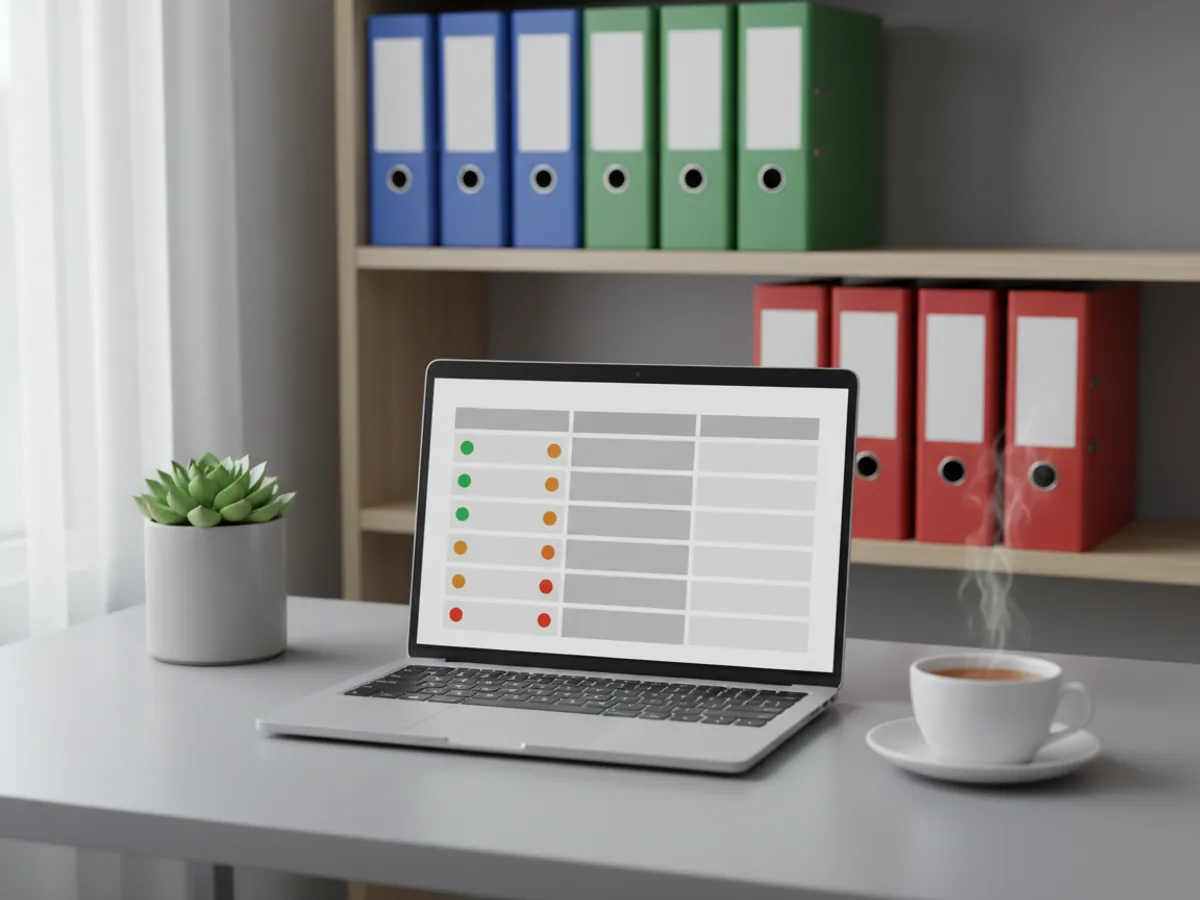
The exchange log is a simple table or a log on the receiving side: time of request, period covered, number of objects, result (successful, partial, error). It shows which days did not arrive and what needs pulling in again.
A monthly reconciliation is convenient: take the mileage for a few vehicles from the Wialon report and compare it with what was written into 1C for the same period. Small discrepancies are usually explained by day boundaries and the time zone. If the figures differ by more than that, we look for the cause in the log.
What the business gets
Less manual entry
Mileage and consumption are no longer retyped from one program into another. On our projects the effort spent on waybills usually drops several times over, and typing errors disappear.
One set of figures for everyone
Accounts, logistics and management all look at the same data. There are fewer arguments about whose report is the right one.
Quicker decisions
Information about the vehicles appears in the systems people already work in all day — nobody has to switch across and go hunting for it.
Surplus costs become visible
When vehicle data sits alongside the finances, it is immediately clear where fuel consumption or repair costs are out of line.
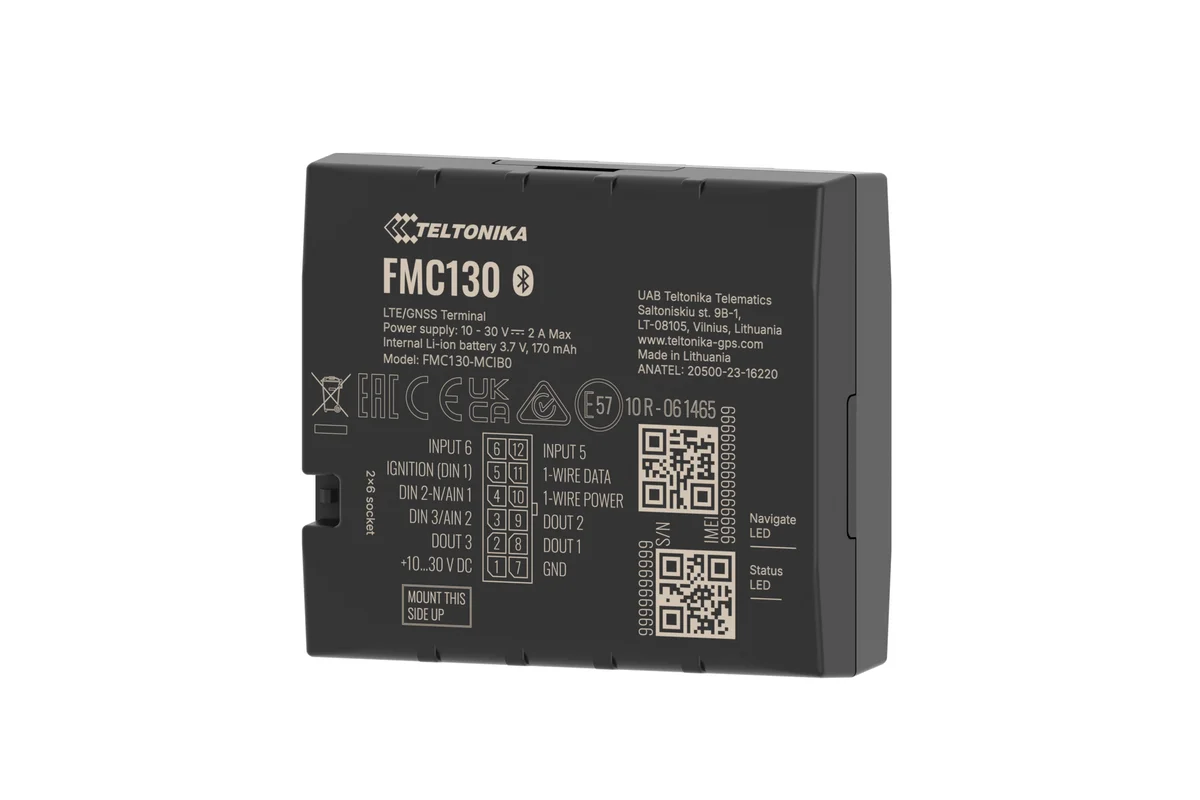
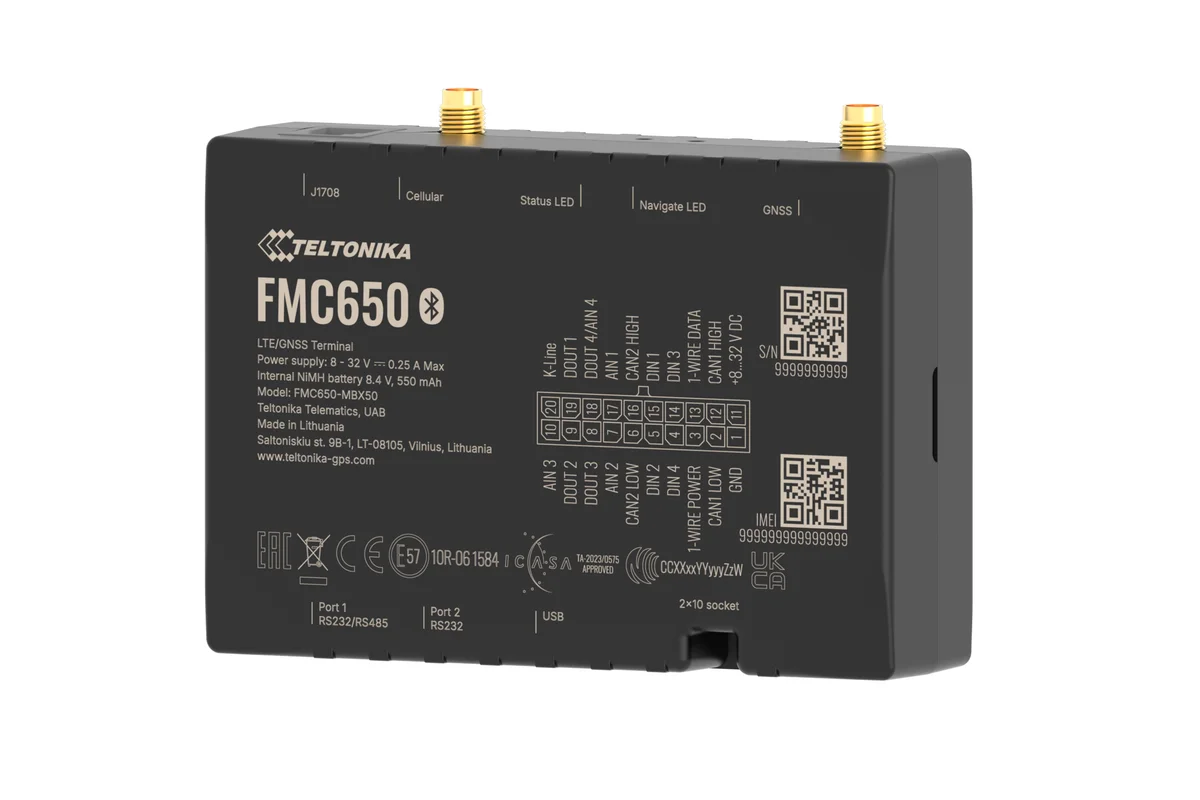
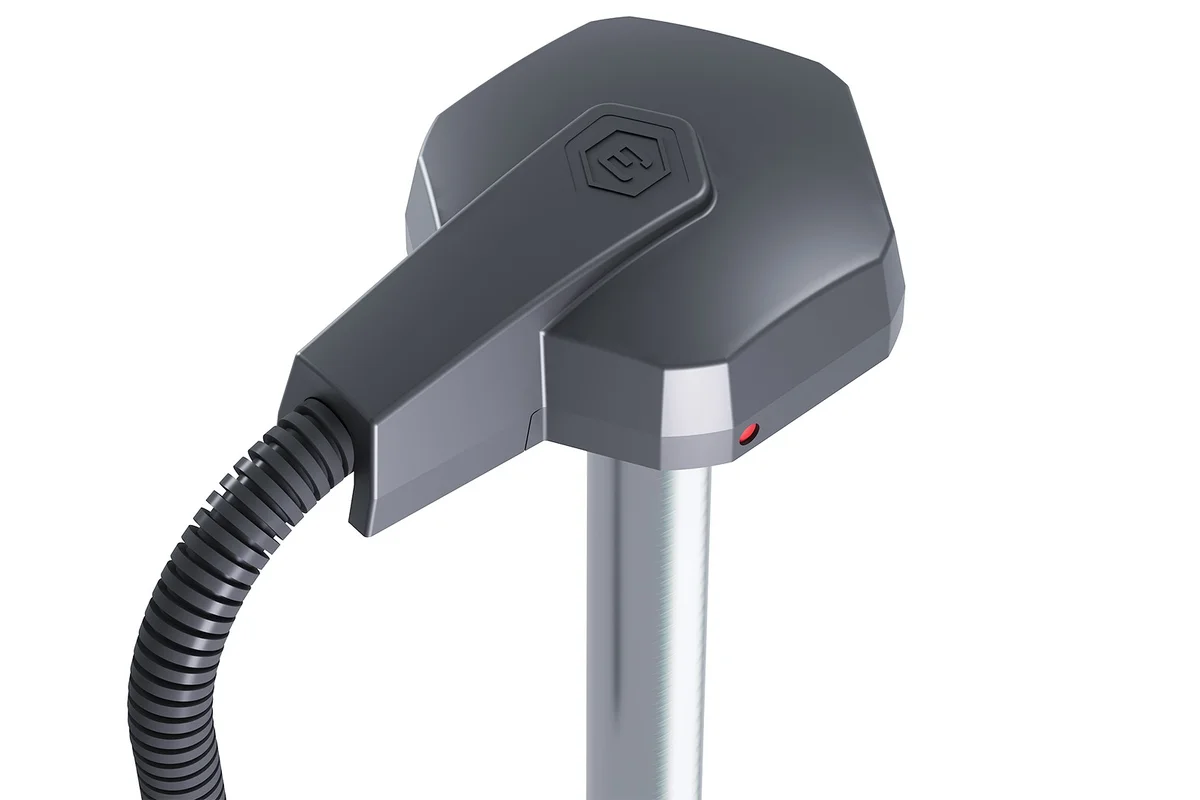
What goes on the vehicle
Which integration method suits which job
The methods do not exclude one another: a single integration often uses two or three.
| API on request | Webhook | Retranslation | Report export | |
|---|---|---|---|---|
| Data in real time | Almost, by polling | Yes, on the event | Yes, a stream of points | No, on a schedule |
| Without a programmer | No | No, a receiver is needed | No, a server is needed | Yes |
| Typical use | 1C, BI reports | Statuses in the CRM | TMS, portals | Excel for the logistics manager |
| What is passed | Any report | A single event | Every point of the track | A finished report |
Fitting and cost
The feature becomes available once you are connected to the GPS.az platform. The cost is made up of the hardware, the fitting and a monthly subscription, which includes the SIM card traffic — the total depends on the type of vehicle and the set of sensors. We prepare an exact quote for your fleet free of charge within one working day.
- 1 Your enquiry and the list of vehicles
- 2 The quote and an agreed fitting schedule
- 3 Fitting the hardware at your own site
- 4 Setting up reports and alerts in Wialon, and training the dispatcher
Questions about “Integrating GPS monitoring with ERP and CRM”
Request a call
A specialist will call back and match a solution to your fleet and your task.