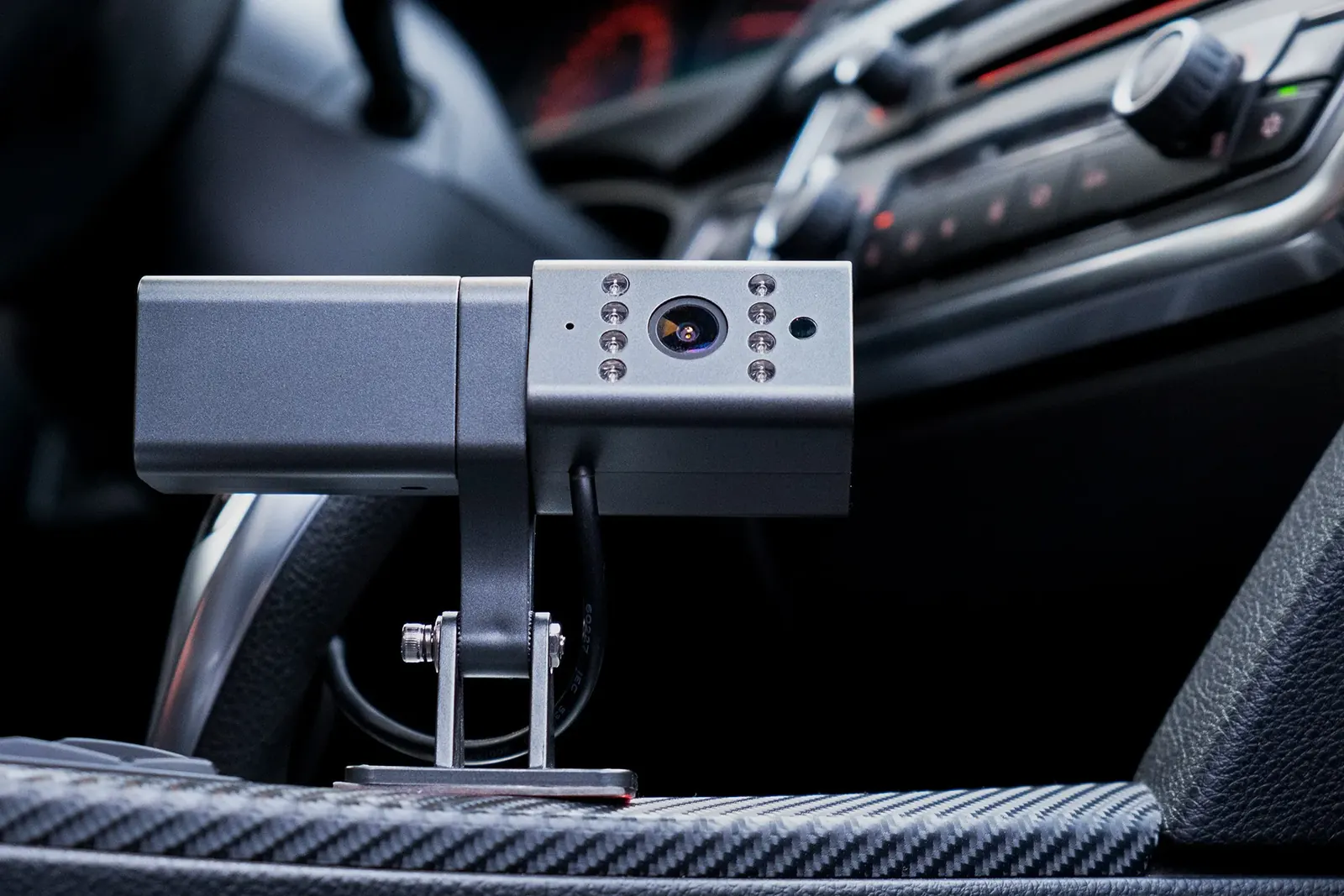
GPS monitoring for commercial fleets
GPS monitoring of delivery vans, service crew vehicles and sales representatives' cars on Wialon with Teltonika and Queclink trackers. The manager sees routes, stops, idle time and violations for every vehicle, and with fuel sensors also refuelling and consumption. We start with a pilot on part of the fleet and agree in advance on the criteria by which it will be judged.
- 1 Van 10-KR-205 91
- 2 Van 10-KR-318 84
- 3 Van 90-SH-117 661 h 40 min a day stopped away from drop-off points
- 4 Van 10-DL-412 48leaves at 10:15, back by 16:30
Vehicles on the map from the first day after fitting, working rules for stops away from drop-off points and out-of-hours use, and a report to the manager on a schedule. A month later comes a review of the first data and a decision on the outcome of the pilot: which vehicles and which sensors to connect next.
The fleet that works while you are not watching
A commercial fleet means a distributor's vans, service engineers' vehicles, deliveries of goods to shops, sales representatives' cars. They all share one problem: the manager cannot see what happens between the morning departure and the evening return. There is nothing to check a driver's report of being out on calls all day against.
GPS monitoring of a commercial fleet closes that blind spot. Every vehicle is visible on the map in real time, every working day breaks down into journeys, stops and idle periods, and fuel is reconciled against mileage. Within a couple of weeks it becomes clear which vehicles are working at full stretch and which spend half the day outside the driver's home.
We fit the equipment, configure Wialon around your requirements and stay on to support it. We work in Baku and across Azerbaijan: from Sumgait and Khirdalan to Ganja, Sheki and Lankaran.

How the work goes, step by step
Vehicles and requirements
We establish the models, the requirements and who will work with the system. Then we prepare a quotation.
Trackers, SIMs and Wialon
We flash the equipment, install the SIM cards and create the objects before the crew sets out.
At your own yard
We fit at the end of a shift or early in the morning so that vehicles are not taken out of service.
Rules and reports
We check the data for every vehicle and set up customer geofences, stops away from drop-off points, out-of-hours use.
Dispatcher and manager
A short course on your own data, with access to the web version and the mobile app.
Launching a fleet of 12 delivery vans
An illustrative example: deliveries to shops in Baku and Absheron, the basic configuration and a month-long pilot.
- A call: 12 vans, routes of 20–30 drop-off points quotation
We establish straight away who will look at the data: a dispatcher, or the manager personally.
- Fitting at the yard after the shift 12 vehicles
About an hour per vehicle in the basic configuration. In the morning the vans set off on their rounds as usual.
- Rule: stops away from drop-off points longer than 20 minutes notification
Geofences for the shops and the depot are in place, so the dispatcher is alerted only about deviations.
- Two vehicles covered 60–80 km on a Sunday finding
The company does not work at weekends. We add an automatic alert for weekend journeys.
- Pilot review: what to connect next outcome
We compare kilometres and litres with the first week and decide which vehicles need fuel control.
Which configuration to choose
Tracking and discipline
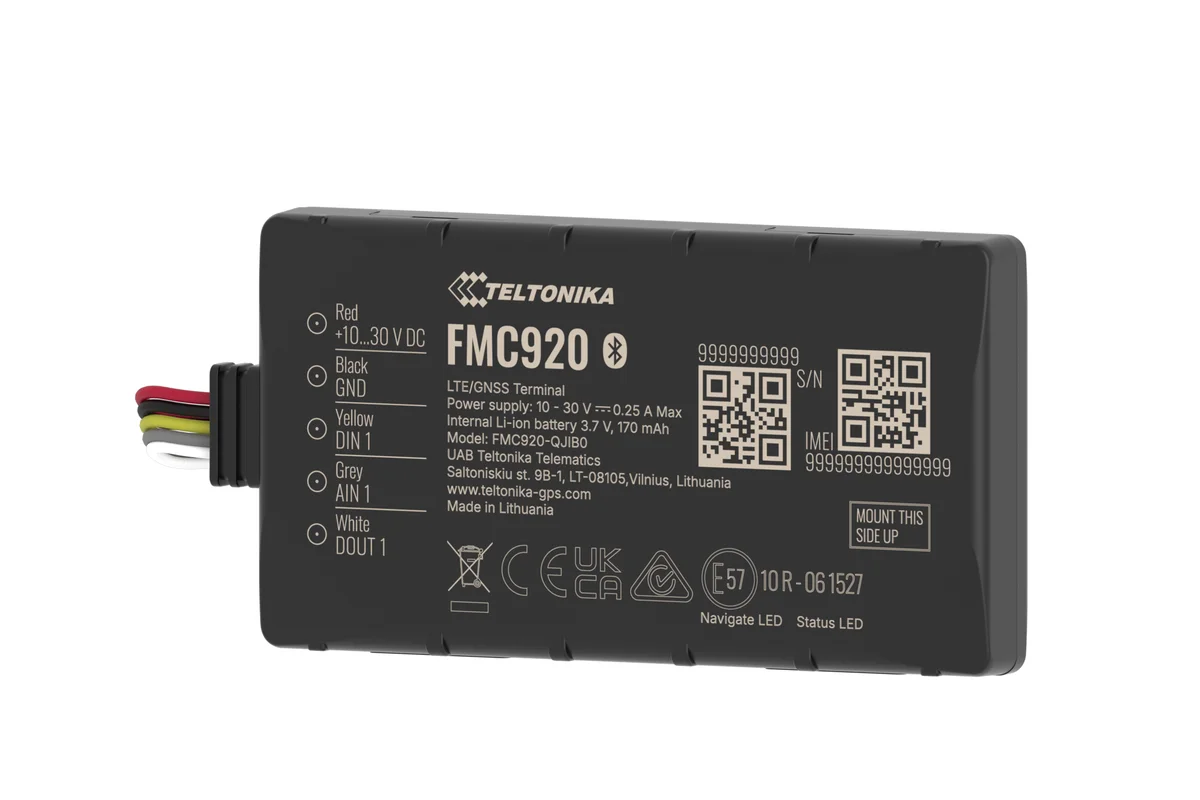
A GPS tracker such as the Teltonika FMC920, wired to power and ignition. Location, tracks, mileage, stops, speeding, working outside normal hours.
It suits delivery services, service crews and sales representatives, where the main question is where the vehicle is and what it is doing. Fitting takes about an hour per vehicle.
The basic configuration is a convenient place to start: the tracker stays where it is, and fuel sensors and driver identification can be added later without replacing the hardware. Many clients do exactly that — a month of watching the tracks first, then a decision on which vehicles need fuel control.

From enquiry to the first report
For a fleet of 10–30 vehicles the launch usually takes one to two weeks. Day by day it looks like this:
- Day 1. We speak by phone or meet, establish the number and models of the vehicles, the requirements and who will work with the system. We prepare a quotation.
- Days 2–5. Agreement, preparation of the equipment and SIM cards, creation of the objects in Wialon.
- Days 5–8. Fitting. The crew comes to your yard and fits the trackers at the end of a shift or early in the morning so that vehicles are not taken out of service. Each vehicle takes from 40 minutes to 2 hours depending on the configuration.
- Day 9. Checking the data for every vehicle, setting up notifications and reports.
- Day 10. Training for the dispatcher and the manager, issuing access, including to the mobile app.
The first meaningful report on how the fleet is working can be looked at a week after fitting. There is more about the installation itself on the page about fitting GPS trackers.
What the manager sees in the first week
The first week of data almost always brings surprises. The most common findings:
Late start, early finish
The log says the working day runs from 9 to 18, while the track shows the vehicle leaving at 10:15 and back by 16:30.
Long stops that are not at customers
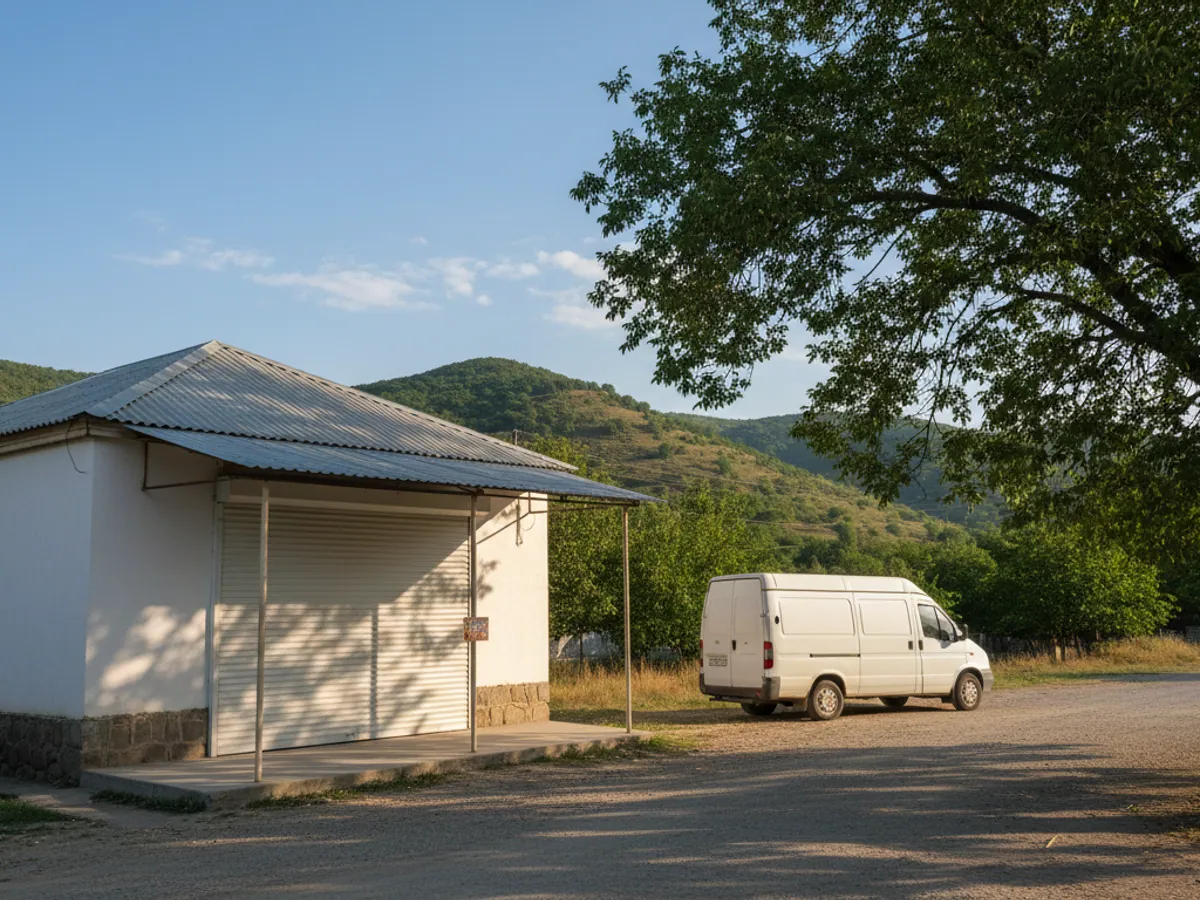
Two hours at a tea house in Binagadi or outside the driver's home in the middle of the working day.
The vehicle does not spend the night at the depot
The company van goes home with the driver every evening, and at weekends out to a country place in Nardaran.
The engine running while stationary
Two to three hours of idling a day in summer, while the driver waits in the vehicle with the air conditioning on.
Refuelling off the route
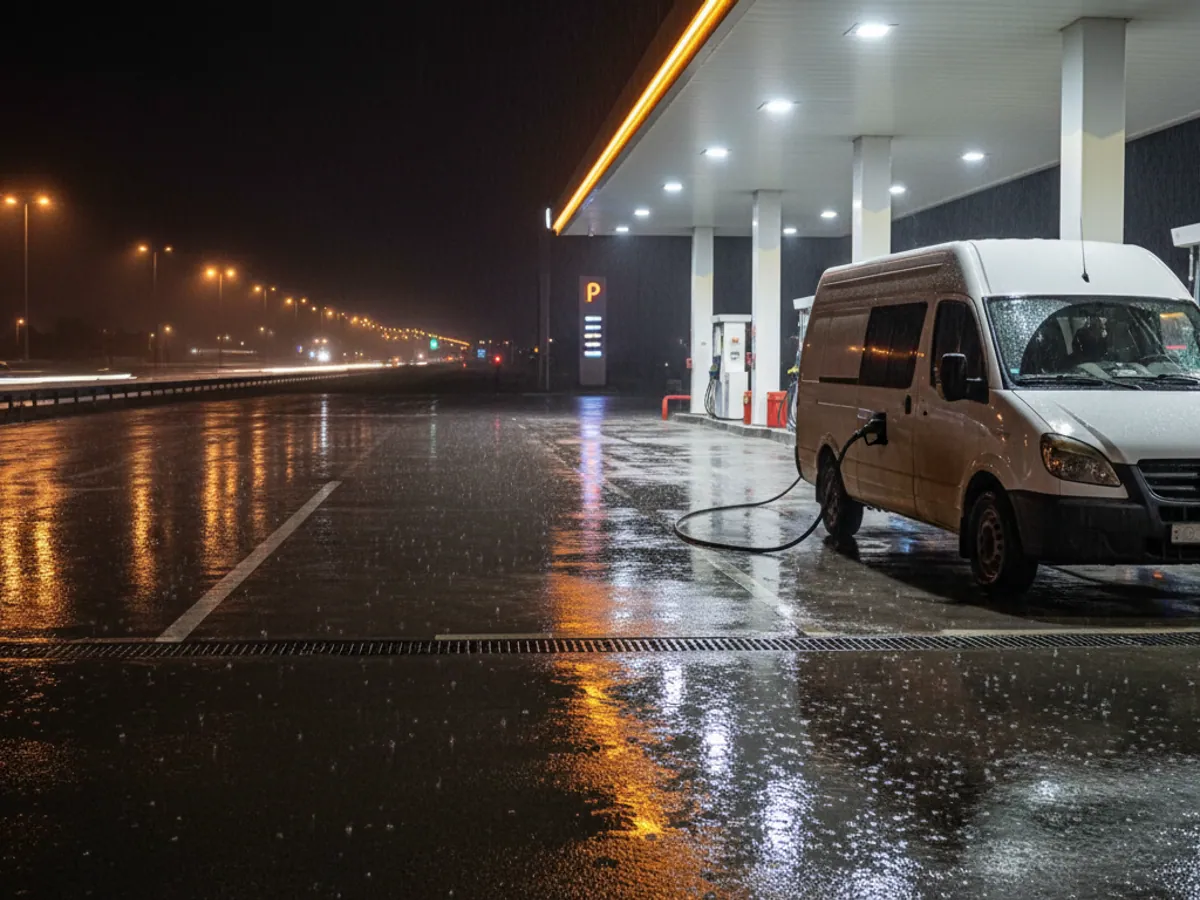
The vehicle makes a 10–15 km detour to its own filling station although there are three others along the route. Sometimes it is nothing more than habit, sometimes an arrangement with the attendant.
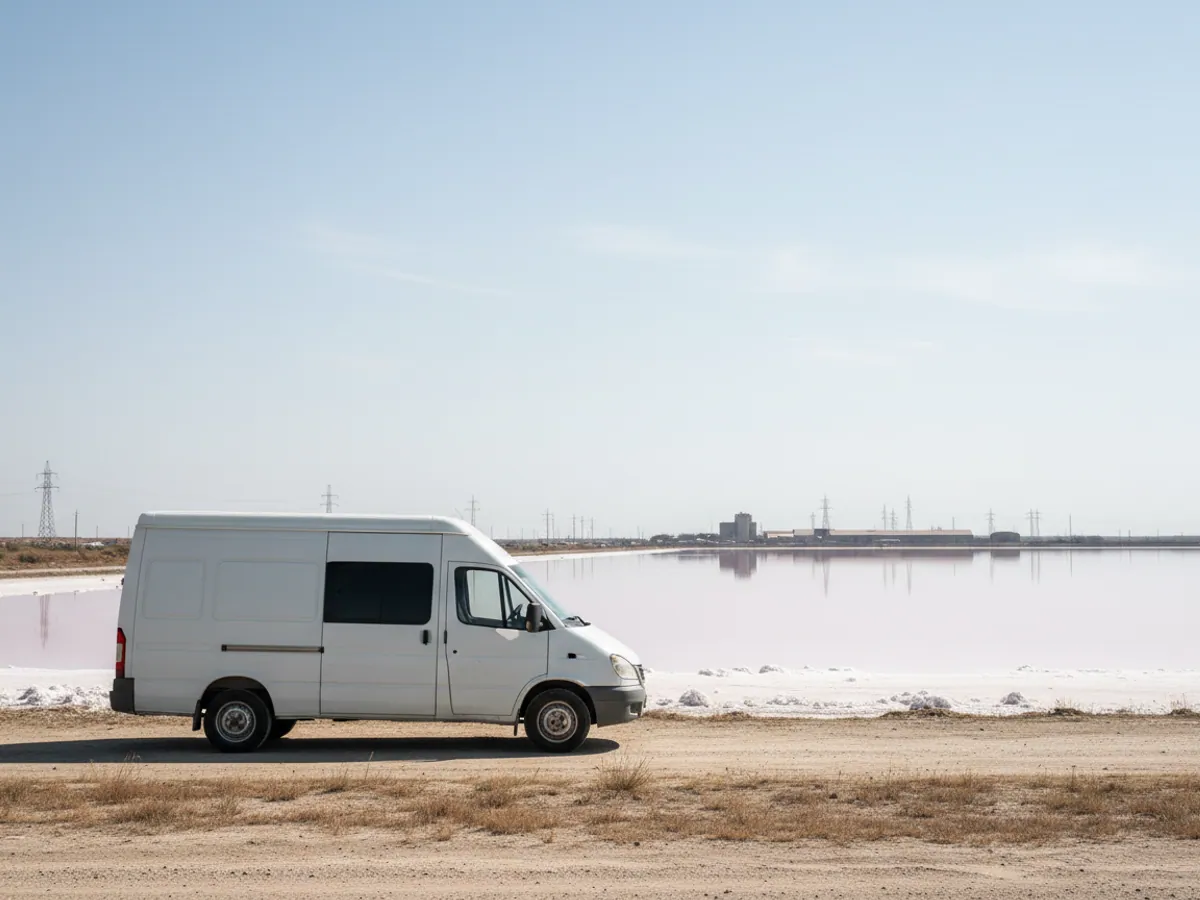
An example: 12 delivery vans around Baku
A small company delivers goods to shops in Baku and Absheron. Twelve vans, each with a fixed route of 20–30 drop-off points.
What the first month of monitoring showed:
- on average 1 hour 20 minutes a day the vehicles stand away from drop-off points and the depot;
- three vans regularly call at the same spot in Masazir, which is not on any route;
- two vehicles cover 60–80 km every Sunday, although the company does not work at weekends;
- two drivers' routes overlap: they serve neighbouring shops at different times.
What was done: a rule for stops away from drop-off points longer than 20 minutes with a notification to the dispatcher, a ban on weekend use with an automatic alert, and a rebuild of the two overlapping routes. The saving was counted in kilometres and litres against the first month.
We often see a similar picture in the first month, but the figures are different in every fleet. In a commercial fleet the main effect of monitoring is made up of small things that simply were not visible before.
The pilot: how to test monitoring on part of the fleet
What goes into the pilot
Several vehicles of one type from one division, usually 3–10. It is better to include both the uneventful vehicles and the ones you have questions about: that way there is something to compare.
Duration
No less than a month: the first week goes on drivers getting used to it and on fine-tuning, after which the data can genuinely be used to judge how the fleet works.
Criteria
We agree in advance what we will look at: mileage during and outside working hours, stops away from drop-off points, idling, the number of calls a day, consumption per 100 km where there is fuel data. The baseline is the first week or last month's waybills.
How the pilot ends
With a meeting to go through the data: what changed, which rules took root, which vehicles and configurations are worth connecting next. If the pilot showed no benefit, that too is a result, and we will say so plainly.
What the service includes
Equipment and fitting
Teltonika or Queclink trackers and, where needed, CAN adapters, fuel level sensors and driver readers. Concealed fitting with sealing.
Connectivity
SIM cards for the trackers, with the data included in the subscription fee. For vehicles that travel abroad, roaming SIMs.
The Wialon platform
Access in a browser (go.gps.az) and from a phone (the Wialon app), objects and groups, notifications, reports. There is more in the fleet management section.
Configuration around your requirements
Geofences for customers and depots, rules for stops and out-of-hours use, scheduled reports to the manager.
Training
The dispatcher and the manager get a short course on their own data, and the drivers get a briefing.
Support
Answers to questions about working in the system, monitoring of the link to the trackers, call-outs to repair equipment. Vehicles that have stopped reporting in appear in a separate report and are followed up by support.
The key outcomes for the business
Less fuel
Private journeys and idling fall away because they are visible. The size of the saving depends on how the fleet was controlled before; for your own vehicles it becomes clear once the comparison with the first month is made.
More work per vehicle
Late starts and long stops become visible. The same vehicles get through more drop-off points in a day.
Driver discipline
Speeding, weekend working and departures from the route are recorded automatically.
Payback judged on the pilot
We calculate the payback period on the pilot data: how many kilometres and litres went on things that stopped happening once the system was running. A breakdown of what makes up the cost is in the article on what GPS monitoring costs.

Price and what the cost depends on
Costs divide into one-off and monthly.
One-off, at the point a vehicle is connected:
- the tracker and, where needed, a CAN adapter, a fuel level sensor, a driver key reader;
- the fitting, and for a fuel level sensor the calibration of the tank as well;
- configuring Wialon: objects, geofences, rules, reports, training.
Monthly, for as long as the vehicle is monitored:
- the subscription fee per object: access to the platform and the data for the tracker's SIM card;
- roaming for vehicles that travel abroad;
- support and repair call-outs to the extent set out in the contract.
Basic tracking for a delivery service and a configuration with fuel control and driver identification differ mainly in the one-off part: the sensors and the work of fitting them. The monthly part depends on the number of vehicles and the set of functions. Package terms apply for large fleets.
We prepare an exact quotation after a short fleet audit: we establish the number and types of vehicles and what you need to control, then send a quotation setting out the full solution, with no hidden items.
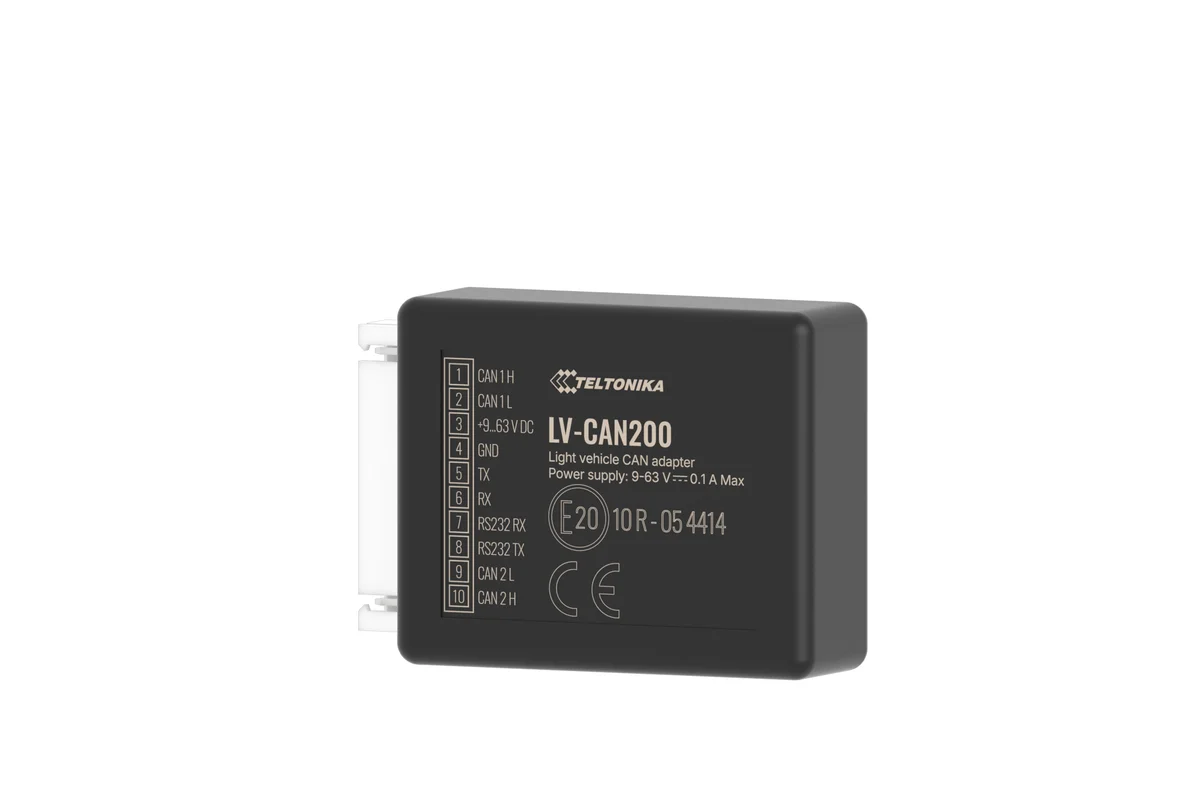
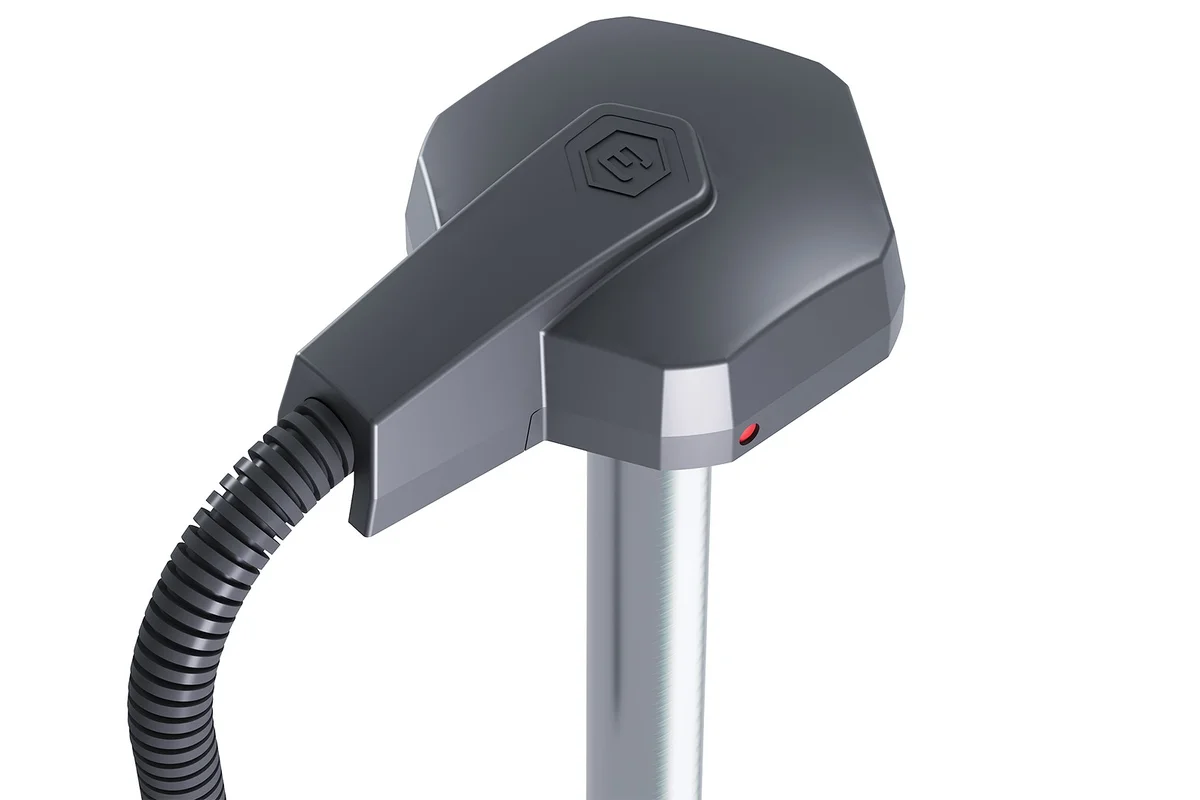
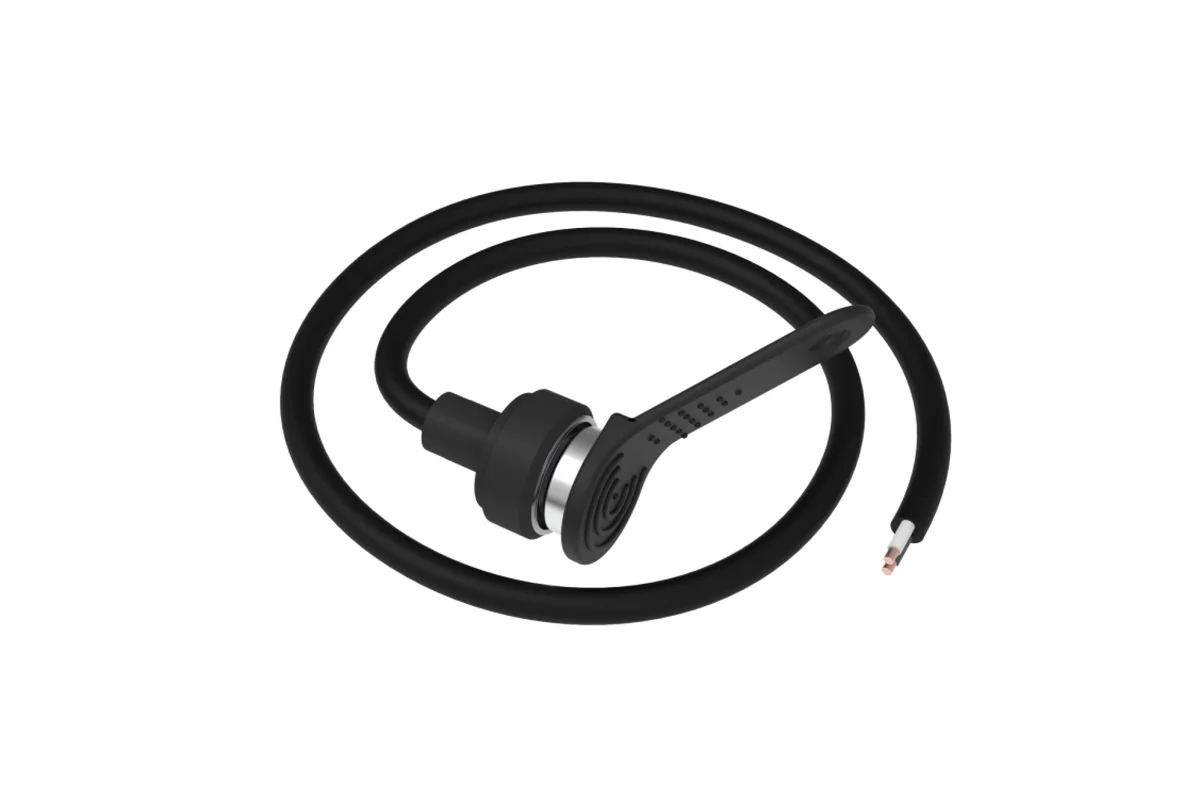
Three configurations for a commercial fleet
The tracker stays the same: sensors and identification can be added later.
| Basic | With fuel | With drivers | |
|---|---|---|---|
| Tracks, stops, out-of-hours use | Yes | Yes | Yes |
| Consumption and refuelling | No | Yes, over CAN or a fuel level sensor | No, added separately |
| Who was at the wheel is visible | No | No | Yes, by key or card |
| Driving style rating | No | No | Yes |
| When it is chosen | Delivery, service, sales reps | Fuel is a noticeable cost | Shift driving, bonuses |
Questions about “GPS monitoring for commercial fleets”
Request a call
A specialist will call back and match a solution to your fleet and your task.
Similar scenarios
How similar jobs are done on Teltonika hardware