Tachographs: connection, monitoring and remote DDD download
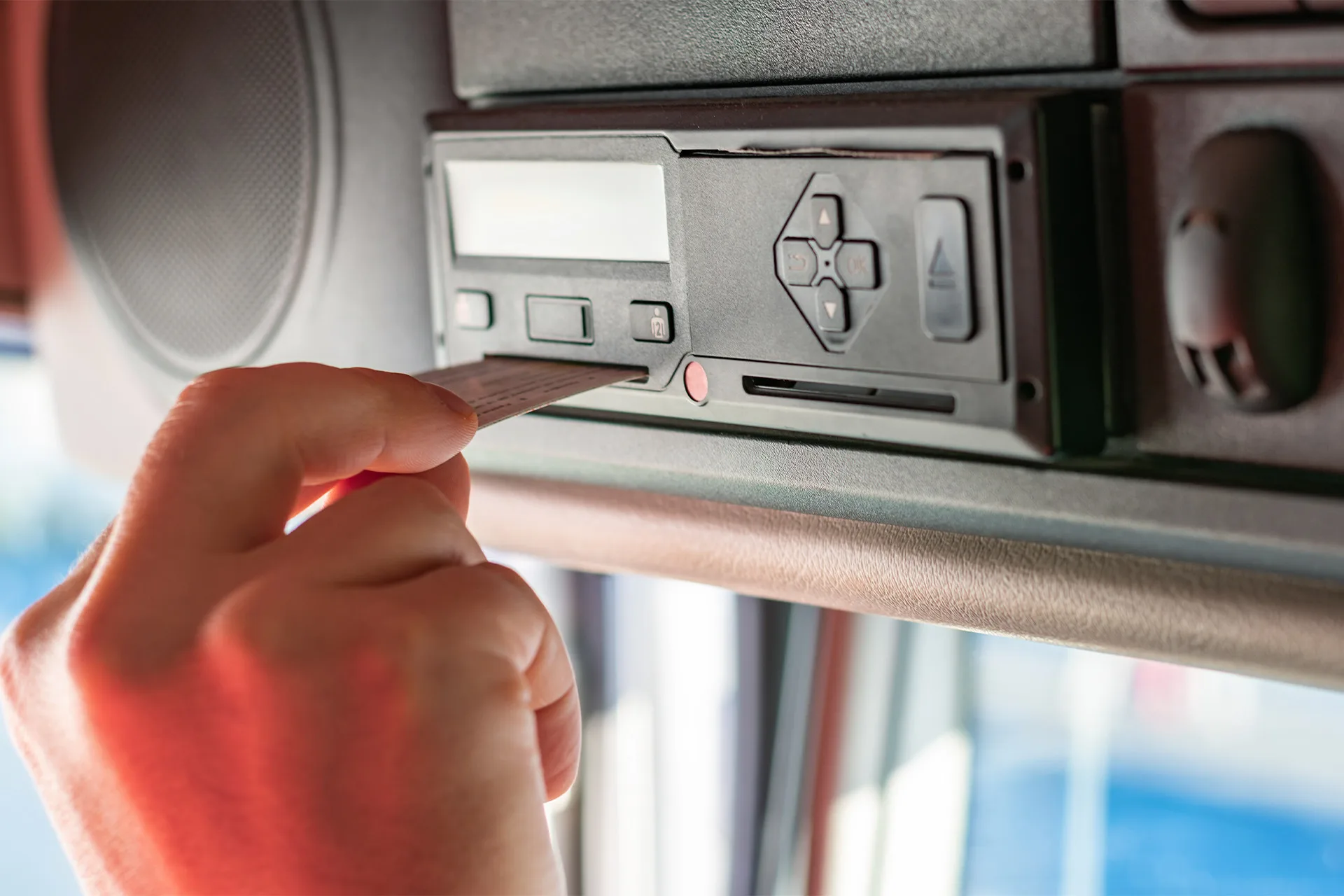
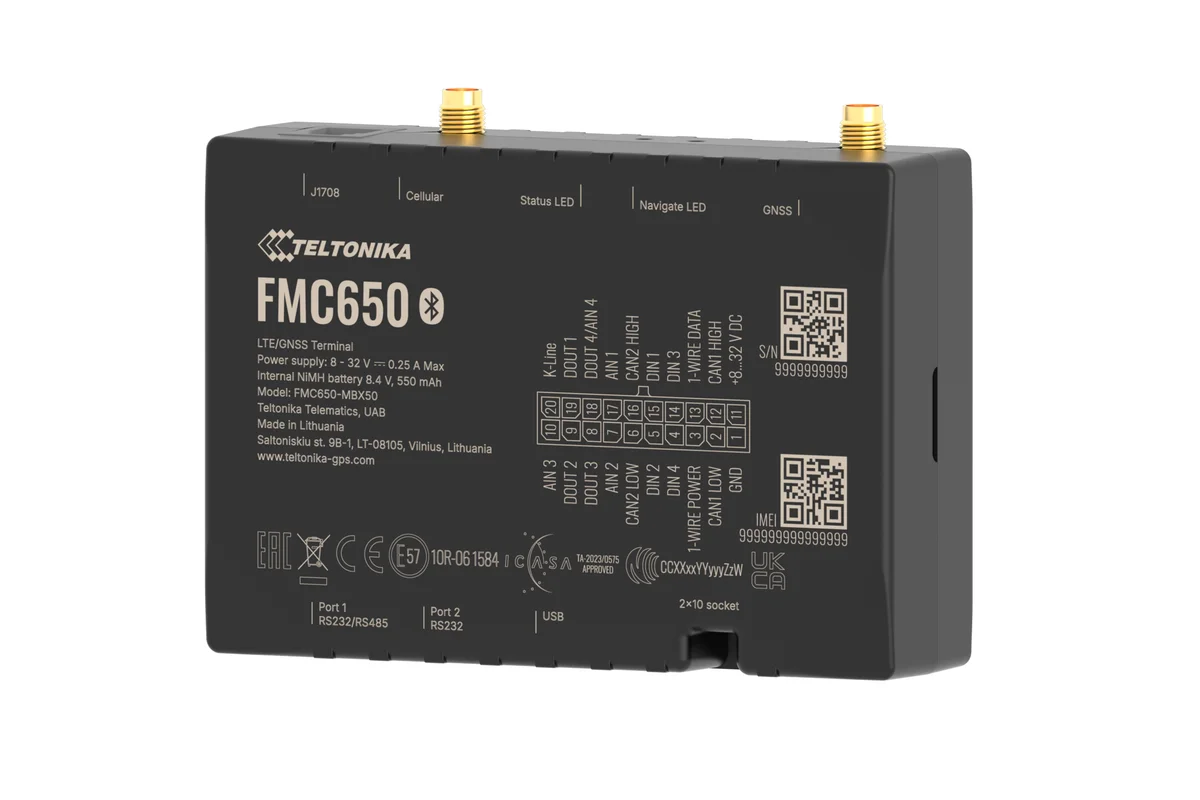
Monitoring drivers' driving and rest time under AETR rules for international haulage. DDD files are downloaded from the tachograph remotely through a Teltonika FMC650 tracker — without stopping the vehicle and without trips back to the office.
- Mon Driver card, 10-XX-123 — downloaded
- Mon Tachograph memory, 10-XX-456 — downloaded
- Wed 10-XX-789 on a ferry with no signal, retry later
- Thu Driving without a driver card, 10-XX-321
- Fri Company card expires in 30 days
The tracker is connected to the digital tachograph, and the first remote download of a driver card and of the tachograph memory has gone through and opens in the reports. The download schedule, the notifications about missed downloads and the reminder about the company card's expiry date are all configured. The dispatcher can see each driver's remaining driving time in Wialon.
Why a haulier needs digital tachograph monitoring
On international runs through countries party to the AETR agreement, for example via Georgia, Turkey and Russia, compliance with driving and rest time rules is not optional: fines for breaches on European roads run into thousands of euros, and tachograph data has to be stored and downloaded at regular intervals.
We connect the tachograph to the monitoring system: the DDD files from driver cards and from the tachograph itself are downloaded remotely on a schedule while the vehicle is out on a run. The dispatcher in Baku sees each driver's remaining working time in real time and plans runs without breaching the limits.
A word straight away about the limits of this service. We do not sell or calibrate tachographs themselves: installing, activating and periodically verifying a tachograph is the work of an approved workshop. Our part is to connect a tracker to a digital tachograph that is already working, and to set up the remote download, the file storage and the driving time reports in Wialon.

How the work goes, step by step
Tachograph and firmware
The model, the generation and the firmware version. If a remote download is not possible, we say so before the fitting.
FMC650 to the tachograph
We connect to the tachograph's own socket and to the tractor unit's CAN bus, leaving the seals untouched.
The company card
A card reader on an office computer with an internet connection authorises downloads for the whole fleet remotely.
Test DDD files
We download a driver card and the tachograph memory and check that the files can be read in the reports.
The first two weeks
We watch that the downloads run to schedule and work through any failures with your dispatcher.
The first two weeks after connection
An illustrative example: 5 tractor units on Baku to Istanbul runs, with the company card in a card reader at the Baku office.
- FMC650 units fitted to the tractor units at the depot 2–3 h per vehicle
Tachograph models and firmware were checked beforehand from photographs of the front panel.
- First download of a card and of the tachograph memory test
The files open in the archive and the remaining driving time matches the tachograph.
- Download failed: the office PC had gone to sleep failure
We disable sleep mode on the computer holding the company card, and the retry succeeds the same day.
- Driver cards downloaded while out on a run on schedule
The vehicles are in Turkey and nobody has called in at the office.
- Notifications checked, no failures handover
From here the system reports missed downloads, driving without a card and the expiry of the company card by itself.
Remote downloading of DDD files
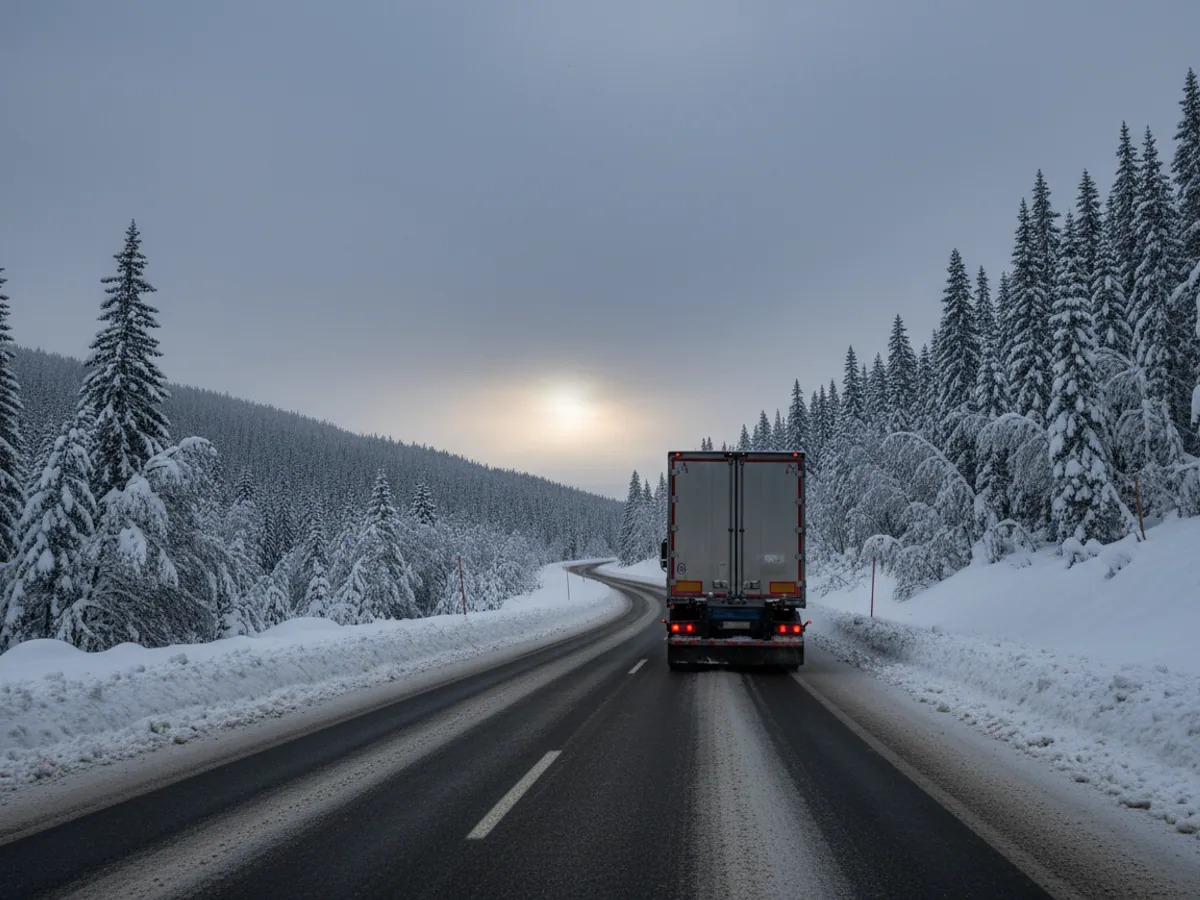
The classic arrangement — the driver comes back to the office and a mechanic downloads the data with a card reader — does not work when the tractor unit is three weeks into a Baku to Europe run.
With a Teltonika FMC650 tracker connected to the tachograph, the download happens automatically:
- driver card DDD files — every 7 days (the EU rule is at least every 28 days);
- tachograph DDD files — every 30 days (the rule is at least every 90 days);
- the files land in the secure WEB Tacho store and are available for inspections.
The vehicle does not have to call in at the office just to be downloaded. If a download fails — no signal, the card reader switched off, the driver has taken the card out — the system reports it, and the attempt is repeated until the required deadline.
The risks a haulier runs without tachograph monitoring
Breaches of driving and rest time rules hit both the budget and the company's reputation:
Fines on the road
Exceeding driving time, or missing archive data at a check in the EU, brings fines from hundreds to thousands of euros per incident.
Overdue downloads
A missed DDD download deadline counts as an absence of data — even if the driver did nothing wrong.
Driver fatigue
Without live figures on remaining working time, the dispatcher plans runs blind — and the risk of a collision caused by overwork grows.
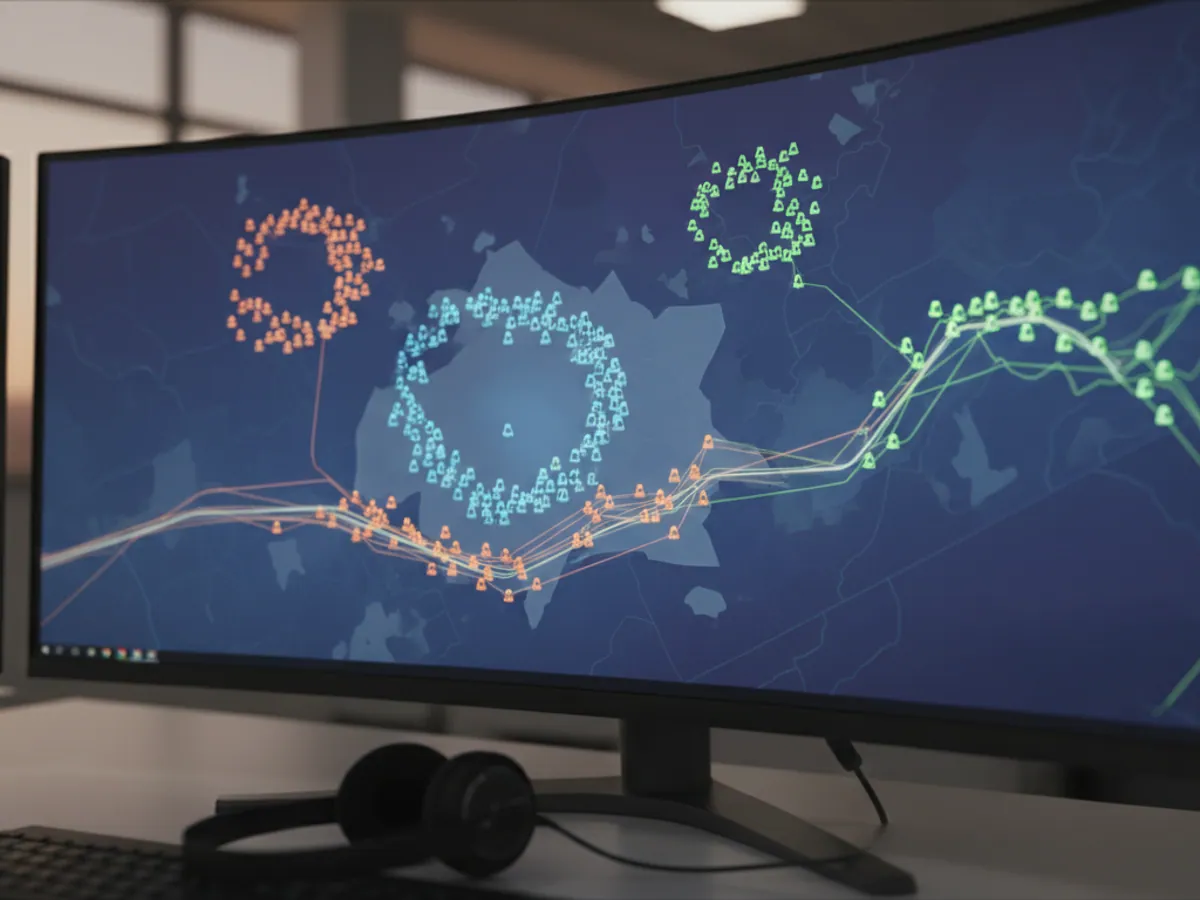
How we connect the tracker to the tachograph
Checking the tachograph. We look at the model, the generation and the firmware version: remote downloading works with digital tachographs that have an interface for external devices. If the tachograph is old or its firmware does not support downloading, we tell you before the fitting.
Fitting the FMC650. The tracker connects to the tachograph through its own socket on the rear and to the tractor unit's CAN bus. We do not touch the seals on the tachograph or the speed sensor — only a workshop may break those. The work takes 2–3 hours per vehicle.
The company card. A valid company card is needed to authorise downloads. It goes into a card reader at your office, connected to a computer with an internet connection, and signs the requests to every vehicle in the fleet remotely.
A test download. We download the first driver card and tachograph memory files and check that they open and can be read in the reports.
The tracker meanwhile works as a full monitoring device: position, CAN data, fuel. There is more about it on the Teltonika FMC650 page.
What we check before connecting
The tachograph
The manufacturer, model, generation and firmware version. A remote download is possible only with a digital tachograph that has an interface for external devices. If the firmware needs updating, that is a job for a workshop, not for us.
The company card
Whether there is a valid card, whose name it is in and how long it runs. Without it the remote download cannot be authorised.
Where the card reader will sit
An office computer with a permanent internet connection that does not go to sleep or get switched off at weekends, or another arrangement for holding the card that we agree separately.
Storing the DDD files
Who in the company is responsible for the archive, how many years you have to keep it under your own rules, and whether you need a copy of the files on your own server as well as in WEB Tacho. The retention period in the cloud depends on the licence chosen.
Requirements along your routes
The driving time rules and download deadlines for the countries your vehicles travel to are for the haulier to confirm against those countries' current regulations. We configure the schedule and the reports to whatever requirements you give us, but we do not give legal advice.
What the solution includes
Automatic DDD downloads

What can get in the way of a remote download
Most of the problems people bring to us after an unsuccessful implementation elsewhere are solved by organisation rather than by equipment:
The company card has expired
The card's validity runs out and the downloads quietly stop working. We set a reminder in good time so that a new one can be arranged.
The office card reader is switched off
The computer holding the company card has gone to sleep or has been switched off for the weekend. The download waits for authorisation and never completes. You need a permanently powered computer or a separate arrangement for holding the card.
An old or analogue tachograph
With analogue tachographs there is no remote download at all, and early digital ones may lack the necessary functions. The only remedy here is a firmware update or a replacement at a workshop.
The driver does not insert the card
Driving without a card is a breach in its own right, and with no card there is nothing to download. The driving without a card report reaches the dispatcher the same day.
Price and what it depends on
The cost of the solution is made up of the Teltonika FMC650 tracker with its connection to the tachograph, the fitting on the tractor unit, the licence for downloading and storing DDD files (WEB Tacho) and the monitoring subscription.
The total depends on the number of vehicles and the types of tachograph fitted. We will prepare an exact quotation for your fleet after a short audit — leave a request or ring us on +994 (99) 207-88-88.
How a dispatcher uses this day to day
An example from a typical run. A tractor unit has left Baku heading for Istanbul with a single driver. In the morning the dispatcher opens the panel and sees: 40 minutes left before the compulsory break, and a little over three hours before the daily driving limit runs out. The nearest convenient lorry park across the border is two and a half hours away. The decision is made there and then: the break is taken at the park before Sarpi, not wherever it happens to fall after the border, where a queue may have built up.
Without live data that decision would be left to the driver, and the driver would decide in favour of pressing on. It is exactly those decisions to press on that later add up to fines at a roadside check.
Driving time reports sit well alongside the rest of the data from a run: the route, the fuel, the time lost at borders. For international hauliers we usually set all of it up together — see monitoring of international haulage and the industry page on GPS monitoring for freight transport. If you also need CAN data from the tractor unit, the CAN bus connection page will be useful.
What to prepare before the fitting, and what we do afterwards
So that the fitting can be done in a single visit, gather the following beforehand:
- a list of tractor units with their makes, years of manufacture and tachograph models — a photograph of the tachograph's front panel will do just as well;
- a valid company card and the office computer where the card reader will sit;
- a list of drivers with their card numbers, so that the files are tied to people from the start;
- your company's own driving time rules, if they are stricter than the AETR limits.
The work does not end at the launch. For the first two weeks we watch that every download runs to schedule and work through any failures with your dispatcher. After that the system itself reports a missed download, a driver card that has not been inserted for a long time, and a company card that is coming up to expiry.
The fitting carries our warranty and the tracker is covered by the manufacturer's warranty. If the download stops working after a visit to a workshop (a tachograph replacement or verification), we come out and restore the connection.
Acceptance and the limits of the work
A test download
For every tractor unit, a download of a driver card and of the tachograph memory goes through, the files open in the archive and they feed into the driving time reports.
Driving time live
The remaining driving time is visible for a driver who is out on a run, and matches what the tachograph itself shows.
Notifications
A missed download, driving without a card and an expiring company card all reach the right people. We check this with you on a test event.
Not included
The sale, activation, calibration and verification of tachographs, arranging company and driver cards, and any legal assessment of breaches. Those belong to an approved workshop and to the haulier.
Results of the implementation
Downloads on schedule
DDD files are downloaded automatically with time in hand before the deadline, and the dispatcher hears about every missed download straight away rather than at a roadside check.
Fewer fines
The dispatcher plans runs around each driver's actual remaining working time.
Time saved
The vehicle does not call in at the office just to be downloaded — that is 1-2 extra working days on the road each month.
One platform
Tachograph, fuel and routes all in the same Wialon interface.
What we use on the job
Remote download or downloading at the office
For tractor units that spend weeks on the road, the difference shows immediately.
| Remotely via FMC650 | With a card reader at the office | |
|---|---|---|
| The vehicle need not call in at the office | Yes | No |
| Downloading while out on a run | Yes, on a schedule | No, only when it calls in |
| Notification of a missed download | Yes | No, the mechanic keeps track |
| Remaining driving time online | Yes, in Wialon | No |
| What is needed | A 1B/1C tachograph and an FMC650 | A card reader and a mechanic |
Questions about “Tachographs: connection, monitoring and remote DDD download”
Request a call
A specialist will call back and match a solution to your fleet and your task.
Similar scenarios
How similar jobs are done on Teltonika hardware