
A telematics platform for car sharing operators
On-board units, lock control over CAN, Bluetooth access from a smartphone, blocking of engine starting, and data on fuel, mileage and driving style — for car sharing and corporate sharing operators in Baku. We select and fit the equipment and tie it to your app.
In car sharing the tracker is the key, the alarm and the till
In an ordinary fleet the tracker observes. In car sharing it acts: it unlocks the car on a command from the app, allows the engine to start only while a hire is active, and counts the minutes and kilometres the customer pays for. If the unit in the car does not answer a command, the customer is left standing at a locked door and the operator gets a call to support and a poor rating.
A telematics platform for car sharing operators is three parts working together: an on-board unit with access to the CAN bus, a communications channel (cellular plus Bluetooth as a fallback) and a server side that takes commands from your app. We are responsible for the first two and for the integration with the third.
The other hire models — daily hire, leasing, equipment hire — are gathered on the rental and leasing page. The sharing feature within the platform itself is covered in the car sharing and vehicle sharing section.
A single hire through the eyes of the on-board unit
A customer opens the app by Ganjlik metro station, books a Kia Rio in the next courtyard and walks up to the car 10 minutes later. Step by step from there:
- the app sends an unlock command — the server passes it to the unit, and the unit unlocks the doors over the CAN bus with the factory signal, just like the key fob;
- the immobiliser is released only for the duration of the hire: with no active session the engine will not start, even if the car is opened with a key;
- during the trip the unit sends coordinates, speed, fuel level and mileage from the CAN bus;
- the customer parks in a shopping centre's underground car park where there is no cellular coverage, so the end hire command goes over Bluetooth from the phone;
- the unit checks that the doors are shut, the lights are off and the ignition is off, and only then closes the hire.
If one of the checks fails — the boot is open, for instance — the customer sees it in the app and can put it right without ringing support.
Booking and payment live in your app, and the unit only carries out commands
The commonest question at the outset: will your system take the money itself? No. The division of roles is best settled before development starts:
- Your app and server handle customers, document checks, bookings, tariffs, payments and penalties. The decision on whether this customer may open this car is taken here.
- The telematics receives the commands to unlock, to allow starting and to end the hire, carries them out and returns an answer: done or not, and why. Plus the data stream — coordinates, mileage, fuel, door status — for you to price the trip on your side.
- Reconciliation. The minutes and kilometres for the invoice are counted by your server from the events that open and close the hire. If an event arrived late because of the network, it still carries the original time from the unit — worth allowing for in your pricing logic.
Emergency opening. Sometimes a command does not get through: no network, the customer's phone is dead, the unit did not answer. You need a procedure written in advance: the customer rings support, the operator checks the booking and sends the command from the Wialon control screen; if that does not work either, a technician goes out with the factory key. Who is entitled to open a car manually and how that is logged is for you to decide.
No network. The Bluetooth channel covers opening and ending a hire next to the car, but not remote commands. If the car is standing in an underground car park, the operator will not see its current position and cannot immobilise it from a distance until it comes back into coverage.
Features for car sharing
Remote commands over CAN
Locking and unlocking the doors and the boot, and flashing the lights to find the car in a courtyard. The commands go over the CAN bus, so the factory alarm wiring is not cut. We check compatibility by make, model and year: the set of available commands differs between manufacturers.
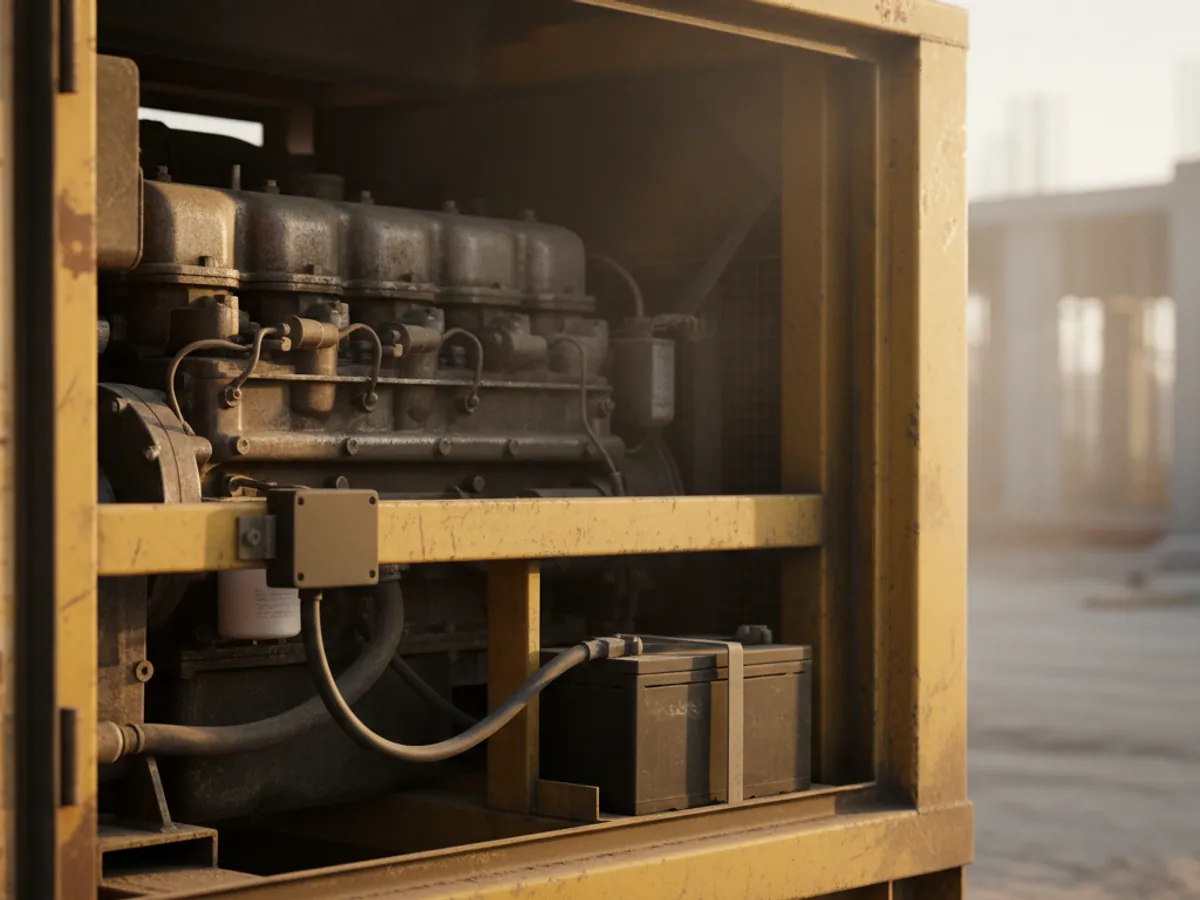
To read data without cutting into the wiring we use a contactless CAN adapter.


The risks of the sharing model
A car driven by five different people in a day wears out and carries risk differently from one with a single driver:
Theft and stripping for parts
Popular Kia and Hyundai models are worth money as spares. Attempts to jam the signal and take the car away on a recovery truck happen to every operator.
Aggressive driving
Hard starts from the lights and braking to the floor wear out the CVT, the brakes and the suspension in months rather than years.
Fuel fraud
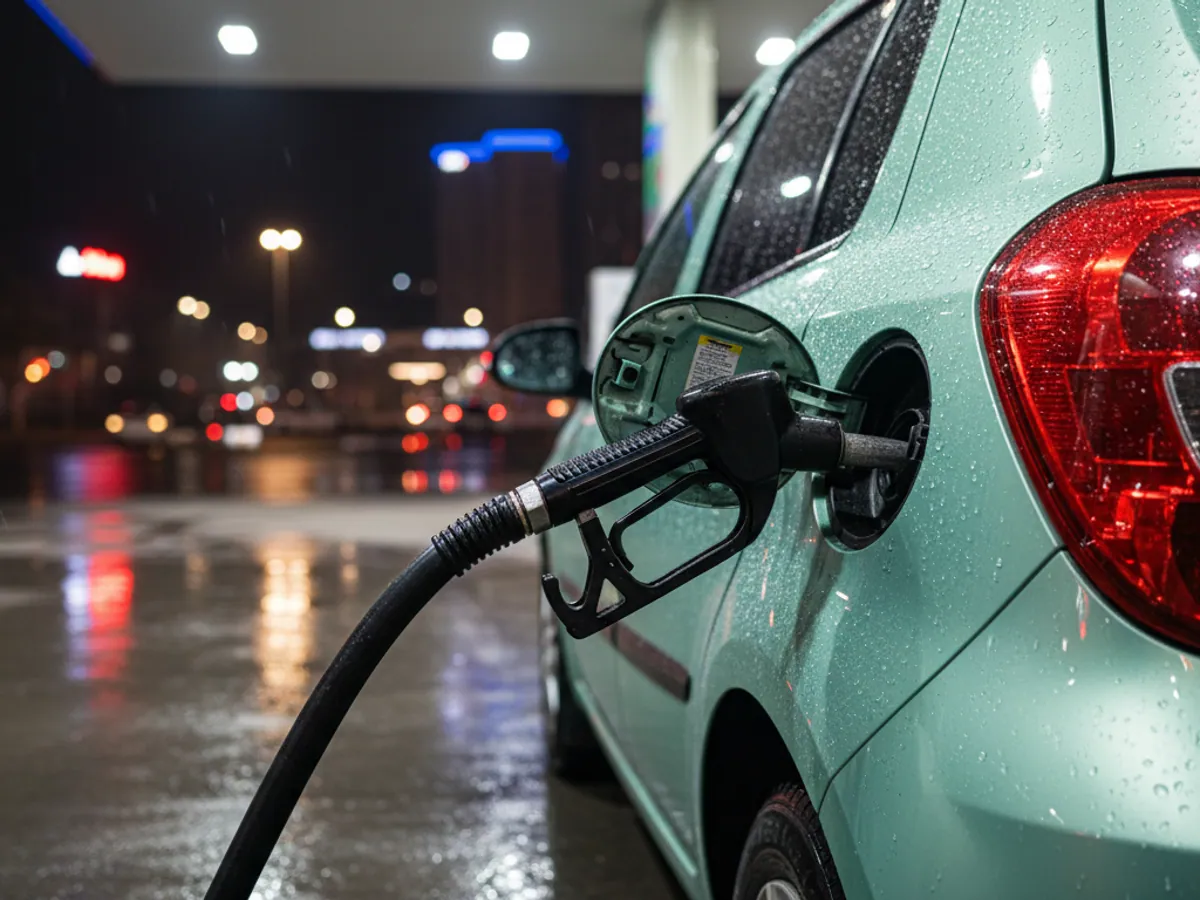
The customer fills their own car or a jerry can on the corporate card, and less than that goes into the shared car's tank.
Damage with no culprit
A scratch or a dent is found two customers later. Without impact data there is no telling who caused it.
A command that fails
The car did not open and the customer went to a competitor. One hire like that costs the operator more than it would have earned.
Driving scores and fuel: how offenders are caught
Every trip gets a score based on harsh acceleration, braking, cornering and speeding. What to do with the figure is up to the operator: a warning, a higher tariff, an account block after several poor trips. The logic of the metrics is described in the driving style scoring section.
With fuel the scheme is simple. The time and amount of a fuel card transaction are compared against the rise in tank level on the CAN bus. If the card says 40 litres were put in but the tank gained 15, or the car was in another district at the time, the transaction is flagged as suspicious.
Accelerometer impacts are tied to a hire. If the impact happened at 23:40 during a customer's trip and the scratch was spotted in the morning, the question of who caused it is settled faster.
How the unit connects to your platform
Most operators already have an app and a server side of their own — bought in or written in house. The ways to connect:
- The units work through Wialon. Your server receives data and sends commands through the Wialon API. The advantage is a ready-made control screen, reports and notifications for the service team.
- Retranslation. The units send data to Wialon, and from there the stream is duplicated to your server. Setting this up is covered by the data retranslation service.
- Straight to your server. If your platform can work with the unit manufacturer's protocol, the trackers can be pointed at it. We are then responsible for the equipment, the fitting and the configuration, and the server side is yours.
The response time of a command depends on the quality of the network and how the chain is built. In an area with good coverage, unlocking takes a few seconds. The figure for your own scenario is better measured on a pilot than promised in advance.
Batteries, idle cars and other awkward questions
The unit draws current. If a car stands unhired for a week in winter, the factory battery may go flat. The unit is set to a sleep mode where it reports rarely, and it sends a notification when the voltage drops — so a technician can get there before the car stops opening.
Not every car is equally controllable over CAN. On one model everything works out of the box; on another an extra module is needed for the locks or the boot. A new model joining the fleet is best tested on one car first.
The factory key stays in the car or with the operator. Where to keep it and how to protect it is a decision to take before buying the units, not after the first theft.
The pilot: 10 cars, 4–6 weeks
Checking the models
We fit a unit to one car of each model in the fleet and check every command needed and the data from the CAN bus.
Integration
We connect the units to your server side by the chosen route and test the scenarios for booking, unlocking, ending a hire and working without a network.
Live running
10 cars go out on the road. We measure response times, the number of failures and battery charge while the cars stand idle.
What we need from the operator
A list of models with years of manufacture, developer access to a test environment on your server, someone who owns the app, and someone from support to work through the failure scenarios. A service car for checks while fitting is under way.
The pilot report
A table for every hire: the time of the command and of the unit's answer, the channel (cellular or Bluetooth), the result, the mileage and fuel at the start and the finish, impact and alert events. From it you can see where the network is failing and where it is the app's logic.
The decision on scale
We agree the acceptance criteria in advance: the share of successful commands, the response time in an area with normal coverage, how the no-network and emergency opening scenarios behave, and how the batteries hold up while cars stand idle. The outcome is a list of fixes and a fitting plan for the rest of the fleet, new models included.
What the operator gets
Hire with no staff involved
In the normal scenario, booking, unlocking, the trip and closing the hire all happen with no manager and no keys handed over. Failures still need support on the line.
The car starts only during a hire
With no active session the engine will not start on the factory key. That is not full protection against a professional theft with the units swapped out, but it makes one considerably harder.
Less fuel fraud
Checking card transactions against the level in the tank flags the suspicious cases automatically.
Servicing on data
Engine fault codes and battery voltage are visible before the car breaks down on a customer.
Frequently asked questions
What is used in this sector
What we do end to end
Wialon modules for this sector
How it is used in this industry
Case studies from “Rental & Leasing”

Thinking of rolling out GPS monitoring in “Car sharing”?
Send us an enquiry and we will price it up for your fleet and pick the hardware for this sector: rental & leasing.
- 1 We pin down the task
A specialist calls back and asks about the vehicles, how many there are and what you need to keep an eye on.
- 2 We put a solution together
We propose the hardware and the features, and set out the one-off and the monthly cost separately.
- 3 We agree the fitting
At your yard or at ours, on a schedule that keeps the vehicles working.
Request a call
A specialist will call back and match a solution to your fleet and your task.